Secure Your Communications: A Guide to Email Encryption Tools
In today’s digital world, protecting your online privacy is more important than ever. Email encryption tools for secure communication keep your messages safe from unwanted eyes. This guide covers everything you need to know about email encryption—what it is, why it’s essential, and how to get started.
What is Email Encryption?
Email encryption locks your messages so only the person you’re sending them to can read them. It turns your email into a secret code using math-based rules. Only someone with the right key can unlock and understand it.
There are two main types:
-
Symmetric Encryption: Uses one key to lock and unlock. It’s fast but tricky because you need a safe way to share the key.
-
Asymmetric Encryption: Uses two keys—a public one to lock and a private one to unlock. You share the public key, but keep the private one secret.
Most tools mix these methods for speed and safety. With end-to-end encryption, your email gets locked on your device and stays that way until it reaches the recipient’s device.
How Does Email Encryption Work?
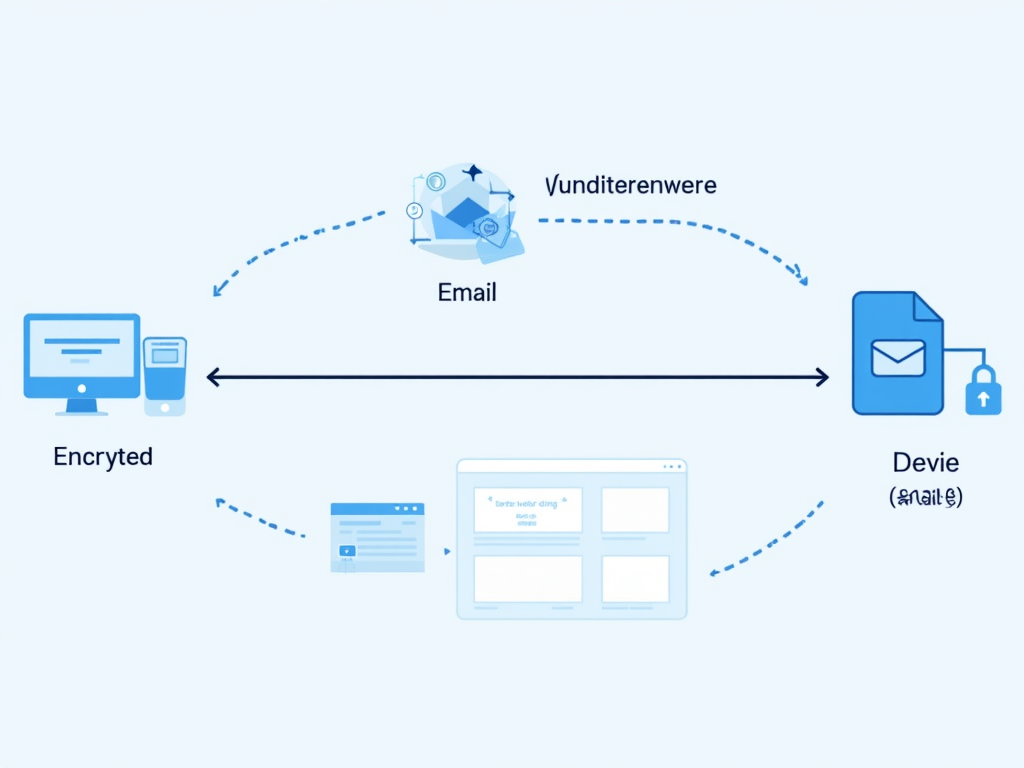
While encryption might sound complicated, it’s simple when you break it down. Here’s how it happens:
-
Keys Are Made: Your tool creates a public key (shareable) and a private key (secret).
-
Locking the Message: When you send an email, it’s locked with the recipient’s public key.
-
Sending It Safely: The locked email travels through servers. No one can peek inside without the private key.
-
Unlocking It: The recipient’s tool uses their private key to open the email.
This all happens in the background. Once, I sent a sensitive work email using ProtonMail, and it felt reassuring knowing no one else could read it.
Why is Email Encryption Important?
Last year, over 1,000 data breaches in the U.S. exposed billions of records. Emails often carry private stuff—think passwords or bank details. Without encryption, hackers or even your email provider could snoop.
Encryption keeps your messages safe. I’ve seen friends panic after phishing attacks, wishing they’d locked their emails. As Edward Snowden said, 'Encryption works. It’s one of the few things you can trust.' It’s not just about you—it builds a safer online world.
Popular Email Encryption Tools
Here are some top tools to try:
-
ProtonMail: Based in Switzerland with tough privacy laws, it locks your emails automatically. There’s a free version, which I’ve used for personal stuff—it’s super easy.
-
Tutanota: Open-source and secure, it encrypts emails, contacts, and calendars. I like that anyone can check its code for safety.
-
Gmail Confidential Mode: Not full encryption, but you can set emails to expire or cancel them. It’s handy if you’re already on Gmail, though I prefer stronger options.
Comparing Encryption Tools
| Tool | End-to-End Encryption | Free Option | Ease of Use |
|---|---|---|---|
| ProtonMail | Yes | Yes | High |
| Tutanota | Yes | Yes | High |
| Gmail Confidential | No | Yes | Medium |
This table shows what each tool offers. Pick one that fits your needs—I lean toward ProtonMail for its simplicity.
Choosing the Right Tool
Not sure which tool to use? Think about these:
-
Ease: ProtonMail and Tutanota don’t need tech skills.
-
Fit: Some tools work better if both people use them.
-
Safety: Go for end-to-end encryption if privacy’s your priority.
-
Cost: Free tiers are great, but paid plans add features.
I switched to Tutanota for its open-source vibe after trying Gmail’s mode—it felt more trustworthy.
How to Set Up Incogni to Delete Personal Data
Incogni isn’t for email encryption, but it boosts your online privacy by erasing your info from data brokers. Here’s how:
-
Sign Up: Go to Incogni’s site, enter your email, and make a password.
-
Verify: Click the link in the confirmation email.
-
Dashboard: Log in to see your data removal requests.
-
Requests Sent: Incogni contacts brokers for you.
-
Check Progress: Watch as your info gets wiped.
I set it up last month—seeing my data disappear felt like a win for privacy.
Tips for Maintaining Online Privacy
Encryption’s a start, but add these:
-
Strong Passwords: Use different, tough ones. I use a password manager now—saves hassle.
-
Two-Factor Authentication: Adds a code from your phone. It stopped a hack on my account once.
-
Public Wi-Fi Care: Use a VPN on open networks—I learned this after a coffee shop scare.
-
Check Settings: Limit what you share online.
These online privacy tools together make a big difference.
Common Misconceptions
Some folks avoid encryption because of myths:
-
It’s Hard: Today’s tools are simple—I set up ProtonMail in minutes.
-
It’s Just for Paranoids: Nope, it’s for anyone with private info.
-
It’s Slow: You won’t even notice it running.
Don’t let these stop you—encryption’s worth it.
Conclusion
Email encryption tools for secure communication are key to protecting your online privacy. From ProtonMail to Incogni, these online privacy tools help you stay safe. Start today—lock your emails and follow these tips. You’ve got this!