Understanding DNS and Its Importance for Privacy
Ever wonder how your computer finds a website when you type its name? That’s where DNS, or Domain Name System, comes in. It’s like the internet’s phonebook. But here’s the catch: DNS can affect your online privacy. In this article, we’ll explore what DNS does, why it’s key to keeping your online life private, and how tools like NextDNS can help. Expect clear explanations, personal tips, and a NextDNS setup guide for blocking ads and trackers. Let’s dive in!
What Is DNS?
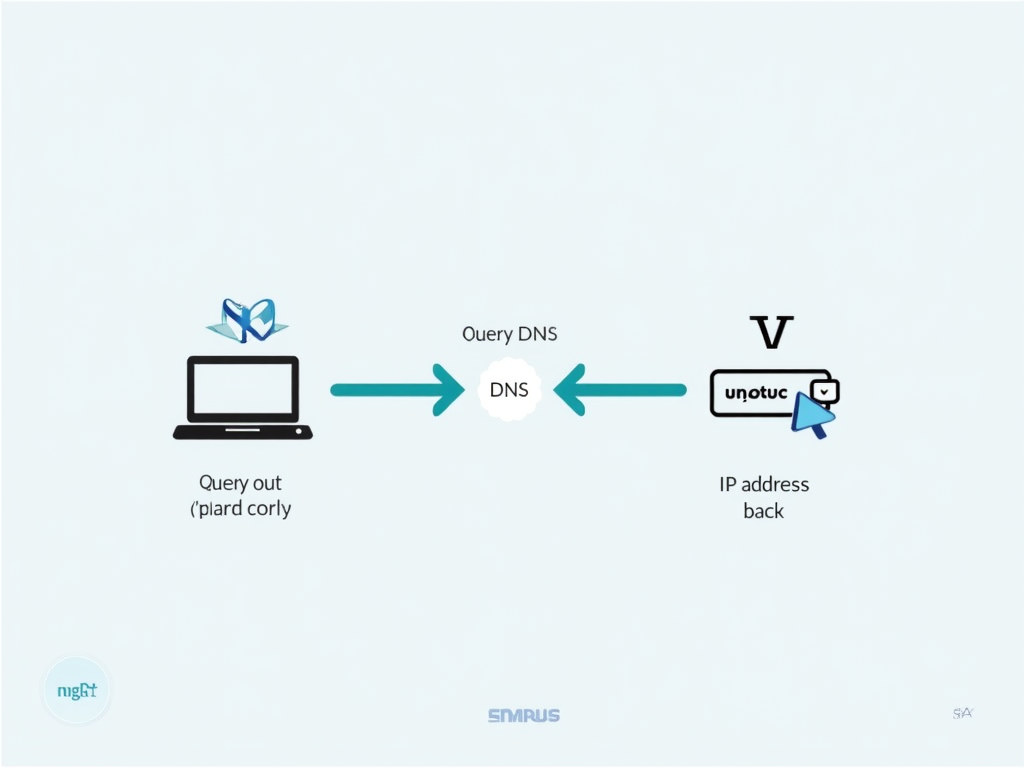
Think of DNS as your internet GPS. When you type 'www.example.com' into your browser, DNS translates that name into an IP address—like 192.0.2.1—that your computer uses to find the site. Without DNS, you’d be stuck memorizing numbers instead of names. It’s simple but powerful, making the internet easy to navigate.
How DNS Works
Here’s the step-by-step:
- You type a website name into your browser.
- Your computer sends a DNS query to a server—often run by your internet provider.
- The server checks its records or asks other servers.
- It sends back the IP address.
- Your browser connects to the site.
This happens in a flash, so you barely notice. But every query leaves a trail.
Why DNS Matters for Privacy
Those DNS queries? They show every site you visit. Even if the site uses HTTPS to encrypt your data, the query itself often doesn’t hide where you’re going. Your internet provider—or anyone snooping—can see it. That’s a big deal for online privacy. Imagine someone peeking at your browsing history all day. Unsettling, right?
Privacy Risks with DNS
Let’s break down the dangers:
- ISP Tracking: Your provider can log your queries and sell them to advertisers.
- Hijacking: Bad actors can redirect your queries to fake sites to steal your info.
- No Encryption: Most DNS queries are plain text, easy to spy on.
I once used public Wi-Fi and later found out someone could’ve seen every site I visited. That’s when I got serious about this.
Protecting Your DNS Privacy
Good news: you’ve got options to lock this down:
- Encrypted DNS: Tools like DNS over HTTPS (DoH) hide your queries. Browsers like Firefox support it—check your settings!
- VPNs: These tunnel all your traffic, DNS included, away from prying eyes.
- Services like NextDNS: These boost privacy and block ads or trackers.
Online privacy tools like these are game-changers. I’ve tried them all, and they’ve made a difference.

NextDNS Setup Guide for Blocking Ads and Trackers
NextDNS is my go-to. It’s a cloud service that resolves DNS and blocks junk. Here’s how to set it up:
- Sign Up: Head to NextDNS.io and make a free account.
- Set It Up: Change your device’s DNS to NextDNS servers—guides are on their site.
- Customize: In the dashboard, turn on ad and tracker blocking. Add any sites you want to skip.
- Check Analytics: See what’s blocked in real-time.
I set this up on my phone and saw ads vanish within minutes. Plus, it’s satisfying to see trackers stopped cold.
Why I Love NextDNS
I’ve been using NextDNS for months. Before, ads slowed my browsing, and I worried about trackers. Now, pages load faster, and I feel in control. The dashboard shows me everything—like when it blocked a sketchy domain I didn’t even know I’d hit. It’s not just privacy; it’s peace of mind.
Beyond Privacy: Extra Perks
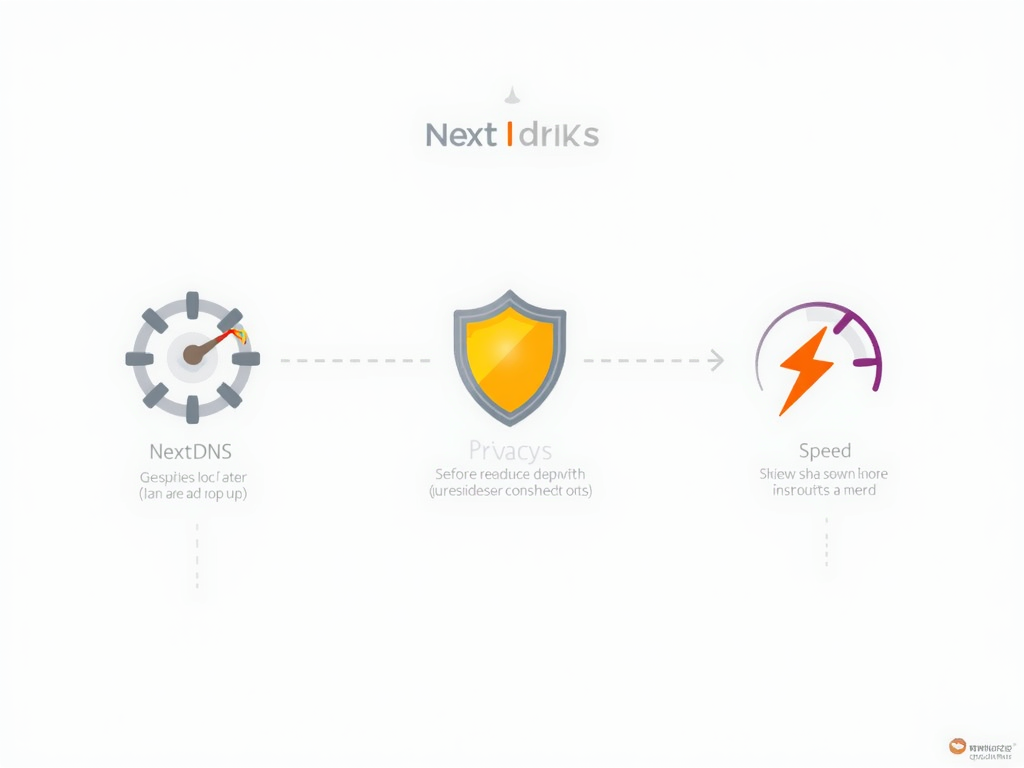
NextDNS does more than hide your tracks:
| Feature | Benefit |
|---|---|
| Ad Blocking | Faster page loads |
| Malware Protection | Stops shady sites |
| Parental Controls | Filters out bad content |
I’ve used it to block distractions on my work laptop too. It’s versatile.
Challenges to Watch
Nothing’s perfect. Sometimes NextDNS blocks too much—like a legit site with an ad network. You can whitelist it, though. Also, it’s cloud-based, so your queries go to their servers. But their privacy policy is solid—no personal logs. I’ve had no issues, but it’s worth knowing.
The Bigger Picture
DNS privacy is evolving. Encrypted DNS is catching on—big players like Google and Cloudflare offer it too. A few years back, an ISP got caught selling query data, sparking outrage. It’s why I push for tools like these. Online privacy isn’t optional anymore; it’s a must.
Wrapping Up
DNS is the internet’s unsung hero, but it can expose you if you’re not careful. Understanding DNS and its importance for privacy puts you ahead. With online privacy tools like NextDNS, you can browse safer and cleaner. Try it out—it’s easier than you think and worth every second.