Simple Steps to Enhance Your Online Privacy
In today's digital age, protecting your online privacy is more important than ever. With the increasing amount of personal data being shared and stored online, it's crucial to take steps to safeguard your information. This article will guide you through simple yet effective measures to enhance your online privacy, including using privacy tools, setting up Incogni to delete your personal data, and more. By following these steps, you can take control of your digital footprint and keep your personal information secure.
Use Strong, Unique Passwords
One of the simplest ways to protect your online accounts is by using strong, unique passwords. Avoid using the same password for multiple accounts, as this can make it easier for hackers to access your information. Instead, use a password manager to generate and store complex passwords for each of your accounts. This way, even if one account is compromised, the others remain secure.

Enable Two-Factor Authentication (2FA)
Two-factor authentication adds an extra layer of security to your accounts by requiring a second form of verification, such as a code sent to your phone or email. This makes it much harder for unauthorized users to access your accounts, even if they have your password. Enable 2FA on all your accounts that offer it, especially for sensitive information like banking or email.
Be Cautious with Public Wi-Fi
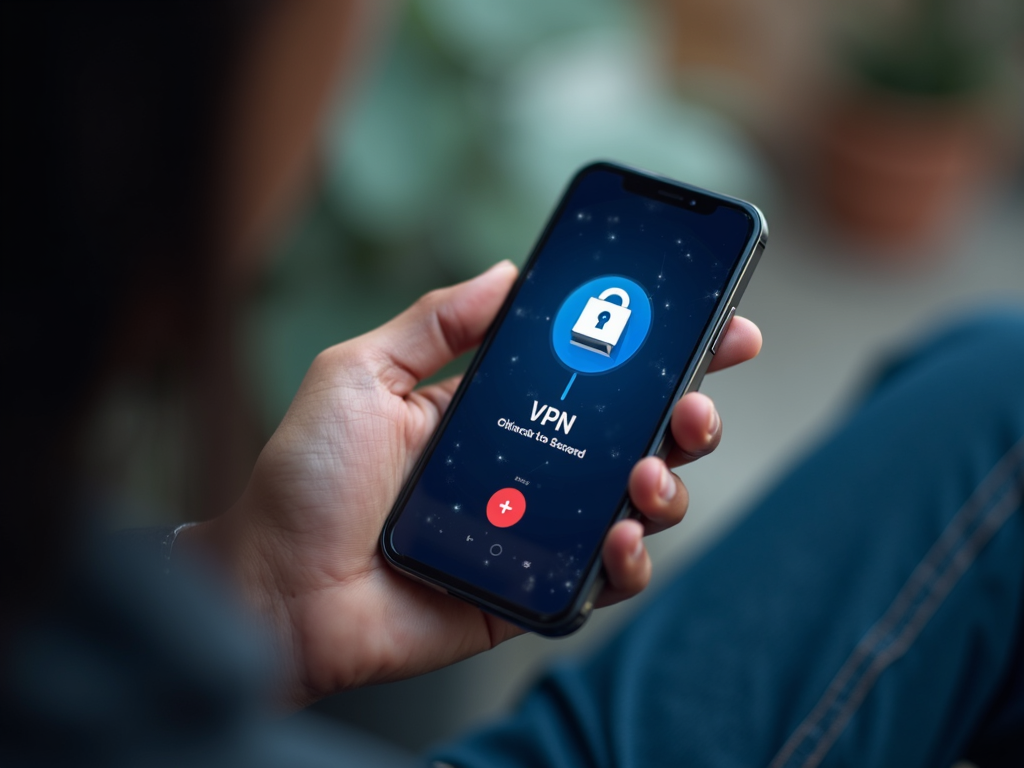
Public Wi-Fi networks are convenient but can be risky for your online privacy. These networks are often unsecured, making it easier for hackers to intercept your data. If you must use public Wi-Fi, avoid accessing sensitive information like banking or personal accounts. Consider using a virtual private network (VPN) to encrypt your internet connection and protect your data.
Limit Social Media Sharing
Social media platforms are a treasure trove of personal information. Be mindful of what you share online, as this information can be used by advertisers, hackers, or even potential employers. Review your privacy settings on social media platforms and limit the amount of personal information you share publicly.
Use Privacy-Focused Browsers and Search Engines
Traditional browsers and search engines often track your online activity for advertising purposes. Consider using privacy-focused alternatives like Brave or DuckDuckGo, which prioritize user privacy and limit data collection.

Set Up Incogni to Delete Your Personal Data
Incogni is a powerful tool that helps you remove your personal information from data brokers and people-search sites. These sites collect and sell your data without your consent, putting your privacy at risk. Setting up Incogni is simple:
- Visit the Incogni website and create an account.
- Provide the necessary information to verify your identity.
- Incogni will then send requests to data brokers to remove your personal information.
- Monitor your account to see the progress of your data removal requests.
By using Incogni, you can take proactive steps to protect your personal information and reduce your digital footprint.
Regularly Update Your Software
Software updates often include security patches that fix vulnerabilities. Keep your operating system, apps, and antivirus software up to date to protect against the latest threats.
Be Wary of Phishing Scams
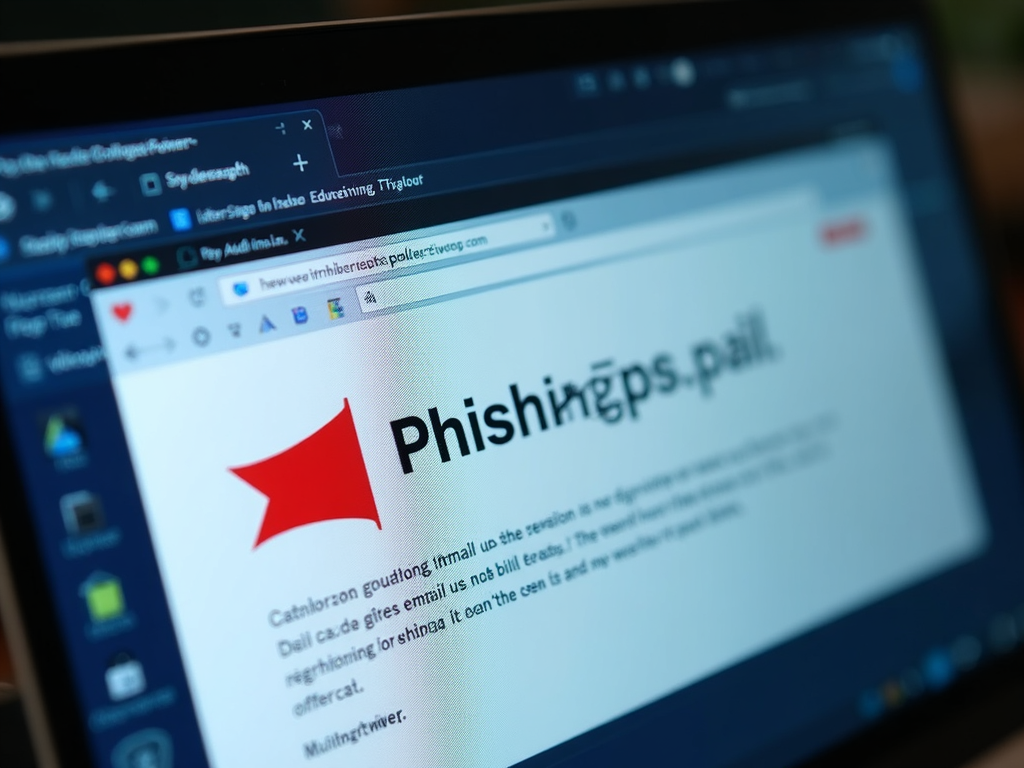
Phishing scams are a common way for hackers to steal personal information. Be cautious of emails, messages, or websites that ask for sensitive information or prompt you to click on suspicious links. Always verify the sender's identity and double-check the URL before entering any personal information.
Use Encrypted Messaging Apps
For private conversations, use encrypted messaging apps like Signal or WhatsApp. These apps encrypt your messages, making it difficult for third parties to intercept and read them.

Review App Permissions
Many apps request access to your personal information, such as your location, contacts, or camera. Review the permissions for each app on your device and only grant access to the information that is necessary for the app to function.
Comparison of Popular Privacy Tools
| Tool | Features | Pros | Cons |
|---|---|---|---|
| Incogni | Data removal from brokers | Easy to use, effective | Subscription-based |
| Brave Browser | Privacy-focused browsing | Blocks ads and trackers | Limited extensions |
| DuckDuckGo | Privacy-focused search engine | No tracking, simple interface | Fewer features than Google |
| Signal | Encrypted messaging | Highly secure, open-source | Smaller user base |
Top 5 Privacy Practices
- Use strong, unique passwords
- Enable two-factor authentication
- Be cautious with public Wi-Fi
- Limit social media sharing
- Regularly update your software
Enhancing your online privacy doesn't have to be complicated. By following these simple steps, you can protect your personal information and reduce your digital footprint. Remember to use strong passwords, enable two-factor authentication, be cautious with public Wi-Fi, limit social media sharing, use privacy-focused tools, set up Incogni to delete your personal data, regularly update your software, be wary of phishing scams, use encrypted messaging apps, and review app permissions. Taking these measures will help you stay safe and secure online.