Essential Online Privacy Tools Everyone Should Use
In today's digital world, your personal information is constantly at risk. From trackers following your every click to hackers eyeing your data, protecting your online privacy is more important than ever. This guide covers essential online privacy tools everyone should use to stay safe without complicating your daily routine.
Why VPNs Matter for Online Privacy
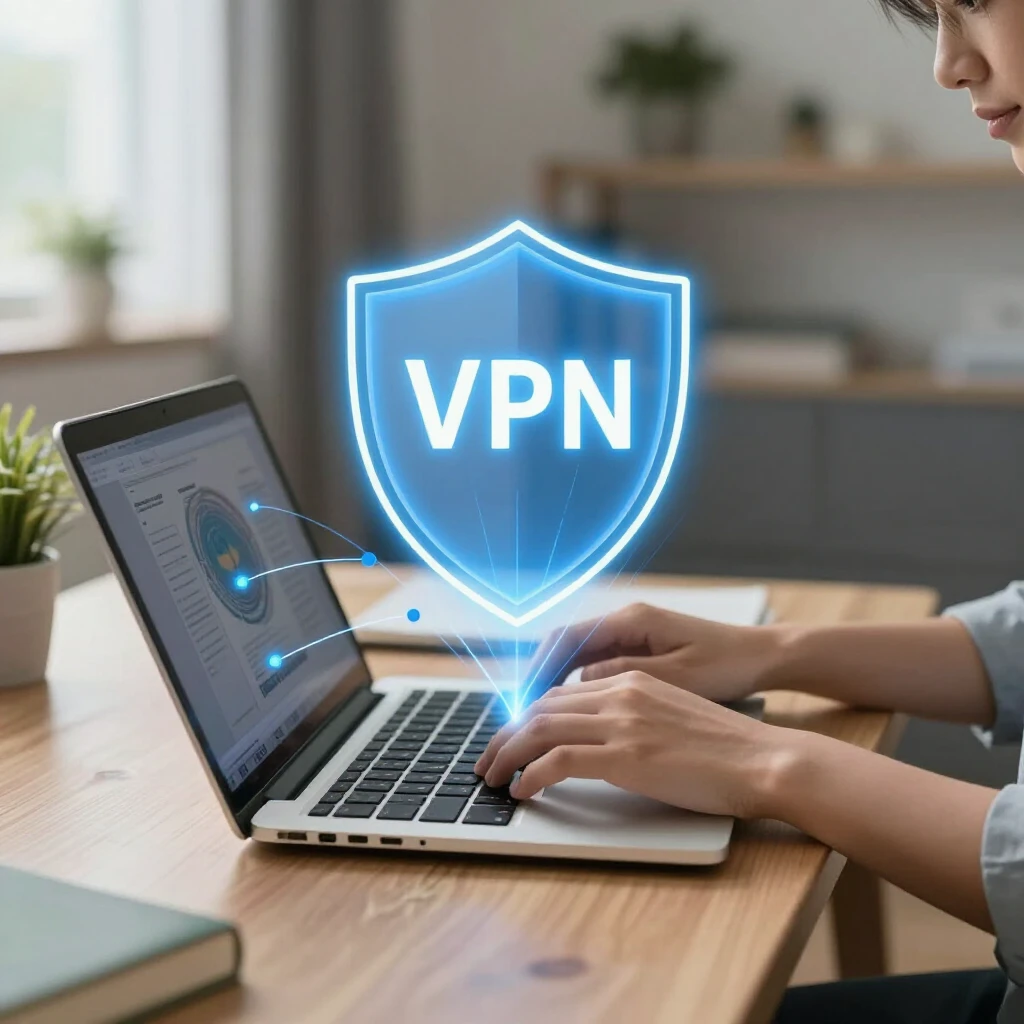
You connect to the internet through your ISP, which can see everything you do online. A Virtual Private Network (VPN) hides your IP address and encrypts your traffic, making it hard for anyone to spy on you.
According to the Electronic Frontier Foundation's guide on choosing a VPN, this masks your location and protects against local network snooping. I started using a reputable VPN a few years ago when traveling, and it gave me peace of mind on public Wi-Fi.
Choose a no-log VPN from a trusted provider. Tools like Mullvad or ProtonVPN are popular choices that prioritize privacy.
Secure Your Browsing Habits
Most browsers track you by default. Switch to privacy-focused options like Firefox or Brave. Add extensions to block ads and trackers.
The EFF recommends Privacy Badger, their free browser extension that automatically blocks hidden trackers. It learns as you browse and stops third-party spying without breaking websites.
Test your setup with EFF's Cover Your Tracks tool to see how unique your browser fingerprint is.
Use a Password Manager
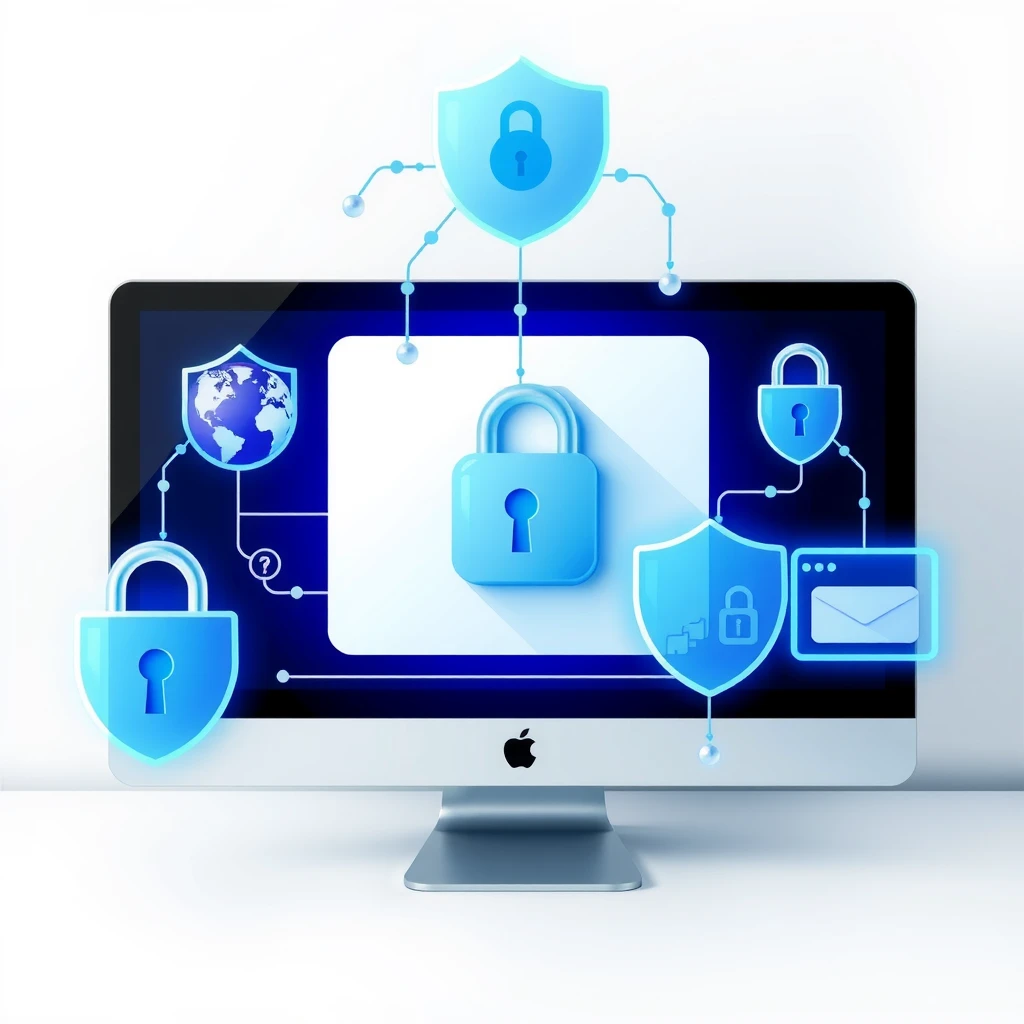
Weak or reused passwords are a major risk. A password manager creates strong, unique passwords for every account and stores them securely.
Privacy International highlights password managers as key for preventing breaches and identity theft. I've used Bitwarden for years—it's open-source, free, and syncs across devices.
Enable two-factor authentication (2FA) everywhere possible for extra protection.
Encrypted Messaging and Email
Standard messages and emails are not private. Switch to apps that use end-to-end encryption.
Signal is a top choice for messaging—it's free, secure, and even the EFF praises its strong encryption. For email, ProtonMail offers encrypted service without logging your activity.
Steps to Lock Down Your Digital Life
Protecting your privacy doesn't happen overnight. Follow these simple steps:
- Install a VPN and use it on all devices.
- Switch to a privacy browser and add blocker extensions.
- Set up a password manager and enable 2FA.
- Use encrypted apps for communication.
- Regularly update your software to patch security holes.
- Be cautious with what you share online.
These steps to lock down your digital life take little time but make a big difference.
How to Use BleachBit to Clean Your Computer for Privacy
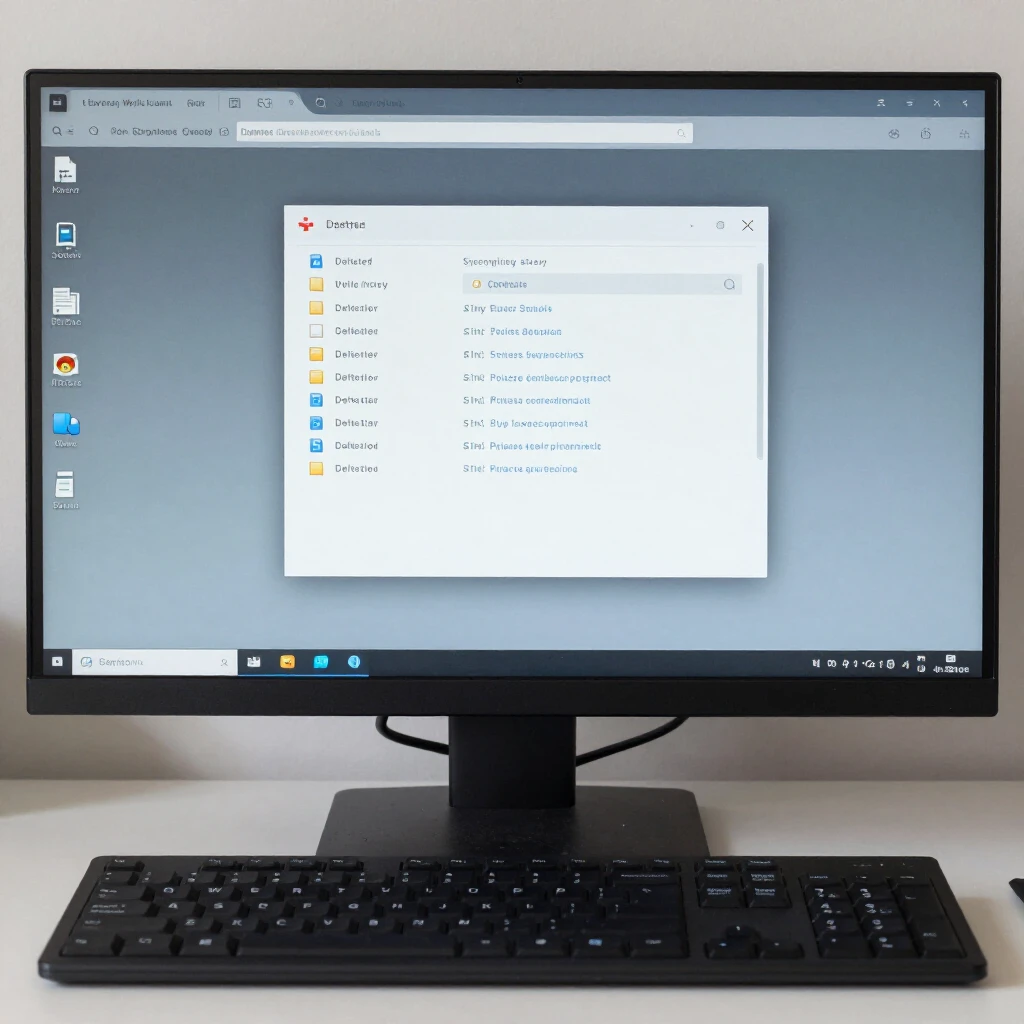
Over time, your computer collects traces of your activity—browser history, temp files, and more—that can reveal private information.
BleachBit is a free, open-source tool that safely deletes these files and overwrites free space to prevent recovery. Download it from the official site, select cleaners like browser cache and system logs, preview what will be deleted, then clean.
I run it monthly, and it frees up space while erasing digital footprints. Always preview first to avoid deleting needed files.
Additional Online Privacy Tools
Here are more tools to consider:
- Tor Browser: For anonymous browsing when needed.
- uBlock Origin: Powerful ad and tracker blocker.
- HTTPS Everywhere: Forces secure connections (now built into many browsers).
Combine these for layered protection.
Final Thoughts
Online privacy isn't about hiding—it's about control. By using these essential online privacy tools, you reduce risks and browse with confidence. Start with one or two today, and build from there.
I've seen firsthand how these tools stop creepy targeted ads and protect against data leaks. Take action now—your future self will thank you.