Social Media Privacy Tips for 2025: Simple Steps to Lock Down Your Online Privacy
Overview
Protecting your personal information on social media has become essential in 2025. With rising data breaches, AI-driven tracking, and privacy concerns on major platforms, these social media privacy tips for 2025 will help you take control and stay safe online.
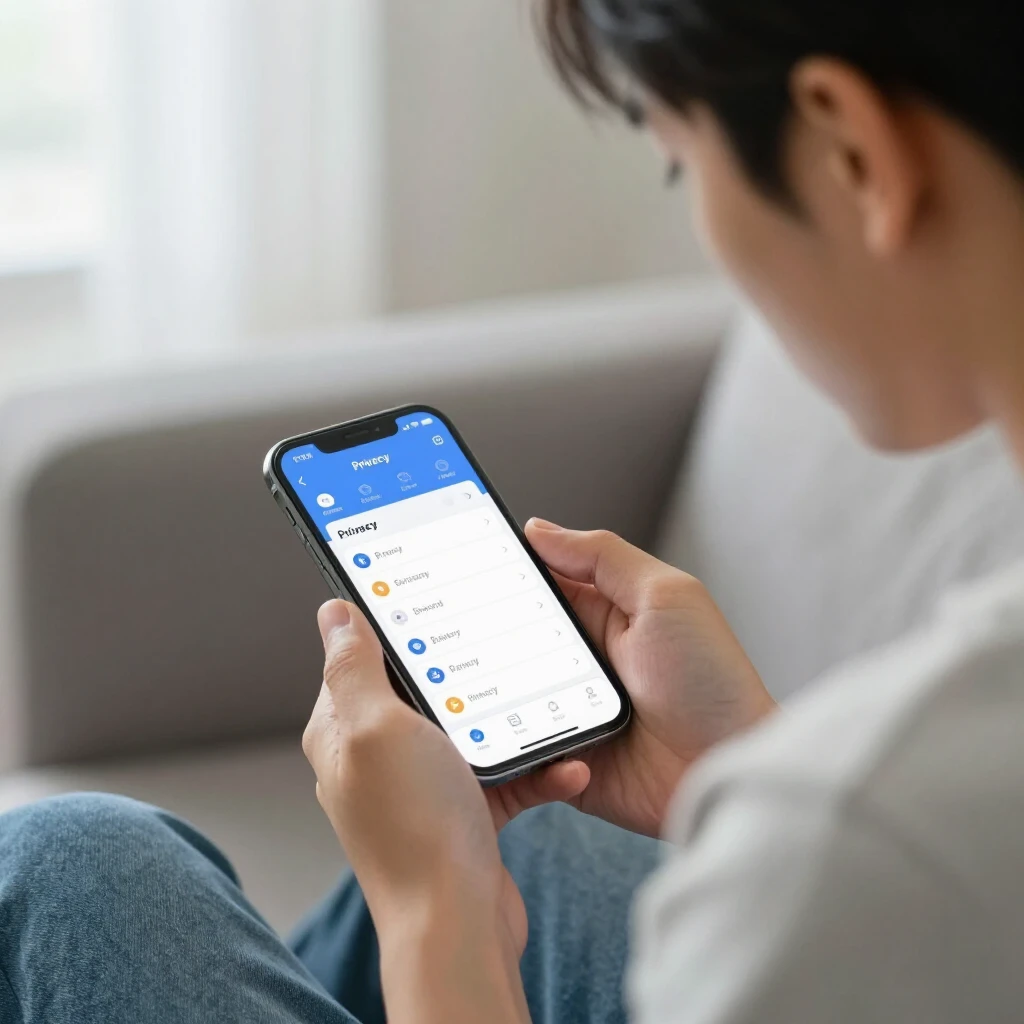
Social media connects us like never before, but it also exposes our data. Platforms collect everything from your likes to location. In my experience, a quick privacy audit cut down unwanted ads and spam dramatically.
Why Privacy Matters More in 2025
Data brokers and platforms faced more regulations, but risks remain high. According to recent reports, Meta platforms and TikTok rank among the most invasive for data collection. Simple changes can block trackers and limit exposure.
Simple Steps to Lock Down Your Online Privacy
Start with these basics across all platforms:
- Use strong, unique passwords and enable two-factor authentication (2FA).
- Make your accounts private where possible.
- Limit who can see your posts, stories, and friend lists.
- Turn off location sharing and ad personalization.
- Review and revoke third-party app access regularly.

Platform-Specific Tips
Facebook and Instagram: Go to Settings > Privacy. Set posts to Friends only, hide your friend list, and opt out of off-platform activity tracking.
X (Twitter): Protect your posts, limit replies to people you follow, and disable personalized ads.
TikTok: Make your account private, disable duets/stitching, and turn off personalized ads in Settings > Privacy.
| Platform | Key Privacy Setting | How to Access |
|---|---|---|
| Who can see your posts | Settings > Privacy > Your Activity | |
| Private Account | Settings > Privacy > Account Privacy | |
| X | Protected Posts | Settings > Privacy and Safety > Audience and Tagging |
| TikTok | Private Account | Profile > Settings > Privacy > Private Account |
Advanced Online Privacy Tools
Boost protection with these online privacy tools:
- VPNs like Proton VPN to hide your IP.
- Password managers such as Bitwarden.
- Tracker blockers like uBlock Origin.
For broader online privacy, consider data removal services.
How to Set Up Incogni to Delete Personal Data
Incogni automates removal from data brokers. Sign up at incogni.com, provide your name, address, emails, and phones. Sign the limited power of attorney form. Incogni sends opt-out requests and follows up. Dashboard tracks progress—many see results in weeks.
In my view, combining platform lockdowns with tools like Incogni gives real peace of mind. I've noticed less spam and fewer targeted scams since starting.
Final Thoughts
Taking these steps doesn't mean quitting social media—it means using it smarter. Review settings yearly, as platforms change. Your data is valuable; protect it actively for better online privacy in 2025.
Stay safe out there—small actions make a big difference.