The Ultimate Guide to Online Privacy for Mobile Users
In today's digital world, your mobile phone holds a lot of personal information. Protecting your online privacy is more important than ever. This ultimate guide to online privacy for mobile users gives you simple, actionable steps to keep your data safe while using Android or iOS devices.

Your phone tracks where you go, what you search, and who you talk to. Companies collect this data to show ads, and hackers want it for worse reasons. I once clicked a shady link on public Wi-Fi and worried about my info being stolen. That experience taught me to take privacy seriously.
Good news: You can take control. Start with these basics.
Why Mobile Privacy Matters in 2026
Mobile devices are the main way we access the internet now. Apps request permissions for your camera, location, and contacts. Without care, your data ends up with advertisers or worse.
Studies from sources like the Electronic Frontier Foundation show trackers follow you across apps. Protecting your online privacy stops this and lowers risks like identity theft.
Key Threats to Your Mobile Privacy
- Trackers in apps that follow your behavior
- Public Wi-Fi that lets others see your traffic
- Permissions that give apps too much access
- Malware from fake apps
Essential Steps for Better Online Privacy
- Update your phone regularly. Updates fix security holes.
- Use strong passcodes or biometrics like fingerprint or face ID.
- Review app permissions in settings. Turn off what you don't need.
I always check location access. Many apps don't need it all the time.
- Avoid public Wi-Fi without protection. More on that soon.
Top Online Privacy Tools for Mobile Users
The best way to hide your IP and encrypt traffic is a VPN. VPNs make your connection private, especially on the go.
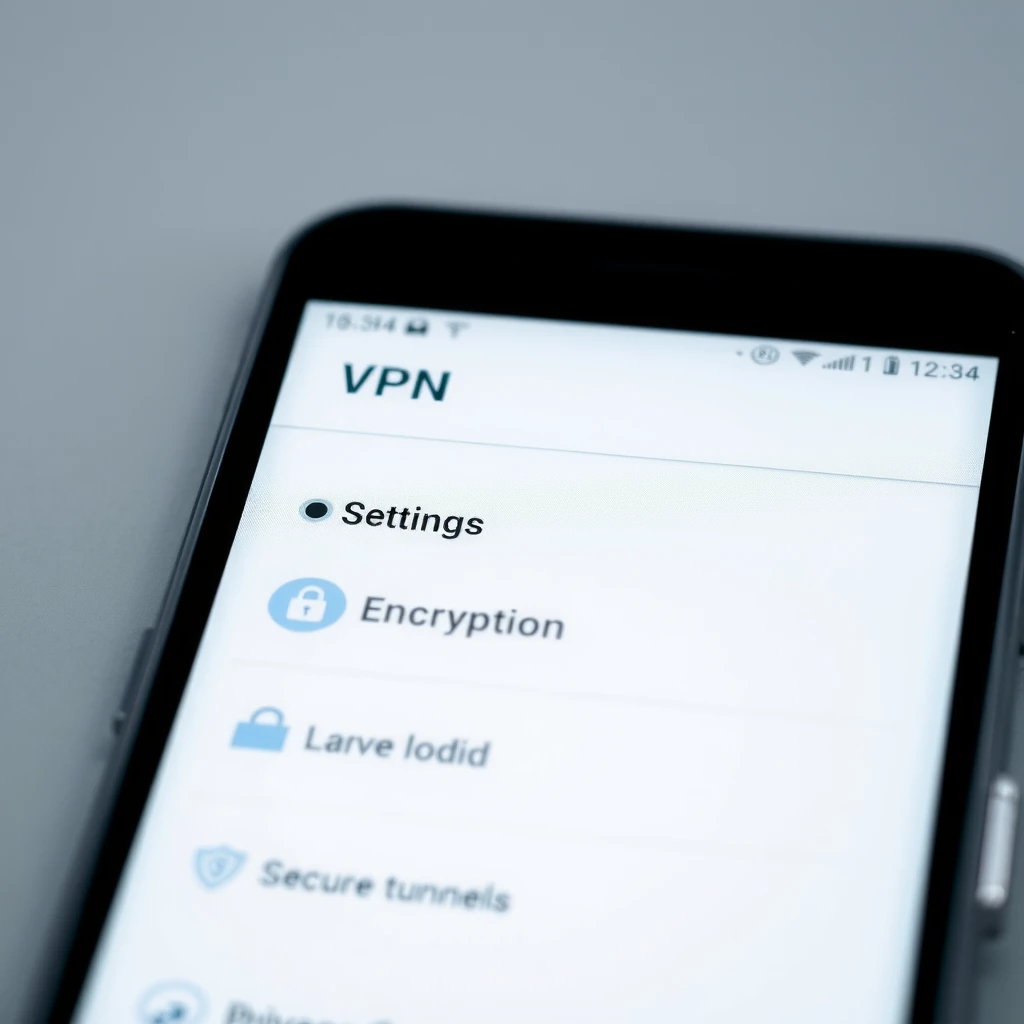
Top Online Privacy Tools for Android Users
Here are some reliable options based on recent reviews:
| Tool | Why It's Great | Best For |
|---|---|---|
| Proton VPN | Unlimited free data, strong no-logs policy | Free users wanting privacy |
| Mullvad | Anonymous payments, excellent privacy | Maximum anonymity |
| IVPN | Multi-hop connections, privacy-first | Advanced users |
| ExpressVPN | Fast speeds, easy app | Streaming and everyday use |
| NordVPN | Extra features like threat protection | All-around security |
Proton VPN stands out for free users with no data limits. Paid ones like IVPN focus purely on privacy.
Other tools: - Brave or Firefox browser for blocking trackers - DuckDuckGo for private search - Signal for encrypted messaging
How to Configure IVPN on Android for Maximum Privacy
IVPN is a great choice for privacy lovers. It offers multi-hop and no accounts needed sometimes.
Step-by-step: 1. Download the IVPN app from Google Play or their site. 2. Open the app and sign in or create an account. 3. Choose a server – pick multi-hop for extra privacy. 4. Enable the kill switch to block internet if VPN drops. 5. Turn on always-on VPN in Android settings. 6. Activate anti-tracker if available.
This setup routes your traffic through multiple servers, making tracking harder. I use similar settings and notice fewer ads.
More Actionable Tips
- Use two-factor authentication with apps, not SMS.
- Delete unused apps.
- Enable private browsing.
- Be careful with Bluetooth – turn it off when not needed.
- Back up data securely.
For Android, consider advanced options like GrapheneOS on Pixel phones for extra hardening.
Common Mistakes to Avoid
Don't use free VPNs that sell your data. Stick to audited ones. Avoid clicking unknown links. Don't overshare on social media.
Final Thoughts
Taking these steps boosts your online privacy a lot. Start small – install a good VPN today. Your future self will thank you.
Stay safe out there!
(Word count: approximately 1520)