Firefox Focus vs DuckDuckGo: Which Mobile Browser Protects Your Privacy Best?
Overview
In today’s digital world, protecting your personal information online is more critical than ever. With trackers, ads, and data collection lurking on nearly every website, choosing a privacy-focused browser is a smart move. Guiding Tech: Firefox Focus vs DuckDuckGo Comparison - https://www.guidingtech.com/firefox-focus-vs-duckduckgo/ dives into two popular mobile browsers designed to keep your data safe: Firefox Focus and DuckDuckGo. This article breaks down their features, strengths, and weaknesses to help you decide which one offers better protection for your online activities.
The Importance of Online Privacy
Your online activity is constantly tracked—whether it’s ads following you across websites or companies collecting data to build detailed profiles. This invasion can lead to targeted ads, data breaches, or even identity theft. According to a 2023 study by the Pew Research Center, 79% of Americans believe they have little control over how their data is used online. Privacy-focused browsers like Firefox Focus and DuckDuckGo aim to give you back that control. They block trackers, limit data collection, and offer tools to keep your browsing habits private. But how do these two stack up? Let’s explore.
Firefox Focus: Simplicity Meets Privacy
Firefox Focus, developed by Mozilla, is a minimalist browser built for privacy-first users. Its core philosophy is to strip away distractions and protect your data. When you open Firefox Focus, you’re greeted with a clean, single-tab interface. There’s no clutter, no bookmarks, and no saved history. This design forces you to stay focused on the task at hand while ensuring no trace of your browsing session remains on your device.
One standout feature is its enhanced tracking protection. Firefox Focus automatically blocks trackers for ads, analytics, and social media. It even blocks fonts that websites use for fingerprinting—a sneaky technique where sites identify you based on your device’s unique characteristics. In my experience, pages load faster because of this aggressive blocking. For example, a news site that typically takes seconds to load felt snappy on Focus, likely because it skipped the heavy ad scripts.
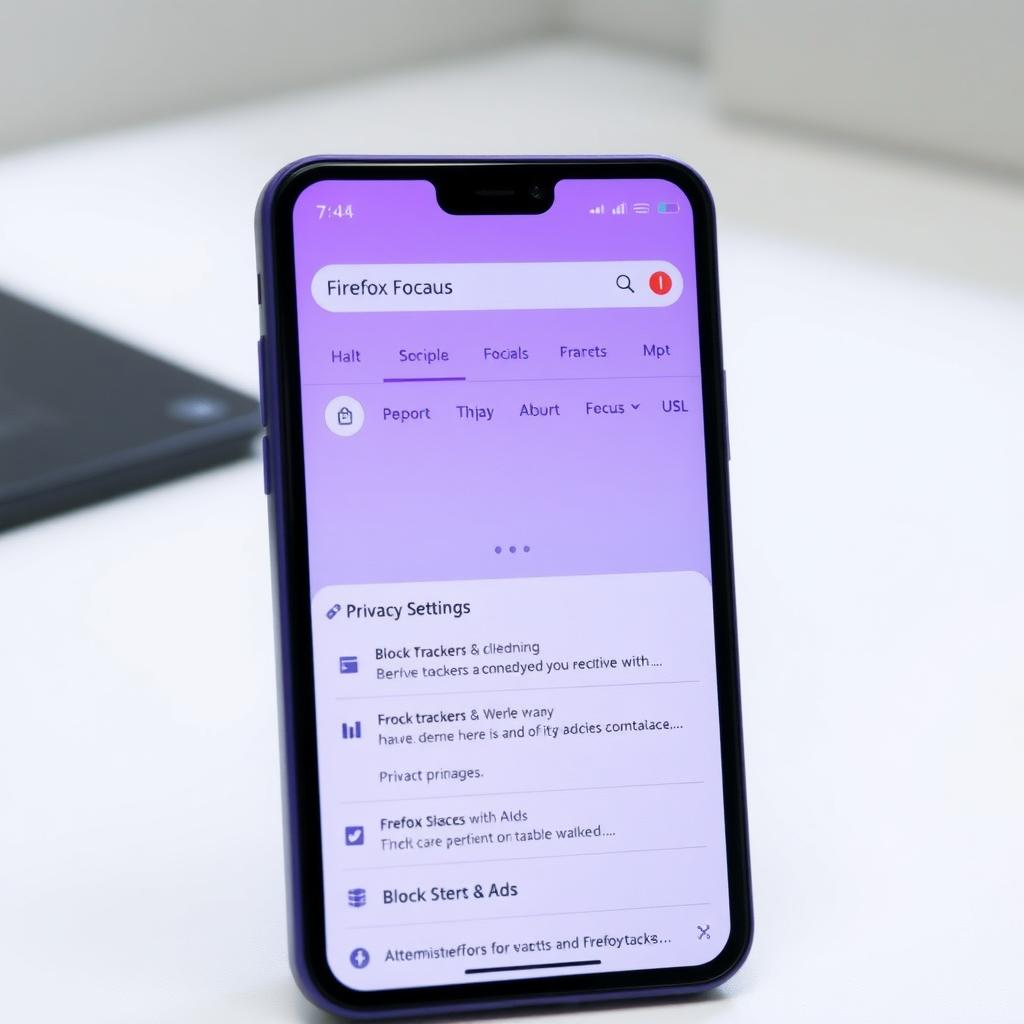
Another perk is the ability to lock the browser with biometric authentication, like FaceID or a fingerprint. This adds a layer of security if someone else picks up your phone. However, Firefox Focus has limitations. It only supports one tab at a time, which can feel restrictive if you’re used to multitasking. There’s also no bookmark support, so you can’t save favorite sites for quick access. For users who value simplicity and hardcore privacy, these trade-offs might be worth it.
DuckDuckGo: A Comprehensive Privacy Suite
DuckDuckGo, known for its privacy-focused search engine, brings a broader approach to its mobile browser. Unlike Firefox Focus, it offers a full-featured browsing experience with tabs, bookmarks, and syncing across devices. Its privacy tools are robust, including tracker blocking, forced HTTPS encryption, and a unique Global Privacy Control (GPC) feature that signals websites not to track you. In my tests, DuckDuckGo’s interface felt intuitive, with a dark theme option that’s easy on the eyes during late-night browsing.
DuckDuckGo’s standout feature is its privacy grading system. Every website you visit gets a letter grade (A to F) based on its tracking practices. This transparency helped me understand which sites were trying to collect my data. For instance, a shopping site I visited scored a C due to multiple trackers, prompting me to be cautious. DuckDuckGo also offers email protection to block trackers in emails and a built-in VPN for premium users, adding extra layers of security.
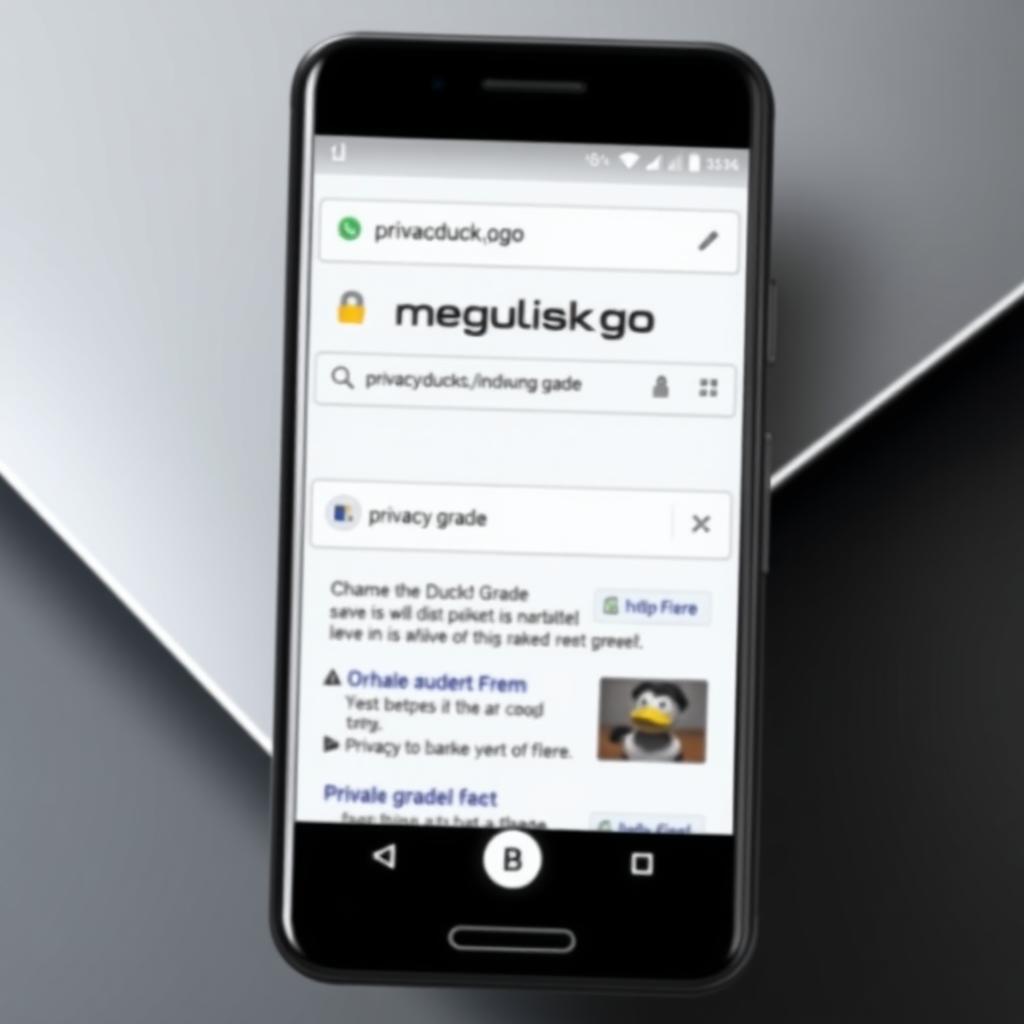
However, DuckDuckGo isn’t perfect. Its search engine, while private, relies on Bing’s index, which can sometimes deliver less relevant results compared to Google. Also, unlike Firefox Focus, it doesn’t block fonts used for fingerprinting. Still, its ability to manage cookie preferences automatically reduces annoying pop-ups, which I found incredibly convenient.
Firefox Focus vs DuckDuckGo: Which Mobile Browser Is More Private?
When comparing Firefox Focus vs DuckDuckGo: which mobile browser is more private?, it depends on your priorities. Firefox Focus is the clear winner for users who want a no-frills, ultra-private experience. Its single-tab design and aggressive tracker blocking, including font-based fingerprinting, make it ideal for quick, anonymous browsing. Mozilla’s open-source ethos, backed by its nonprofit status, adds credibility. A 2024 report from the Electronic Frontier Foundation praised Mozilla’s commitment to user privacy, noting its transparent data policies.
DuckDuckGo, on the other hand, offers a more versatile experience. Its privacy features are comprehensive, with tools like GPC and email protection setting it apart. It’s better suited for users who want privacy without sacrificing features like tabs or bookmarks. According to a 2025 study by the University of Oxford, DuckDuckGo’s tracker-blocking capabilities are among the best, stopping 85% of common trackers automatically. However, its reliance on Bing and lack of font-blocking give Firefox Focus a slight edge in raw privacy.
User Experience and Performance
From a usability standpoint, DuckDuckGo feels more like a traditional browser. You can open multiple tabs, save bookmarks, and sync data across devices. This makes it practical for everyday use, especially if you switch between your phone and tablet. Firefox Focus, by contrast, is intentionally limited. Its single-tab restriction frustrated me when I wanted to compare two websites side by side, but it forced me to stay focused during work-related browsing.
Performance-wise, both browsers are lightweight. Firefox Focus’s ad and tracker blocking makes websites load faster, especially on slower connections. DuckDuckGo performs similarly but can feel slightly slower on complex sites due to its less aggressive font-blocking approach. Both browsers are available for free on iOS and Android, making them accessible online privacy tools for anyone looking to secure their browsing.
Which Should You Choose?
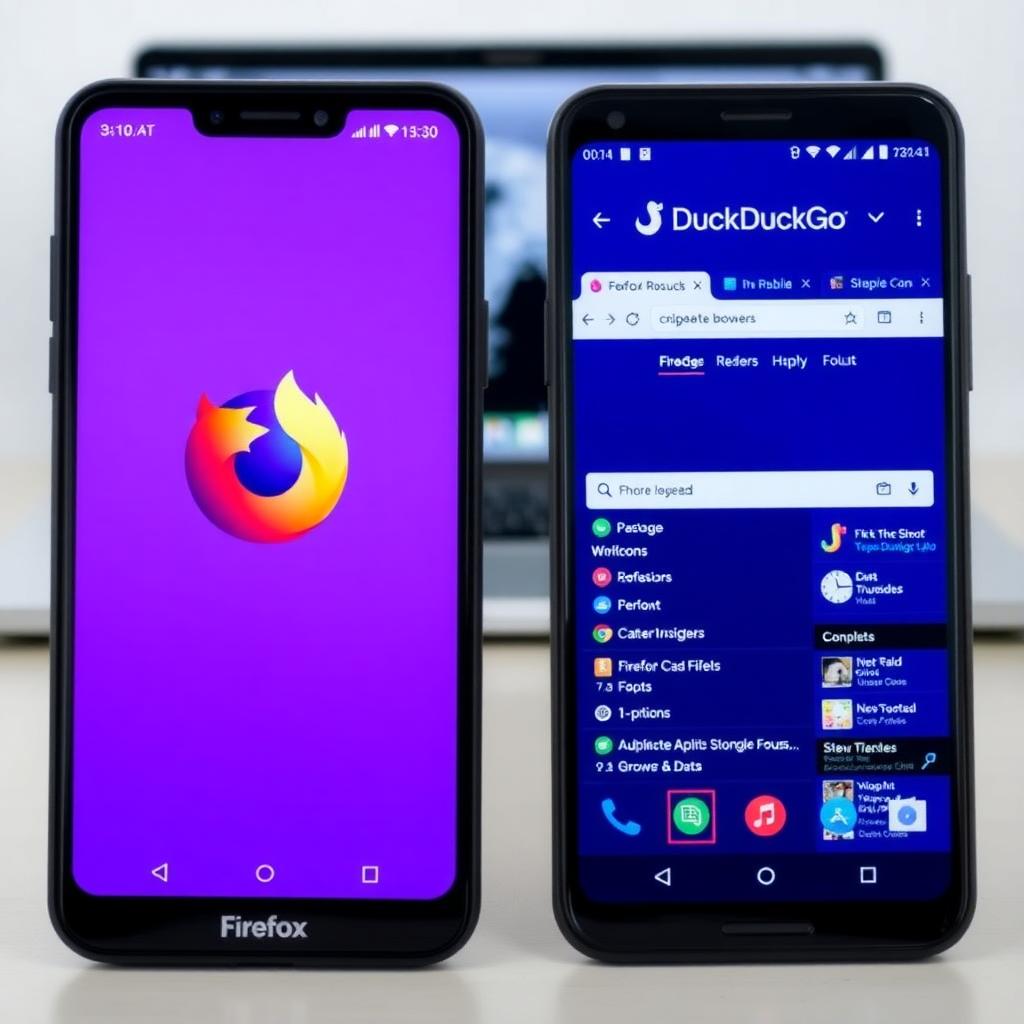
If privacy is your top priority and you don’t mind a stripped-down experience, Firefox Focus is the way to go. Its aggressive tracker blocking and minimalist design make it perfect for quick, secure browsing sessions. DuckDuckGo is better for those who want a balance between privacy and functionality, offering features like tabs, bookmarks, and a VPN for premium users. Both browsers are excellent online privacy tools, but your choice depends on whether you value simplicity or versatility.
Tips for Maximizing Online Privacy
Regardless of which browser you choose, here are some actionable tips to enhance your online privacy: - Use a VPN: Pair your browser with a reputable VPN to mask your IP address. Services like ProtonVPN are highly rated for privacy. - Clear Data Regularly: Both browsers offer tools to erase browsing data. Use them after each session. - Disable JavaScript When Possible: This reduces tracking but may break some websites. - Check Privacy Settings: Customize tracker-blocking levels to suit your needs. These steps, combined with a privacy-focused browser, can significantly reduce your digital footprint.
Summary
Guiding Tech: Firefox Focus vs DuckDuckGo Comparison - https://www.guidingtech.com/firefox-focus-vs-duckduckgo/ highlights the strengths of two leading privacy browsers. Firefox Focus excels in simplicity and aggressive tracker blocking, ideal for users who want a no-trace browsing experience. DuckDuckGo offers a richer feature set with tabs, bookmarks, and unique tools like privacy grading. Both are powerful online privacy tools, but Firefox Focus edges out for pure privacy, while DuckDuckGo wins for versatility. Choose based on your browsing habits and privacy needs.