Simple Steps to Enhance Online Privacy in 2025
Overview: Protecting Your Digital Life
In 2025, your personal information is more exposed than ever. Every click, search, or post can leave a digital trail. But don’t worry—securing your online presence is easier than you think. This guide shares simple steps to enhance online privacy, including how to set up Incogni to delete personal data and use other online privacy tools. Whether you’re new to privacy or looking to level up, these tips will help you take control.
Why Online Privacy Matters
Your data is a goldmine for companies, advertisers, and even hackers. From targeted ads to identity theft, the risks of oversharing are real. I remember when a friend got eerie ads for a product they only mentioned in a private chat—it was a wake-up call. Protecting your online privacy isn’t just about avoiding ads; it’s about safeguarding your identity and peace of mind.
Step 1: Understand Your Digital Footprint
Your digital footprint is everything you leave online—social media posts, search histories, even that random quiz you took. Start by Googling yourself. You might be shocked at what pops up. I once found an old forum post from 2008 with my full name and address! Use this as your baseline to see what needs cleaning.

Step 2: Use Strong, Unique Passwords
Weak passwords are an open door to hackers. Use a password manager like LastPass or Bitwarden to create and store complex passwords. I started using one last year, and it’s a game-changer—no more reusing 'password123' across sites. Aim for at least 12 characters, mixing letters, numbers, and symbols. Update them every 6-12 months.
Password Manager Comparison
| Tool | Free Plan | Key Features | Best For |
|---|---|---|---|
| LastPass | Yes | Cross-device sync, autofill | Beginners |
| Bitwarden | Yes | Open-source, self-host option | Tech-savvy users |
| 1Password | No | Family sharing, travel mode | Families or travelers |
Choose one that fits your needs and stick with it.
Step 3: Enable Two-Factor Authentication (2FA)
2FA adds an extra layer of security by requiring a second step, like a text code or app notification, to log in. Enable it on email, banking, and social media accounts. I learned this the hard way when someone tried to access my email. Most platforms, like Google and X, make it easy to set up in their security settings.
Step 4: How to Set Up Incogni to Delete Personal Data
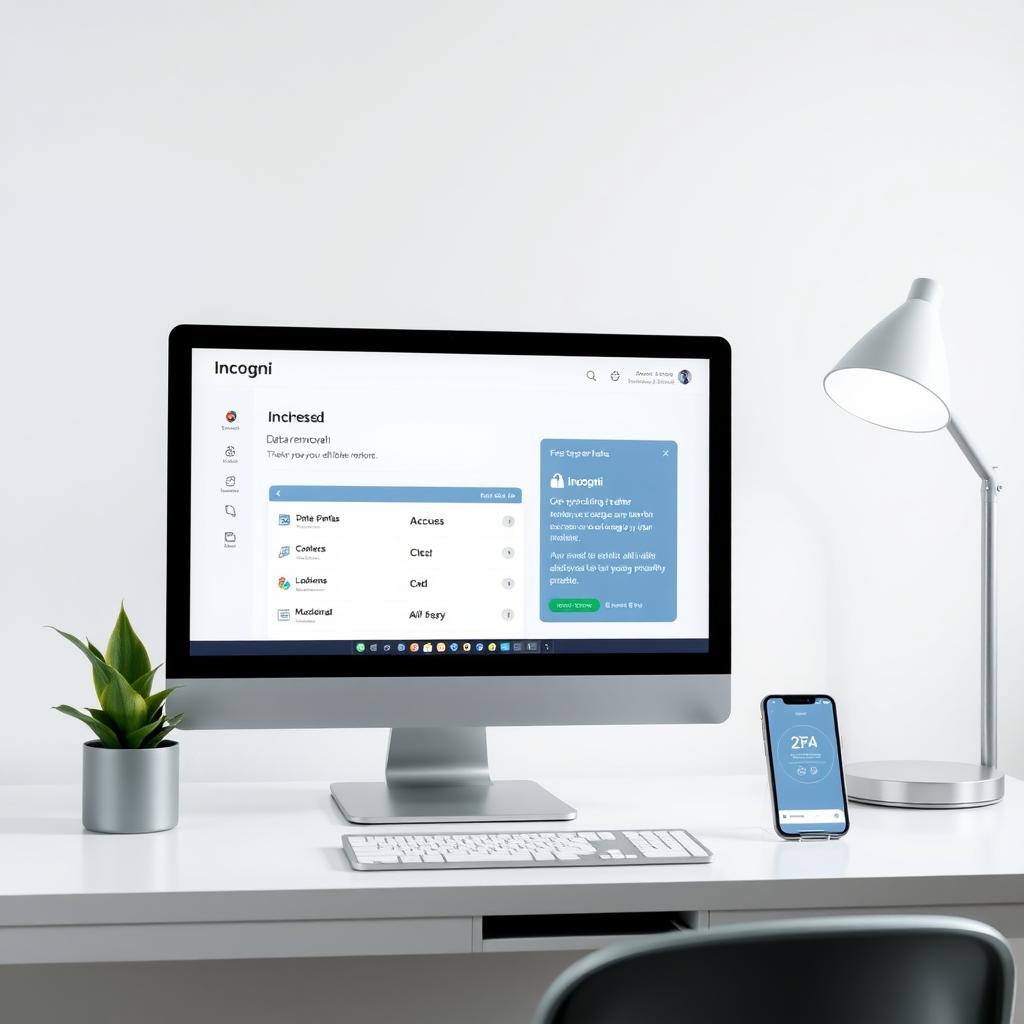
Incogni is a powerful tool to remove your personal info from data brokers—those sneaky companies selling your details. Here’s how to get started:
- Sign Up: Visit Incogni’s website and create an account.
- Provide Info: Enter basic details like your name and address to help Incogni find your data.
- Authorize Removal: Incogni scans data broker databases and sends removal requests on your behalf.
- Monitor Progress: Check your dashboard for updates on which brokers have removed your info.
I tried Incogni last month, and within weeks, my data was gone from 20+ sites. It’s like hiring a digital cleanup crew. Learn more at Incogni’s official site.
Step 5: Use a VPN for Secure Browsing
A Virtual Private Network (VPN) hides your IP address and encrypts your connection. It’s perfect for public Wi-Fi or keeping your browsing private. I use NordVPN when traveling—it’s saved me from sketchy hotel networks. Look for VPNs with no-logs policies and fast speeds. Popular options include NordVPN, ExpressVPN, and Surfshark.
Step 6: Limit Social Media Oversharing
Social media is a privacy minefield. Review your privacy settings on platforms like X or Instagram. Make your profiles private, limit who can tag you, and avoid sharing sensitive info like your address or birthday. I once saw a friend’s vacation post used by scammers to fake a fundraiser—scary stuff.
Step 7: Explore Online Privacy Tools
Beyond Incogni and VPNs, other online privacy tools can help. Here’s a quick list:
- Privacy-Focused Browsers: Try Brave or Firefox for built-in tracking protection.
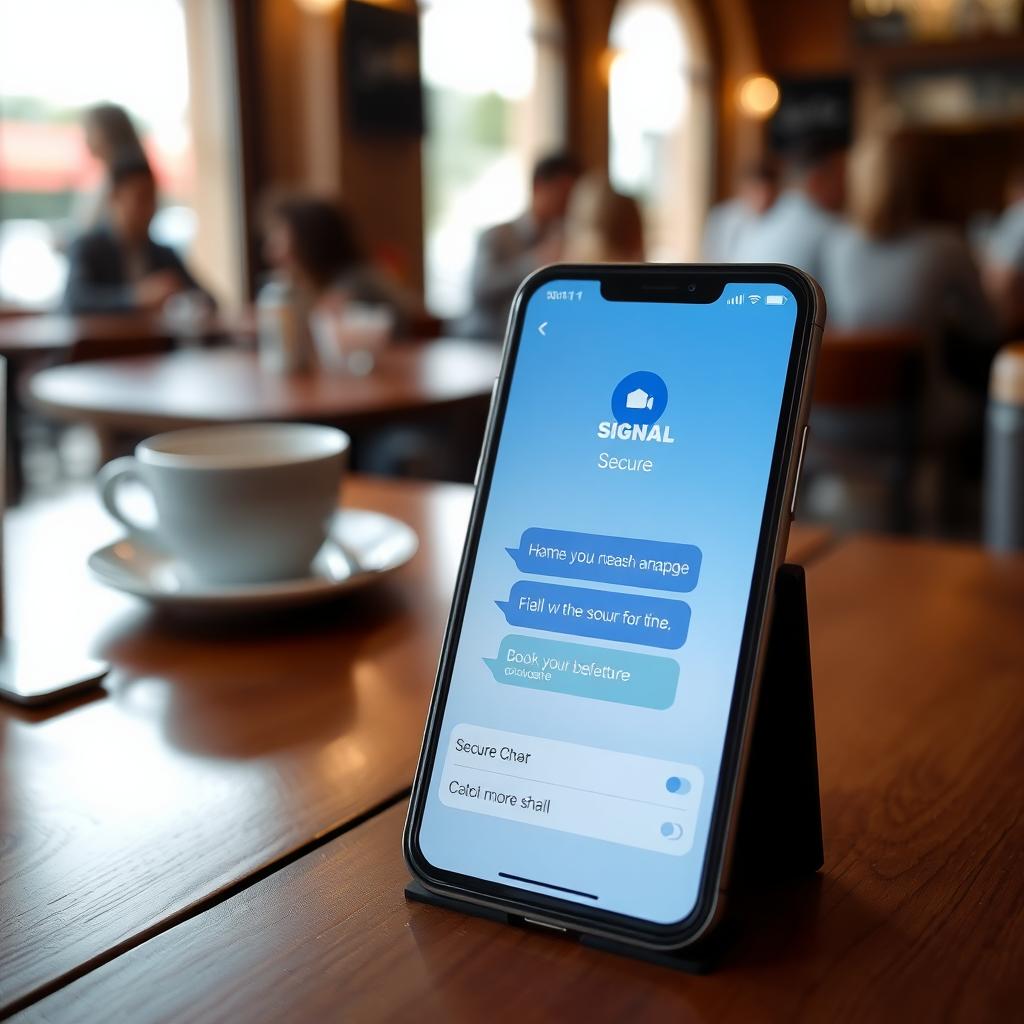
- Encrypted Messaging: Use Signal or Telegram for secure chats.
- Email Aliases: Services like ProtonMail or SimpleLogin create disposable email addresses.
I switched to Brave last year, and it blocks most ads and trackers automatically. It’s a small change with big results.
Step 8: Regularly Clear Cookies and Cache
Cookies track your browsing habits, and clearing them regularly reduces your digital footprint. Go to your browser’s settings and delete cookies monthly. On Chrome, it’s under 'Privacy and Security.' I make it a habit to do this every Sunday—it’s like a digital detox.
Step 9: Be Cautious with Public Wi-Fi
Public Wi-Fi is convenient but risky. Avoid accessing sensitive accounts unless you’re using a VPN. I once noticed my bank login was sluggish on a café’s Wi-Fi—turned out, it wasn’t secure. Always check for 'https' in URLs and stick to trusted networks when possible.
Step 10: Stay Educated and Vigilant
Privacy threats evolve, so keep learning. Follow trusted sources like EFF’s Privacy Guide or check X for real-time tips from privacy experts. I follow a few accounts on X that share daily hacks—it’s helped me stay ahead of new scams.
Summary: Take Control Today
Enhancing your online privacy doesn’t require tech expertise—just a few smart habits. From setting up Incogni to delete personal data to using online privacy tools like VPNs and password managers, these simple steps to enhance online privacy can make a big difference. Start small, stay consistent, and your digital life will be safer in no time.