Firefox vs Firefox Focus: Should You Switch?
Quick Overview
In a world where online privacy matters more than ever, Mozilla offers two strong options: the full-featured Firefox browser and the super-focused Firefox Focus. Firefox delivers a complete browsing experience with tabs, bookmarks, and customizations. Firefox Focus strips everything down for maximum privacy and speed on mobile. Should you switch? This guide breaks it down to help you decide.

Understanding Firefox: The Everyday Powerhouse
Firefox has been a favorite for years. It runs on desktop and mobile, giving you a balanced mix of features and privacy. You get multiple tabs, bookmarks, history, and extensions (on Android). Mozilla, a non-profit, builds it with user rights in mind.
I have used Firefox as my main browser for a long time. It feels reliable. Pages load fast, and I love how it respects privacy more than many competitors. You can tweak settings to block trackers, and Enhanced Tracking Protection works well in standard mode. But in normal browsing, cookies and data stick around until you clear them.
For daily tasks like shopping, research, or streaming, Firefox shines. It syncs across devices, remembers logins, and supports add-ons to add features like dark mode or password managers.
What Makes Firefox Focus Different?
Firefox Focus takes a different path. It is built only for mobile (Android and iOS). The app stays small and light. Its main goal? Block trackers automatically and erase your traces.
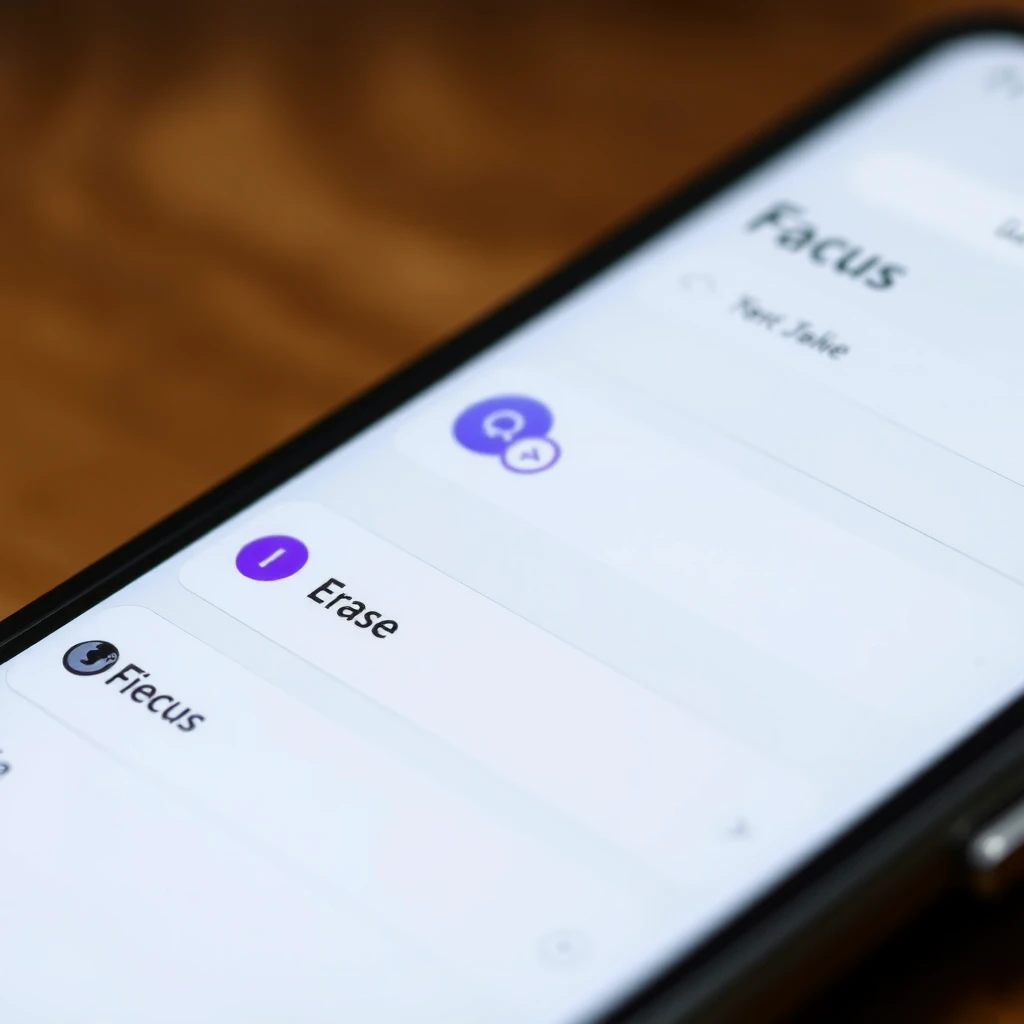
When you open Focus, you see a simple URL bar. No tabs (just one at a time), no bookmarks, no history saved. It blocks ads, social trackers, analytics, and more by default. Finish browsing? Hit the big Erase button. Everything vanishes—cookies, history, cache—in one tap.
This design makes it perfect for quick, private sessions. Think checking bank accounts on public Wi-Fi or looking up sensitive topics without leaving a trail.
Privacy Showdown: How They Stack Up
Privacy sits at the heart of this comparison.
Firefox offers strong tools. You can set Strict tracking protection, block fingerprinting, and use private mode. But normal mode keeps data for convenience.
Firefox Focus goes further. It runs in permanent private mode. Trackers get blocked automatically. It even stops remote fonts to cut fingerprinting risks. No browsing history ever gets saved. Mozilla does not collect much data from Focus users.
If the importance of online privacy drives you, Focus wins for mobile quick checks. Regular Firefox works great when you add privacy extensions and settings.
Here is a quick comparison table:
| Feature | Firefox | Firefox Focus |
|---|---|---|
| Tracker Blocking | Customizable (Strict) | Always on, aggressive |
| History & Cookies | Saved until cleared | Erased on exit/Erase |
| Tabs | Multiple | Single only |
| Bookmarks/Add-ons | Yes (Android) | No |
| Data Sync | Yes | No |
| Best For | Daily full use | Quick private sessions |
Browsing Experience and Performance
Firefox feels complete. You multitask with tabs, save pages, and customize. It uses more resources but handles heavy work.
Focus loads pages faster because it skips trackers and ads. It uses less data and battery—great on slow connections or budget phones. But no tabs mean no easy switching. You stay focused, which helps some users avoid distractions.
From my experience, Focus feels snappy for short bursts. Regular Firefox handles long sessions better.
Should You Switch to Firefox Focus?
Not completely. Use them together. Keep Firefox for everyday browsing, research, and features. Switch to Focus when you need ironclad privacy on mobile—like quick searches or sensitive tasks.
If you hate ads and trackers, or use a low-end phone, Focus might become your go-to. But miss tabs or bookmarks? Stick with regular Firefox and tweak its privacy settings.
For even more options, check out Firefox Focus vs DuckDuckGo: which mobile browser is more private? DuckDuckGo adds extras like built-in email protection, but Focus keeps things simpler and more aggressive on blocking.
Final Thoughts
Both browsers show Mozilla cares about your privacy. Firefox gives versatility. Firefox Focus delivers pure, no-nonsense protection. Pick based on your habits. In 2025, mixing both gives the best of both worlds—convenience and real privacy when it counts.