The Importance of Online Privacy: Protecting Your Digital Footprint
Overview
In a world where every click, search, or post leaves a digital trace, the importance of online privacy cannot be overstated. Our personal information—names, locations, interests—is constantly collected, often without our knowledge. This article dives into why protecting your online privacy matters, compares privacy-focused mobile browsers like Firefox Focus and DuckDuckGo, and shares actionable tools to keep your data safe.
Why Online Privacy Matters
Every day, we share bits of ourselves online—whether it’s searching for a recipe, posting a photo, or shopping for shoes. These actions seem harmless, but they create a detailed digital footprint. Companies, advertisers, and even hackers can track this data to build profiles about you. According to a 2023 Pew Research Center study, 81% of Americans think they have little control over the data companies collect. That’s a scary thought.
Without privacy, your personal information can be used to manipulate your choices, target you with ads, or worse, expose you to identity theft. I’ve had moments where I searched for a product, only to see ads for it everywhere—on social media, websites, even email. It feels invasive, like someone’s watching over your shoulder. Protecting your online privacy isn’t just about avoiding ads; it’s about reclaiming control over your personal life.

The Risks of Ignoring Online Privacy
When you don’t prioritize online privacy, you open the door to risks. Hackers can steal sensitive information like bank details or passwords. Companies can exploit your data for profit, selling it to third parties without your consent. Even governments may monitor your activity, as revealed by Edward Snowden’s 2013 leaks about mass surveillance programs. These risks aren’t just theoretical—they’re real.
For example, I once used a popular fitness app that shared my location data with advertisers. I didn’t realize it until I started getting ads for local gyms I’d never searched for. It was a wake-up call. Your data isn’t just numbers—it’s your life, your habits, your choices. Ignoring online privacy can lead to consequences that range from annoying ads to serious breaches.
Firefox Focus vs DuckDuckGo: Which Mobile Browser Is More Private?
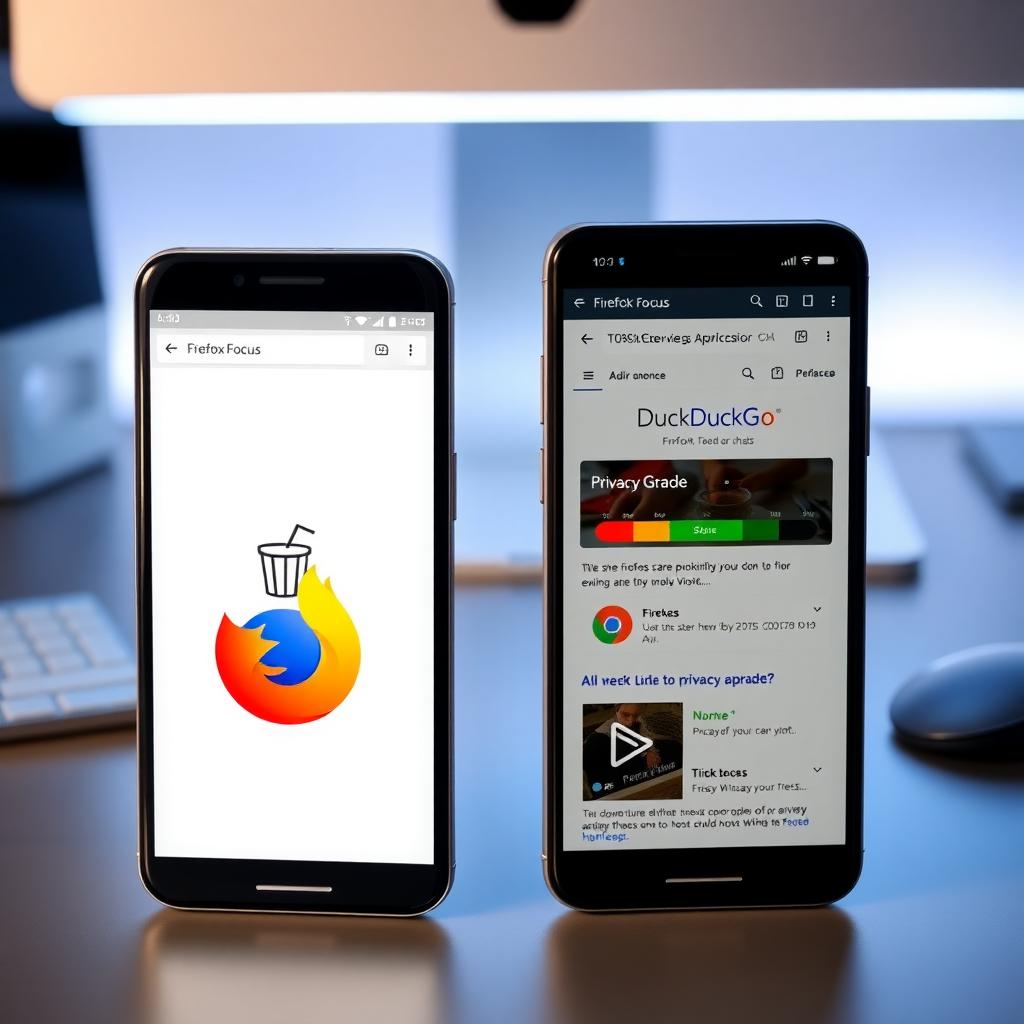
When it comes to protecting your online privacy, your choice of browser matters. Two popular privacy-focused mobile browsers are Firefox Focus and DuckDuckGo. Both promise to keep your data safe, but they approach privacy differently. Let’s break it down.
Firefox Focus
Firefox Focus, developed by Mozilla, is a minimalist browser designed for privacy. It automatically blocks trackers, ads, and cookies, and it erases your browsing history every time you close the app. You don’t have to tweak settings—it’s private by default. It also blocks fonts that could be used for fingerprinting, a sneaky way websites identify your device. However, its simplicity comes at a cost: no tabs, no bookmarks, just a clean slate every time.
I’ve used Firefox Focus when I want a quick, private browsing session—like checking a news site on public Wi-Fi. It’s like a digital burner phone: use it, wipe it, move on. But if you need to save bookmarks or open multiple tabs, it feels limiting.
DuckDuckGo
DuckDuckGo’s browser, built on its privacy-first search engine, offers more features. It blocks trackers and forces websites to use encrypted connections (HTTPS) when available. It also grades websites based on their privacy practices, so you know how safe a site is. Unlike Firefox Focus, DuckDuckGo supports bookmarks, tabs, and syncing across devices. It even has email protection to block trackers in your inbox.
I switched to DuckDuckGo for a week and loved how it showed me which trackers it blocked on each site. It felt empowering to see the curtain pulled back on invasive ads. However, you can’t change its default search engine, which might bother some users.
Which Is More Private?
Both browsers are excellent for privacy, but it depends on your needs. Firefox Focus is ideal for ultra-private, one-off browsing sessions because it deletes everything automatically. DuckDuckGo offers similar tracker blocking but adds features like syncing and email protection, making it better for daily use. A 2024 comparison by Guiding Tech notes that Firefox Focus’s font-blocking feature gives it a slight edge against fingerprinting, while DuckDuckGo’s broader privacy suite appeals to users wanting more functionality. If privacy is your only concern, Firefox Focus wins for its simplicity. For a balance of privacy and usability, DuckDuckGo is the better choice.
Online Privacy Tools to Protect Yourself
Beyond choosing a browser, you can use other online privacy tools to stay secure. Here’s a list of practical tools and tips I’ve found helpful:
- Virtual Private Networks (VPNs): A VPN encrypts your internet connection, hiding your IP address. I use a VPN on public Wi-Fi to prevent snooping. NordVPN or ProtonVPN are solid choices, with strong encryption and no-logs policies.
- Password Managers: Tools like LastPass or Bitwarden store complex passwords securely, so you don’t reuse weak ones. I started using a password manager after forgetting my logins one too many times—it’s a game-changer.
- Ad Blockers: Extensions like uBlock Origin block ads and trackers. They make pages load faster and reduce data collection.
- Encrypted Messaging Apps: Apps like Signal or Telegram offer end-to-end encryption for private chats. I switched to Signal for sensitive conversations, and it’s as easy as texting.
- Privacy-Focused Search Engines: Besides DuckDuckGo, try Startpage or Brave Search. They don’t track your searches, unlike Google. I’ve noticed fewer creepy ads since switching.
Using these tools together creates layers of protection. It’s like locking your doors, windows, and setting an alarm—you don’t need just one, you need them all.
How to Build Better Privacy Habits
Protecting your online privacy isn’t a one-time fix; it’s a habit. Here are steps I’ve taken to stay safer online:
- Check Privacy Settings: Review the privacy settings on your apps and accounts. Turn off data-sharing options where possible.
- Limit Social Media Sharing: Avoid posting sensitive details like your address or travel plans. I learned this after oversharing a vacation photo that revealed my location.
- Use Two-Factor Authentication (2FA): Add an extra layer of security to your accounts with 2FA. It’s saved me from a hacked email account.
- Stay Informed: Follow updates from organizations like the Electronic Frontier Foundation (EFF) for tips on digital privacy. Their resources helped me understand tracker blocking better.
These habits take effort, but they’re worth it. Over time, they become second nature, like checking your locks before leaving home.
Summary
The importance of online privacy lies in protecting your personal data from exploitation, ensuring your freedom, and reducing risks like identity theft. Browsers like Firefox Focus and DuckDuckGo offer strong privacy features, with Focus excelling in simplicity and DuckDuckGo balancing usability and protection. By using online privacy tools like VPNs, password managers, and ad blockers, and adopting better habits, you can take control of your digital life. Privacy isn’t just a luxury—it’s a necessity in today’s connected world.