How to Choose a VPN for Maximum Privacy
Overview
With cyber threats and data tracking on the rise, protecting your online privacy is more critical than ever. A Virtual Private Network (VPN) can shield your internet activity, but not all VPNs are created equal. This guide walks you through how to choose a VPN for maximum privacy, offering practical tips and insights to keep your data secure. From encryption standards to no-logs policies, we’ll cover what matters most.
Why Privacy Matters in Today’s Digital World
Every time you browse the internet, your data—your location, search history, and even personal details—can be tracked by websites, advertisers, or hackers. I’ve always felt uneasy knowing that my online activity could be monitored without my consent. A VPN creates a secure tunnel for your internet traffic, hiding your IP address and encrypting your data. But choosing the right one can feel overwhelming with so many options out there.
The key is to focus on privacy-first features. A good VPN doesn’t just mask your location; it ensures your data stays private, even from the VPN provider itself. Let’s break down the must-have features to look for.
Key Features to Look for in a VPN
When researching VPNs, I learned that not all services prioritize privacy equally. Here are the essential factors to consider when choosing a VPN for maximum privacy:
- Strong Encryption: Look for AES-256 encryption, the gold standard for securing data. It’s virtually unbreakable and used by governments and banks.
- No-Logs Policy: A VPN with a strict no-logs policy ensures it doesn’t store your browsing history or connection details. Check if the policy has been independently audited.
- Jurisdiction: Choose a VPN based in a privacy-friendly country, like Switzerland or Panama, outside the reach of invasive surveillance alliances.
- Kill Switch: This feature cuts your internet connection if the VPN drops, preventing data leaks.
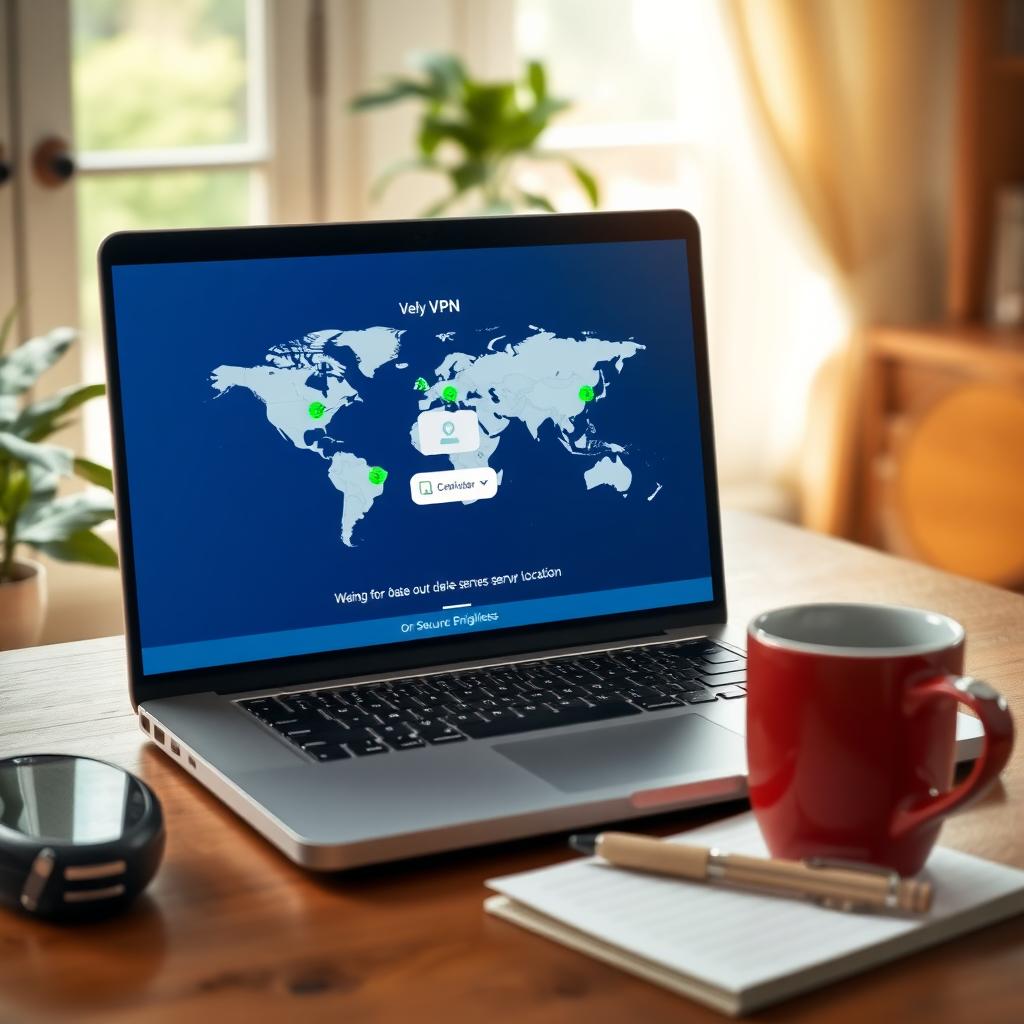
- Server Locations: More server options mean better speed and access to geo-restricted content, but ensure they’re in secure regions.
- Protocols: Opt for secure protocols like OpenVPN or WireGuard, which balance speed and security.
For example, I was impressed by ProtonVPN’s commitment to privacy, as outlined in their guide on how to choose a VPN for maximum privacy - https://protonvpn.com/blog/how-to-choose-a-vpn/. Their transparent no-logs policy and Swiss jurisdiction make them a strong contender.
Free Tools to Safeguard Your Online Privacy
While a VPN is a cornerstone of online privacy, other free tools to safeguard your online privacy can complement it. Here are a few I’ve tried and recommend:
| Tool | Purpose | Why It’s Useful |
|---|---|---|
| HTTPS Everywhere | Forces websites to use secure connections | Ensures your data is encrypted on supported sites |
| Privacy Badger | Blocks trackers automatically | Stops ads and trackers from following you |
| uBlock Origin | Blocks ads and malicious scripts | Improves browsing speed and safety |
These tools are lightweight and easy to install as browser extensions. I started using Privacy Badger last year, and it’s shocking how many trackers it blocks daily. Pairing these with a VPN creates a robust privacy shield.
Simple Steps to Lock Down Your Online Privacy
Choosing a VPN is just one part of the puzzle. To maximize your privacy, follow these simple steps to lock down your online privacy:
- Enable Two-Factor Authentication (2FA): Add an extra layer of security to your accounts.
- Use Strong, Unique Passwords: A password manager like Bitwarden can help generate and store them.
- Limit Data Sharing: Review app permissions and disable unnecessary location or data access.
- Regularly Update Software: Keep your devices and apps updated to patch security vulnerabilities.
- Consider Data Removal Services: Tools like Incogni can help remove your personal data from online databases.
These steps are straightforward but make a big difference. I’ve found that combining a VPN with these habits gives me peace of mind when browsing.
How to Set Up Incogni to Delete Personal Data
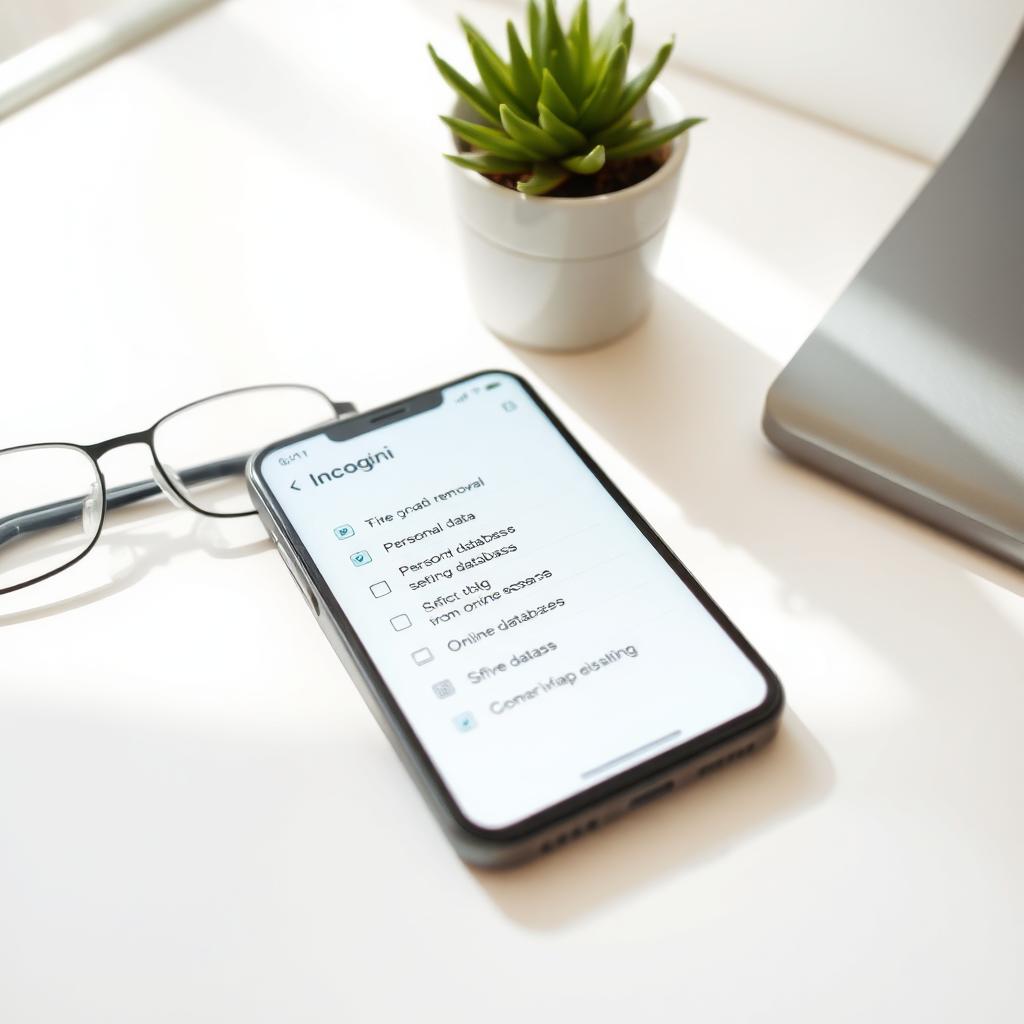
One tool that’s caught my attention is Incogni, a service that removes your personal information from data brokers. If you’re wondering how to set up Incogni to delete personal data, here’s what I learned:
- Sign Up: Visit Incogni’s website and create an account with your email.
- Provide Details: Enter the personal information you want removed, like your name, address, or phone number.
- Authorize Removal: Incogni scans data broker databases and sends removal requests on your behalf.
- Monitor Progress: Check the dashboard for updates on which brokers have removed your data.
I was surprised at how many sites had my info without my knowledge. Incogni automates the process, saving hours of manual requests. It’s a great complement to a VPN for total privacy.
Comparing Top VPNs for Privacy
To help you choose, here’s a quick comparison of popular VPNs based on privacy features:
| VPN Provider | Encryption | No-Logs Policy | Jurisdiction | Kill Switch | Price (Approx.) |
|---|---|---|---|---|---|
| ProtonVPN | AES-256 | Audited | Switzerland | Yes | $5-$10/month |
| NordVPN | AES-256 | Audited | Panama | Yes | $3-$12/month |
| ExpressVPN | AES-256 | Audited | British Virgin Islands | Yes | $8-$13/month |
ProtonVPN stands out for its open-source apps and strong privacy focus, as highlighted in their guide (how to choose a VPN for maximum privacy - https://protonvpn.com/blog/how-to-choose-a-vpn/). NordVPN and ExpressVPN are also reliable, but your choice depends on your budget and needs.

Common Mistakes to Avoid
When I first started using VPNs, I made a few rookie mistakes. Here’s what to watch out for:
- Choosing Free VPNs Without Research: Many free VPNs sell your data or show ads. Stick to reputable providers.
- Ignoring Terms of Service: Always read the privacy policy to confirm the VPN’s no-logs claim.
- Overlooking Speed: A slow VPN can frustrate your browsing experience. Test speeds during the trial period.
- Not Testing the Kill Switch: A faulty kill switch can expose your data. Test it before relying on it.
Learning from these mistakes helped me pick a VPN that truly protects my privacy.
Summary
Choosing a VPN for maximum privacy doesn’t have to be complicated. Focus on strong encryption, a verified no-logs policy, and a privacy-friendly jurisdiction. Combine your VPN with free tools to safeguard your online privacy like Privacy Badger and simple steps to lock down your online privacy like enabling 2FA. Tools like Incogni can further protect you by removing personal data from the web. By taking these steps, you’ll surf the internet with confidence, knowing your data is secure.