Top 10 Privacy Tools for 2025: Safeguard Your Digital Life
Overview: Why Privacy Tools Matter in 2025
In 2025, protecting your online privacy is more critical than ever. With data breaches, trackers, and evolving regulations, the right tools can shield your personal information. This article explores the Top 10 Privacy Tools for 2025, offering practical solutions to stay secure.
Why Online Privacy Is a Growing Concern
Every click, search, or post leaves a digital footprint. Companies collect data to target ads, while hackers exploit vulnerabilities. Understanding Online Privacy Laws, like the GDPR or CCPA, helps you know your rights. These laws set rules for how companies handle your data, but they’re only part of the solution. Tools give you control.
I’ve seen friends stress about their data being shared without consent. It’s unsettling when ads seem to know too much. That’s why I started using privacy tools years ago. They’re not just for tech experts—they’re for anyone who values their personal space online.
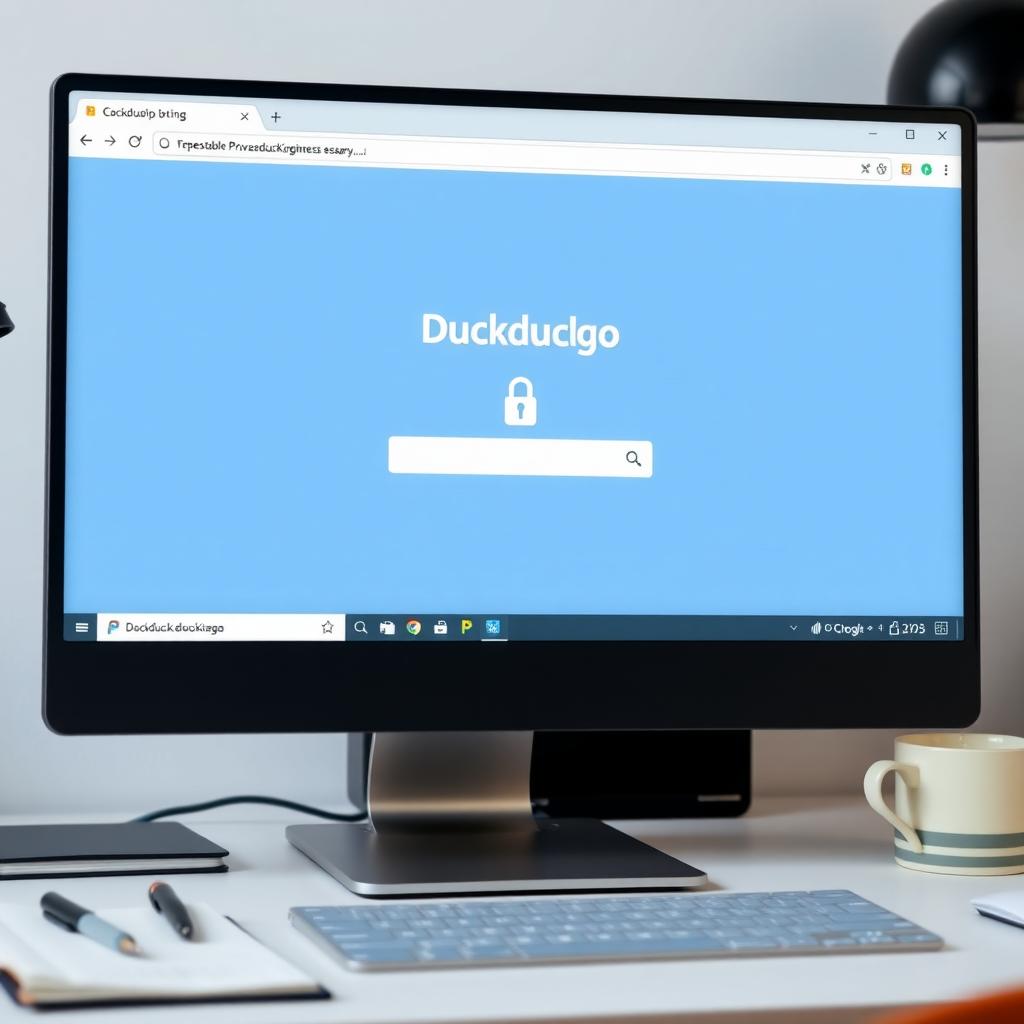
1. DuckDuckGo: Beyond the Search Engine
DuckDuckGo isn’t just a search engine; it’s a privacy powerhouse. Unlike Google, it doesn’t track your searches or build profiles. Its tracker-blocking features stop third-party scripts from following you across sites. In 2025, DuckDuckGo: Beyond the Search Engine also offers email protection and app tracking controls.
Why I Use It: Switching to DuckDuckGo felt like turning off a spotlight on my browsing. It’s simple, fast, and keeps my searches private.
2. Signal: Encrypted Messaging Done Right
Signal is the gold standard for secure messaging. It uses end-to-end encryption, meaning only you and the recipient can read your messages. Even Signal’s servers can’t access them. It’s open-source, so experts can verify its security.
Pro Tip: Use Signal for group chats to keep sensitive discussions private. I switched my family group chat to Signal, and it’s been seamless.
3. Tor Browser: Anonymous Browsing
The Tor Browser routes your internet traffic through multiple servers, hiding your location and identity. It’s ideal for accessing sites without being tracked. However, it can be slower than standard browsers.
My Experience: I use Tor for research when I want complete anonymity. It’s not my daily driver, but it’s unmatched for privacy.
4. Proton VPN: Secure and User-Friendly
A VPN hides your IP address and encrypts your connection. Proton VPN stands out for its no-logs policy and Swiss-based privacy protections. It’s fast enough for streaming and easy to use on multiple devices.
Why It’s Great: I travel often, and Proton VPN keeps my data safe on public Wi-Fi. Check out Proton’s privacy policies for details on their commitment.
5. Brave Browser: Speed and Privacy Combined
Brave blocks ads and trackers by default, speeding up your browsing while protecting your data. It also offers a built-in Tor mode for extra anonymity.
Personal Take: Brave’s ad-blocking saves me from annoying pop-ups, and its rewards system lets me support content creators without compromising privacy.

6. NordPass: Password Management Simplified
NordPass securely stores your passwords and autofills them across devices. It uses strong encryption and offers breach alerts to keep your accounts safe.
Why I Trust It: I used to forget passwords constantly. NordPass organizes everything and alerts me if a site I use gets hacked.
7. Privacy Badger: Automatic Tracker Blocking
Privacy Badger, developed by the Electronic Frontier Foundation, automatically blocks trackers that violate privacy. It learns as you browse, adapting to new threats.
My Tip: Install it as a browser extension for effortless protection. I love how it works quietly in the background. Learn more about its approach at EFF’s Privacy Badger page.
8. Bitwarden: Open-Source Password Security
Bitwarden is another excellent password manager, especially for those who prefer open-source tools. It’s free, secure, and syncs across all your devices.
Why It Works: I recommended Bitwarden to a friend who’s not tech-savvy, and they found it easy to use. It’s a budget-friendly alternative to premium options.
9. ProtonMail: Encrypted Email for Everyone
ProtonMail offers end-to-end encrypted email that’s easy to use. Based in Switzerland, it benefits from strict privacy laws. It’s perfect for sensitive communications.
My Experience: I use ProtonMail for work emails. Knowing my messages are secure gives me peace of mind.
10. Firefox with Privacy Extensions
Firefox is a privacy-friendly browser that supports extensions like uBlock Origin and HTTPS Everywhere. These add-ons block ads, trackers, and force secure connections.
Pro Tip: Customize Firefox with extensions to match your needs. I’ve used it for years and appreciate its flexibility.
Understanding Online Privacy Laws: A Beginner’s Guide
Laws like the GDPR in Europe and CCPA in California give you rights over your data. They require companies to disclose data collection and let you opt out. But laws vary by region, and enforcement can be inconsistent. Check this guide from the FTC for a clear overview.
Why It Matters: Knowing your rights helps you make informed choices. I check privacy policies before signing up for services to avoid surprises.
The Future of Online Privacy Laws
As technology evolves, so do privacy laws. By 2025, expect tighter regulations on AI and data tracking. The Future of Online Privacy Laws may include global standards, but for now, tools are your best defense.
My Take: I’m optimistic about stronger laws but rely on tools to stay proactive.
How to Choose the Right Privacy Tools
Here’s a quick guide to picking tools: | Tool Type | Key Features | Best For | |---------------|------------------|--------------| | VPN | Hides IP, encrypts data | Public Wi-Fi, streaming | | Password Manager | Stores credentials securely | Managing multiple accounts | | Encrypted Messaging | End-to-end encryption | Sensitive chats | | Privacy Browser | Blocks trackers, ads | Everyday browsing |
My Advice: Start with one or two tools, like a VPN and a password manager, then add more as needed.
Summary: Take Control of Your Privacy
The Top 10 Privacy Tools for 2025 empower you to protect your data. From DuckDuckGo’s tracker-free searches to Signal’s encrypted chats, these tools are user-friendly and effective. Combine them with an understanding of Online Privacy Laws to stay ahead. Privacy isn’t just a feature—it’s a right.