How to Choose the Right VPN: A Comprehensive Guide
Overview: Why Choosing the Right VPN Matters
In today’s digital world, protecting your online privacy is more important than ever. A Virtual Private Network (VPN) encrypts your internet connection, keeping your data safe from prying eyes. But with so many options, How to Choose the Right VPN can feel overwhelming. This guide breaks down the essentials, offering practical advice to help you pick a VPN that suits your needs, whether you’re a beginner or a tech-savvy user.
Understanding VPNs: A Beginner's Guide to Online Privacy
A VPN creates a secure tunnel between your device and the internet. It hides your IP address, encrypts your data, and lets you browse anonymously. I’ve used VPNs for years, from streaming shows while traveling to securing my connection on public Wi-Fi. The peace of mind is unmatched, but not all VPNs are created equal.
Here’s what a VPN does: - Protects your data: Encrypts your internet traffic to prevent hacking. - Hides your location: Masks your IP address for anonymity. - Bypasses restrictions: Accesses geo-blocked content like streaming services.
However, choosing the wrong VPN can lead to slow speeds, weak security, or even data leaks. Let’s explore the key factors to consider.
Key Factors to Consider When Choosing a VPN
Picking the right VPN requires balancing privacy, performance, and usability. Here are the most important factors to evaluate:
1. Privacy and Security
Your VPN should prioritize online privacy. Look for: - No-logs policy: Ensure the VPN doesn’t store your browsing history. Check if the policy is independently audited. - Strong encryption: AES-256 is the gold standard. - Kill switch: Automatically cuts your internet if the VPN drops, preventing data leaks.
I once used a VPN without a kill switch, and when the connection failed, my real IP was exposed. Lesson learned: always verify these features.
2. Speed and Performance
A VPN can slow your internet due to encryption. Test the VPN’s speed, especially if you stream or game. Look for providers with servers close to your location for faster connections. I’ve found that premium VPNs often outperform free ones, which can be painfully slow.
3. Server Locations
More server locations mean better access to global content. If you want to watch a show only available in the UK, choose a VPN with UK servers. Check the server count and geographic spread.
4. Ease of Use
A good VPN should be simple to set up and use. Apps should work across devices—phones, laptops, even smart TVs. I recommend testing the interface during a free trial or money-back period.
5. Price and Value
Free VPNs exist, but they often sell your data or limit bandwidth. Paid VPNs, starting at $3–$10/month, offer better security and features. Compare plans to find one that fits your budget.
| Feature | Free VPNs | Paid VPNs |
|---|---|---|
| Privacy | Often track data | No-logs policy |
| Speed | Slow, limited | Fast, reliable |
| Servers | Few locations | Global coverage |
| Support | Limited | 24/7 support |
6. Customer Support
Reliable support is crucial. Look for 24/7 live chat or email support. I’ve had issues with VPNs at odd hours, and quick support made all the difference.
How to Configure IVPN on Android for Maximum Privacy
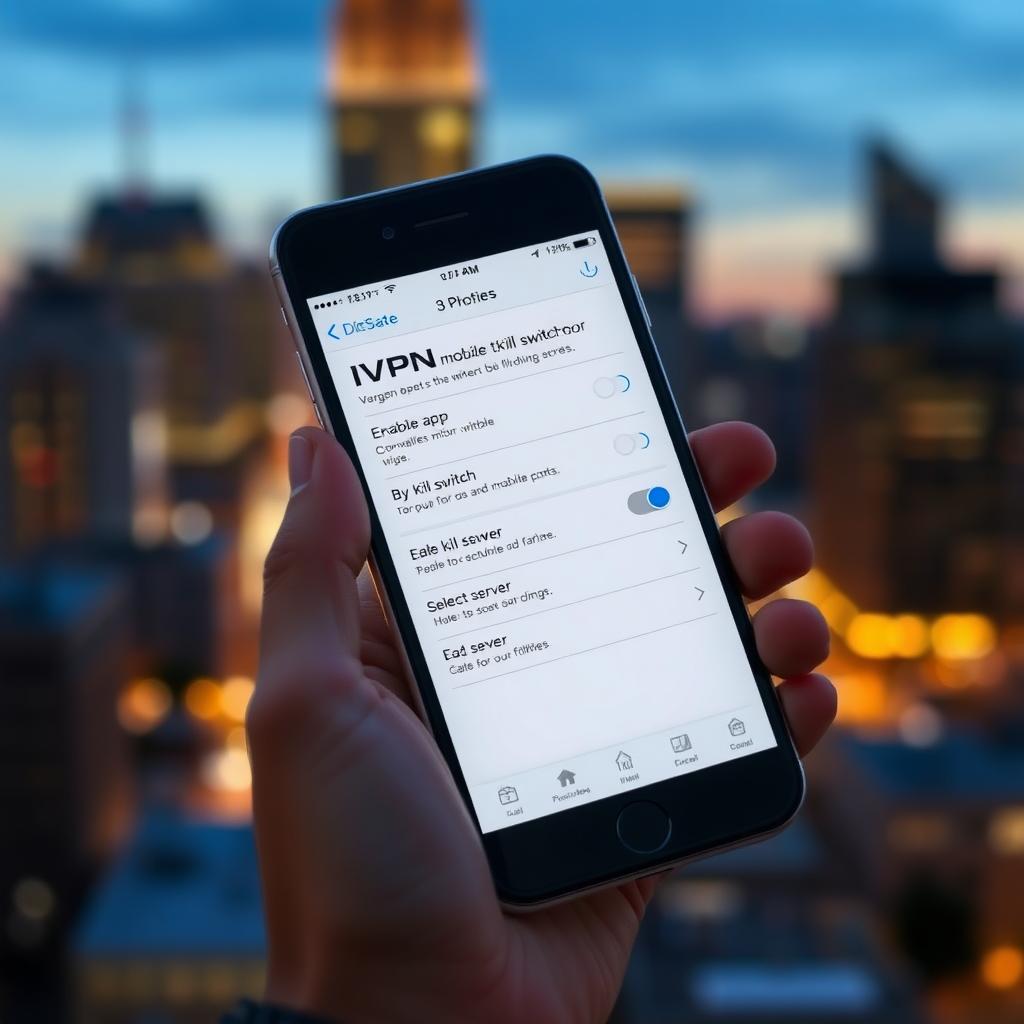
IVPN is a solid choice for privacy-focused users. Its no-logs policy, strong encryption, and open-source apps make it stand out. Here’s a step-by-step guide to setting up IVPN on Android for maximum privacy, based on my own experience:
- Download the App: Get the IVPN app from the Google Play Store or IVPN’s official website (safer to avoid third-party sources).
- Sign In: Use your account credentials. If you don’t have one, sign up on IVPN’s website.
- Enable Kill Switch: Go to Settings > Kill Switch and turn it on to prevent leaks.
- Choose a Protocol: Select WireGuard for speed or OpenVPN for maximum security.
- Select a Server: Pick a server close to your location for better speed or a specific country for content access.
- Enable Anti-Tracker: In the app, turn on Anti-Tracker to block ads and trackers.
- Test the Connection: Visit ipleak.net to ensure your IP is hidden and no leaks occur.
I’ve used IVPN on Android for months, and the Anti-Tracker feature noticeably reduced annoying ads. It’s simple but powerful for online privacy.
Other Online Privacy Tools to Complement Your VPN
A VPN is just one part of staying secure online. Combine it with these tools for better protection: - Password Managers: Store complex passwords securely (e.g., Bitwarden). - Encrypted Browsers: Use Tor or Brave for anonymous browsing. - Ad Blockers: Tools like uBlock Origin reduce tracking. - Secure Messaging Apps: Signal or Telegram for private chats.
I started using a password manager alongside my VPN, and it’s been a game-changer for keeping my accounts safe.
Common Mistakes to Avoid
When choosing a VPN, watch out for these pitfalls: - Choosing Free VPNs Without Research: Many free VPNs log your data. Always read the privacy policy. - Ignoring Server Locations: A VPN with limited servers may not unblock the content you need. - Overlooking Compatibility: Ensure the VPN works on all your devices. - Skipping Trials: Test the VPN before committing to a long-term plan.
I once picked a VPN based on price alone and ended up with slow speeds and no Netflix access. Take your time to research.
Summary: Making the Right Choice
Choosing the right VPN comes down to understanding your needs—privacy, speed, or access to global content. Prioritize a no-logs policy, strong encryption, and ease of use. For Android users, configuring IVPN properly ensures maximum privacy. Combine your VPN with other online privacy tools for a robust defense. Take advantage of trials to test your options, and you’ll find a VPN that keeps you secure and stress-free.