Social Media Privacy Tips for 2025: Simple Steps to Lock Down Your Online Privacy
Overview
In 2025, social media is a double-edged sword: it connects us but exposes our personal data. With privacy threats like AI scraping and data breaches on the rise, protecting your online presence is critical. This guide shares social media privacy tips for 2025, offering simple steps to lock down your online privacy using tools like Incogni and other strategies.
Why Social Media Privacy Matters in 2025
Social media platforms are central to how we share, connect, and work. But every post, like, or story can leave a digital trail. I learned this the hard way when a friend’s overshared vacation post led to a targeted scam. In 2025, risks are even higher—AI-powered data harvesting, deepfake scams, and cross-platform tracking are real threats. According to a 2024 Pew Research study on internet privacy, 81% of Americans believe they have little control over their data on social platforms. That’s why locking down your privacy is non-negotiable.
The good news? You don’t need to be a tech expert to stay safe. With the right tools and habits, you can take control. Below, I’ll walk you through practical social media privacy tips for 2025, including how to set up Incogni to delete personal data and other online privacy tools to keep your information secure.
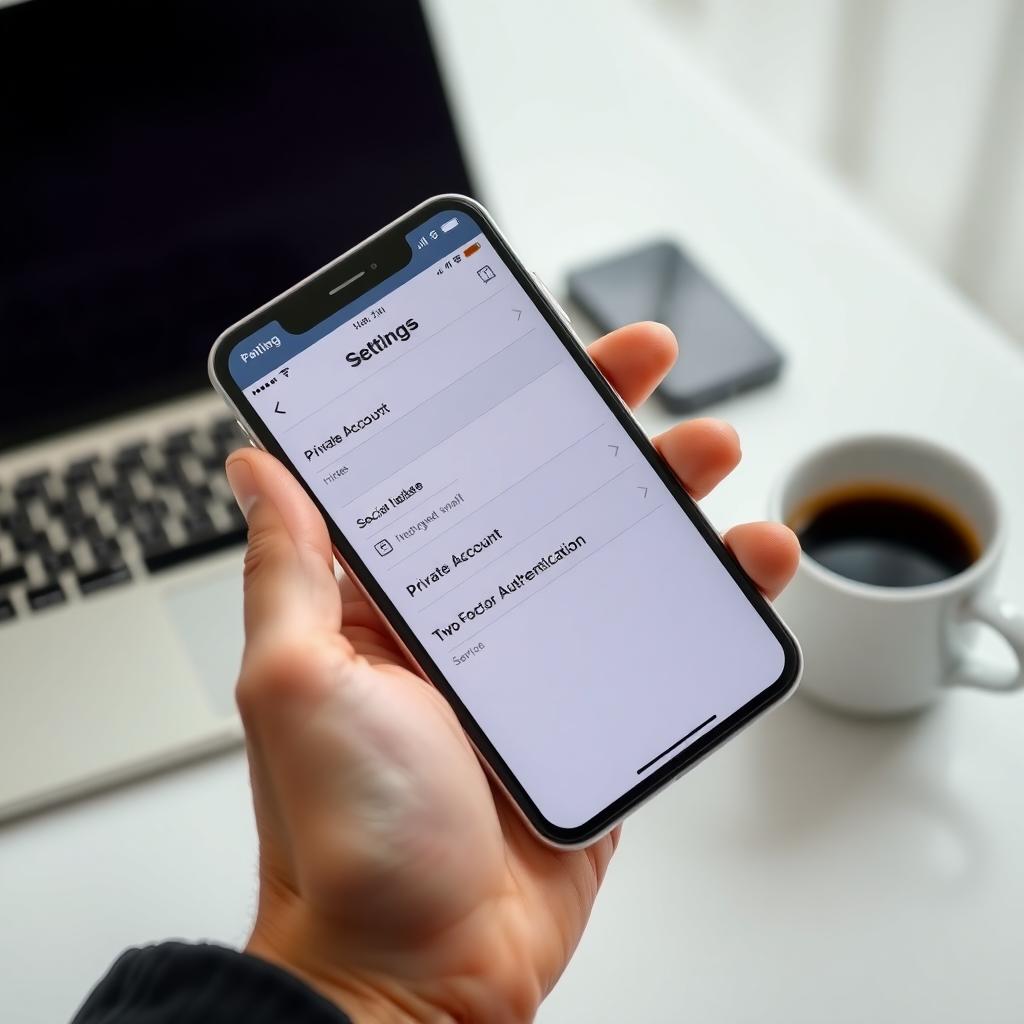
Social Media Privacy Tips for 2025
Here are actionable steps to protect your digital life. I’ve tested these myself and found them effective for balancing connectivity with security.
1. Review and Adjust Privacy Settings Regularly
Every social media platform has privacy settings, but they’re often set to public by default. Check your settings on platforms like Instagram, Facebook, and X at least monthly. For example, on Instagram, switch to a private account to limit who sees your posts. On X, manage ad preferences to reduce targeted ads. Last year, I found an old public post on my Facebook that shared my location—yikes. Now, I audit my settings quarterly.
Quick Checklist for Privacy Settings: - Set profiles to private where possible. - Disable location sharing unless necessary. - Limit who can tag you in photos or posts. - Review third-party app permissions.
2. Enable Two-Factor Authentication (2FA)
Two-factor authentication adds a second layer of security, like a code sent to your phone or email. Most platforms, including LinkedIn and WhatsApp, offer 2FA. I started using an authenticator app instead of SMS after learning SMS codes can be intercepted. A 2024 NIST report on authentication recommends authenticator apps for stronger security. Turn on 2FA for every account—it takes two minutes and can prevent hacks.
3. Use Incogni to Delete Personal Data
One of the best online privacy tools I’ve used is Incogni, which automates the removal of your personal data from data brokers. These brokers collect and sell your info, often without your knowledge. Setting up Incogni is straightforward:
- Sign Up: Visit Incogni’s website and create an account.
- Provide Details: Enter basic info like your name, email, and address.
- Authorize Removal: Incogni scans data broker databases and sends removal requests on your behalf.
- Monitor Progress: Check your dashboard for updates on data removal.
I signed up last year and was shocked to see my info on 20+ broker sites. Incogni reduced my exposure significantly, and it’s a set-it-and-forget-it tool. For detailed guidance, check Incogni’s official setup guide.

4. Limit What You Share
Oversharing is a common mistake. I used to post real-time vacation photos, but a colleague’s story about a burglary during a trip made me rethink. Avoid sharing live locations, home addresses, or sensitive details like your birthdate. Use features like Instagram’s Close Friends to share with a trusted circle. A 2025 study from the Electronic Frontier Foundation warns that oversharing fuels AI scraping and identity theft.
5. Be Cautious with Third-Party Apps
Many social media apps connect to third-party services, like games or analytics tools, which can access your data. I once linked a quiz app to my Facebook, only to find it accessed my friend list. Regularly review and revoke permissions in your app settings. On Facebook, go to Settings > Apps and Websites to see connected apps. Disconnect anything you don’t recognize or use.
6. Use Encrypted Messaging Apps
For private chats, switch to apps with end-to-end encryption, like WhatsApp or Telegram. These ensure only you and the recipient can read messages. I moved group chats to WhatsApp after learning unencrypted apps could expose conversations. Check platform settings to enable encryption where available.
7. Monitor Login Activity
Most platforms let you track active sessions. On Instagram, go to Settings > Security > Login Activity to see where your account is logged in. I once found an unfamiliar device logged into my account from another country—promptly logging it out saved me from a potential hack. Set up alerts for suspicious logins.

Online Privacy Tools to Enhance Your Security
Beyond Incogni, other online privacy tools can bolster your defenses:
| Tool | Purpose | Why It’s Useful |
|---|---|---|
| ProtonVPN | Encrypts internet traffic | Hides your browsing from ISPs and trackers |
| Privacy Badger | Blocks trackers | Stops ads and scripts that track you |
| LastPass | Password manager | Creates and stores strong, unique passwords |
I use ProtonVPN when on public Wi-Fi—it’s a game-changer for secure browsing. Combine these with Incogni for a robust privacy strategy.
Common Privacy Risks and How to Avoid Them
Here’s a quick rundown of risks and prevention tips: - Location Tracking: Disable location sharing in app settings. - Facial Recognition: Opt out of auto-tagging in photos. - Data Harvesting: Use Incogni to remove data from brokers. - Social Engineering: Be skeptical of unsolicited messages or friend requests.
I once received a message from a “friend” asking for money—turns out, their account was hacked. Always verify identities before sharing sensitive info.
Staying Proactive in 2025
Privacy isn’t a one-time fix; it’s an ongoing process. Set calendar reminders to review settings, update passwords, and check for platform policy changes. I mark the first Sunday of each month for a quick privacy audit—it takes 15 minutes and keeps me in control. Staying informed about new threats, like deepfake scams, is also key. Follow trusted sources like the Electronic Privacy Information Center for updates.
Summary
Protecting your online privacy in 2025 is about staying proactive and using the right tools. By adjusting privacy settings, enabling 2FA, using Incogni to delete personal data, and adopting secure habits, you can enjoy social media without compromising your security. Start with one tip today, like setting up 2FA, and build from there. Your digital life deserves that protection.