How to Choose the Right VPN for Your Needs: A Comprehensive Guide
Overview
With online privacy threats on the rise, choosing the right VPN (Virtual Private Network) can feel overwhelming. A VPN encrypts your internet connection, protecting your data from prying eyes. This guide breaks down how to choose the right VPN for your needs, covering security features, speed, privacy policies, and more, while weaving in insights on the importance of two-factor authentication and top privacy tools for secure browsing.
Why You Need a VPN
A VPN is like a secure tunnel for your internet traffic. It hides your IP address, making it harder for websites, advertisers, or hackers to track you. Whether you’re working remotely, streaming content, or browsing on public Wi-Fi, a VPN ensures your data stays private. I’ve used VPNs for years, especially when traveling, to access region-locked content and protect sensitive information on unsecured networks. But not all VPNs are created equal—choosing the right one depends on your specific needs.
Key Factors to Consider When Choosing a VPN
To find the best VPN, you need to evaluate several factors. Here’s what I’ve learned from testing dozens of services over the years:
1. Security and Encryption
Strong encryption is non-negotiable. Look for VPNs that use AES-256 encryption, the industry standard for secure data transmission. Protocols like OpenVPN or WireGuard offer robust protection. Also, check for a kill switch—a feature that cuts your internet if the VPN drops, preventing data leaks. I once had a VPN fail without a kill switch, and my real IP was exposed briefly. It was a wake-up call to prioritize this feature.
2. Privacy and No-Logs Policy
A VPN’s privacy policy is critical. Opt for providers with a strict no-logs policy, meaning they don’t store your browsing history or connection details. Look for VPNs audited by independent firms like Deloitte or PwC to verify these claims. For example, ExpressVPN’s no-logs policy has been independently audited, giving users peace of mind. Always read the fine print—some VPNs claim ‘no logs’ but still collect some data.
3. Speed and Performance
Speed matters, especially for streaming or gaming. VPNs can slow your connection due to encryption, but top providers minimize this. I’ve tested VPNs like NordVPN and found they maintain fast speeds even on distant servers. Check for servers in multiple locations to ensure low latency. If you’re streaming Netflix or gaming online, prioritize VPNs with optimized servers for these activities.
4. Server Locations and Accessibility
The number and location of servers affect your ability to access global content. A VPN with servers in many countries lets you bypass geo-restrictions easily. For instance, I used a VPN with a UK server to watch BBC iPlayer while abroad. Ensure the VPN covers regions you need, and check if it supports P2P file sharing for torrenting.
5. Ease of Use and Compatibility
A good VPN should be user-friendly and work across devices—Windows, macOS, Android, iOS, and even routers. I prefer VPNs with intuitive apps that don’t require tech expertise. Look for providers offering simultaneous connections for multiple devices. This is handy if you want to protect your phone, laptop, and tablet at once.
6. Customer Support and Pricing
Reliable customer support is a lifesaver when issues arise. Opt for VPNs with 24/7 live chat or email support. Pricing varies, but don’t just go for the cheapest option—free VPNs often sell your data or have weak security. Compare features against cost to find value. For example, a mid-tier VPN like Surfshark offers great features at a budget-friendly price.
The Importance of Two-Factor Authentication
While a VPN protects your internet traffic, it’s not enough on its own. The importance of two-factor authentication (2FA) can’t be overstated. 2FA adds an extra layer of security by requiring a second verification step, like a code sent to your phone, when logging into your VPN account. I once had an account compromised because I skipped 2FA—lesson learned. Many VPNs, like NordVPN, now integrate 2FA for account access. According to a study by Google, 2FA blocks 99.9% of automated attacks, making it a must-have for securing your VPN and other online accounts.
Top Privacy Tools for Secure Browsing
A VPN is just one piece of the privacy puzzle. Pairing it with other top privacy tools for secure browsing enhances your protection. Here are my go-to tools:
- Privacy-Focused Browsers: Browsers like Firefox or Brave block trackers by default. I’ve switched to Brave for its built-in ad-blocker, which speeds up browsing and reduces tracking.
- Browser Extensions: Tools like uBlock Origin and Privacy Badger stop ads and trackers. I use uBlock Origin on Firefox for a cleaner, safer web experience.
- Secure Search Engines: DuckDuckGo doesn’t track your searches, unlike Google. It’s my default for private searches.
- Encrypted Messaging: Apps like Signal encrypt your conversations, keeping them private from ISPs and hackers.
Combining these tools with a VPN creates a robust privacy setup. For instance, using DuckDuckGo with a VPN like ProtonVPN ensures both your searches and connection are private.
Firefox Focus vs DuckDuckGo: Which Mobile Browser Is More Private?
When it comes to mobile browsing, Firefox Focus vs DuckDuckGo: which mobile browser is more private? is a common question. Both prioritize privacy but cater to different needs. Firefox Focus is minimalist, automatically deleting your browsing history and cookies when you close it. It’s great for quick, private sessions but lacks features like bookmarking. I’ve used it when browsing sensitive sites on my phone, and the ‘erase’ button feels like a digital reset.
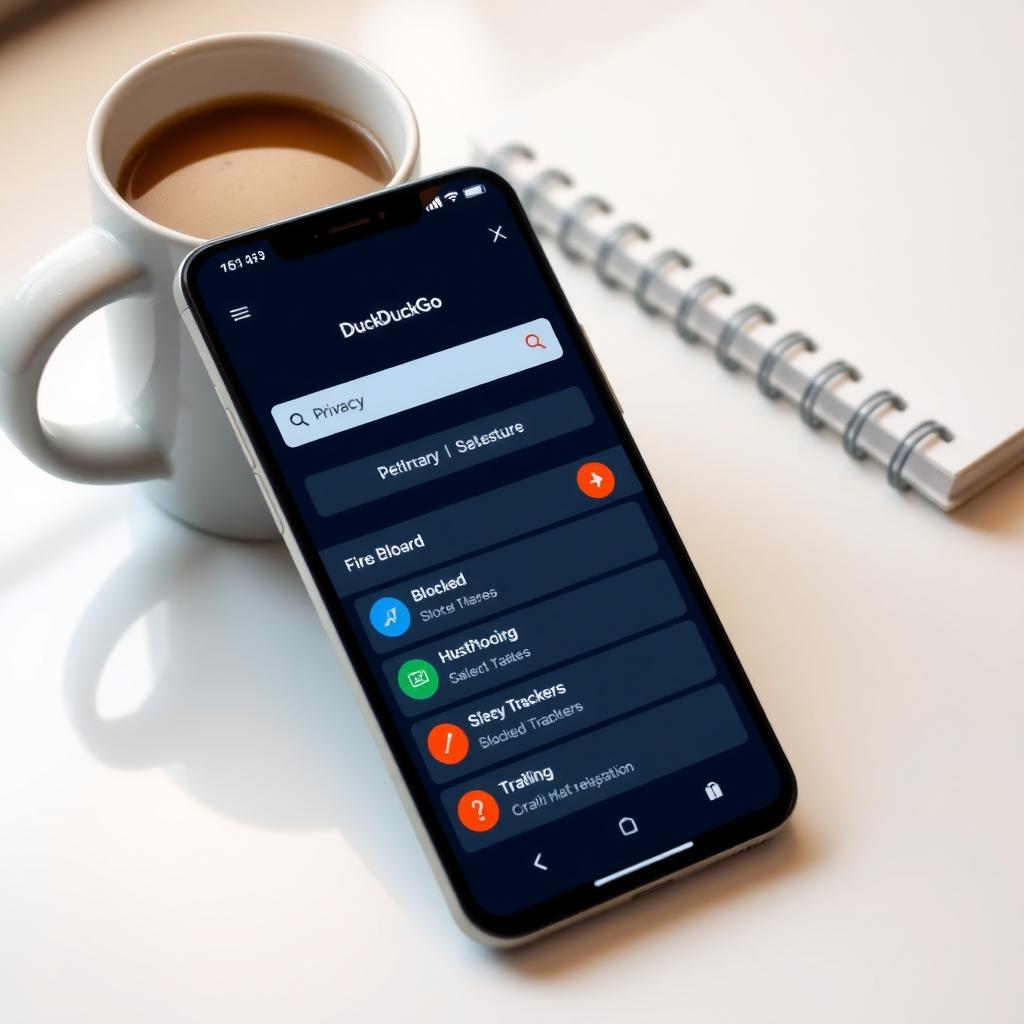
DuckDuckGo’s browser, on the other hand, offers more features, like bookmarking and a Fire Button to clear sessions instantly. It also includes email protection and Global Privacy Control. I find DuckDuckGo’s interface more versatile for daily use, but it’s slightly less strict than Firefox Focus. According to PrivacyTests.org, both browsers block trackers effectively, but DuckDuckGo’s additional tools make it better for users wanting a balance of privacy and functionality. Choose Firefox Focus for maximum simplicity, or DuckDuckGo for a feature-rich, privacy-focused experience.
Common Mistakes to Avoid
When picking a VPN, avoid these pitfalls:
| Mistake | Why It’s a Problem | Solution |
|---|---|---|
| Choosing a free VPN | Often sell data or lack encryption | Invest in a paid, reputable VPN |
| Ignoring the privacy policy | Some VPNs log data despite claims | Look for audited no-logs policies |
| Overlooking server locations | Limits access to global content | Check server coverage before subscribing |
I made the mistake of trying a free VPN once, only to find my browsing data was being tracked. Stick to trusted providers to avoid headaches.
Tips for Maximizing VPN Privacy
To get the most out of your VPN:
- Enable 2FA: Always turn on two-factor authentication for your VPN account.
- Use Privacy Tools: Combine your VPN with tools like DuckDuckGo or uBlock Origin.
- Regularly Update Settings: Check for protocol updates or new server locations.
- Test for Leaks: Use tools like DNSLeakTest.com to ensure your VPN isn’t leaking your IP.
I run a DNS leak test monthly to confirm my VPN is working as promised. It’s a small step that boosts confidence in my setup.
Summary
Choosing the right VPN involves balancing security, speed, privacy, and usability. Prioritize strong encryption, a no-logs policy, and servers that match your needs. Pair your VPN with online privacy tools like DuckDuckGo or Firefox Focus, and enable two-factor authentication for extra security. By avoiding common mistakes and using complementary tools, you can browse with confidence and protect your digital life.