Understanding Data Breaches: What You Need to Know
Overview: Why Data Breaches Matter
Data breaches are more than just headlines—they’re real threats to your personal information. From stolen passwords to exposed credit card details, these incidents can disrupt lives. Understanding data breaches: what you need to know starts with recognizing their causes, impacts, and how to stay safe in a connected world.
What Is a Data Breach?
A data breach happens when unauthorized people access sensitive information, like your name, email, or financial details. Think of it like someone sneaking into your house and rifling through your personal files. Breaches can occur due to hacking, weak passwords, or even employee mistakes. For example, in 2023, a major retailer exposed millions of customer records because of a misconfigured server. These incidents aren’t rare—over 2.6 billion personal records were compromised globally in 2022 alone, according to reports from cybersecurity firms.
How Do Data Breaches Happen?
Breaches often stem from simple oversights or sophisticated attacks. Common causes include:
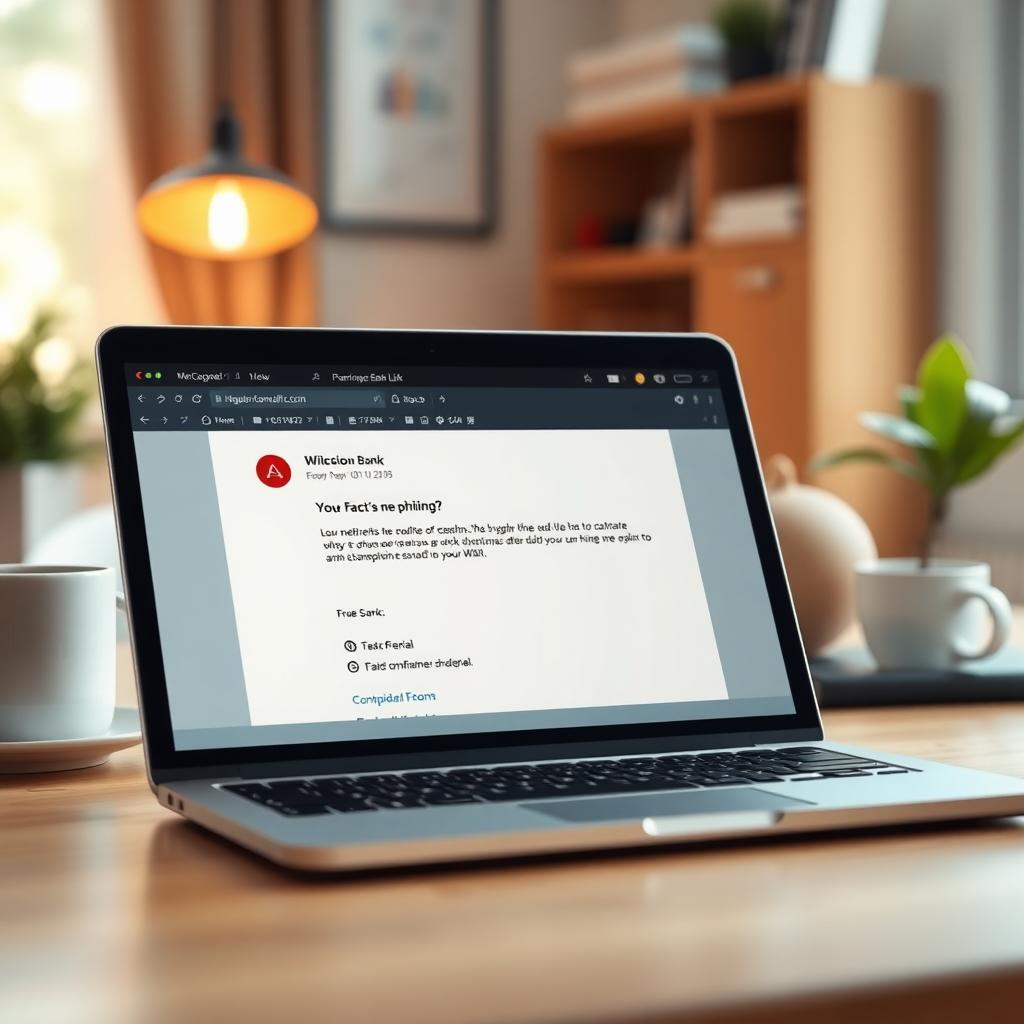
- Phishing Attacks: Scammers trick you into sharing passwords via fake emails.
- Weak Security: Outdated software or weak passwords make systems vulnerable.
- Insider Threats: Employees may accidentally or intentionally leak data.
- Malware: Viruses can infiltrate devices, stealing data silently.
I once clicked a suspicious link in an email, thinking it was from my bank. Luckily, I caught it in time, but it was a wake-up call about how easy it is to fall for these traps.
The Impact of a Data Breach
When your data is exposed, the consequences can be serious. Identity theft is a big risk—someone could use your details to open accounts or make purchases. Financial loss is another concern; in 2024, the average cost of a data breach for individuals was estimated at $4,000, per IBM’s security reports. Beyond money, breaches can cause emotional stress. Imagine the frustration of dealing with fraudulent charges or frozen accounts. The importance of online privacy becomes clear when you realize how much of your life is tied to your digital footprint.
The Importance of Online Privacy
Protecting your data isn’t just about avoiding breaches—it’s about controlling your digital life. Online privacy means deciding who gets access to your information and how it’s used. Every time you share your email or browse a website, you’re leaving a trail. Companies collect this data to target ads, but hackers can exploit it too. Tools like strong passwords, two-factor authentication (2FA), and private browsers help you stay in control. I started using 2FA after a friend’s account was hacked—it’s a small step that makes a big difference.
Firefox Focus vs DuckDuckGo: Which Mobile Browser Is More Private?
Choosing the right browser is a key part of online privacy. Two popular options are Firefox Focus and DuckDuckGo’s mobile browser. Both prioritize privacy, but they work differently. Here’s a quick comparison:
| Feature | Firefox Focus | DuckDuckGo |
|---|---|---|
| Tracking Protection | Blocks trackers automatically | Blocks trackers and shows who’s blocked |
| Data Clearing | Deletes browsing data after each session | One-tap data clearing option |
| Search Engine | Uses Google by default (customizable) | Uses DuckDuckGo’s private search |
| User Experience | Minimalist, no tabs | Full browser with tab support |
Firefox Focus is great for quick, private browsing—it’s like a digital shredder, erasing your tracks after each session. DuckDuckGo offers more features, like tabbed browsing, and its search engine doesn’t track you. I use Firefox Focus for sensitive searches, like banking, but switch to DuckDuckGo for everyday browsing because it feels more versatile.

Online Privacy Tools to Protect Yourself
Beyond browsers, several tools can boost your online privacy:
- Password Managers: Tools like LastPass or 1Password create and store strong passwords.
- VPNs: A virtual private network (like NordVPN) hides your IP address.
- Encrypted Messaging: Apps like Signal keep your chats private.
- Ad Blockers: Tools like uBlock Origin stop trackers disguised as ads.
I started using a VPN after noticing how many websites tracked my location. It’s like putting a lock on your digital front door. Combining these tools creates layers of protection, making it harder for hackers to target you.
Steps to Take After a Data Breach
If you’re caught in a breach, act fast:
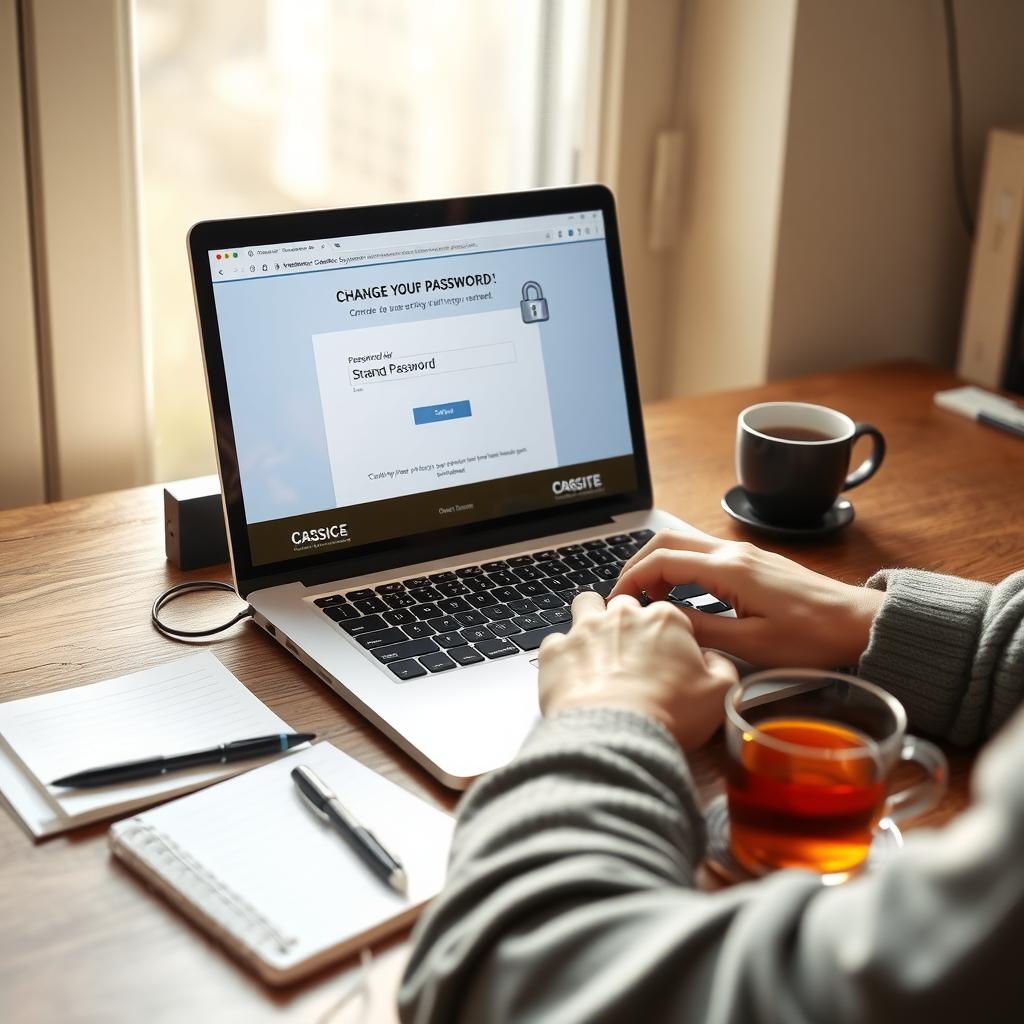
1. Change Passwords: Update passwords for affected accounts and any others using similar credentials.
2. Enable 2FA: Add an extra layer of security.
3. Monitor Accounts: Watch for suspicious activity on bank or email accounts.
4. Freeze Credit: Contact credit bureaus to prevent fraudulent accounts.
5. Report the Breach: Notify your bank or the affected company.
I once got a notice that my email was part of a breach. Changing my password and enabling 2FA took 10 minutes and saved me a lot of worry.
How to Prevent Data Breaches
Prevention is better than damage control. Here are practical tips:
- Use unique passwords for every account.
- Update software regularly to patch security holes.
- Be cautious with emails—don’t click unknown links.
- Back up important data to avoid losing it in a breach.
- Use online privacy tools like those mentioned earlier.
I make it a habit to check my software updates weekly. It’s a small effort that keeps my devices secure.
Why Online Privacy Is a Long-Term Commitment
Staying safe online isn’t a one-time fix. Hackers are always finding new ways to exploit data, so you need to stay proactive. Regularly review your privacy settings, explore new online privacy tools, and stay informed about threats. The importance of online privacy grows as our lives become more digital. I’ve learned to treat my data like my wallet—always keep an eye on it.
Summary: Take Control of Your Data
Data breaches are a real risk, but you’re not helpless. By understanding data breaches: what you need to know, using tools like Firefox Focus or DuckDuckGo, and taking proactive steps, you can protect your information. Stay vigilant, use strong privacy practices, and keep learning to stay one step ahead of cyber threats.