Simple Steps to Enhance Your Online Security
In today's digital world, protecting your online presence is more important than ever. These simple steps to enhance your online security can help you stay safe from threats like hackers, data breaches, and unwanted tracking. Start today and build better habits for a secure online life. (38 words)
Why Online Security Matters
Every day, we share personal information online—emails, photos, banking details. Without proper protection, this data can fall into the wrong hands. I've seen friends deal with identity theft after a simple phishing email. It disrupts lives and takes months to fix.
Taking simple steps to enhance your online security reduces risks. You don't need to be a tech expert. Small changes make a big difference.
Step 1: Use Strong, Unique Passwords
Weak passwords are like leaving your front door unlocked. Use a mix of letters, numbers, and symbols. Make them at least 12 characters long.
Don't reuse passwords across sites. If one account gets hacked, others stay safe.
I switched to a password manager years ago. It generates strong passwords and stores them securely. Popular options in 2025 include Bitwarden (free and open-source) and 1Password.
Quick Tips for Passwords:
- Avoid common words like "password" or your birthday.
- Change default passwords on devices like routers.
- Update important passwords regularly.
Step 2: Enable Two-Factor Authentication (2FA)
2FA adds an extra layer. Even if someone guesses your password, they need a second code—usually from your phone.
Turn it on for email, banking, and social media. Use an authenticator app like Google Authenticator instead of SMS for better security.
This simple step stops most unauthorized access. I've avoided hacks thanks to 2FA.

Why Encrypted Messaging Apps Are a Must-Have
Regular texts and calls can be intercepted. Encrypted apps ensure only you and the recipient read messages.
In 2025, top choices include Signal (best for privacy, nonprofit-run) and WhatsApp (widely used with end-to-end encryption).
Switching to these apps protected my private conversations. No more worrying about prying eyes.
Other great options: Threema for anonymous use, or Session for no phone number required.
Step 3: Use a VPN for Public Wi-Fi
Public networks are risky—hackers can snoop on your data.
A VPN encrypts your connection, hiding your activity. Reliable 2025 picks: Proton VPN (free tier available) or Mullvad for strong privacy.
Always connect to a VPN on coffee shop Wi-Fi. It's saved me from potential data leaks.
Best Privacy Tools for Online Safety 2025
Here are top tools recommended by experts:
| Tool | Purpose | Why It's Great |
|---|---|---|
| Bitwarden | Password Manager | Free, open-source, secure |
| Signal | Messaging | End-to-end encryption, no data collection |
| Proton VPN | VPN | No-logs policy, free option |
| uBlock Origin | Ad/Tracker Blocker | Browser extension, lightweight |
| Incogni | Data Removal | Automates opt-outs from brokers |
Combine these for layered protection.
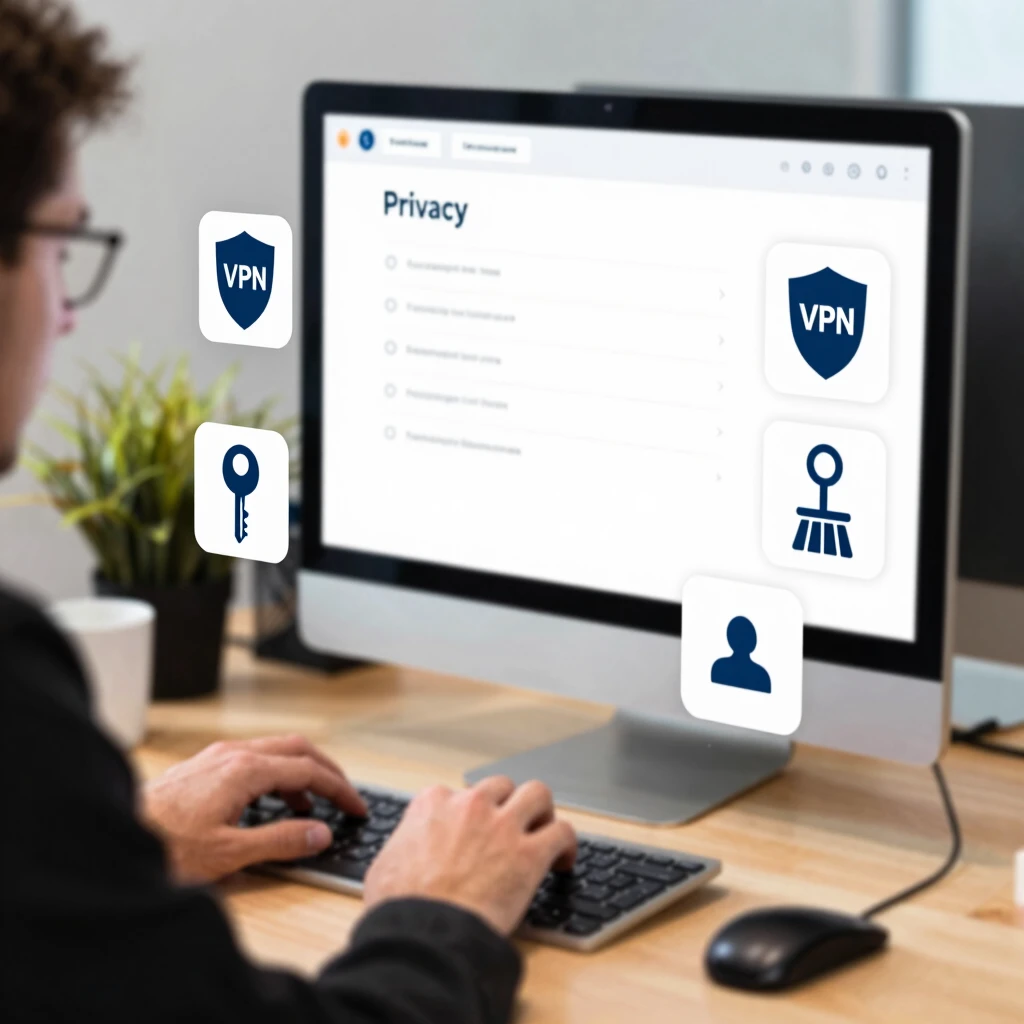
Simple Steps to Lock Down Your Online Privacy
Beyond basics:
- Use privacy-focused browsers like Brave or Firefox with extensions like uBlock Origin.
- Limit social media sharing—adjust privacy settings.
- Regularly update software for security patches.
- Be cautious with emails—avoid clicking suspicious links.
These habits build a strong defense.
How to Set Up Incogni to Delete Personal Data
Data brokers collect and sell your info—address, phone, more. This increases spam and risks.
Incogni automates removal requests to hundreds of brokers.
Easy Setup Steps:
- Visit incogni.com and sign up.
- Provide your details (name, address, email, phone).
- Authorize requests under laws like CCPA/GDPR.
- Dashboard shows progress—Incogni handles follow-ups.
I used Incogni and saw my info vanish from many sites quickly. It's worth it for peace of mind.
Final Thoughts
These simple steps to enhance your online security are easy to implement but powerful. Start with one or two today. Over time, they'll become habits that protect you in 2025 and beyond.
Stay vigilant, but don't stress—good tools and awareness go far.