The Beginner’s Guide to VPNs and Online Privacy
Quick Overview
In today's connected world, your online activities leave traces everywhere. This beginner’s guide to VPNs and online privacy helps you understand simple steps to protect your data, browse safely, and regain control over your digital life. Let's dive in.
Why Online Privacy Matters More Than Ever
Think about how much of your life happens online. You shop, bank, chat with friends, and work—all while sharing personal details.
Companies track your clicks to sell ads. Governments monitor traffic in some countries. Hackers lurk on public Wi-Fi, waiting to steal passwords or credit card info.
I remember the first time I realized this. Years ago, I used free airport Wi-Fi and later noticed strange login attempts on my accounts. That scare pushed me to learn more about online privacy. You don't need to be paranoid—just prepared.
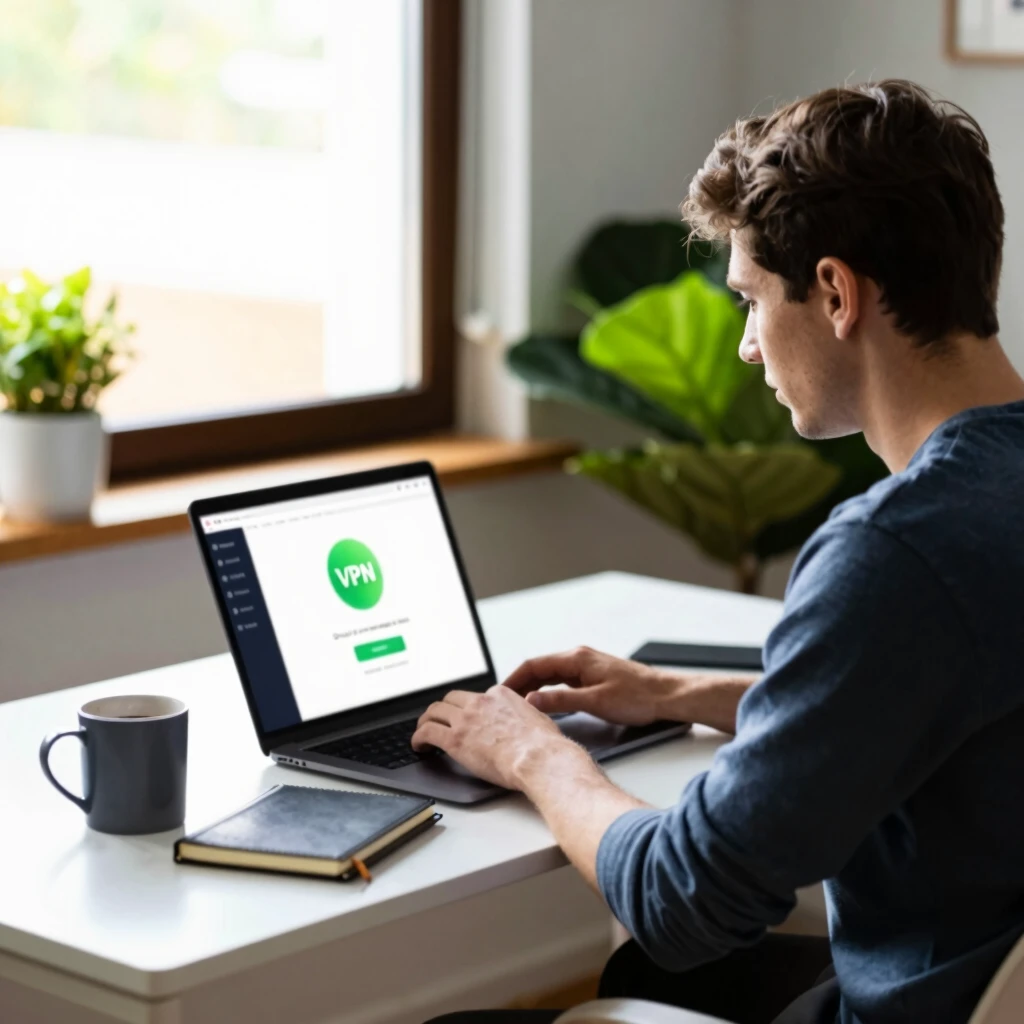
What Is a VPN and How Does It Work?
A VPN, or Virtual Private Network, creates a secure tunnel between your device and the internet.
Without a VPN, your data travels openly. Your ISP (Internet Service Provider) sees everything. Websites know your real location.
With a VPN on, your traffic gets encrypted. It bounces through a remote server, hiding your IP address and making your activity private.
Here's a simple breakdown:
- Encryption: Scrambles your data so no one can read it.
- IP Masking: Shows the VPN server's location instead of yours.
- No Logs (ideally): Good VPNs don't record what you do.
VPNs shine when you use public Wi-Fi at cafes, hotels, or airports.
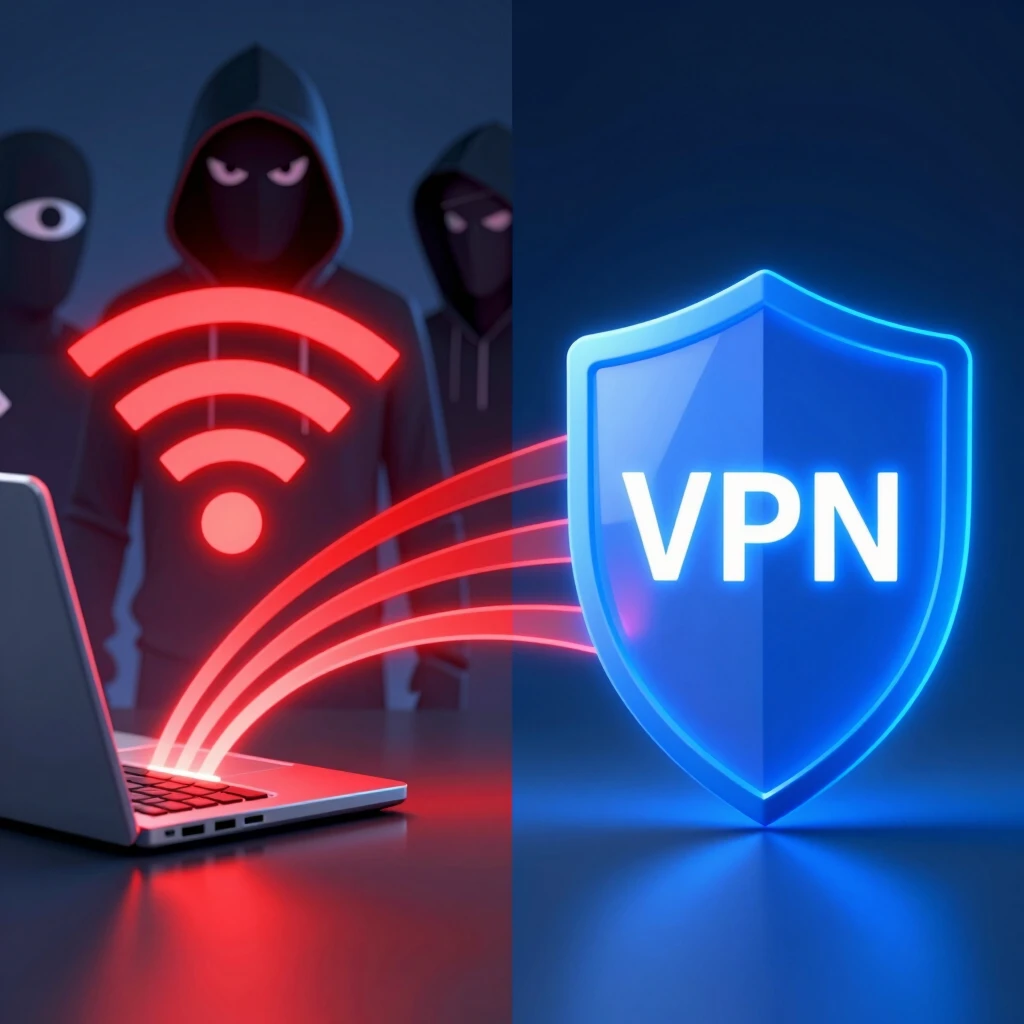
Key Benefits of Using a VPN
- Enhanced Security: Protects against snooping on unsecured networks.
- Privacy Protection: Stops ISPs and websites from tracking you.
- Access Restricted Content: Bypasses geo-blocks for streaming or news.
- Anonymous Browsing: Reduces targeted ads based on your habits.
From my experience, turning on a VPN feels like closing the curtains in a bright room—sudden peace of mind.
Choosing the Right VPN for Beginners
Not all VPNs are equal. Free ones often sell your data or bombard you with ads—avoid them.
Look for these features:
| Feature | Why It Matters |
|---|---|
| Strong Encryption | Keeps data truly private |
| No-Logs Policy | Verified by independent audits |
| Kill Switch | Cuts internet if VPN drops |
| Fast Speeds | No frustrating slowdowns |
| Multiple Devices | Covers phone, laptop, tablet |
Popular trusted options include ExpressVPN, NordVPN, and Proton VPN (which has a solid free tier).
Proton VPN stands out because it's from the same team behind Proton Mail, focusing heavily on privacy.
Beyond VPNs: Essential Online Privacy Tools
A VPN is a great start, but combine it with other online privacy tools for better protection.
Password Management 101: Keeping Your Accounts Secure
Weak or reused passwords cause most breaches. Use a password manager to create and store strong, unique ones.
Tools like Bitwarden (free and open-source) or 1Password make it easy. They autofill logins and alert you to weak passwords.
Action step: Install one today and change your top 5 accounts to complex passwords.

Secure Email Options
Regular email like Gmail scans your messages for ads. Switch to encrypted alternatives.
Proton Mail setup guide for beginners: Sign up at proton.me, create an account with a strong password, and enable two-factor authentication. It's free, end-to-end encrypted, and user-friendly.
Other Handy Tools
- Ad and Tracker Blockers: uBlock Origin for browsers.
- Two-Factor Authentication (2FA): Apps like Authy or Google Authenticator.
- HTTPS Everywhere: Forces secure connections (now built into many browsers).
These tools work together like layers of an onion—each adds protection.
Common Myths About Online Privacy
Myth: "I have nothing to hide." Reality: Everyone deserves privacy. It's about control, not guilt.
Myth: "VPNs make me 100% anonymous." Reality: They help a lot, but avoid illegal activities—VPNs aren't for that.
Myth: "Only tech experts need this." Reality: Anyone with an internet connection benefits from basic steps.
Simple Habits to Boost Your Privacy Daily
- Use incognito mode sparingly—it doesn't hide from ISPs.
- Review app permissions on your phone.
- Avoid clicking suspicious links.
- Update devices and apps regularly.
- Think before posting personal info on social media.
Small changes add up. I've made these routine, and I sleep better knowing my data stays mine.
Final Thoughts
Protecting your online privacy starts with awareness and simple tools like VPNs. Begin with one step today—download a reputable VPN or set up a password manager. Over time, these habits become second nature.
Stay safe out there, and enjoy a freer, more secure internet.