How to Lock Down Your Online Presence: Simple Steps to Protect Your Privacy
Overview
In today’s digital world, your online presence is like a public diary—open to anyone unless you take steps to secure it. From social media to shopping sites, personal data is constantly collected, shared, and sometimes exploited. This article shares simple, actionable steps to lock down your online presence, protect your privacy, and regain control over your digital footprint. With tools like Incogni and smart habits, you can stay safe without unplugging completely.
Why Locking Down Your Online Presence Matters
Every click, post, or purchase leaves a digital trail. Companies, hackers, and even curious strangers can access details like your name, address, or interests. I’ve seen friends panic after finding their home address listed on shady websites or getting creepy targeted ads based on private conversations. The risks are real: identity theft, scams, or reputational damage. According to a 2023 Pew Research study on online privacy, 67% of Americans feel they have little control over their data online. Locking down your online presence isn’t just about peace of mind—it’s about taking back that control.
Step 1: Audit Your Digital Footprint
Start by understanding what’s out there. Google your name, email, and phone number to see what pops up. I did this once and was shocked to find an old forum post with my full name and a defunct email address. Use quotation marks around your name (e.g., “John Doe”) for precise results. Check data broker sites like Spokeo or BeenVerified, which collect and sell personal info. These sites often list addresses, phone numbers, and even family members.
Actionable Tip: Make a list of sites where your info appears. You’ll need this for removal requests later.

Step 2: Tighten Social Media Privacy Settings
Social media platforms are goldmines for data collectors. I once left my Instagram profile public, and a stranger messaged me referencing a post I thought was harmless. Most platforms let you control who sees your posts, photos, and personal details. For example, on Facebook, go to Settings > Privacy and set your posts to “Friends” instead of “Public.” On Twitter/X, enable “Protect Your Tweets” to limit visibility. Instagram lets you make your account private under Privacy settings.
Quick Checklist for Social Media Privacy: - Set profiles to private - Limit who can see your posts or tag you - Disable location sharing - Review connected apps that access your data
Be cautious about oversharing. Avoid posting your address, phone number, or birthdate publicly. Even small details, like your pet’s name, can be used to crack security questions.
Step 3: Use Online Privacy Tools
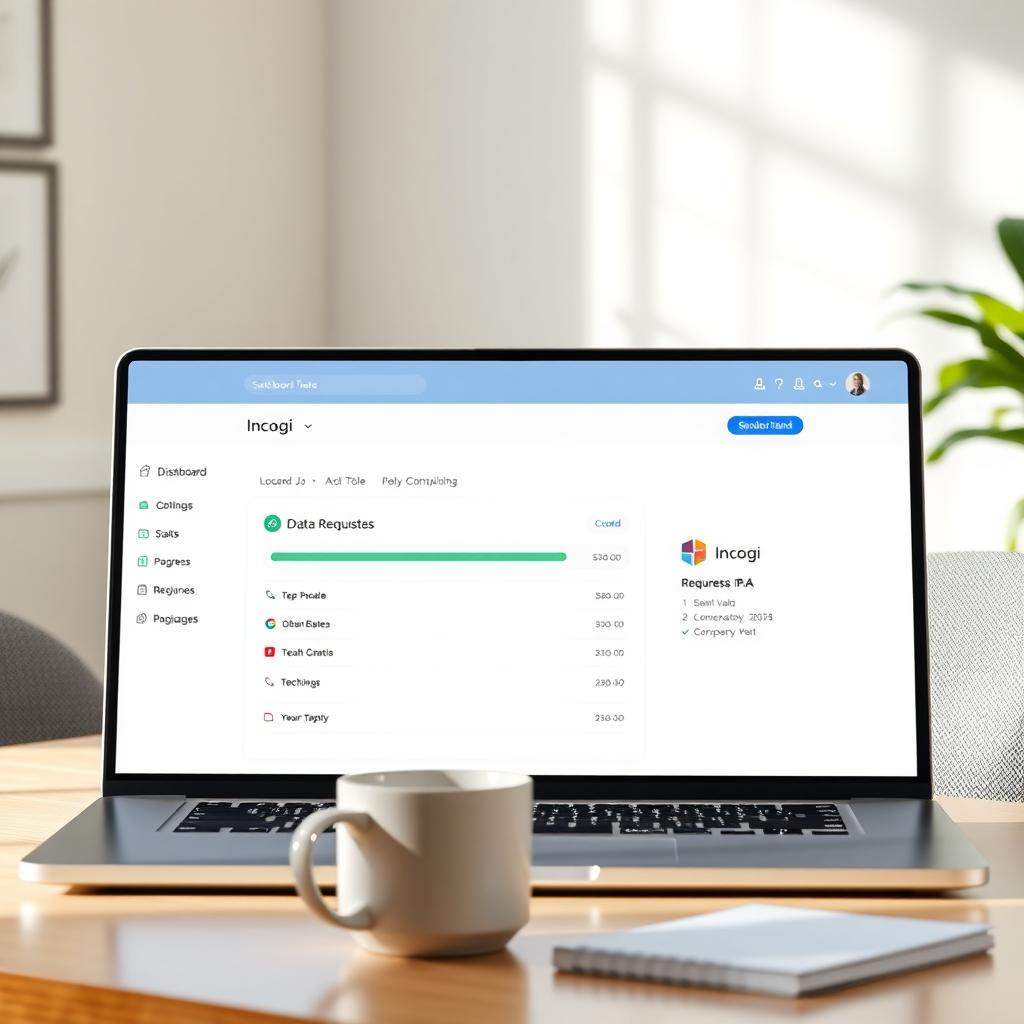
Online privacy tools can automate and simplify the process of protecting your data. One standout is Incogni, a service that requests data removal from brokers on your behalf. How to set up Incogni to delete personal data is straightforward: sign up, provide your details (like name and email), and Incogni scans data broker databases. It then sends removal requests to sites holding your info. I tried Incogni last year and was amazed at how many obscure sites had my data—some I’d never even visited.
Other useful tools include: - Privacy-focused browsers: Firefox or Brave block trackers by default. - VPNs: NordVPN or ProtonVPN hide your IP address and encrypt your connection. - Password managers: Tools like LastPass generate and store strong passwords.
These tools work together to create layers of protection, reducing the chances of your data being exposed.
Step 4: Secure Your Accounts
Weak passwords are an open door for hackers. I learned this the hard way when an old account of mine was compromised because I reused a simple password. Use unique, strong passwords (at least 12 characters, mixing letters, numbers, and symbols). A password manager can help. Enable two-factor authentication (2FA) wherever possible—most email and social media platforms support it. 2FA adds a second step, like a text code or app notification, to verify your identity.
Pro Tip: Use an authenticator app like Google Authenticator instead of SMS for 2FA. Texts can be intercepted by skilled hackers. According to a 2024 NIST report on cybersecurity, 2FA reduces account compromise risks by up to 66%.
Step 5: Limit Data Sharing with Apps and Websites
Every app or website you sign up for wants your data. I once installed a fitness app that demanded access to my contacts and location—way more than it needed. Review app permissions before installing. On your phone, go to Settings > Privacy and disable unnecessary permissions like location or camera access. For websites, avoid signing up with social media accounts, as this shares your profile data. Instead, use a dedicated email for sign-ups.
Actionable Tip: Check for “opt-out” options during sign-ups. Many sites let you decline data sharing for marketing purposes.
Step 6: Regularly Monitor Your Digital Footprint
Locking down your online presence isn’t a one-time task. Set a calendar reminder to Google yourself every few months. Use services like Google Alerts to get notified when your name or email appears online. If you find your data on a broker site, send a removal request or use a tool like Incogni. I set up alerts for my name and caught a shady site listing my old address within weeks.
Table: Monitoring Tools and Their Uses | Tool | Purpose | Free/Paid | |------|---------|-----------| | Google Alerts | Tracks mentions of your name online | Free | | Incogni | Automates data removal from brokers | Paid | | Have I Been Pwned | Checks if your email was in a data breach | Free |
Regular checks keep you ahead of potential leaks.
Step 7: Educate Yourself on Privacy Laws
Understanding your rights can empower you to protect your data. In the U.S., the California Consumer Privacy Act (CCPA) lets you request data deletion from companies. In Europe, the GDPR offers similar protections. I used the CCPA to get my info removed from a marketing database—it took one email. Research your local privacy laws and use them to your advantage.
Actionable Tip: When sending removal requests, cite specific laws like CCPA or GDPR to strengthen your case.
Summary
Locking down your online presence doesn’t mean going off the grid. By auditing your digital footprint, tightening privacy settings, using tools like Incogni, securing accounts, limiting data sharing, monitoring regularly, and leveraging privacy laws, you can protect your personal information effectively. These simple steps to lock down your online privacy empower you to enjoy the internet safely. Start small, stay consistent, and take control of your digital life today.