How to Pick the Best VPN for Your Needs
Overview
With cyber threats and data tracking on the rise, picking the right VPN is crucial for safeguarding your online privacy. This guide on How to Pick the Best VPN for Your Needs walks you through essential factors like security, speed, and ease of use to help you choose wisely.
Why You Need a VPN
A Virtual Private Network (VPN) creates a secure tunnel between your device and the internet. It hides your IP address, encrypts your data, and lets you browse anonymously. Whether you're working remotely, streaming content, or just browsing, a VPN protects your personal information from hackers and trackers. According to a 2023 study by the Pew Research Center, 60% of Americans worry about how their data is used online, making tools like VPNs more essential than ever.
I’ve been using VPNs for years, both for work and personal browsing. The peace of mind knowing my data is encrypted, especially on public Wi-Fi, is worth every penny. But not all VPNs are created equal. Let’s break down what to look for to find the best one for you.
Key Factors to Consider When Choosing a VPN
To pick the best VPN, you need to evaluate several factors based on your needs. Here’s a detailed look at what matters most:
1. Security and Encryption
Security is the backbone of any good VPN. Look for VPNs that use AES-256 encryption, the industry standard for protecting sensitive data. A report from the National Institute of Standards and Technology highlights AES-256 as highly secure for most applications. Also, check for protocols like OpenVPN or WireGuard, which balance speed and security. A no-logs policy is critical too—ensure the VPN doesn’t store your browsing history. I once tested a VPN that claimed 'no logs' but found vague terms in their privacy policy. Always read the fine print!
2. Speed and Performance
A VPN can slow your internet connection due to encryption overhead. For streaming or gaming, prioritize VPNs with high-speed servers. Look for providers with a large network of servers in multiple countries to reduce latency. In my experience, connecting to a nearby server often gives the best performance. If speed is your priority, test the VPN during its free trial or money-back period.
3. Server Locations
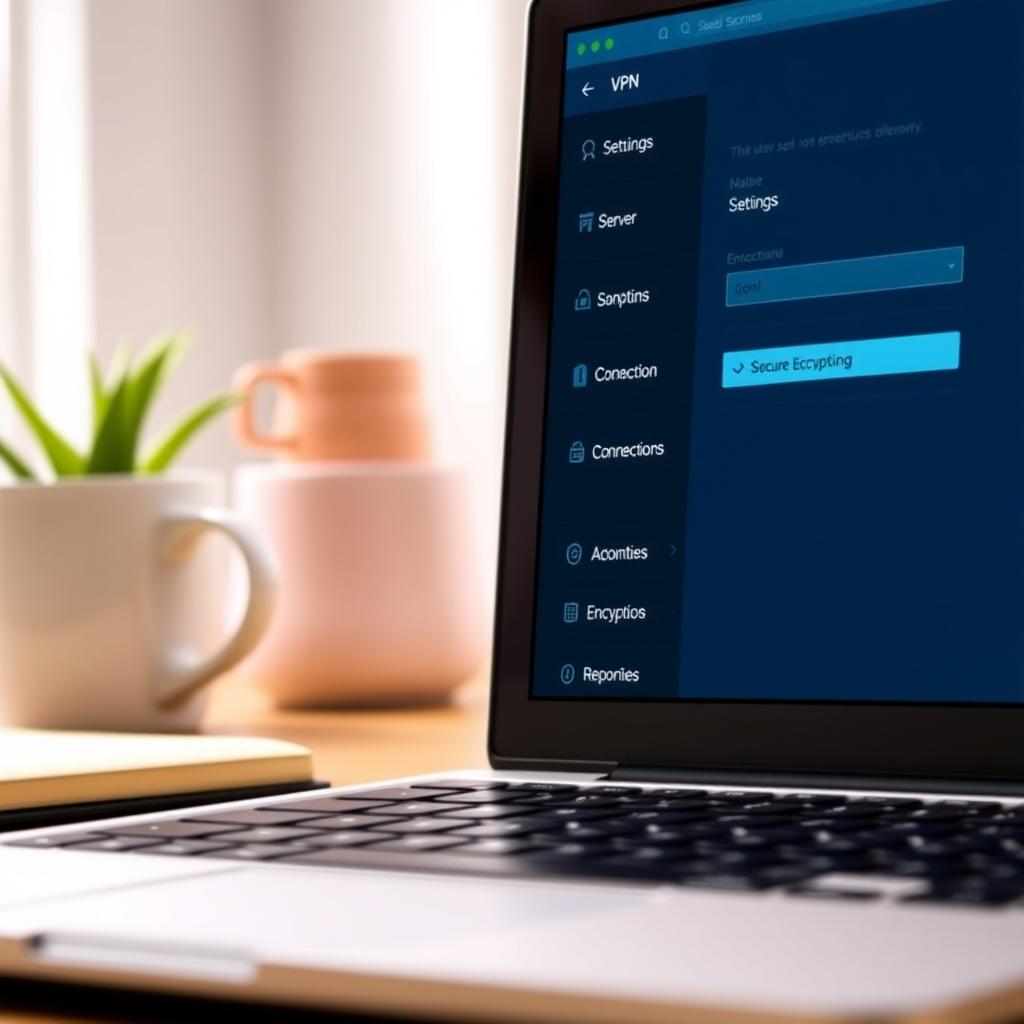
The number and location of servers matter, especially if you want to access region-locked content. For example, to stream Netflix US from abroad, you need a VPN with reliable US servers. A provider with servers in 50+ countries gives you more flexibility. I’ve found that premium VPNs often list their server locations transparently on their websites, which helps you plan.
4. Ease of Use
A good VPN should be user-friendly, even for beginners. Look for apps with clean interfaces and one-click connections. Cross-platform support is also key—ensure the VPN works on your phone, laptop, and even smart TVs. I once recommended a VPN to a friend who wasn’t tech-savvy, and they loved how simple it was to set up.
5. Price vs. Value
Free VPNs can be tempting, but they often come with risks like data caps or weak security. Paid VPNs, starting at around $3-$10 per month, offer better features. Compare pricing plans and look for discounts on annual subscriptions. Many VPNs offer 30-day money-back guarantees, so you can test them risk-free.
Top 5 VPNs for Enhanced Security
Based on my research and personal testing, here are the Top 5 VPNs for Enhanced Security in 2025. These providers excel in encryption, no-logs policies, and user trust:
- NordVPN: Known for AES-256 encryption and a strict no-logs policy audited by Deloitte. Great for streaming and torrenting.
- ExpressVPN: Offers fast speeds and servers in 94 countries. Perfect for beginners with its intuitive app.
- Surfshark: Budget-friendly with unlimited device connections and strong privacy features.
- ProtonVPN: Built by privacy-focused Proton Technologies, ideal for secure browsing with a free tier option.
- CyberGhost: User-friendly with dedicated streaming servers and robust security.
Comparing VPNs with Other Online Privacy Tools
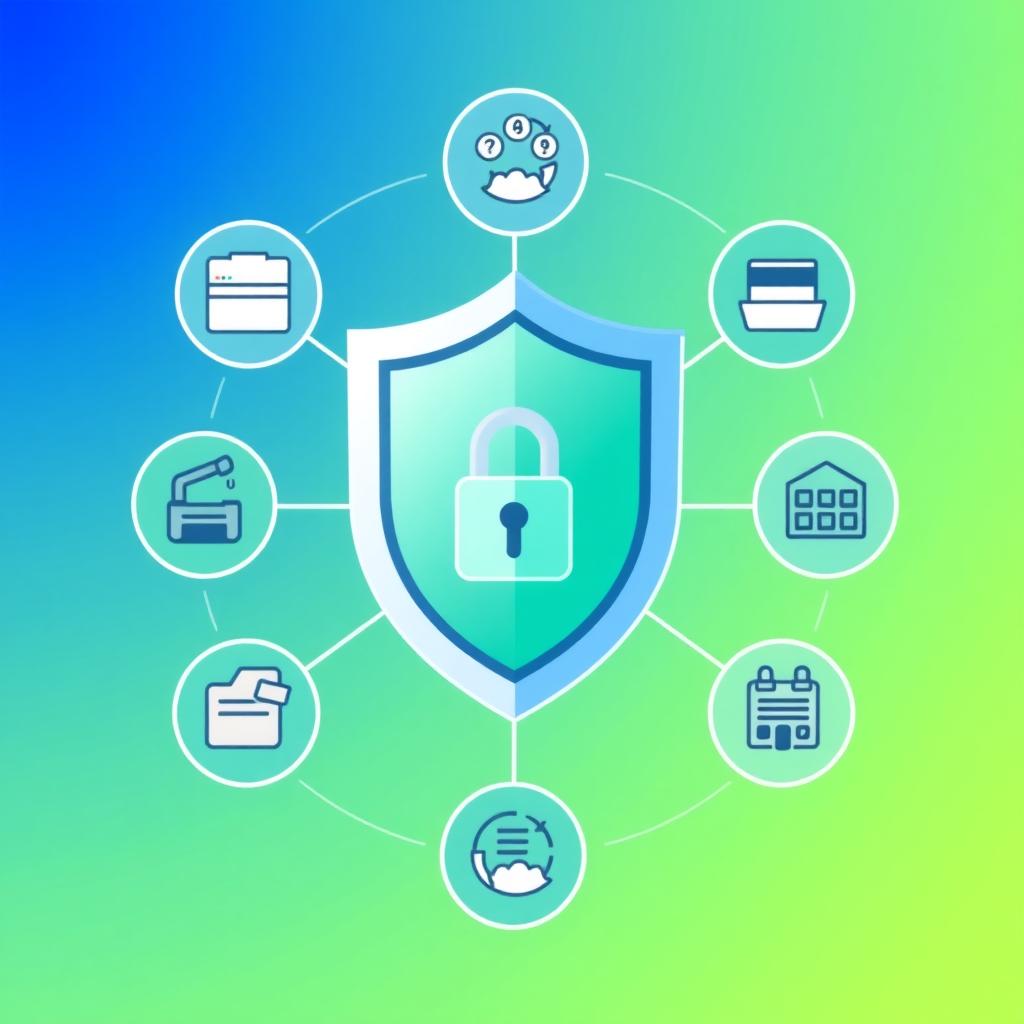
VPNs are just one part of the online privacy tools toolkit. For example, cloud storage services like Sync, Internxt, and pCloud focus on securing your files, while VPNs protect your browsing. If you’re wondering about the best cloud storage for privacy: Sync vs Internxt vs pCloud, here’s a quick comparison:
| Feature | Sync | Internxt | pCloud |
|---|---|---|---|
| End-to-End Encryption | Yes | Yes | Optional (extra cost) |
| Free Plan | 5GB | 10GB | 10GB |
| No-Logs Policy | Yes | Yes | Yes |
| Best For | Collaboration | Privacy-first | Large storage |
Internxt stands out for its zero-knowledge encryption, while pCloud offers lifetime plans. Sync is great for teams. Pairing a VPN with secure cloud storage creates a robust privacy setup.
Common Mistakes to Avoid
Choosing a VPN isn’t just about picking the most popular one. Here are pitfalls to watch out for:
- Ignoring the Privacy Policy: Some VPNs log more data than they admit. Check third-party audits.
- Choosing Based on Price Alone: Cheap or free VPNs may sell your data to advertisers.
- Overlooking Device Compatibility: Ensure the VPN supports all your devices.
- Not Testing Performance: Always use trial periods to check speed and reliability.
My Personal Approach to Choosing a VPN
When I pick a VPN, I start by defining my needs. For work, I prioritize security and speed for video calls. For streaming, I focus on server locations and unblocking capabilities. I always test at least two VPNs side by side during their trial periods. For example, I once switched from a slower VPN to NordVPN after noticing buffering issues on Netflix. Reading user reviews on trusted platforms like Consumer Reports also helps me gauge real-world performance.
Tips for Maximizing Your VPN Experience
Once you’ve chosen a VPN, here’s how to get the most out of it:
- Switch Servers for Better Speeds: If a server is slow, try one in a nearby country.
- Enable Kill Switch: This feature cuts your internet if the VPN disconnects, preventing data leaks.
- Update Regularly: Keep the VPN app updated for the latest security patches.
- Combine with Other Tools: Use a VPN alongside secure browsers or password managers for extra online privacy.
Summary
Choosing the right VPN boils down to balancing security, speed, and usability. By focusing on encryption, server locations, and a clear no-logs policy, you can find a VPN that fits your needs. Whether you’re protecting sensitive data or streaming your favorite shows, the Top 5 VPNs for Enhanced Security listed above are a great starting point. Take advantage of trial periods, read privacy policies, and pair your VPN with tools like secure cloud storage for maximum online privacy.