How to Stay Safe Online: A Beginner’s Guide
Overview
In today's digital world, staying safe online is more important than ever. This beginner's guide walks you through easy, effective ways to protect your personal information, avoid scams, and browse with confidence.
Why Online Safety Matters
Every day, millions of people share photos, shop, bank, and chat online. While the internet brings convenience, it also opens doors to risks like hackers, identity theft, and scams.
I remember when a close friend clicked a suspicious link in an email and ended up with malware that locked her files. She had to pay a technician hundreds of dollars to fix it. Experiences like that show how one small mistake can cause big problems. The good news? You can prevent most issues with basic habits.
Start with Strong Passwords
Your passwords are the first line of defense.
Simple rules to follow: - Use at least 12 characters - Mix uppercase, lowercase, numbers, and symbols - Never reuse passwords across sites - Avoid obvious choices like "password123" or your birthday
Instead of remembering dozens of complex passwords, use a password manager. It creates and stores strong passwords for you.
Best Password Managers for Beginners
| Tool | Free Version | Key Features | Best For |
|---|---|---|---|
| Bitwarden | Yes | Open-source, sync across devices | Budget-conscious users |
| 1Password | No (trial) | Family sharing, travel mode | Families |
| NordPass | Yes | Autofill, breach scanning | Easy interface |
| LastPass | Yes | Multi-factor options | Multiple devices |
Enable Two-Factor Authentication (2FA)
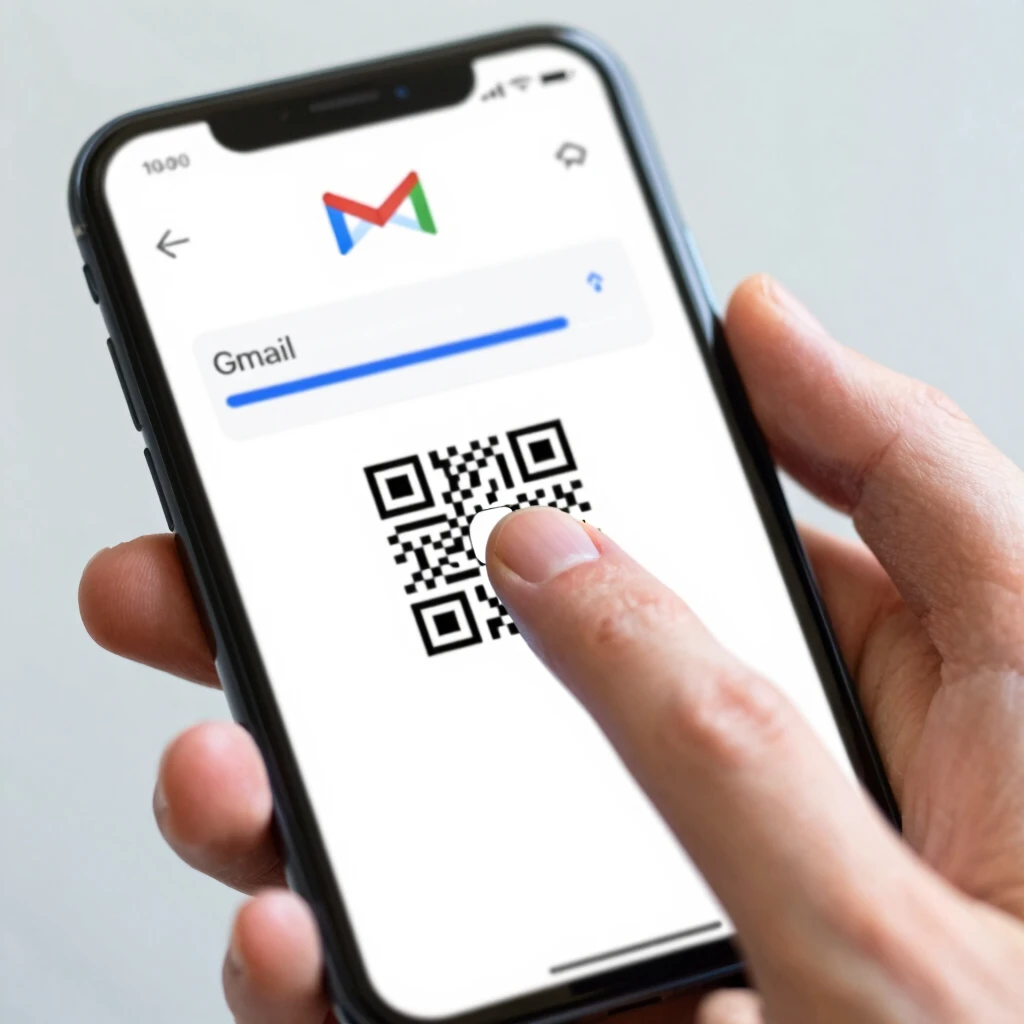
Two-factor authentication adds an extra step when you log in—usually a code sent to your phone or generated by an app.
Turn it on everywhere possible: email, banking, social media. Even if someone steals your password, they can't get in without that second factor.
Popular free authenticator apps include Google Authenticator, Microsoft Authenticator, and Authy.
Browse Safely and Protect Your Privacy
Many websites track your activity to show ads or sell data. You can limit this tracking with essential online privacy tools for beginners.
Easy privacy tools to start with: 1. VPN (Virtual Private Network) – Hides your IP address and encrypts your connection, especially useful on public Wi-Fi. 2. Privacy-focused browser extensions – Tools like uBlock Origin (ad blocker), HTTPS Everywhere, and Privacy Badger. 3. DuckDuckGo – A search engine that doesn't track you.
I switched to a VPN a few years ago when traveling, and it gave me peace of mind knowing my data wasn't exposed on hotel networks.
Recommended Online Privacy Tools
| Category | Tool | Why Beginners Love It |
|---|---|---|
| VPN | Proton VPN | Generous free plan, no logs |
| VPN | Mullvad | Pay anonymously, simple apps |
| Ad & Tracker Blocker | uBlock Origin | Lightweight, blocks ads and trackers |
| Private Search | DuckDuckGo | No tracking, clean results |
| Secure Browser | Firefox | Strong privacy settings out of the box |
Recognize and Avoid Phishing Scams
Phishing is when criminals pretend to be trustworthy (like your bank) to trick you into giving away information.
Red flags to watch for: - Urgent language ("Act now or your account will be closed!") - Unexpected emails asking for passwords or payment details - Links that don't match the displayed text - Poor grammar or strange sender addresses
Always type the website address yourself instead of clicking links in emails.
Keep Your Software Updated
Updates often include security patches that fix known vulnerabilities. Enable automatic updates on your phone, computer, and apps.
Outdated software is one of the easiest ways hackers break in.
Be Smart on Social Media
Think before you post. Oversharing location, birth dates, or daily routines can help criminals.
Adjust privacy settings so only friends see your posts. Avoid accepting friend requests from strangers.

Use Antivirus Protection
Even careful users can accidentally download malware. A reputable antivirus program scans files and blocks threats.
Free reliable options include Windows Defender (built into Windows), Malwarebytes (free version), and Avast One Essential.
Safe Online Shopping and Banking
- Use credit cards instead of debit cards (better fraud protection)
- Look for "https://" and a padlock icon in the address bar
- Avoid saving payment details on websites
- Check statements regularly for unfamiliar charges
Final Thoughts
Staying safe online doesn't require advanced tech skills—just consistent good habits. Start with strong passwords, enable 2FA, and add a few online privacy tools. Over time, these steps become second nature and give you real peace of mind.
The internet is an amazing resource when used wisely. Take control of your online privacy today, and enjoy browsing without worry.