Online Privacy Checklist for 2025: Simple Steps to Lock Down Your Online Privacy
Overview
In 2025, protecting your online privacy feels more important than ever. With data breaches happening often, this guide offers a clear online privacy checklist for 2025. Follow these simple steps to lock down your online privacy and keep your information safe.
As someone who has dealt with identity theft in the past, I know how scary it can be when your personal data falls into the wrong hands. Back in 2023, I had to spend weeks sorting out fraudulent charges after a hack. That's why I now follow a strict routine to protect myself online. This article shares what I've learned, plus updates for the latest threats in 2025.
Why Online Privacy Matters in 2025
Online privacy isn't just a buzzword. It's about controlling who sees your data. Companies track your every move to sell ads, and hackers look for weak spots to steal info. In 2025, with AI getting smarter, your data could predict your habits or even manipulate your choices.
Think about it: Your search history, location data, and social media posts paint a full picture of your life. Without protection, you're an open book. But you can change that with some easy habits.

Step 1: Review Your Passwords
Start with the basics. Weak passwords are like leaving your front door unlocked. I once used the same password for everything, and it bit me hard.
Use a password manager like LastPass or Bitwarden. These tools create strong, unique passwords for each site. Aim for at least 16 characters, mixing letters, numbers, and symbols.
Enable two-factor authentication (2FA) wherever you can. Apps like Google Authenticator add an extra layer. In 2025, biometric options like face ID are common, but stick to trusted devices.
Password Strength Checklist
- Length: 16+ characters
- Variety: Uppercase, lowercase, numbers, symbols
- Uniqueness: Different for each account
- Change frequency: Every 6 months or after a breach
Step 2: Use a VPN for Everyday Browsing
A Virtual Private Network (VPN) hides your IP address and encrypts your connection. It's one of the top online privacy tools. I use ExpressVPN daily, especially on public Wi-Fi.
In 2025, choose VPNs with no-log policies, verified by audits. Look for features like kill switches that cut your internet if the VPN drops. Free VPNs often sell your data, so pay for a reliable one.
Pro tip: Turn on your VPN before shopping online to avoid price tracking based on your location.
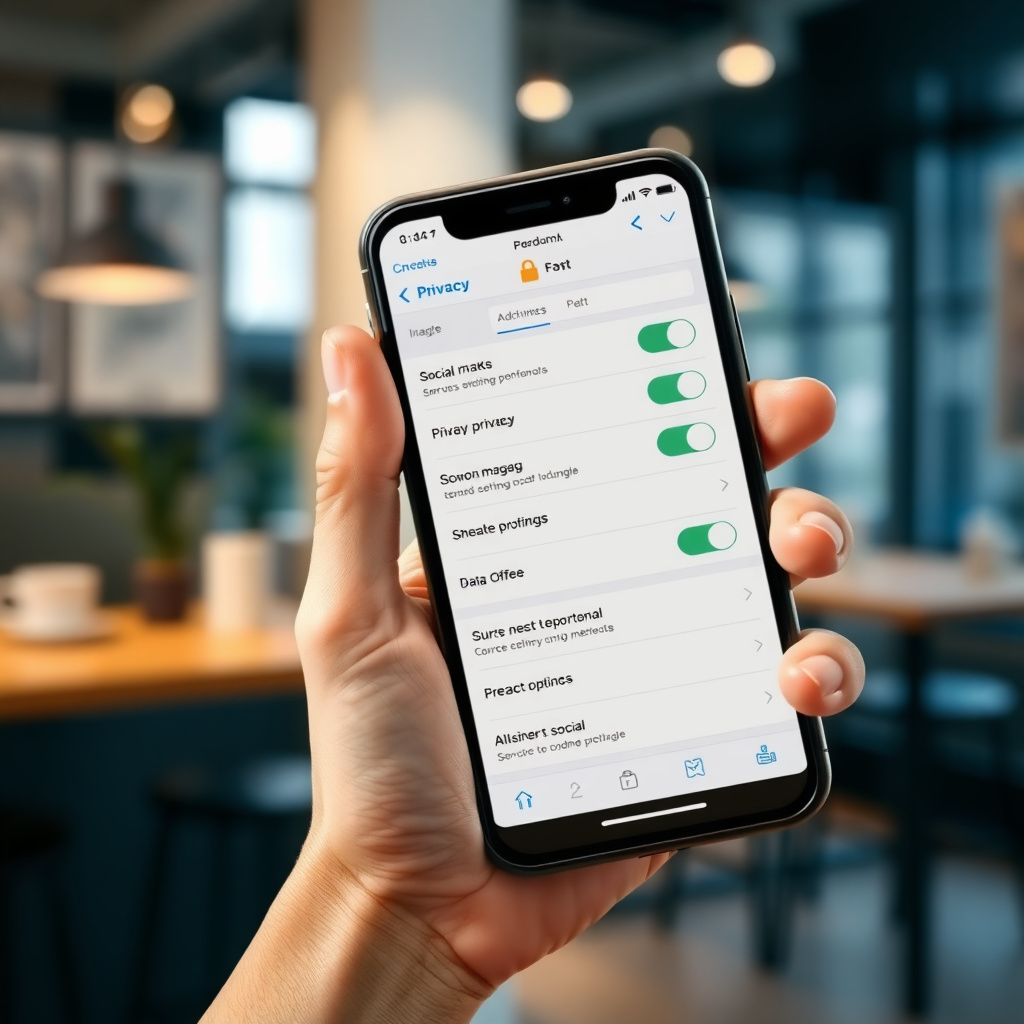
Step 3: Control Your Social Media Settings
Social platforms collect tons of data. Review your privacy settings on Facebook, Instagram, and X (formerly Twitter). Make your profiles private and limit who sees your posts.
I learned this the hard way when an old photo surfaced in a job search. Now, I post less and use stories that disappear after 24 hours. Also, opt out of data sharing with third parties in the settings menu.
Step 4: How to Set Up Incogni to Delete Personal Data
Data brokers sell your info without asking. Incogni is a great tool that automates removal requests. Here's how I set it up:
First, sign up at their website (incogni.com). Provide your name, address, and email. Incogni scans over 200 data brokers and sends opt-out requests on your behalf.
It costs about $12 a month, but it's worth it. After setup, you'll get reports on removed data. In my experience, it cut down spam calls by half within months.
Remember, this is ongoing. New brokers pop up, so Incogni keeps working for you.
Incogni Setup Steps
- Create an account with your details.
- Verify your email.
- Let Incogni scan and remove data.
- Review monthly reports.
- Update info if you move or change names.
Step 5: Secure Your Email and Communications
Email is a goldmine for hackers. Use encrypted services like ProtonMail. It keeps messages private end-to-end.
For chats, Signal or WhatsApp with encryption on. Avoid sharing sensitive info over unsecured texts.
I switched to ProtonMail after a Gmail hack alert. Now, I feel safer sending personal documents.
Step 6: Manage Cookies and Trackers
Websites track you with cookies. Install browser extensions like uBlock Origin or Privacy Badger to block them.
In 2025, browsers like Firefox have built-in tracking protection. Turn it on in settings.
Clear your cookies weekly. Use incognito mode for sensitive searches, but remember, it doesn't hide everything—pair it with a VPN.
Step 7: Protect Your Devices
Update your software regularly. Patches fix security holes. I set my phone and computer to auto-update.
Install antivirus like Malwarebytes. Scan weekly.
For smart home devices, change default passwords and use a separate network. In 2025, IoT hacks are rising, so don't skip this.

Step 8: Be Smart About Sharing
Think before you post. Once online, it's hard to erase.
Use tools like Have I Been Pwned (haveibeenpwned.com) to check for breaches. If your email shows up, change passwords fast.
Educate your family too. Kids often overshare without knowing the risks.
Step 9: Explore Advanced Online Privacy Tools
Beyond basics, try Tor for anonymous browsing. It's slow but secure for research.
For file sharing, use encrypted cloud like Tresorit instead of Google Drive.
I use DuckDuckGo as my search engine—it doesn't track you like Google does.
| Online Privacy Tool | Purpose | Recommended For |
|---|---|---|
| VPN | Encrypts connection | Daily browsing |
| Password Manager | Stores secure passwords | All accounts |
| Incogni | Removes data from brokers | Personal info cleanup |
| Ad Blocker | Stops trackers | Better web experience |
| Encrypted Email | Secure messages | Sensitive communications |
Step 10: Stay Informed on Privacy Laws
Laws like GDPR in Europe and CCPA in California give you rights. In 2025, new U.S. federal rules might emerge.
Know how to request data deletion from companies. Sites like JustDeleteMe help find instructions.
My Final Thoughts
Following this online privacy checklist for 2025 has given me peace of mind. It's not about paranoia—it's smart living in a digital world. Start small, like updating passwords, and build from there.
Remember, privacy is ongoing. Review your setup yearly. If you slip up, don't panic—just fix it.
For more details on tools, check authoritative sources like the Electronic Frontier Foundation (eff.org).
Summary
This guide covers simple steps to lock down your online privacy in 2025. From passwords to Incogni setup, these actions protect your data. Stay vigilant and enjoy a safer online life.