Why Two-Factor Authentication Is a Must for Online Security in 2023
Overview: Securing Your Digital Life with 2FA
In 2023, our lives are more online than ever. From banking to social media, we share sensitive information daily. But with rising cyber threats, how do we stay safe? Why You Need Two-Factor Authentication - https://www.eff.org/deeplinks/2023/02/why-you-should-use-two-factor-authentication explains it clearly: two-factor authentication (2FA) adds a critical layer of security. This article dives into why 2FA is non-negotiable, how it works, and other tools to protect your data.
What Is Two-Factor Authentication?
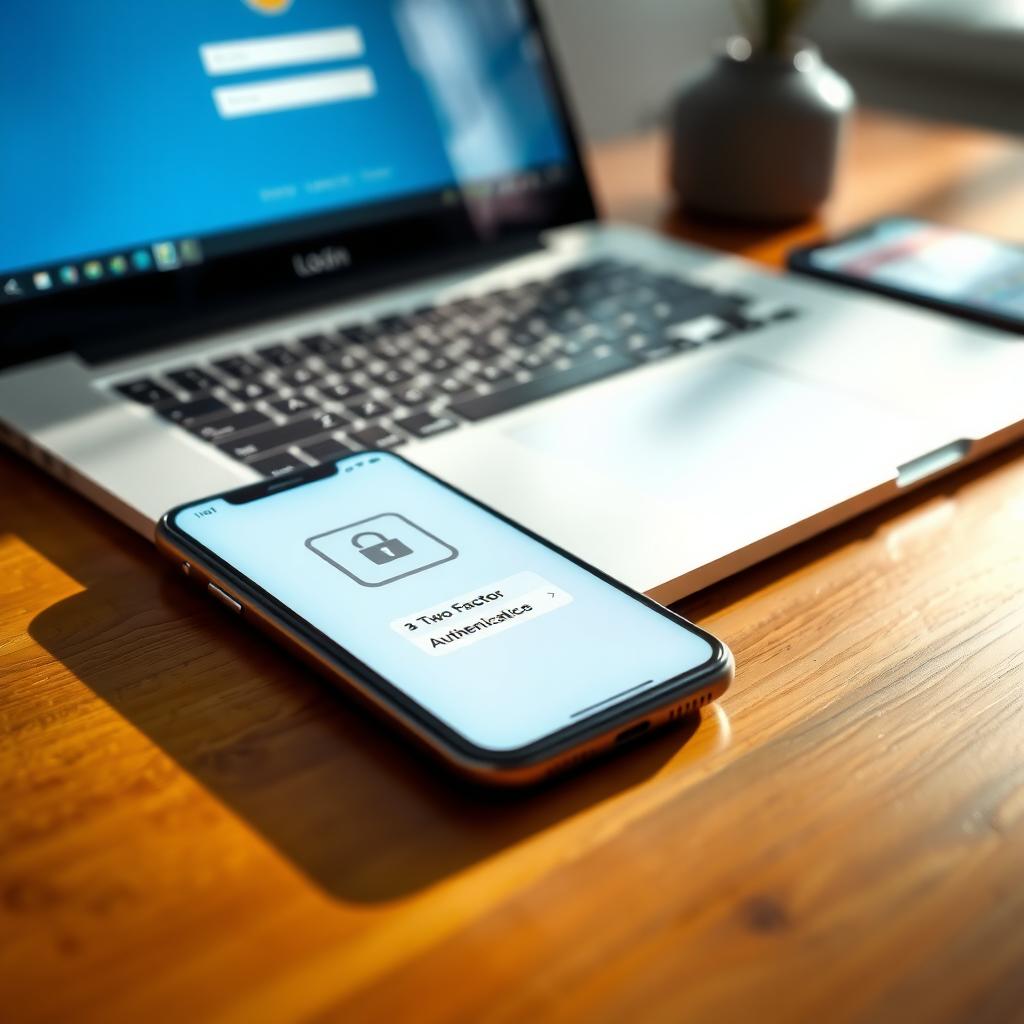
Two-factor authentication is like a double lock on your front door. Even if someone steals your key (password), they can’t get in without the second lock (a unique code). It requires two forms of verification: something you know (your password) and something you have (like your phone or a security key). This makes it much harder for hackers to access your accounts, even if they’ve cracked your password.
I started using 2FA a few years ago after a close call with a phishing email. It looked like a legitimate message from my bank, but something felt off. Luckily, I didn’t click the link, but it was a wake-up call. Since enabling 2FA on my accounts, I feel more confident knowing there’s an extra barrier protecting my data.
Why 2FA Is Critical in 2023
Protecting Your Data in 2023 isn’t just about strong passwords anymore. Cyberattacks are growing more sophisticated. According to a 2022 report by Verizon, 82% of data breaches involved stolen credentials. Hackers use phishing, malware, or brute force attacks to get your passwords. 2FA stops them in their tracks by requiring a second verification step, like a code sent to your phone or generated by an app.
Think about it: your email account is the gateway to your digital life. If someone hacks it, they can reset passwords for your bank, social media, or shopping accounts. 2FA ensures that even if your password is compromised, your account stays secure. It’s a simple step that makes a huge difference.
How to Set Up 2FA
Setting up 2FA is easier than you might think. Most platforms, like Google, Microsoft, or social media sites, offer it in their security settings. Here’s a quick guide:
- Check Availability: Go to the security or privacy settings of your account.
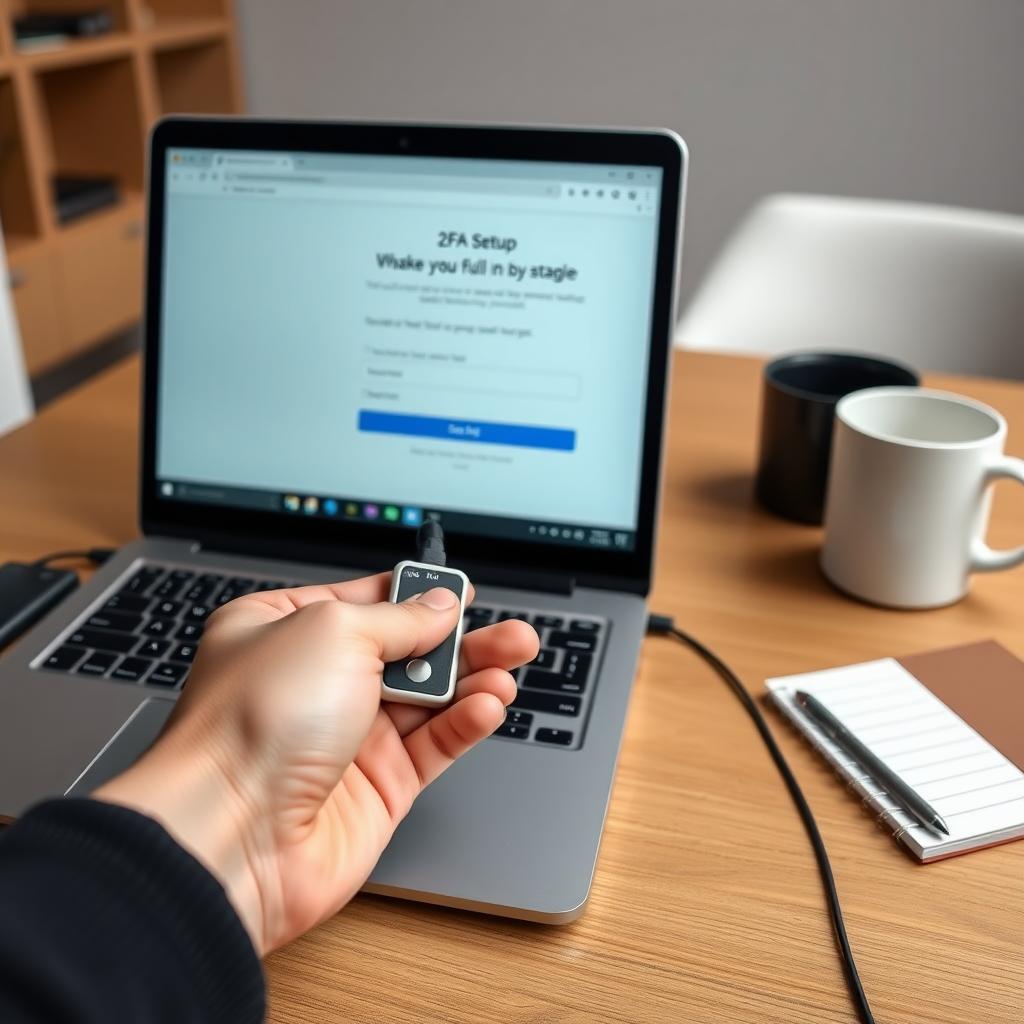
- Choose a Method: Options include SMS codes, authenticator apps (like Google Authenticator or Authy), or hardware keys (like YubiKey).
- Follow Prompts: Scan a QR code for apps or enter your phone number for SMS.
- Save Backup Codes: Store these in a safe place in case you lose access to your device.
I prefer using an authenticator app over SMS because it’s more secure—hackers can intercept text messages in rare cases. Apps like Authy generate codes offline, so they’re less vulnerable. It took me about five minutes to set up 2FA on my email, and now I get a code on my phone every time I log in from a new device.
Beyond 2FA: Complementary Tools for Online Safety
While 2FA is a game-changer, it’s not the only tool you need for How to Stay Safe Online. Pairing 2FA with other privacy tools creates a robust defense. Here are my Top 5 online privacy tools every user should have:
| Tool | Purpose | Why It Matters |
|---|---|---|
| VPN | Encrypts your internet connection | Protects data on public Wi-Fi |
| Password Manager | Stores unique, strong passwords | Prevents reuse across sites |
| 2FA Authenticator | Generates secure codes | Enhances account security |
| Privacy-Focused Browser | Blocks trackers | Limits data collection |
| Encrypted Messaging | Secures communication | Keeps chats private |
For example, a VPN hides your location and encrypts your connection, making it harder for hackers to snoop. But not all VPNs are equal. How to Choose the Best VPN for Your Needs depends on speed, server locations, and privacy policies. Look for providers with a no-logs policy and strong encryption, like those recommended by the EFF.
I’ve used a VPN for years, especially when traveling. Once, while working from a coffee shop, I noticed my VPN blocked a suspicious network attempt. It’s a small investment for peace of mind, especially when paired with 2FA.
Common Myths About 2FA
Some people hesitate to use 2FA because of misconceptions. Let’s debunk a few:
- It’s Too Complicated: It takes minutes to set up and becomes second nature.
- It’s Not Necessary for Small Accounts: Hackers target any account for data or scams.
- It’s 100% Foolproof: No security is perfect, but 2FA significantly reduces risk.
I used to think 2FA was overkill for my social media accounts. But after hearing about friends losing access to their profiles, I enabled it everywhere. It’s like wearing a seatbelt—you don’t plan to crash, but it’s there if you do.
Challenges and Tips for Using 2FA
2FA isn’t perfect. If you lose your phone or can’t access your authenticator, you might get locked out. That’s why backup codes are crucial—store them securely, like in a password manager or a physical safe. Also, avoid using SMS-based 2FA for critical accounts like banking, as SIM-swapping attacks are a risk.
A friend of mine once lost their phone and couldn’t log into their email. Thankfully, they had saved their backup codes in a password manager. If you travel often, consider a hardware key like YubiKey for convenience and added security.
The Bigger Picture: A Culture of Security
Adopting 2FA is part of building a security mindset. It’s not just about one tool—it’s about layering protections. Combine 2FA with strong, unique passwords, regular software updates, and vigilance against phishing. Together, these habits make you a tough target for cybercriminals.
Summary: Take Control of Your Online Security
Why You Need Two-Factor Authentication - https://www.eff.org/deeplinks/2023/02/why-you-should-use-two-factor-authentication isn’t just a suggestion—it’s a necessity in 2023. 2FA is a simple, effective way to protect your accounts from hackers. Pair it with tools like VPNs and password managers to stay safe online. Start small: enable 2FA on your email and banking accounts today, and explore other privacy tools to build a secure digital life.