The Ultimate Guide to Online Privacy: Protect Your Digital Life
Overview
In today’s digital age, protecting your online privacy is more important than ever. Every click, search, or email leaves a digital footprint that companies, hackers, or even governments can track. This guide offers practical steps, tools, and insights to help you take control of your data and stay secure online.
Why Online Privacy Matters
Your personal information is valuable. From your browsing habits to your email conversations, data is constantly collected, often without your consent. A 2021 study from the Pew Research Center found that 81% of Americans think the risks of data collection outweigh the benefits. Unprotected data can lead to identity theft, financial loss, or even targeted manipulation. Online privacy isn’t just about hiding; it’s about controlling who has access to your life.
I’ve always been cautious about sharing personal details online. A few years ago, a friend had their email hacked, leading to compromised accounts and a stressful recovery process. That experience made me rethink how I protect my digital presence, from emails to social media. Let’s explore how you can do the same.
Essential Online Privacy Tools
To stay safe, you need the right tools. Online privacy tools are designed to encrypt your data, mask your location, or anonymize your activity. Here are some must-haves:
- VPNs (Virtual Private Networks): A VPN hides your IP address and encrypts your internet connection. Services like NordVPN or ExpressVPN are user-friendly and reliable.
- Encrypted Messaging Apps: Apps like Signal or Telegram offer end-to-end encryption, keeping your chats private.
- Secure Browsers: Tor Browser or Brave prioritize privacy by blocking trackers and ads.
- Password Managers: Tools like LastPass or 1Password generate and store strong passwords securely.
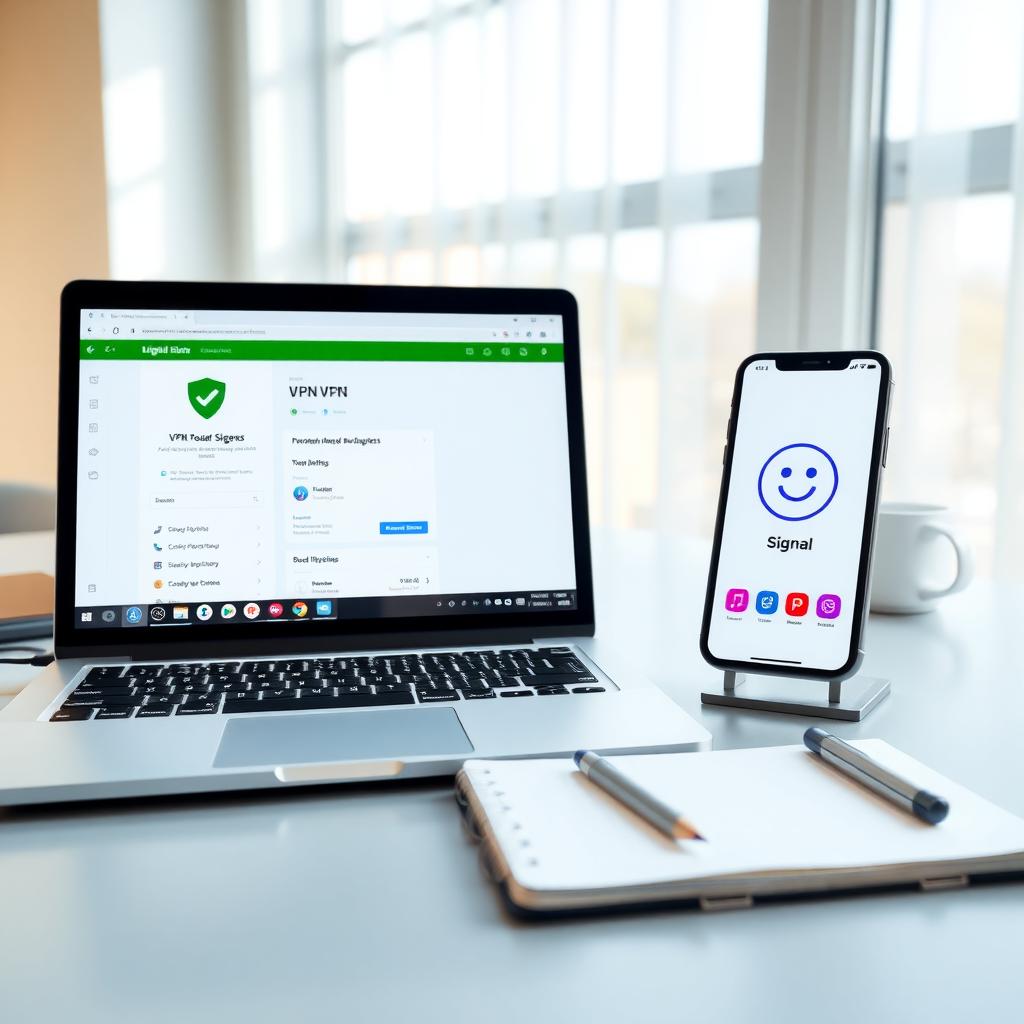
Using these tools doesn’t require tech expertise. For example, setting up a VPN takes minutes—just download the app, choose a server, and connect. I started using a VPN for public Wi-Fi and noticed faster, safer browsing. Combine these tools for layered protection.
Proton Mail Setup Guide for Beginners
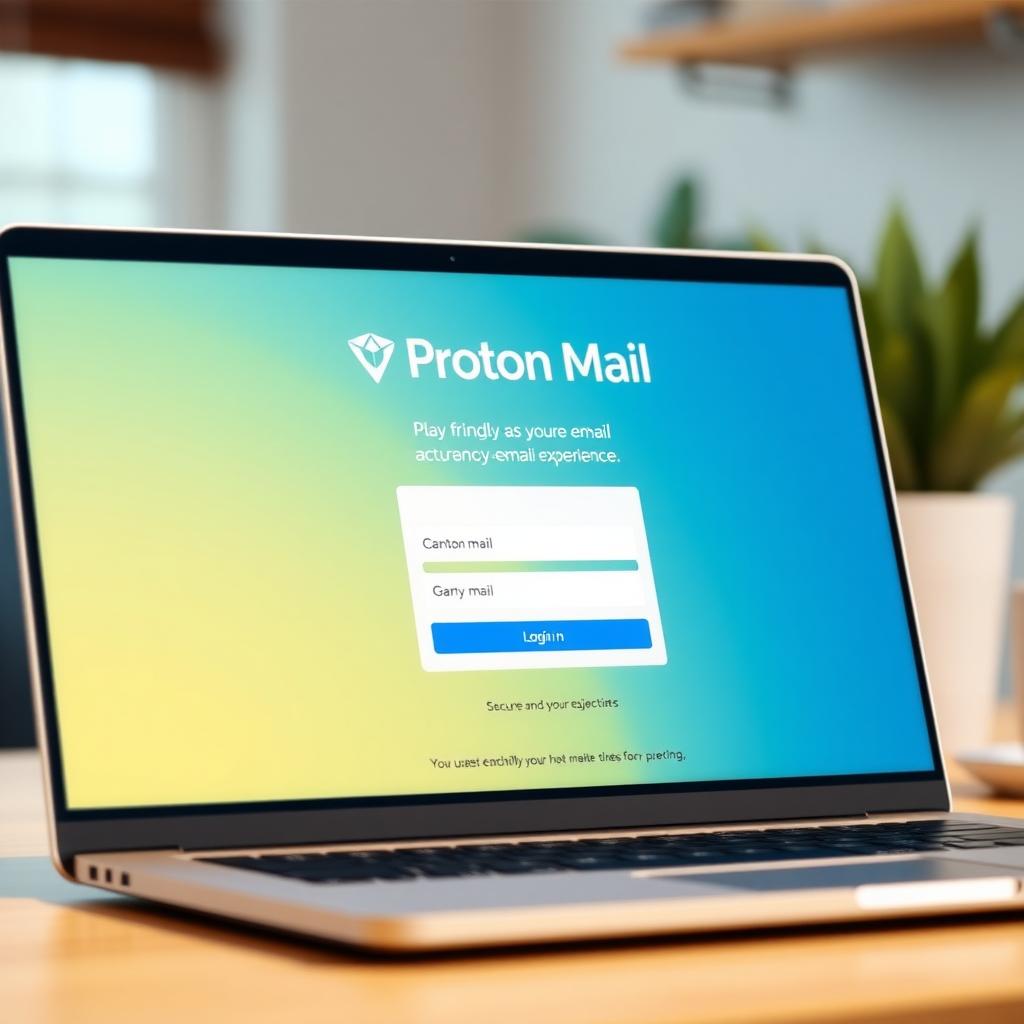
Email is a major privacy weak point. Most providers scan your messages for ads or data. Proton Mail, a secure email service, uses end-to-end encryption to keep your emails private. Here’s a simple Proton Mail setup guide for beginners:
- Visit Proton Mail’s Website: Go to Proton Mail’s official site and click “Sign Up.”
- Choose a Plan: The free plan offers 1GB of storage, perfect for beginners.
- Create an Account: Enter a username and password. Proton Mail doesn’t require personal info, unlike Gmail.
- Verify Your Account: Use a recovery email or phone number for security.
- Explore Features: Enable two-factor authentication (2FA) and import contacts securely.
When I switched to Proton Mail, I was surprised by how easy it was. The interface feels like any other email service, but knowing my messages are encrypted gives peace of mind. For extra security, pair Proton Mail with a VPN.
Best Practices for Online Privacy
Tools alone aren’t enough. Your habits play a big role. Here’s a checklist to boost your privacy:
| Action | Why It Helps |
|---|---|
| Use strong, unique passwords | Prevents unauthorized access |
| Enable 2FA | Adds an extra layer of security |
| Avoid public Wi-Fi without a VPN | Protects data on unsecured networks |
| Limit social media sharing | Reduces exposure of personal details |
| Regularly clear cookies | Stops trackers from building profiles |
I learned the hard way about oversharing on social media. A public post about a vacation led to targeted ads for travel gear. Now, I lock down my profiles and share sparingly.
Understanding Data Tracking
Ever notice ads that seem to know you too well? That’s data tracking at work. Websites use cookies and scripts to monitor your behavior. A 2023 report from Stanford University highlighted that 90% of websites deploy trackers without clear user consent. To fight back:
- Install browser extensions like uBlock Origin or Privacy Badger.
- Opt out of personalized ads in your browser settings.
- Use incognito mode for sensitive searches.
I started using Privacy Badger and saw a huge drop in creepy ads. It’s a small change that makes a big difference. Combine this with a secure browser like Brave for even better results.
Legal Protections and Your Rights
Privacy laws vary by region, but they’re improving. The EU’s General Data Protection Regulation (GDPR) sets a global standard, giving users rights to access, delete, or restrict their data. In the U.S., laws like the California Consumer Privacy Act (CCPA) offer similar protections. Know your rights:
- Request data collected about you.
- Opt out of data sharing.
- Demand transparency from companies.
I once requested my data from a shopping site and was shocked to see how much they knew—down to my shoe size. Use these laws to take back control.
Staying Safe on Public Networks
Public Wi-Fi, like at coffee shops or airports, is a hacker’s playground. Without encryption, your data is exposed. Always use a VPN on public networks, and avoid accessing sensitive accounts. I make it a rule to never check my bank account on public Wi-Fi, even with a VPN.
Summary
Online privacy is about taking small, consistent steps to protect your data. From using online privacy tools like VPNs and Proton Mail to adopting smart habits, you can reduce risks and browse with confidence. Start with one tool or habit today, and build from there. Your digital life is worth protecting.