Online Privacy Checklist for 2025: Simple Steps to Lock Down Your Online Privacy
Overview
In 2025, your personal data is more vulnerable than ever. With AI scraping information and data breaches on the rise, locking down your online privacy is critical. This online privacy checklist for 2025 offers simple steps to secure your digital footprint, protect your identity, and regain control.
Why Online Privacy Matters in 2025
Every click, search, or post you make leaves a digital trail. Companies collect this data to target ads, but hackers and data brokers can exploit it too. Last year, over 2.6 billion personal records were exposed globally. I’ve seen friends deal with identity theft after seemingly harmless oversharing online—it’s a wake-up call. Protecting your online privacy isn’t just about avoiding ads; it’s about safeguarding your life.
This checklist is designed for real people, not tech experts. You don’t need to be a cybersecurity pro to follow these steps. Let’s dive into practical ways to lock down your online privacy.

Simple Steps to Lock Down Your Online Privacy
Here’s a straightforward online privacy checklist for 2025. Each step is actionable, tested, and designed to fit into your busy life.
1. Audit Your Digital Footprint
Start by understanding what’s out there. Google yourself to see what information is publicly available. Check social media profiles, old accounts, and forgotten forum posts. I once found an old blog from college with my full name and address—yikes! Use a service like Incogni to scan data broker sites and remove your info. More on that later.
- Action: Search your name, email, and phone number on Google and Bing.
- Tool: Use Incogni or DeleteMe to find and delete your data from broker sites.
2. Strengthen Your Passwords
Weak passwords are an open door for hackers. Use a password manager to create and store complex passwords. I switched to 1Password after reusing the same password for years (guilty!). It’s a game-changer.
- Action: Generate passwords with at least 16 characters, including letters, numbers, and symbols.
- Tool: Try 1Password or LastPass for secure password management.
3. Enable Two-Factor Authentication (2FA)
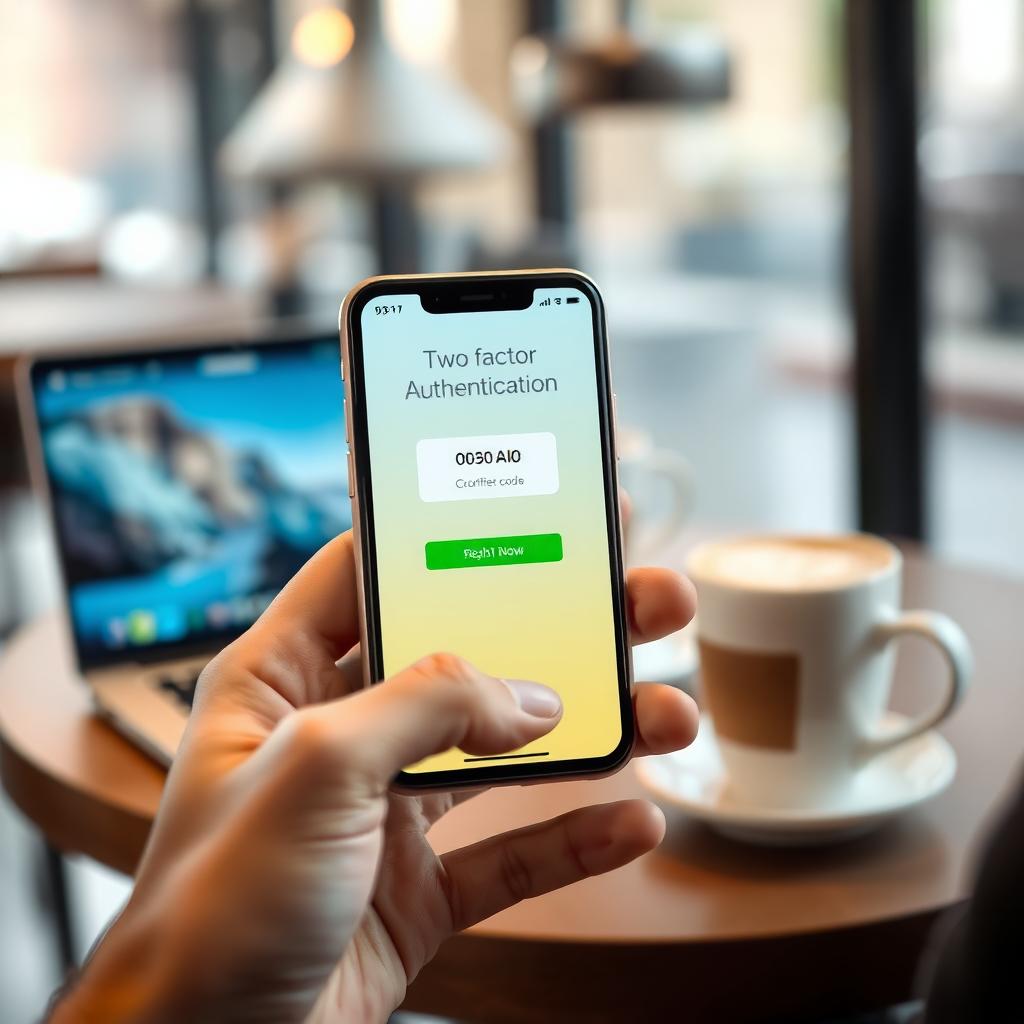
2FA adds an extra layer of security by requiring a second verification step, like a text code or app notification. I enabled 2FA on my email after a friend’s account was hacked—don’t wait for a scare.
- Action: Turn on 2FA for email, banking, and social media accounts.
- Tool: Use apps like Google Authenticator or Authy for secure codes.
4. How to Set Up Incogni to Delete Personal Data
Data brokers sell your info without consent, but tools like Incogni can help. Incogni automatically contacts data brokers to remove your personal information, saving you hours of manual requests. I set it up last year and was shocked at how many sites had my details.
Here’s how to get started: 1. Sign Up: Visit Incogni’s website (https://incogni.com) and create an account. 2. Provide Details: Enter your name, email, phone number, and address securely. 3. Authorize Requests: Incogni sends removal requests to data brokers on your behalf. 4. Monitor Progress: Check the dashboard for updates on removal status.
- Pro Tip: Check Incogni’s progress monthly to ensure new brokers are caught.
- Cost: Plans start at around $7/month, but the peace of mind is worth it.
5. Use a VPN for Secure Browsing
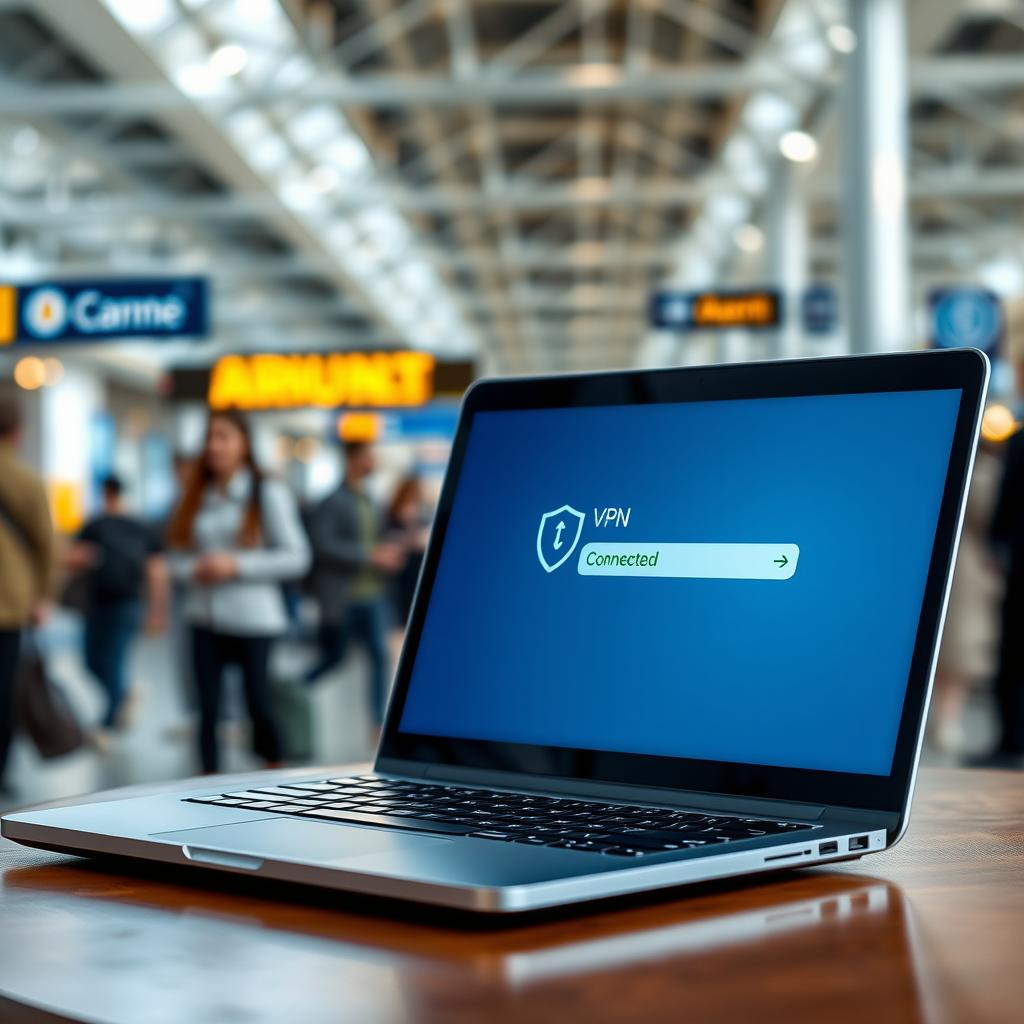
A VPN hides your IP address and encrypts your internet connection. I use NordVPN when traveling to protect my data on public Wi-Fi. It’s like a digital invisibility cloak.
- Action: Install a VPN on your devices.
- Tool: NordVPN or ExpressVPN are reliable options with fast speeds.
6. Limit Social Media Oversharing
Posting your location or personal details can expose you to risks. I stopped sharing real-time vacation photos after learning how thieves target empty homes. Adjust privacy settings to limit who sees your posts.
- Action: Set social media profiles to private and avoid sharing sensitive info.
- Tip: Review apps connected to your accounts and revoke access to unused ones.
7. Secure Your Email
Email is a gateway to your digital life. Use a secure email provider like ProtonMail, which encrypts messages by default. I switched to ProtonMail for sensitive communications, and it’s user-friendly.
- Action: Sign up for a secure email service.
- Tool: ProtonMail or Tutanota for encrypted email.
8. Update Software Regularly
Outdated software is a hacker’s playground. I learned this the hard way when an old app on my phone was exploited. Set devices to auto-update for the latest security patches.
- Action: Enable automatic updates on your phone, computer, and apps.
- Tip: Check for updates monthly if auto-updates aren’t available.
9. Be Cautious with Public Wi-Fi
Public Wi-Fi is convenient but risky. Avoid accessing sensitive accounts unless you’re using a VPN. I once saw someone’s bank login details exposed at a café—scary stuff.
- Action: Use a VPN or mobile data for sensitive tasks on public networks.
- Tool: NordVPN or ProtonVPN for secure connections.
Top Online Privacy Tools for 2025
Here’s a table of my favorite online privacy tools, tested for ease and effectiveness:
| Tool | Purpose | Why I Like It |
|---|---|---|
| Incogni | Data removal | Automates data broker requests |
| 1Password | Password management | User-friendly, secure storage |
| NordVPN | Secure browsing | Fast, reliable, and easy to use |
| ProtonMail | Encrypted email | End-to-end encryption |
| Google Authenticator | 2FA | Simple and secure |
These tools are affordable and beginner-friendly. Start with one or two, then expand as you get comfortable.
Common Mistakes to Avoid
- Reusing Passwords: It’s tempting, but one breach can compromise multiple accounts.
- Ignoring Privacy Settings: Default settings often expose more than you think.
- Skipping Updates: Old software is an easy target for hackers.
I’ve made these mistakes myself, and fixing them was a hassle. Learn from my errors and act proactively.
Staying Ahead in 2025
AI-driven data collection is growing, so staying vigilant is key. Regularly review your checklist and explore new tools. I set a monthly reminder to check my privacy settings—it takes 10 minutes but saves headaches.
Summary
This online privacy checklist for 2025 is your roadmap to a safer digital life. From auditing your footprint to using tools like Incogni and NordVPN, these steps are simple yet powerful. Start small, stay consistent, and protect what matters most—your privacy.