DuckDuckGo Privacy Browser: Your Ultimate Guide to Secure Browsing in 2023
Overview: Why DuckDuckGo Privacy Browser Stands Out
In a world where every click can be tracked, the DuckDuckGo Privacy Browser offers a refreshing alternative. Launched as an extension of the privacy-focused search engine, this browser prioritizes your anonymity with robust features like tracker blocking and encrypted connections. This article dives deep into what makes DuckDuckGo a leader among top privacy-focused browsers in 2023, compares it to competitors like LibreWolf and Tor, and shares practical tips for maximizing your online privacy.
What Is the DuckDuckGo Privacy Browser?
The DuckDuckGo Privacy Browser is a free, user-friendly tool designed to protect your personal data while you browse. Unlike mainstream browsers like Chrome or Edge, it doesn't track your searches or build profiles based on your activity. Available on mobile (iOS and Android) and desktop (Windows and macOS), it integrates seamlessly with DuckDuckGo’s private search engine. Its mission? To give you control over your data without sacrificing usability.
I’ve been using the DuckDuckGo browser on my phone for months, and the experience feels liberating. There’s no lingering worry about targeted ads following me from site to site. The browser’s clean interface and one-tap options, like the Fire Button to clear browsing data, make privacy effortless.

Key Features of DuckDuckGo Privacy Browser
The DuckDuckGo Privacy Browser packs a punch with features that make it a standout in the realm of online privacy tools. Here’s what you get:
- Tracker Blocking: Automatically stops third-party trackers from collecting your data.
- Forced HTTPS: Ensures websites use secure, encrypted connections when available.
- Fire Button: Instantly clears all tabs and browsing data with one tap.
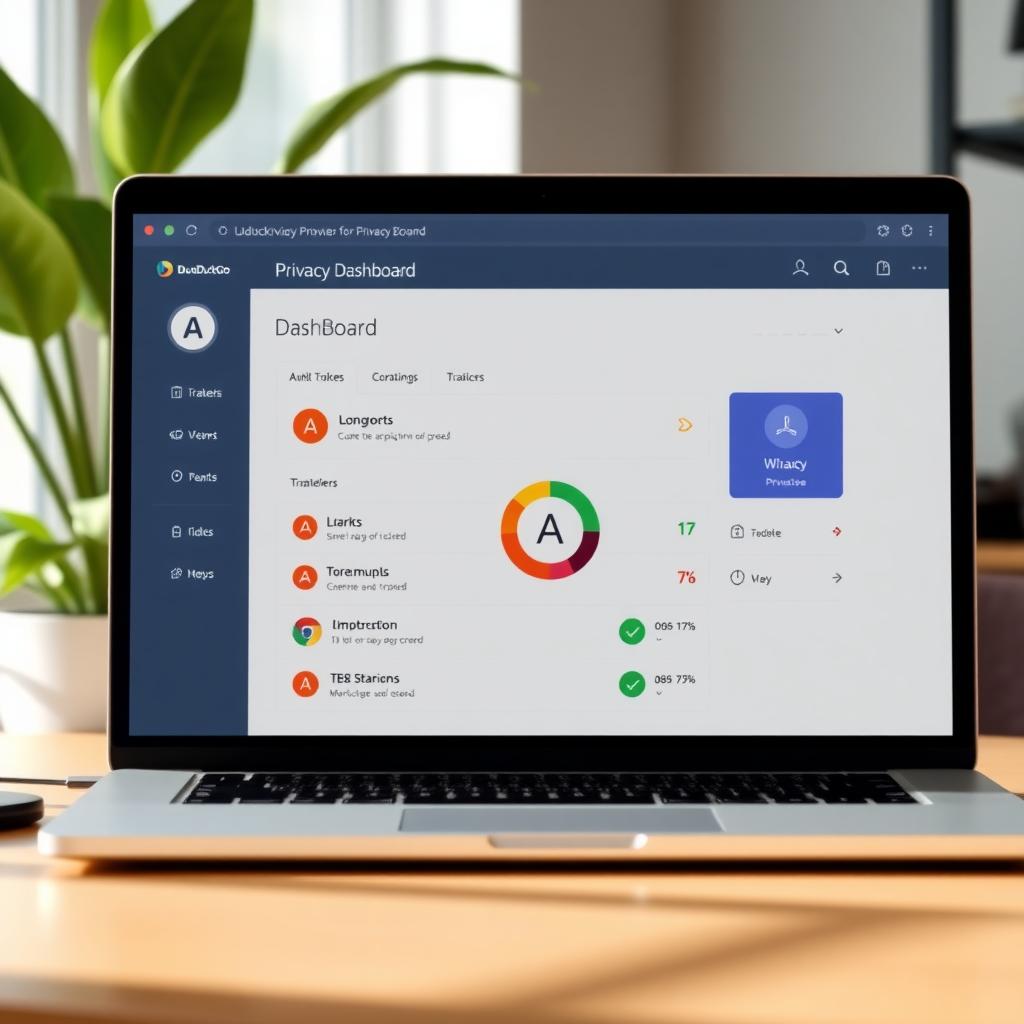
- Privacy Grade: Rates each website’s privacy practices from A to F, so you know what you’re dealing with.
- Global Privacy Control (GPC): Signals websites to respect your privacy preferences.
These features work together to create a seamless, secure browsing experience. For example, the privacy grade feature helped me avoid a sketchy shopping site last week—it scored a D, so I closed the tab and moved on.
How DuckDuckGo Compares to LibreWolf and Tor
To understand where DuckDuckGo stands, let’s compare it to two other top privacy-focused browsers in 2023: LibreWolf and Tor. Each has unique strengths, but which is right for you?
| Feature | DuckDuckGo | LibreWolf | Tor |
|---|---|---|---|
| Base Engine | Chromium | Firefox | Firefox |
| Tracker Blocking | Yes | Yes (uBlock Origin) | Yes |
| Anonymity | Moderate | High | Very High |
| Ease of Use | High | Moderate | Low |
| Mobile Support | Yes | No | Limited |
| Speed | Fast | Moderate | Slow |
Review of LibreWolf Browser: Is It Better Than Tor?
LibreWolf is a Firefox-based browser stripped of telemetry and packed with privacy enhancements like uBlock Origin. It’s ideal for users who want a Firefox-like experience without Mozilla’s data collection. However, it lacks mobile support, which limits its versatility. In my tests, LibreWolf felt snappy on my laptop, but I missed the mobile app when switching devices.
Tor, on the other hand, routes your traffic through multiple servers for near-total anonymity. It’s perfect for journalists or activists but can be slow and less user-friendly. I tried browsing news sites on Tor, and the lag was noticeable—sometimes pages took 10 seconds to load.
DuckDuckGo strikes a balance. It’s not as anonymous as Tor but offers better usability and speed. Compared to LibreWolf, it’s more accessible across devices. If you prioritize ease and mobile browsing, DuckDuckGo wins. For hardcore privacy enthusiasts, LibreWolf or Tor might edge out slightly.
Why Online Privacy Matters in 2023
Your online activity is a goldmine for advertisers, hackers, and even governments. Every search, click, or scroll can be tracked to build detailed profiles about you. I learned this the hard way when I searched for hiking boots and saw ads for them everywhere for weeks. Using online privacy tools like DuckDuckGo can stop this cycle. By blocking trackers and avoiding data collection, it keeps your digital footprint minimal.
Practical Tips for Using DuckDuckGo Privacy Browser
To get the most out of DuckDuckGo, try these actionable tips:
- Use the Fire Button Regularly: Clear your browsing data after each session to ensure no traces remain.
- Check Privacy Grades: Before entering personal info on a site, glance at its privacy grade to assess its trustworthiness.
- Enable Global Privacy Control: This signals sites not to sell your data—check settings to turn it on.
- Combine with a VPN: Pair DuckDuckGo with a VPN like Mullvad for extra protection. I use this combo when browsing on public Wi-Fi.
- Explore Bangs: Use DuckDuckGo’s !bang shortcuts (e.g., !w for Wikipedia) to search specific sites privately.
These steps made a big difference in my browsing habits. For instance, using bangs saved me time when researching directly on trusted sites.
Limitations of DuckDuckGo Privacy Browser
No browser is perfect, and DuckDuckGo has a few drawbacks:
- Ads Based on Searches: While not personalized, ads tied to your current search can feel intrusive.
- Limited Features: It lacks the extensive customization of Firefox or LibreWolf.
- Search Results: Since it relies partly on Bing, results may not always match Google’s depth.
I noticed this when searching for niche topics—Google often surfaced better results. Still, the privacy trade-off makes DuckDuckGo worth it for me.
Enhancing Your Privacy Beyond the Browser
DuckDuckGo is a great start, but true online privacy requires a layered approach. Here are additional tools to consider:
- Password Managers: Use tools like Bitwarden to create and store strong passwords.
- Encrypted Email: Services like ProtonMail keep your communications private.
- Ad Blockers: Add uBlock Origin to DuckDuckGo for extra tracker blocking.
I switched to ProtonMail last year, and the peace of mind from encrypted emails is unbeatable. Combining these tools with DuckDuckGo creates a robust privacy shield.

Summary: Is DuckDuckGo Right for You?
The DuckDuckGo Privacy Browser is a top contender among top privacy-focused browsers in 2023. Its user-friendly design, tracker blocking, and mobile support make it ideal for everyday users who want privacy without complexity. While it may not match Tor’s anonymity or LibreWolf’s customization, it offers a balanced, accessible solution. Pair it with other online privacy tools for maximum protection. Ready to take control of your digital life? Download DuckDuckGo and start browsing privately today.