Understanding Data Breaches and How to Stay Safe
Overview
Data breaches are a growing threat in our digital world. Hackers and scammers target personal information like passwords, Social Security numbers, and bank details to exploit individuals. This article dives into understanding data breaches, how to spot phishing scams, and practical steps to protect yourself using tools like two-factor authentication and Proton Mail.
What Is a Data Breach?
A data breach happens when sensitive information is accessed, stolen, or exposed without permission. This could be due to hackers breaking into a company’s servers, insiders leaking data, or even accidental exposure on a website. For example, in 2024, the National Public Data breach exposed up to 2.9 billion records, including names and Social Security numbers, affecting millions across the US, UK, and Canada. Such incidents show how vulnerable our data can be.
When I first learned about data breaches, it felt overwhelming. My email was caught in a breach a few years ago, and suddenly I was getting spam calls daily. It made me realize how important it is to understand what’s at stake. Breaches can lead to identity theft, fraudulent purchases, or even drained bank accounts. The Federal Trade Commission (FTC) notes that scammers often use stolen data to impersonate trusted organizations, tricking people into sharing more information.
Recognizing Phishing Scams
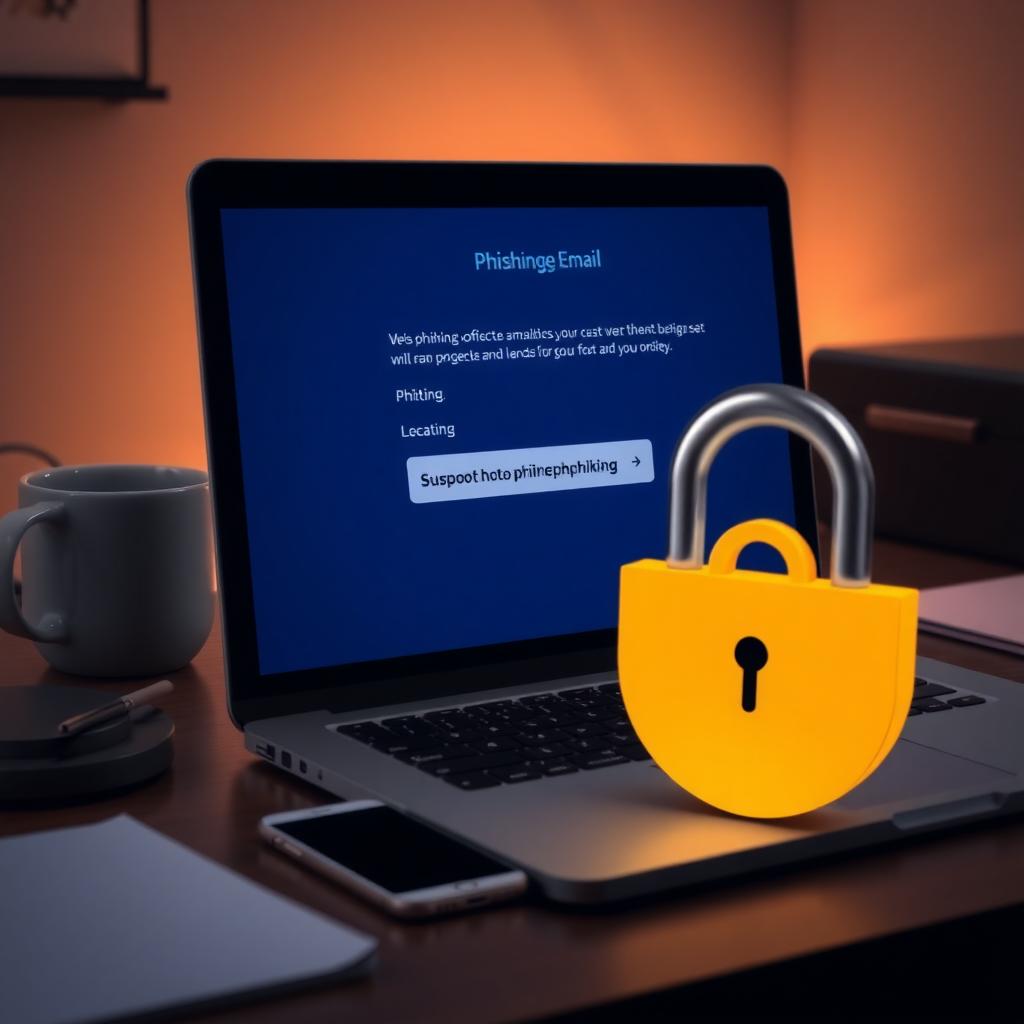
Phishing scams are a common way hackers exploit data breaches. These scams involve emails or texts that look like they’re from a legitimate source, like your bank or a tech company. They often urge you to click a link or share personal details. According to the FTC, email was the top method scammers used to contact people in 2024. A telltale sign is an urgent tone, like a warning about a compromised account, pushing you to act fast without thinking.
I once got an email claiming my bank account was locked. It looked real, with the bank’s logo and all, but the sender’s email address was slightly off. Instead of clicking the link, I called the bank directly using a number from their official website. Turns out, it was a scam. The FTC advises checking for red flags like generic greetings, odd email addresses, or requests for sensitive data. If you’re unsure, contact the company through a trusted channel, not the email’s links or numbers.
How Two-Factor Authentication Keeps You Safe
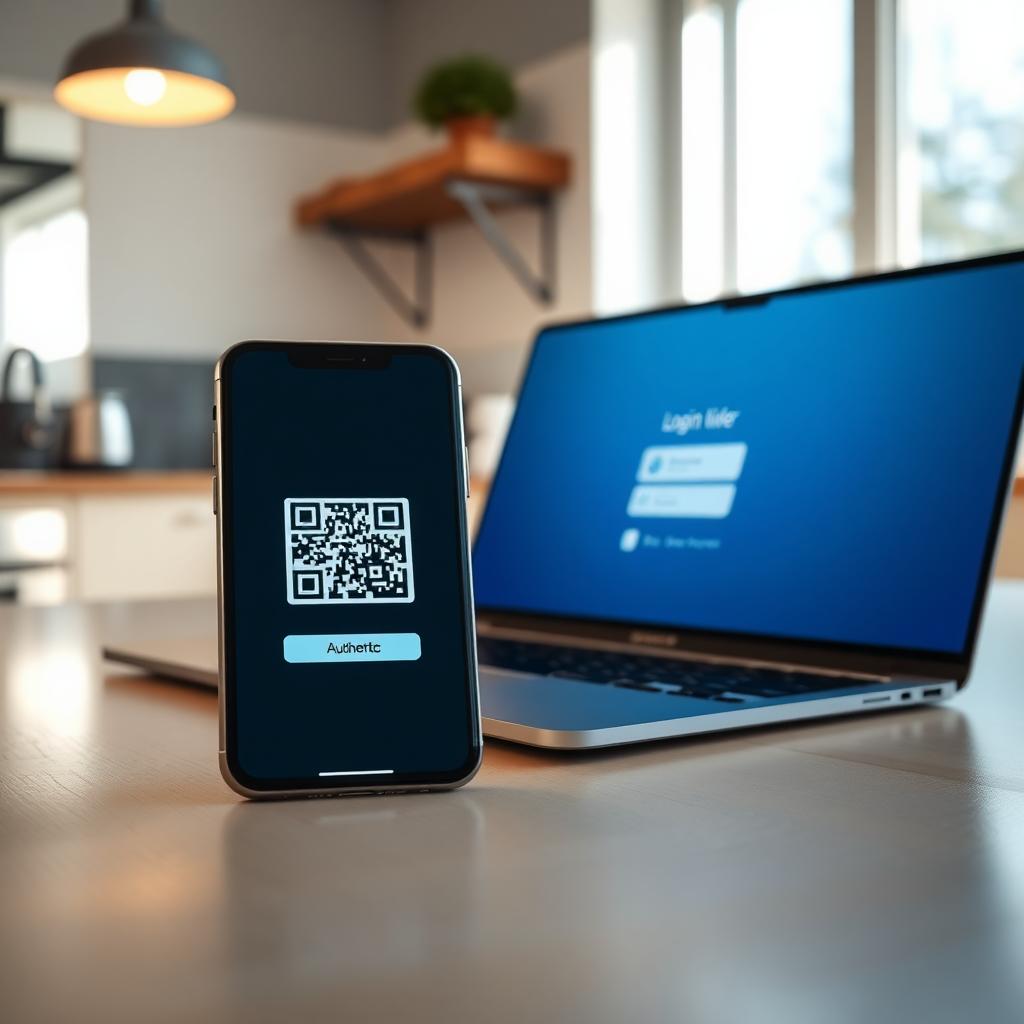
One of the best ways to protect your accounts is by using two-factor authentication (2FA). This adds an extra layer of security by requiring a second form of verification beyond your password, like a code sent to your phone or generated by an app. Even if a hacker gets your password from a breach, they can’t log in without that second factor. The FTC emphasizes that 2FA makes it much harder for scammers to access your accounts.
Setting up 2FA saved me once when my email password was compromised. I got a text with a verification code I didn’t request, which tipped me off to change my password immediately. For the strongest protection, use an authenticator app like Google Authenticator or a security key instead of text-based codes, as texts can be intercepted in SIM swap attacks. Most major services, from email to banking, now offer 2FA—turn it on everywhere you can.
Online Privacy Tools to Stay Secure
Beyond 2FA, online privacy tools can help safeguard your data. Tools like password managers, VPNs, and encrypted email services reduce your exposure to breaches. A password manager creates and stores strong, unique passwords for each account, so you don’t reuse the same one—a common mistake that makes breaches more dangerous. A VPN encrypts your internet connection, especially on public Wi-Fi, keeping your activity private.
I started using a VPN after noticing how often I used coffee shop Wi-Fi. It’s like a shield for your data, making it harder for hackers to snoop. Similarly, encrypted email services like Proton Mail offer extra protection for your communications. Unlike regular email, Proton Mail encrypts your messages so only the recipient can read them, reducing the risk of interception.
Proton Mail Setup Guide for Beginners
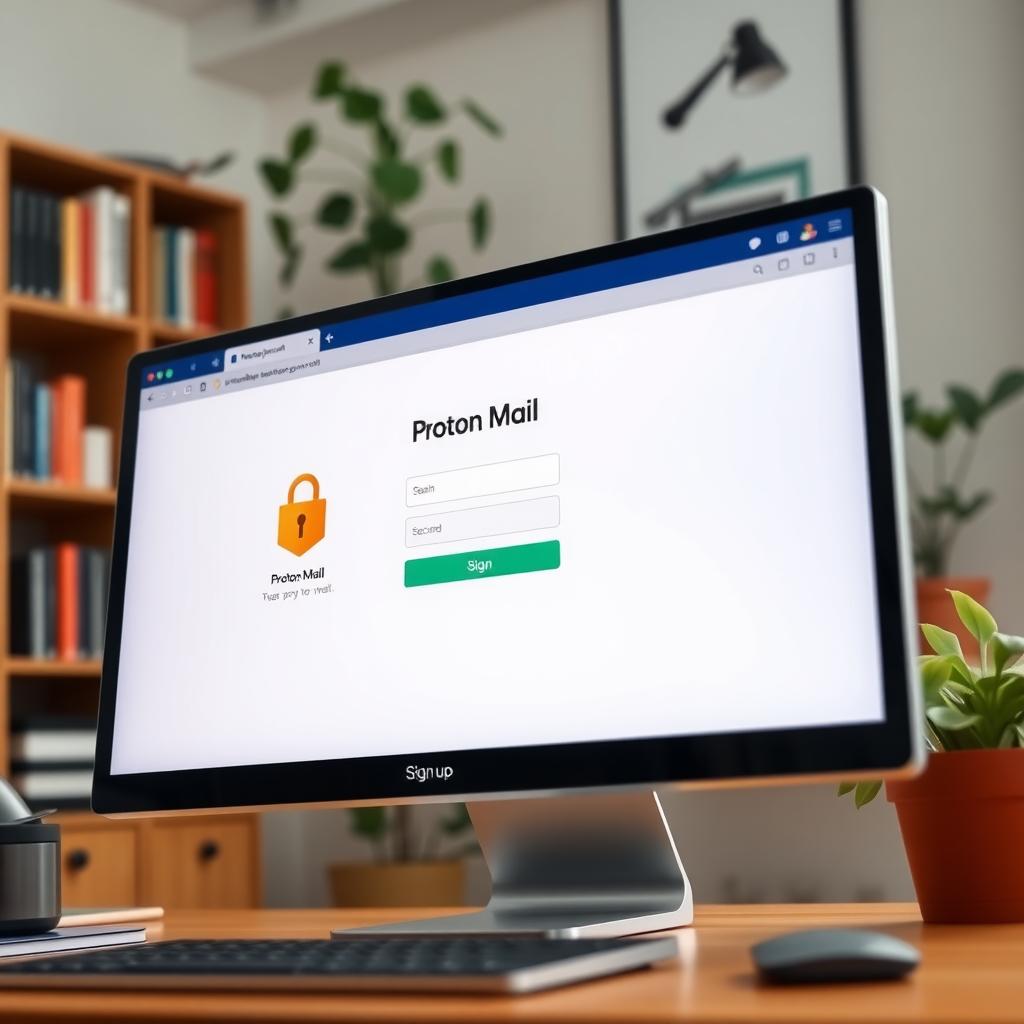
Setting up Proton Mail is straightforward and a great step toward online privacy. First, visit the Proton Mail website and sign up for a free account. Choose a username and password—make the password strong, at least 15 characters with letters, numbers, and symbols. Next, verify your account with a phone number or alternate email. Once you’re in, enable 2FA for added security.
Proton Mail’s interface is user-friendly, much like Gmail, but with encryption built in. You can send encrypted emails to other Proton Mail users automatically, and for non-users, you can set a password for the email. I found it easy to switch, and it gave me peace of mind knowing my emails weren’t easily accessible to hackers. For detailed setup steps, check Proton Mail’s official guide, which walks you through every option.
Practical Steps to Stay Safe
Protecting yourself from data breaches requires ongoing effort. Here’s a quick checklist to stay secure:
- Update Software Regularly: Keep your devices and apps updated to patch security vulnerabilities.
- Use Strong Passwords: Aim for 15+ characters, unique for each account, and store them in a password manager.
- Enable 2FA: Turn it on for all accounts, prioritizing authenticator apps over text-based codes.
- Back Up Data: Save important files to an external drive or cloud service to recover if hacked.
- Monitor Accounts: Check bank and credit card statements for suspicious activity, and consider a credit freeze if your Social Security number is exposed.
If you suspect a breach, act fast. Visit IdentityTheft.gov for a personalized recovery plan based on the exposed data. Report phishing attempts to the FTC at ReportFraud.ftc.gov and forward phishing emails to [email protected]. Quick action can limit the damage.
Why Online Privacy Matters
Online privacy isn’t just about avoiding scams—it’s about controlling your digital footprint. Every time you share personal details, you’re trusting companies to protect them. But breaches happen, and scammers are relentless. By using tools like 2FA, VPNs, and Proton Mail, you take back some of that control. It’s not foolproof, but it’s empowering to know you’re doing what you can.
I learned this the hard way after my data was exposed in a breach. It wasn’t just about changing passwords; it was about rethinking how I share information online. Now, I’m careful about what I post on social media, and I double-check privacy settings. Small changes make a big difference.
Summary
Data breaches are a real threat, but you can stay safe by understanding how they happen and taking proactive steps. Recognize phishing scams, enable two-factor authentication, and explore online privacy tools like Proton Mail. Stay vigilant, keep your software updated, and monitor your accounts to minimize risks.