The Ultimate Guide to Online Privacy: Social Media Privacy Tips for 2025
Overview
In 2025, social media is a double-edged sword: it connects us but exposes our personal data. Protecting your privacy online is more critical than ever. This guide shares practical social-media-privacy-tips to safeguard your information, including tools like Proton Mail and strategies to stay secure.
Why Social Media Privacy Matters
Social media platforms thrive on your data—your likes, shares, and even private messages can be tracked. I’ve seen friends get targeted ads based on casual posts, and it’s unsettling. Data breaches, like the 2023 X platform leak affecting millions, show how vulnerable we are. Prioritizing online privacy isn’t just smart; it’s necessary to avoid identity theft, scams, or unwanted surveillance.
The good news? You can take control. By tweaking settings, using online privacy tools, and being mindful, you can enjoy social media without compromising your security. Let’s dive into actionable steps to lock down your accounts and protect your digital life.
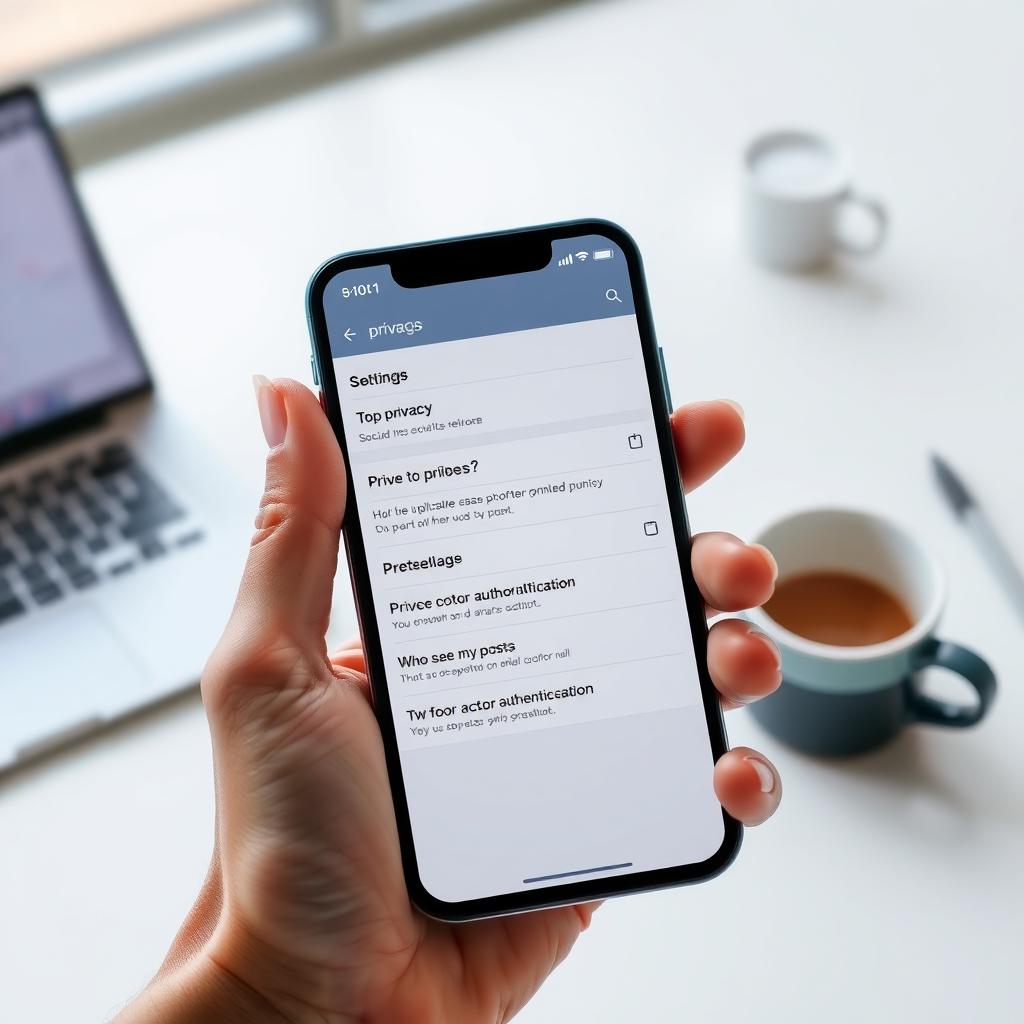
1. Master Your Privacy Settings
Every major platform—X, Instagram, TikTok—has privacy settings, but they’re often buried. I learned this the hard way when a post I thought was private got shared publicly. Here’s how to take charge:
- Limit Who Sees Your Posts: Set your accounts to private or restrict posts to friends only. On X, go to Settings > Privacy and Safety > Your Posts.
- Control Tagging and Mentions: Disable automatic tagging or require approval. This stops unwanted exposure.
- Review Third-Party Apps: Check which apps have access to your account. Revoke any you don’t trust.
Spend 10 minutes auditing each platform’s settings. It’s tedious but worth it.
2. Enable Two-Factor Authentication (2FA)
Two-factor authentication adds a second layer of security, like a code sent to your phone. I started using 2FA after a friend’s account was hacked, and it’s a game-changer. Most platforms support it:
| Platform | How to Enable 2FA |
|---|---|
| X | Settings > Security > Two-Factor Authentication |
| Settings > Security > Two-Factor Authentication | |
| TikTok | Settings > Security and Login > 2FA |
Use an authenticator app like Authy instead of SMS for extra security.
3. Be Cautious with What You Share
Oversharing is a privacy killer. I once posted a vacation photo in real-time, only to realize it signaled my house was empty. Here’s what to avoid:
- Location Data: Turn off geotagging in your phone’s camera settings.
- Personal Details: Don’t share your address, phone number, or sensitive info.
- Real-Time Updates: Wait until you’re home to post vacation pics.
Think before you post: Could this reveal too much? If in doubt, skip it.
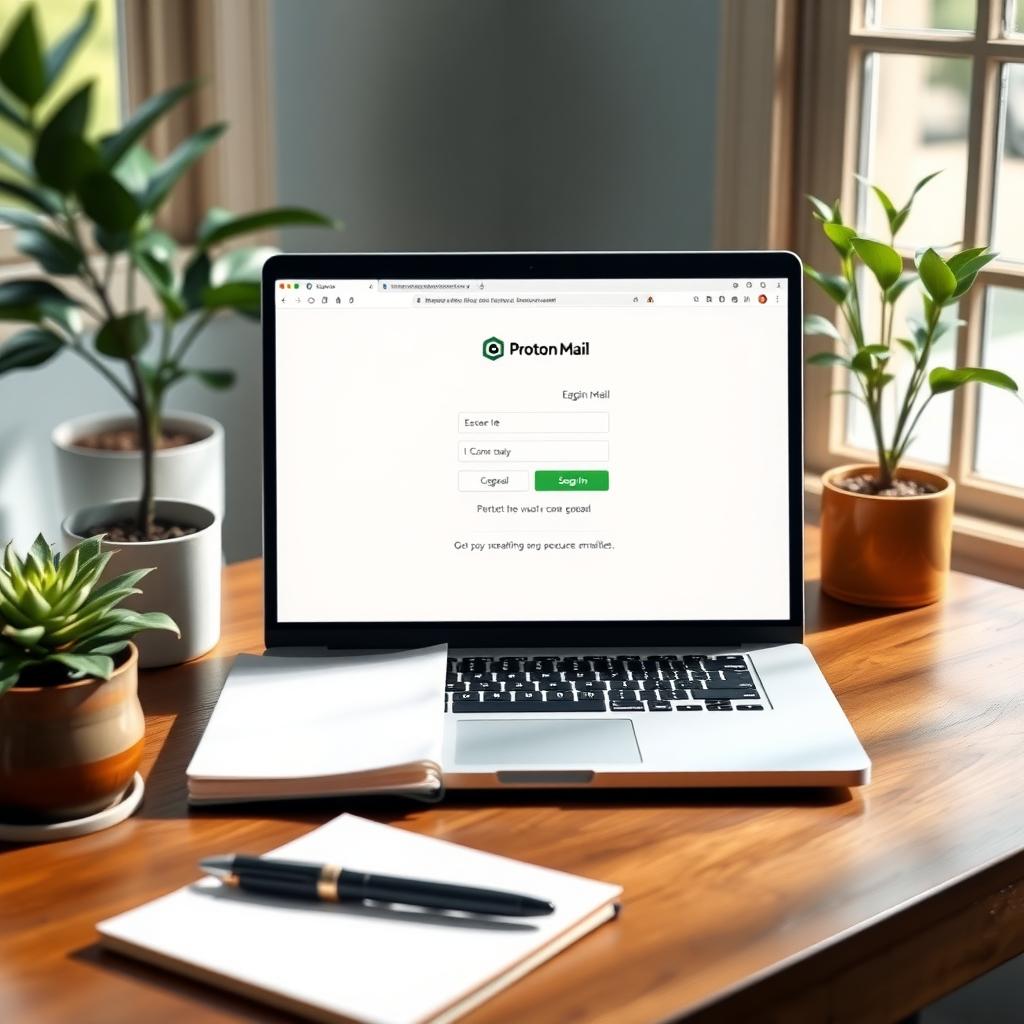
4. Use Secure Communication Tools
Social media DMs aren’t always private. For sensitive chats, I use encrypted tools like Proton Mail. It’s user-friendly and keeps your emails secure. Here’s a quick Proton Mail setup guide for beginners:
- Sign Up: Go to Proton Mail’s website and create a free account.
- Choose a Plan: The free version works for most, but paid plans offer more features.
- Enable Encryption: Proton Mail encrypts emails by default. Use it for sensitive communication.
- Import Contacts: Manually add contacts to avoid syncing with less secure platforms.
Proton Mail is one of the best online privacy tools for secure communication. It’s saved me from relying on unencrypted social media messages.
5. Watch Out for Phishing Scams
Phishing is rampant on social media. I almost clicked a fake login link sent via DM once—it looked so real. To stay safe:
- Verify Links: Hover over URLs to check their destination before clicking.
- Ignore Suspicious DMs: Don’t respond to messages asking for passwords or personal info.
- Report Spam: Flag and block suspicious accounts.
If a message feels off, trust your gut and delete it.
6. Use a VPN for Extra Protection
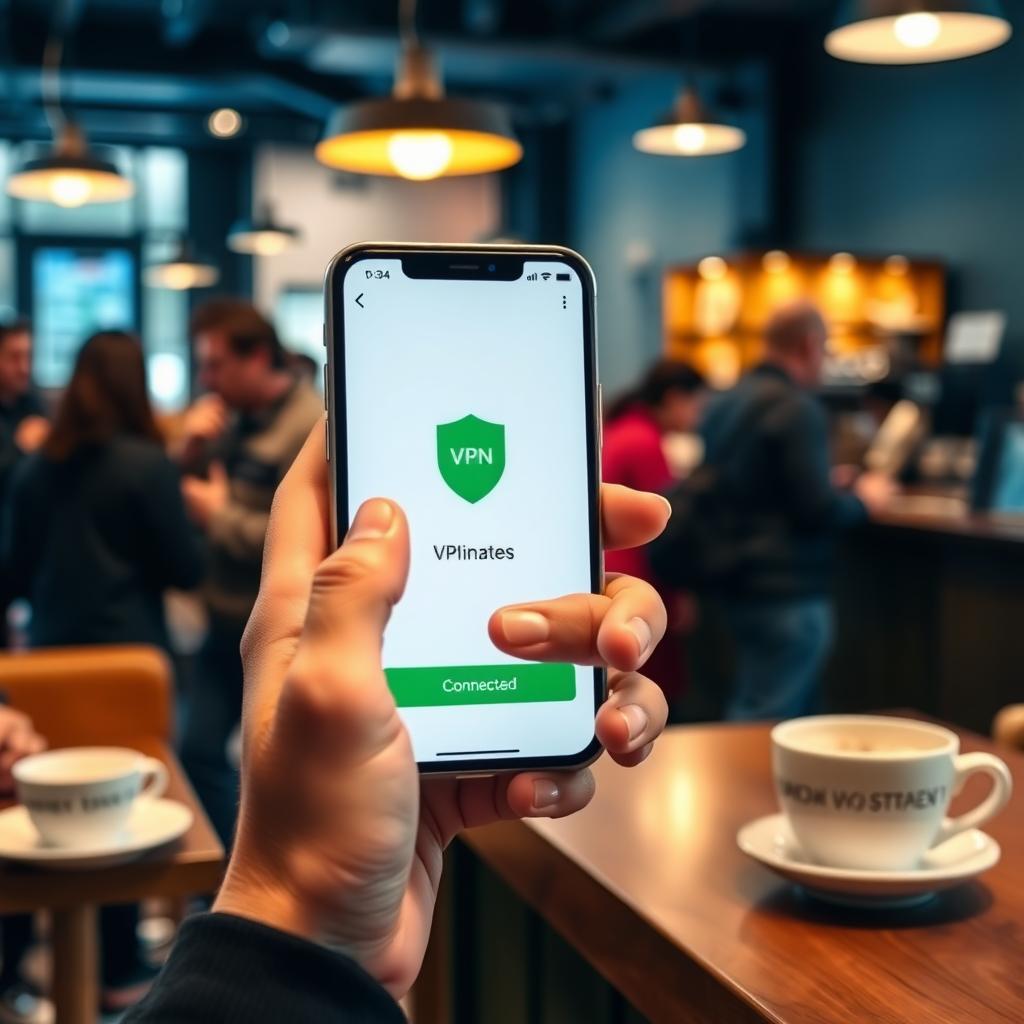
A Virtual Private Network (VPN) hides your IP address, making it harder for trackers to follow you. I use a VPN when browsing social media on public Wi-Fi, like at coffee shops. Popular options include NordVPN and ExpressVPN. Choose one with a no-logs policy for maximum online privacy.
7. Regularly Review Your Digital Footprint
Your old posts can haunt you. I once found a cringeworthy post from 2015 that was still public. Set a reminder every six months to:
- Delete Old Content: Remove outdated posts or photos.
- Check Privacy Settings: Platforms update policies, so double-check settings.
- Google Yourself: See what’s out there and request removal of sensitive info.
This habit keeps your online presence clean and secure.
8. Educate Yourself on Platform Policies
Each platform has unique privacy policies. X, for example, lets you control who sees your posts, but its algorithm may still share data with advertisers. Read the fine print or check summaries on sites like Privacy International. Knowledge is power when it comes to social-media-privacy-tips.
9. Limit Ad Tracking
Ads follow you because platforms track your behavior. To reduce this:
- Opt Out of Personalized Ads: On X, go to Settings > Privacy and Safety > Data Sharing and Personalization.
- Clear Cookies: Regularly clear your browser cookies to disrupt trackers.
- Use Privacy-Focused Browsers: Try Brave or Firefox for built-in tracking protection.
These steps cut down on creepy, hyper-targeted ads.
10. Stay Updated on Privacy Trends
Online privacy evolves fast. In 2025, new laws like the EU’s Digital Services Act are tightening data rules. Follow tech news or subscribe to newsletters from sources like The Verge to stay informed. Knowing what’s coming helps you adapt your social-media-privacy-tips.
Final Thoughts
Protecting your online privacy on social media takes effort, but it’s worth it. By tweaking settings, using tools like Proton Mail, and staying vigilant, you can enjoy the benefits of social media without risking your data. Start with one tip today—maybe enabling 2FA—and build from there. Your digital self will thank you.