Simple Steps to Lock Down Your Online Privacy in 2025
Overview
In today’s digital world, your personal information is constantly collected, shared, and sometimes sold without your consent. From social media profiles to data brokers, your online presence can expose you to spam, scams, or even identity theft. This article shares simple steps to lock down your online privacy, including how to use online privacy tools like Incogni to delete personal data. With actionable tips and personal insights, you’ll learn how to take control of your digital footprint and stay secure in 2025.
Why Locking Down Your Online Presence Matters
Every time you browse the web, sign up for an app, or post on social media, you leave a trail of data. I’ve seen firsthand how a simple Google search of my name pulled up old addresses and phone numbers I thought were private. Data brokers collect this information, creating detailed profiles that marketers, scammers, or even employers can access. According to a 2023 Pew Research study on data privacy, 67% of Americans feel they have little control over their data online. Locking down your online presence isn’t just about avoiding spam—it’s about protecting your identity and peace of mind.
Step 1: Audit Your Digital Footprint
The first step to lock down your online presence is understanding what’s out there. Start by searching your name, email, and phone number on Google, Bing, or DuckDuckGo. Use quotation marks (e.g., “John Doe”) for precise results. I was shocked to find my old blog posts and a people-search site listing my home address. Make a list of where your information appears, including social media, forums, or data broker sites like Whitepages. This audit helps you identify what needs to be removed or secured.

Step 2: Secure Your Social Media Accounts
Social media is a goldmine for data collectors. I once left my Facebook profile public, unaware that strangers could see my posts and photos. To lock down your accounts: - Set profiles to private: On platforms like Facebook, Instagram, and X, go to privacy settings and restrict who can view your posts. - Limit past posts: Facebook allows you to make all past posts visible only to friends. - Delete old accounts: If you don’t use an account, deactivate or delete it. For example, to delete your X account, go to Settings > Your Account > Deactivate. Regularly review connected apps and revoke access to those you no longer use. This reduces the risk of data leaks from third-party apps.
Step 3: Use Online Privacy Tools
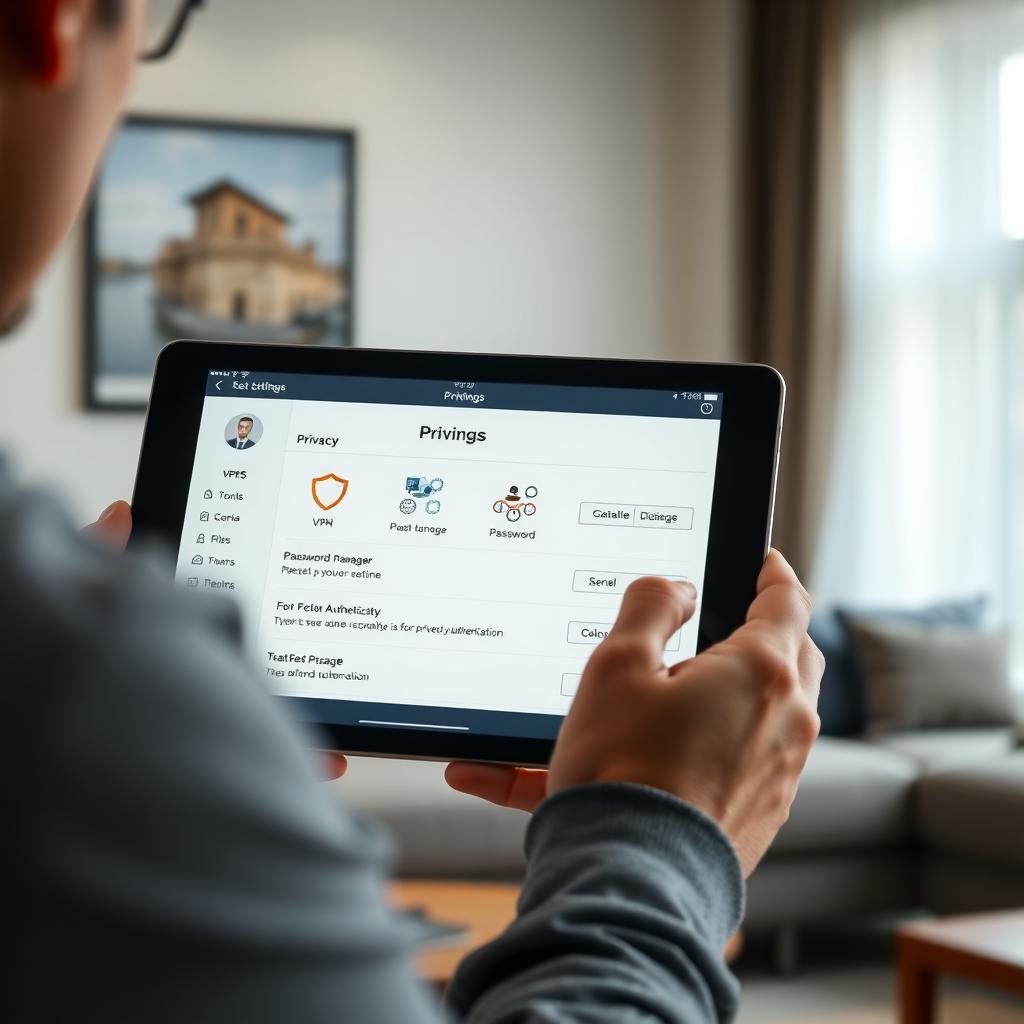
Online privacy tools can simplify the process of protecting your data. A good VPN, like those offered by NordVPN, encrypts your internet connection, hiding your browsing activity from prying eyes. Password managers, such as LastPass, generate and store strong, unique passwords for each account. I started using a password manager after reusing the same password across multiple sites—a mistake that left me vulnerable to hacks. Enabling two-factor authentication (2FA) adds an extra layer of security by requiring a second verification step, like a code sent to your phone.
Step 4: How to Set Up Incogni to Delete Personal Data
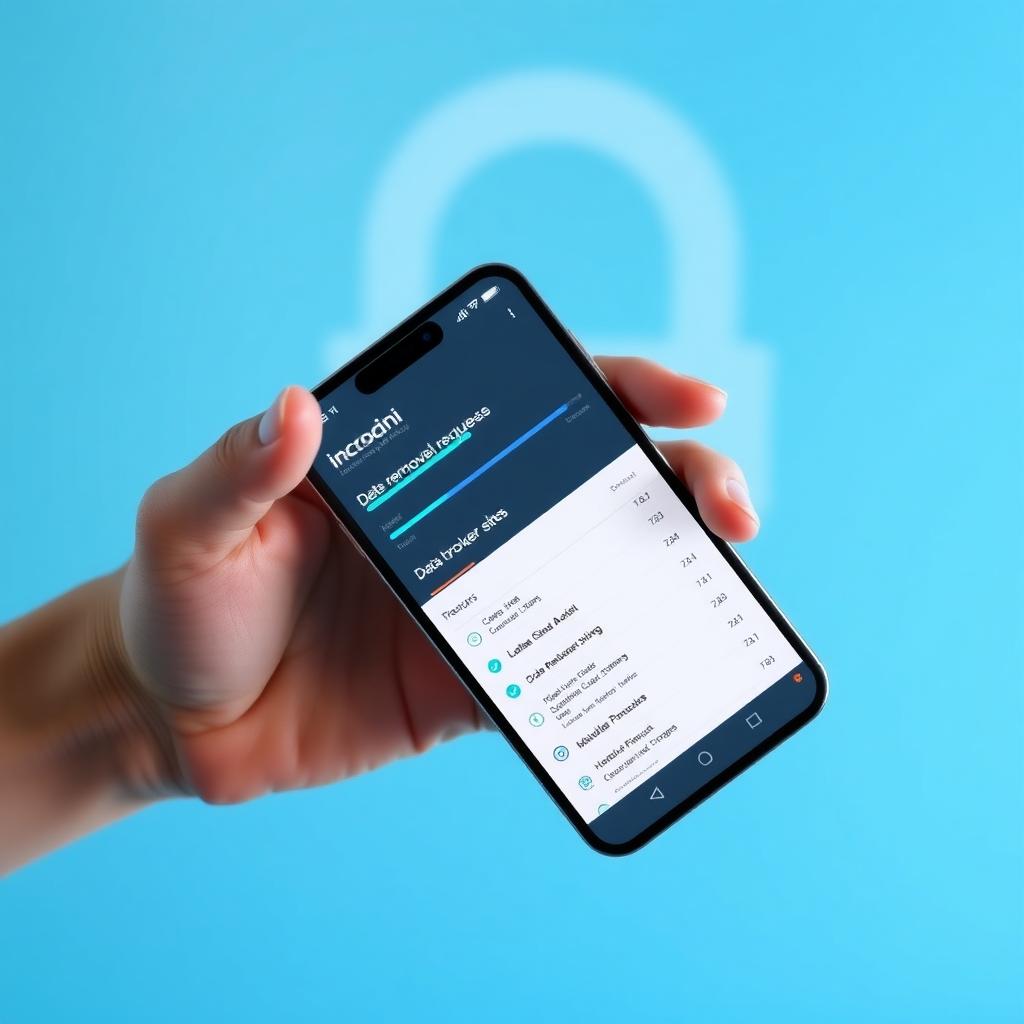
Data brokers are companies that collect and sell your personal information, often without your knowledge. I was frustrated to learn that my details were being traded by sites I’d never heard of. That’s where Incogni, a powerful data removal service, comes in. Here’s how to set up Incogni to delete personal data: 1. Sign up: Visit Incogni’s website and create an account. 2. Provide details: Enter your name, email, address, and phone numbers. Incogni uses this to match and remove your data from broker databases. 3. Authorize removal: Sign a digital authorization form, allowing Incogni to act on your behalf. 4. Track progress: Incogni sends regular privacy reports showing which sites have removed your data. Incogni automates requests to over 250 data brokers, saving you hours of manual work. It also re-scans periodically to ensure your data stays off these sites. Since using Incogni, I’ve noticed fewer spam calls and emails, which has been a huge relief.
Step 5: Remove Personal Information from Search Engines
Search engines like Google can display your personal information from data broker sites. Google’s “Results About You” tool lets you request the removal of sensitive data, such as phone numbers or addresses, from search results. I used this tool to remove an old address that kept appearing online. While it doesn’t delete the data from the original site, it reduces its visibility. For a more thorough cleanup, combine this with Incogni or manual opt-out requests to data brokers.
Step 6: Adopt Privacy-Focused Browsing Habits
Your browsing habits can expose your data. I switched to privacy-focused tools after realizing how much Google tracks my searches. Here’s what you can do: - Use a privacy-focused browser: Browsers like Brave or Firefox block trackers by default. - Enable Do Not Track: Most browsers have a “Do Not Track” setting, though some sites may ignore it. - Clear cookies regularly: Cookies track your activity across sites, so clear them often. - Use private browsing: Incognito mode doesn’t stop all tracking but limits what’s stored on your device. These habits reduce the data you share unknowingly while browsing.
Step 7: Monitor and Maintain Your Privacy
Locking down your online presence is an ongoing process. Data brokers can re-collect your information, so regular monitoring is key. Services like Incogni and Norton’s Privacy Monitor scan for your data and alert you when it’s found. I check my digital footprint every few months to catch new exposures early. Also, consider using a P.O. Box for mail to keep your home address private, especially for online purchases.
Step 8: Understand Your Legal Rights
Privacy laws, like the California Consumer Privacy Act (CCPA), give you the right to request data deletion from companies. If you’re in a region with strong privacy laws, use them to enforce your requests. I once contacted a data broker directly, citing the CCPA, and they complied within days. Knowing your rights empowers you to demand accountability from companies holding your data.
Summary
Locking down your online presence is a proactive way to protect your privacy in a data-driven world. By auditing your digital footprint, securing social media, using online privacy tools like VPNs and password managers, and leveraging services like Incogni to delete personal data, you can significantly reduce your exposure. Regular monitoring and privacy-focused habits ensure your data stays secure. Start with these simple steps to lock down your online privacy and take back control of your digital life.