Protecting Personal Data in the Digital Age: Simple Steps to Lock Down Your Online Privacy
Overview
In today’s world, our personal data is constantly at risk. From social media to online shopping, every click leaves a digital footprint. Protecting personal data in the digital age isn’t just a tech buzzword—it’s a necessity. This guide shares simple steps to lock down your online privacy, including how to set up Incogni to delete personal data and use online privacy tools effectively.
Why Protecting Personal Data Matters
Every time you browse the internet, companies collect bits of your life—your name, address, even your shopping habits. Data brokers compile this information into profiles and sell them to advertisers or worse, scammers. I learned this the hard way when I started getting spam calls after signing up for a seemingly harmless loyalty program. According to a 2023 Pew Research study, 79% of Americans are concerned about how their data is used, yet 72% feel they lack control over it. That’s why taking charge of your online privacy is critical.
The risks go beyond annoying ads. Exposed data can lead to identity theft, financial fraud, or even stalking. The good news? You can reduce these risks with practical steps. Let’s dive into some straightforward ways to protect your personal data in the digital age.

Simple Steps to Lock Down Your Online Privacy
Here are actionable steps to secure your digital life. These don’t require tech expertise—just a bit of time and commitment.
1. Audit Your Digital Footprint
Start by searching your name on Google, Yahoo, or Bing. Use quotation marks (e.g., “Jane Doe”) for precise results. You might be shocked at what pops up—old social media profiles, public records, or even your address on people-search sites. I found an old forum post from 2010 with my email address, which I promptly had removed. Make a list of where your data appears and prioritize what needs to go.
2. Tighten Social Media Settings
Social media platforms are data goldmines. Check your privacy settings on platforms like Facebook, Instagram, and LinkedIn. Set your profiles to private, limit who can see your posts, and avoid sharing sensitive details like your address or phone number. I once left my profile public and got a creepy message from a stranger referencing my hometown. Now, I double-check my settings monthly.
3. Use Strong Passwords and Two-Factor Authentication
Weak passwords are an open door for hackers. Use unique, complex passwords for each account—think 12+ characters with letters, numbers, and symbols. A password manager like LastPass can help. Enable two-factor authentication (2FA) wherever possible, which adds a second layer of security, like a code sent to your phone. According to Google’s Security Blog, 2FA can block up to 99% of automated attacks.
4. Opt Out of Data Broker Sites
Data brokers like Spokeo or Whitepages collect and sell your information. Manually opting out is time-consuming, but services like Incogni can automate the process. I’ll explain how to set up Incogni to delete personal data later in this guide. For now, know that these services send removal requests to hundreds of data brokers, saving you hours of work.
How to Set Up Incogni to Delete Personal Data
Incogni is one of the best online privacy tools for removing your information from data brokers. It’s user-friendly and automates the tedious process of opting out. Here’s how to get started:
- Sign Up: Visit Incogni’s website and create an account. You’ll need to provide your name, email, and home address to match your data in broker databases.
- Authorize Removal: Sign an online authorization form to allow Incogni to act on your behalf. This is a legal requirement to demand data removal.
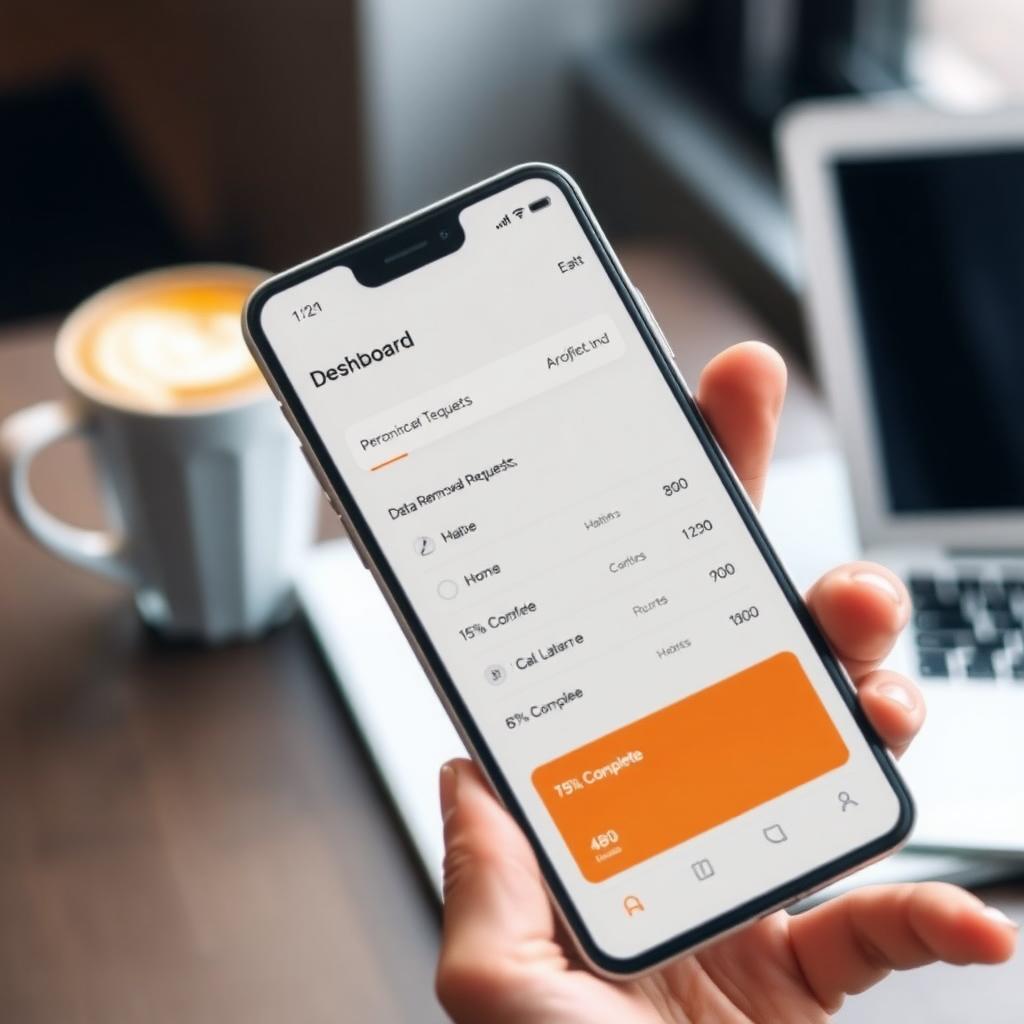
- Track Progress: Incogni’s dashboard shows how many removal requests are sent, in progress, or completed. When I signed up, I saw 40 requests completed within a month.
- Ongoing Monitoring: Incogni continuously scans for your data and sends new requests if it reappears. This is crucial since brokers often recollect data.
Incogni covers over 420 data brokers, and its Unlimited plan includes custom removals for tricky sites. It’s a set-it-and-forget-it solution, which I found invaluable after dealing with spam emails for years.
Other Online Privacy Tools to Consider
Beyond Incogni, several tools can boost your privacy:
- VPNs: A virtual private network (VPN) encrypts your internet traffic, hiding your IP address. I use NordVPN when browsing on public Wi-Fi—it’s like a digital invisibility cloak.
- Privacy-Focused Browsers: Browsers like Brave block trackers by default. Switching from Chrome to Brave cut down the ads I saw by half.
- Email Masking: Services like Apple’s Hide My Email create temporary addresses to shield your real one. This stopped spam from sketchy sign-ups.
- Antivirus Software: Tools like Malwarebytes protect against malware that can steal data. I run weekly scans to catch anything sneaky.
These tools work together to create a robust privacy shield. Combining them with Incogni’s data removal makes your digital life much safer.
Advanced Tips for Protecting Personal Data
For those ready to go further, here are some expert strategies:
| Strategy | Benefit |
|---|---|
| Use a P.O. Box | Keeps your home address private |
| Freeze Your Credit | Prevents unauthorized credit accounts |
| Limit App Permissions | Reduces data apps can collect |
I started using a P.O. Box for online purchases, and it’s been a game-changer for keeping my address off public records. Also, check app permissions regularly—many apps request access to data they don’t need, like your location or contacts.

Common Mistakes to Avoid
Even privacy-conscious folks slip up. Here are pitfalls to watch for:
- Oversharing Online: Avoid posting sensitive details, like your birthday or travel plans. I once shared a vacation photo in real-time and got a phishing email pretending to be my hotel.
- Ignoring Data Breaches: If your email or password is exposed, change them immediately. Use Have I Been Pwned to check for breaches.
- Assuming Incognito Mode Protects You: Incognito mode only hides your history from others on your device, not from websites or trackers.
Being mindful of these mistakes can save you headaches down the road.
Summary
Protecting personal data in the digital age is an ongoing effort, but it’s manageable with the right tools and habits. By auditing your digital footprint, tightening privacy settings, using services like Incogni, and adopting tools like VPNs and privacy browsers, you can significantly reduce your risks. Start small, stay consistent, and take control of your online privacy today.