Privacy International: Guide to Blocking Online Tracking
Overview
In today's digital world, online tracking follows you everywhere. Companies collect your data to target ads and build profiles. This Privacy International: Guide to Blocking Online Tracking shows you simple ways to fight back and reclaim your privacy. You'll learn how to protect your privacy online with effective tools and strategies.

Why Online Tracking Matters
Every time you browse the web, trackers watch your moves. They note what sites you visit, what you click, and even how long you stay on a page. This data fuels targeted ads and can lead to privacy breaches.
I remember the first time I realized how much I was being tracked. Ads for products I had just searched for started popping up everywhere. It felt creepy. That's when I dove into ways to stop it.
Privacy International highlights that blocking trackers not only protects your data but also speeds up your browsing and reduces annoying ads.
How to Protect Your Privacy Online: Start with Basics
Begin by using privacy-focused browsers like Firefox or Brave. These come with built-in protections against common trackers.
Enable features like strict tracking prevention in your browser settings. In Firefox, go to Preferences > Privacy & Security and set Enhanced Tracking Protection to Strict.
Also, turn on Do Not Track requests, though not all sites honor them.
Top Tools for Blocking Ads and Trackers
Here are some of the best tools available today:
- uBlock Origin: Free, lightweight extension that blocks ads, trackers, and malware effectively. It's my go-to for everyday browsing.
- Privacy Badger: From the EFF, it automatically learns to block invisible trackers.
- Ghostery: Shows you who's tracking you and blocks them with customizable options.
- AdGuard: Great for system-wide blocking, including on mobile devices.
These tools work on most browsers like Chrome, Firefox, and Edge.
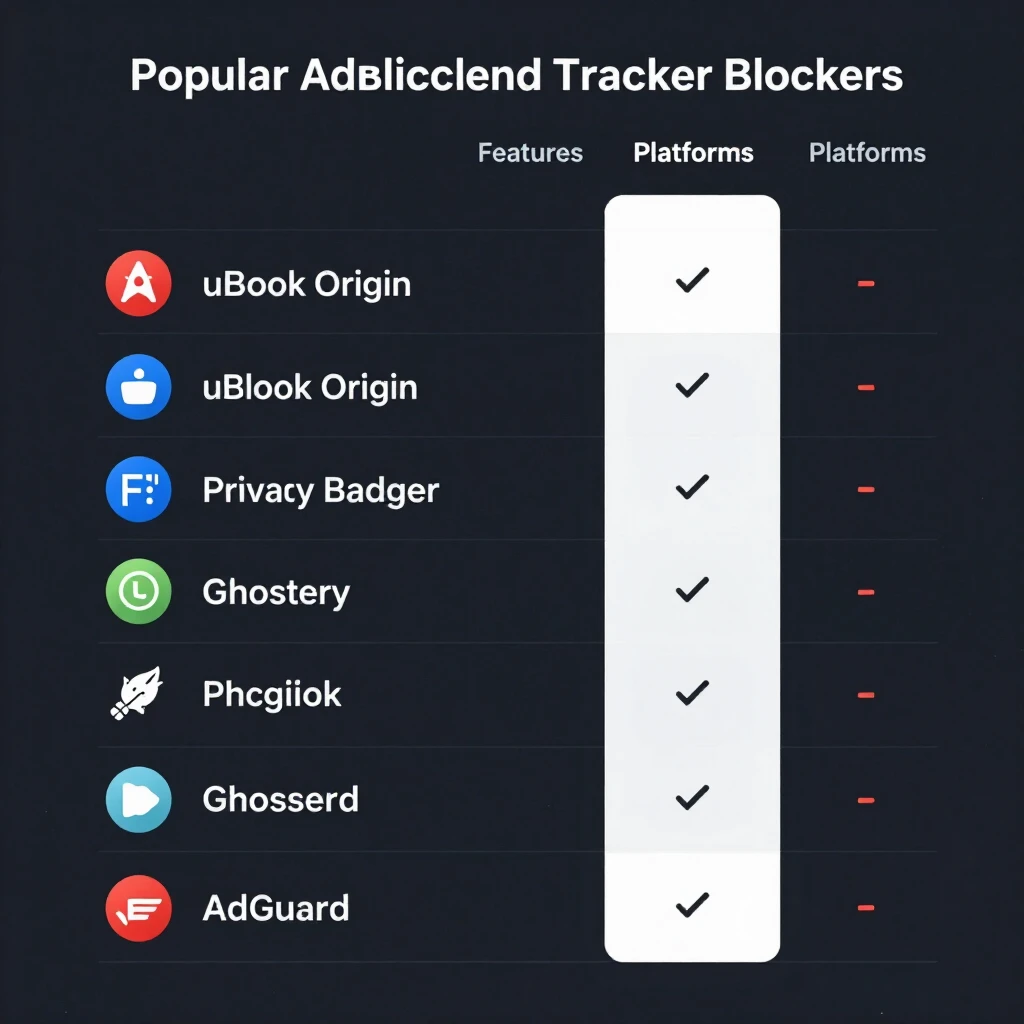
| Tool | Best For | Platforms | Free/Paid |
|---|---|---|---|
| uBlock Origin | Comprehensive blocking | Browsers | Free |
| Privacy Badger | Automatic tracker blocking | Browsers | Free |
| Ghostery | Detailed tracker insights | Browsers | Free |
| AdGuard | Device-wide protection | Browsers, Apps, OS | Freemium |
Installing one or more of these can drastically reduce tracking.
Understanding DNS and Its Importance for Privacy
DNS, or Domain Name System, acts like the internet's phonebook. It translates website names into IP addresses.
Standard DNS queries are unencrypted, meaning your ISP or others can see every site you visit. This leaks your browsing history.
Switching to a privacy-focused DNS prevents this snooping. Encrypted DNS options like DNS over HTTPS (DoH) or DNS over TLS (DoT) hide your queries.
Privacy experts stress that DNS privacy is crucial because it protects your entire connection, not just browser traffic.
NextDNS Setup Guide for Blocking Ads and Trackers
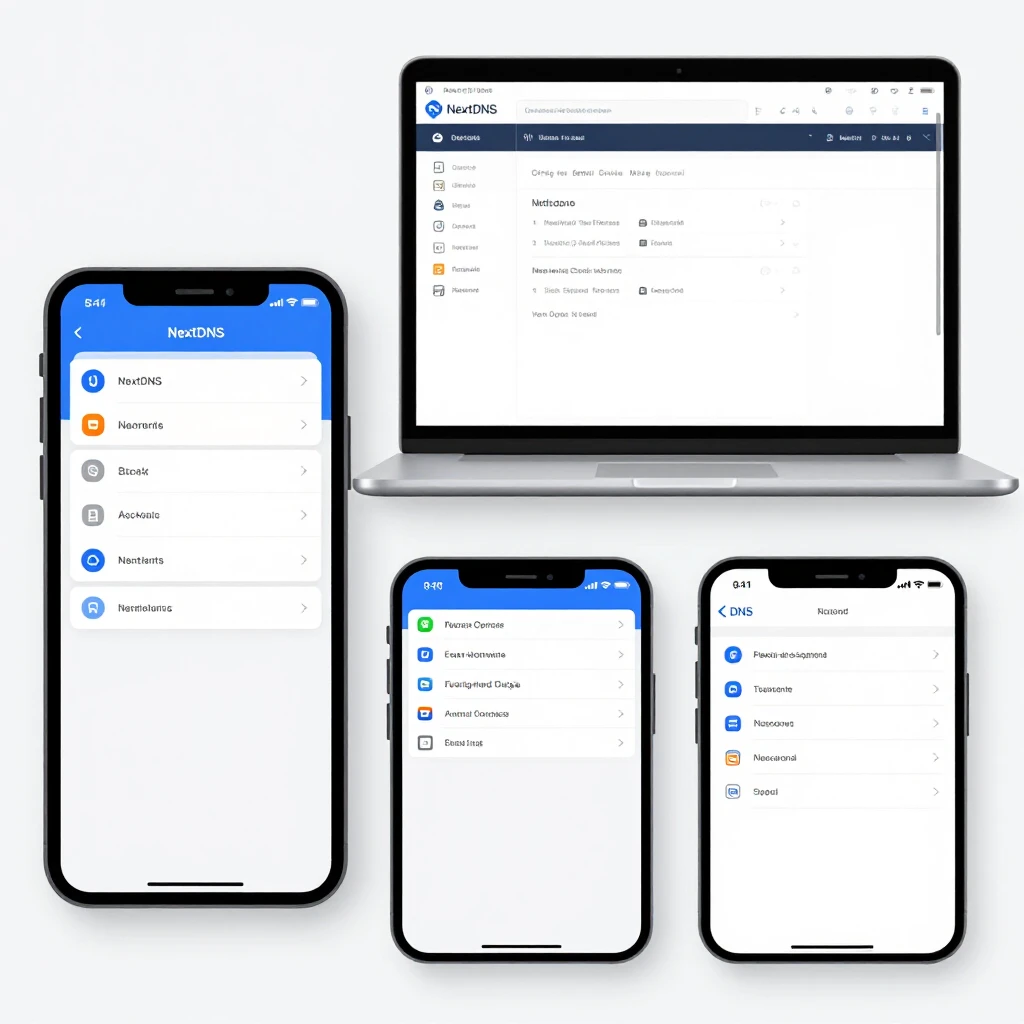
NextDNS is a powerful cloud-based DNS service that blocks ads, trackers, and threats network-wide.
Here's how to set it up:
- Go to nextdns.io and create a free account.
- Configure your profile: Enable the Ads & Trackers blocklist and add others like OISD or AdGuard for better coverage.
- Get your custom DNS endpoints from the dashboard.
- On your device:
- Windows/Mac: Set custom DNS in network settings.
- iOS/Android: Download the NextDNS app and follow instructions.
- Router: Enter the DNS servers for whole-home protection.
I've used NextDNS on my home network, and it blocks ads even in apps and on smart TVs. It's seamless and effective.
Advanced Tips and Personal Insights
Combine tools for layered protection: Use a browser extension plus DNS blocking.
Test your setup with tools like Cover Your Tracks from EFF to see how unique your browser fingerprint is.
On mobile, enable content blockers in Safari or use apps like AdGuard.
From my experience, these steps cut down data usage and make pages load faster. Plus, fewer targeted ads mean a calmer online experience.
Remember, no solution is perfect, but these actions significantly reduce tracking.
Final Thoughts
Blocking online trackers empowers you to control your data. Follow this Privacy International-inspired guide to protect your privacy online using top tools for blocking ads and trackers.
Start small—install one extension today—and build from there. Your online life will feel freer and safer.