Top Online Privacy Management Apps for 2025: Simple Steps to Lock Down Your Online Privacy
In 2025, protecting your online privacy is more critical than ever. Every click, search, or post leaves a digital footprint that companies, advertisers, and even hackers can exploit. Online privacy management apps for 2025 offer powerful tools to safeguard your data, giving you control over what’s shared. This guide explores the top apps, practical steps to secure your digital life, and personal insights from years of navigating the privacy landscape.
I’ve always been cautious about sharing personal details online. A few years ago, a data breach exposed my email and shopping habits, which was a wake-up call. Since then, I’ve tested dozens of privacy tools to reclaim control. The good news? You don’t need to be a tech expert to lock down your online privacy. With the right apps and habits, anyone can reduce their digital exposure.
Why Online Privacy Matters in 2025
The internet is a treasure trove of personal data. From your location to your browsing history, companies collect and sell this information, often without your consent. According to a 2023 report from the Pew Research Center, 79% of Americans believe they have little control over how companies use their data. Privacy management apps help you fight back by blocking trackers, encrypting communications, and removing personal information from data brokers.
These apps aren’t just for tech enthusiasts. Whether you’re shopping online, chatting with friends, or browsing social media, your data is at risk. Privacy tools empower you to decide who sees your information and when. Let’s dive into the best online privacy management apps for 2025 and how they can protect you.

Top Online Privacy Management Apps for 2025
Here’s a curated list of the best apps to protect your online privacy, based on functionality, ease of use, and effectiveness. Each tool addresses a specific aspect of privacy, from data removal to secure communication.
1. Incogni: Remove Your Data from Brokers
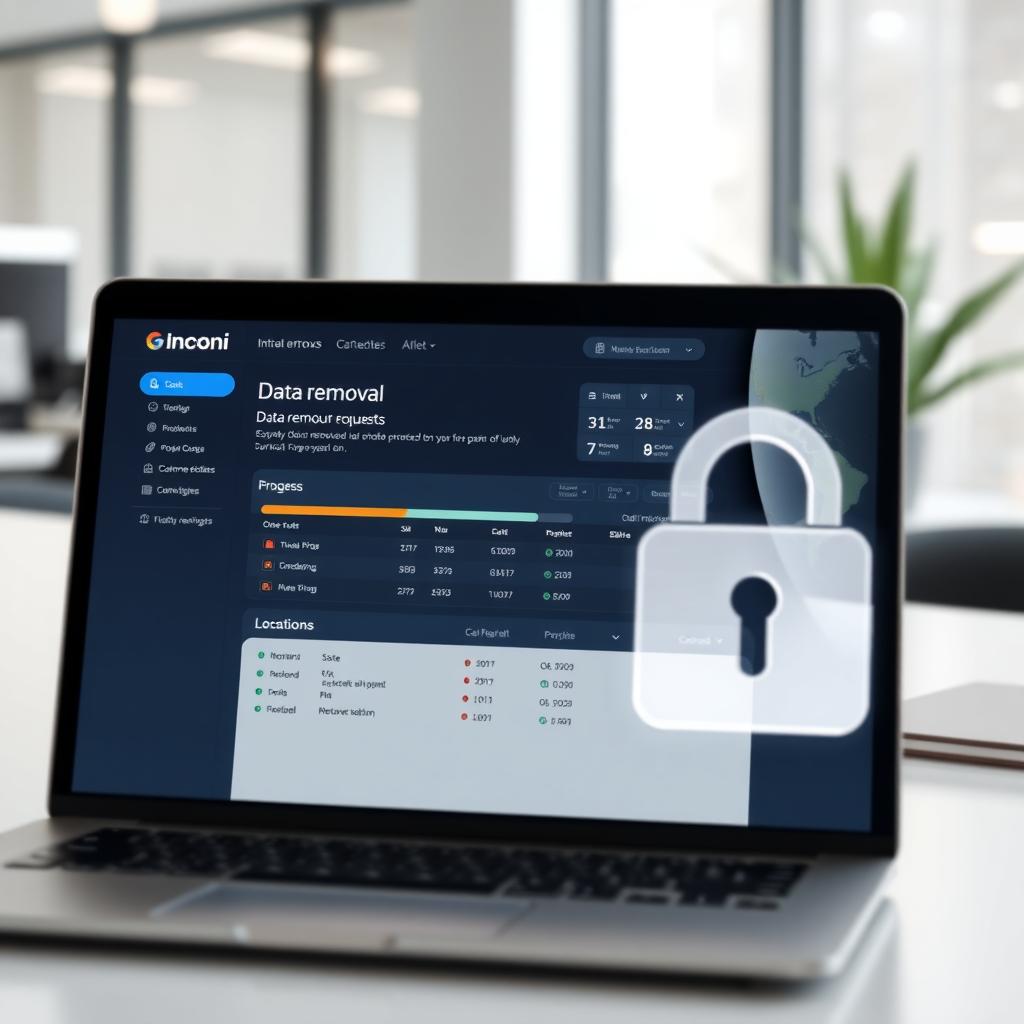
Incogni is a standout for removing personal data from data brokers—companies that collect and sell your information. It scans hundreds of broker databases and automates opt-out requests, saving you hours of manual work. I’ve used Incogni for a year, and it’s reduced spam calls and targeted ads significantly.
How to Set Up Incogni to Delete Personal Data: 1. Sign Up: Visit Incogni’s website and create an account with your email. 2. Provide Details: Enter basic info like your name, address, and phone number. Incogni uses this to find your data in broker databases. 3. Authorize Requests: Grant Incogni permission to send opt-out requests on your behalf. 4. Monitor Progress: Check the dashboard for updates on removal requests. Incogni handles follow-ups to ensure compliance.
Incogni’s automated process is a game-changer for anyone who wants to erase their digital footprint without the hassle.
2. Signal: Secure Messaging
Signal is the gold standard for encrypted messaging. Its end-to-end encryption ensures only you and your recipient can read messages. Unlike other apps, Signal doesn’t collect metadata, so even your call logs are private. I switched to Signal for work chats and love its clean interface and reliability.
Why It’s Great: Open-source, audited code and features like disappearing messages make it ideal for sensitive conversations.
3. ProtonMail: Encrypted Email
ProtonMail offers end-to-end encrypted email, ensuring your messages stay private. Based in Switzerland, it benefits from strict privacy laws. I use ProtonMail for professional emails, and its seamless integration with existing email clients makes it a breeze to adopt.
Key Features: Zero-access encryption, anonymous sign-up, and a free tier with 1GB storage.
4. Brave Browser: Privacy-First Browsing
Brave is a browser designed to block trackers and ads by default. It’s faster than Chrome and doesn’t rely on third-party cookies, which are being phased out in 2025. I’ve noticed quicker load times and fewer creepy ads since switching to Brave.
Pro Tip: Pair Brave with a privacy-focused search engine like DuckDuckGo for maximum protection.
Simple Steps to Lock Down Your Online Privacy
Protecting your online privacy doesn’t require a tech degree. Here are practical steps you can take today, using the apps above and other habits:
- Use a Password Manager: Tools like Bitwarden or 1Password generate and store strong, unique passwords. Reusing passwords is a common mistake—don’t do it!
- Enable Two-Factor Authentication (2FA): Add an extra layer of security to your accounts with apps like Authy.
- Limit App Permissions: Check your phone’s app settings and disable unnecessary access to your camera, location, or contacts.
- Use a VPN: A no-logs VPN like ProtonVPN hides your IP address and encrypts your connection, especially on public Wi-Fi.
- Regularly Audit Accounts: Delete unused accounts and review privacy settings on social media platforms.
These steps, combined with the right online privacy tools, create a robust defense against data leaks and tracking.
The National Institute of Standards and Technology (NIST) emphasizes the importance of managing privacy risks through frameworks like their Privacy Framework. This voluntary tool helps organizations identify and mitigate privacy risks, ensuring compliance and user trust. Adopting similar principles in your personal life—like using privacy apps—can significantly reduce your exposure.
Personal Insights: Why I Prioritize Privacy
After my data breach experience, I realized how vulnerable we are online. It’s not just about avoiding scams; it’s about controlling who has access to your life. Privacy apps give me peace of mind, knowing my conversations, searches, and personal details aren’t being sold to the highest bidder. The small effort of setting up these tools has saved me from countless spam emails and targeted ads.
One challenge is balancing convenience with security. For example, ProtonMail’s encryption is fantastic, but it took me a week to get used to its interface. Similarly, Incogni’s data removal process is seamless, but you need to provide some personal info upfront to start the process. The trade-off is worth it for the protection you gain.
Choosing the Right Tools for You
Not every app suits every user. If you’re focused on messaging, Signal is your best bet. For email, ProtonMail shines. If data brokers are your concern, Incogni is unmatched. Consider your needs—casual browsing, professional communication, or comprehensive data protection—and pick tools that align with your goals.
Comparison Table: | App | Best For | Key Feature | Free Tier? | |-----------------|----------------------------|-------------------------------------|----------------| | Incogni | Data removal | Automates opt-out requests | No | | Signal | Secure messaging | End-to-end encryption | Yes | | ProtonMail | Encrypted email | Zero-access encryption | Yes | | Brave Browser | Private browsing | Blocks trackers and ads | Yes |
Staying Ahead in 2025
Online privacy is an ongoing practice. New threats emerge daily, from AI-powered trackers to evolving data laws. The Federal Trade Commission’s consumer advice site recommends staying informed about privacy laws like GDPR and CCPA, which empower users to demand transparency from companies. Regularly updating your tools and habits keeps you one step ahead.
Summary
Online privacy management apps for 2025, like Incogni, Signal, ProtonMail, and Brave, make it easier to protect your data. By following simple steps to lock down your online privacy—using strong passwords, enabling 2FA, and limiting app permissions—you can reduce risks and regain control. Start with one tool, like setting up Incogni to delete personal data, and build from there. Your digital life deserves protection.