Staying Secure on Public Wi-Fi: Your Ultimate Guide to Online Privacy
In today's connected world, public Wi-Fi is everywhere. But with convenience comes risk. This guide will show you how to stay secure on public Wi-Fi, choose the right VPN for your needs, and select the best online privacy tools to protect your data.
Public Wi-Fi networks are convenient, but they come with significant risks. When you connect to a public Wi-Fi hotspot, your data is transmitted over an unsecured network. This means that anyone with the right tools can intercept your data, including passwords, credit card numbers, and personal information.
One common threat is the 'man-in-the-middle' attack, where a hacker intercepts the communication between your device and the Wi-Fi network. They can then steal your data or even inject malware into your device.
Another risk is 'evil twin' networks, where a hacker sets up a fake Wi-Fi network with a name similar to a legitimate one. When you connect to this network, the hacker can monitor your activity and steal your data.
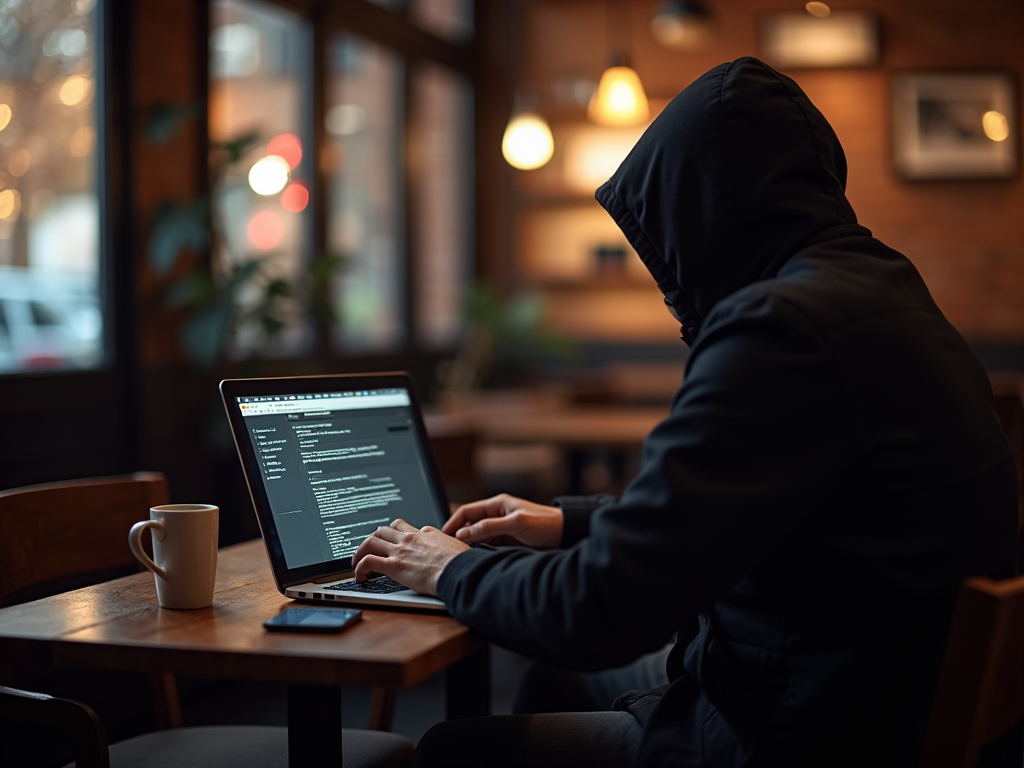
To illustrate this, imagine you're at a coffee shop, and you see two Wi-Fi networks: 'CoffeeShop_Free' and 'CoffeeShop_Free_WiFi.' One of them is the legitimate network, and the other is a fake set up by a hacker. It's easy to choose the wrong one and put your data at risk.
To protect yourself from these risks, you need to take proactive steps. One of the most effective ways is to use a Virtual Private Network, or VPN.
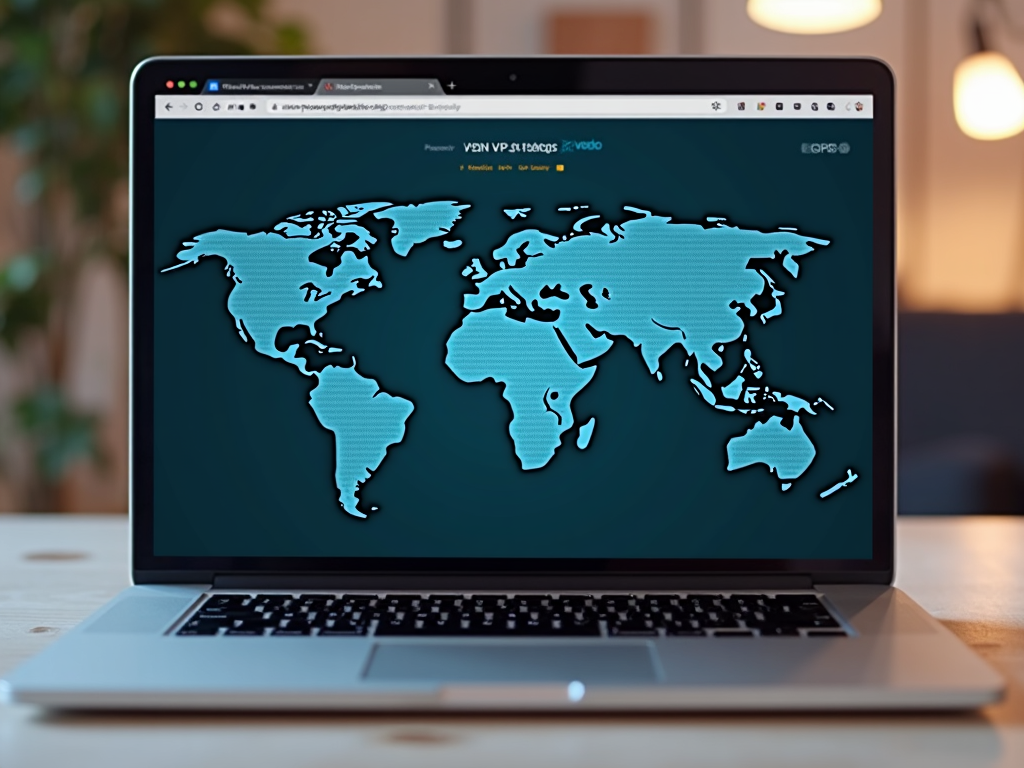
A VPN creates a secure, encrypted tunnel between your device and the internet. This means that even if you're on an unsecured public Wi-Fi network, your data is protected. Hackers won't be able to intercept your data or see what you're doing online.
But not all VPNs are created equal. Choosing the right VPN for your needs is crucial.
When selecting a VPN, there are several factors to consider:
-
Security Features: Look for a VPN that offers strong encryption, a no-logs policy, and additional security features like a kill switch.
-
Speed: A good VPN should not significantly slow down your internet connection.
-
Server Locations: More server locations mean better chances of finding a fast connection and accessing geo-restricted content.
-
Ease of Use: The VPN should be user-friendly, with apps for all your devices.
-
Customer Support: Reliable customer support is essential in case you encounter any issues.
-
Price: While free VPNs are available, they often come with limitations and may not offer the same level of security as paid options.
To help you choose, here are some top VPNs that excel in these areas:
-
NordVPN: Known for its strong security features and large server network.
-
ExpressVPN: Offers fast speeds and excellent customer support.
-
CyberGhost: User-friendly with a focus on privacy.
Remember, the best VPN for you depends on your specific needs. If you travel frequently, you might prioritize a VPN with many server locations. If you're concerned about privacy, look for one with a strict no-logs policy.
While VPNs are a powerful tool for online privacy, they're not the only option. There are other online privacy tools that can complement your VPN and provide additional layers of security.
For example, a password manager can help you create and store strong, unique passwords for all your accounts. This is crucial because using the same password across multiple sites can put you at risk if one site is compromised.
Another useful tool is a secure browser or browser extension that blocks trackers and ads, which can help protect your privacy online.
Additionally, enabling two-factor authentication (2FA) on your accounts adds an extra layer of security. Even if someone gets hold of your password, they won't be able to access your account without the second factor, usually a code sent to your phone.
When choosing online privacy tools, consider your specific needs and how each tool fits into your overall security strategy.
Even with a VPN and other privacy tools, it's important to follow best practices when using public Wi-Fi:
-
Verify the Network: Always confirm the legitimate Wi-Fi network name with the establishment. Avoid connecting to unknown or suspiciously named networks.
-
Use HTTPS: Ensure the websites you visit use HTTPS, which encrypts your data. Look for the padlock icon in the address bar.
-
Avoid Sensitive Activities: Refrain from accessing sensitive information, like online banking or shopping, on public Wi-Fi.
-
Keep Software Updated: Regularly update your device's operating system and apps to protect against known vulnerabilities.
-
Disable Auto-Connect: Turn off the auto-connect feature for Wi-Fi networks to prevent your device from automatically connecting to potentially insecure networks.
-
Use a Firewall: Enable your device's firewall to add an extra layer of protection.
By following these best practices, you can significantly reduce the risks associated with public Wi-Fi.

In conclusion, staying secure on public Wi-Fi requires a combination of the right tools and smart practices. By using a VPN, choosing the right online privacy tools for your needs, and following best practices, you can protect your data and maintain your online privacy.
Remember, the key is to be proactive. Don't wait until you're a victim of a cyberattack to take action. Start implementing these measures today to safeguard your online presence.
Public Wi-Fi is convenient but risky. Use a VPN, choose the right online privacy tools, and follow best practices to stay secure. Protect your data and maintain your online privacy.