Master Online Privacy: How to Use Privacy-Focused Browsers for Enhanced Security
Overview
In today's digital age, online privacy is more important than ever. Privacy-focused browsers offer a powerful solution to protect your personal information and enhance your security while browsing the web.
What are Privacy-Focused Browsers?
Privacy-focused browsers are web browsers designed to prioritize user privacy and security. Unlike regular browsers, which may collect and share user data, these browsers implement features to minimize data collection and protect against tracking. They often include built-in tools to block ads, prevent fingerprinting, and encrypt your connection. Popular examples include Tor, Brave, and Firefox with enhanced privacy settings.
These browsers differ from regular ones in several key ways:
- Data Collection: They collect minimal to no user data.
- Tracking Prevention: They actively block trackers and third-party cookies.
- Security Features: They offer enhanced security measures like automatic HTTPS and sandboxing.
- User Control: They provide more options for users to control their privacy settings.
Why Use Privacy-Focused Browsers?
Using privacy-focused browsers offers numerous benefits for your online privacy and security:
- Protection Against Tracking: These browsers prevent websites and advertisers from tracking your online activities, reducing the risk of targeted ads and data profiling.
- Enhanced Security: Features like automatic encryption and sandboxing protect you from malicious websites and cyber threats.
- Control Over Personal Information: You decide what information to share and with whom, giving you greater control over your digital footprint.
- Peace of Mind: Knowing that your browsing is private and secure allows you to surf the web without constant worry about data breaches or surveillance.
In a world where data is often called the new oil, protecting your personal information is crucial. Privacy-focused browsers are a key tool in your arsenal to maintain your online privacy.
How to Choose the Right Privacy-Focused Browser
Selecting the best privacy-focused browser depends on your specific needs and preferences. Here are some factors to consider:
- Features: Look for browsers with built-in ad blockers, tracking protection, and encryption.
- Ease of Use: Some browsers are more user-friendly than others, especially for those new to privacy tools.
- Compatibility: Ensure the browser works well with the websites and services you use regularly.
- Performance: Consider the browser's speed and resource usage, especially if you have an older device.
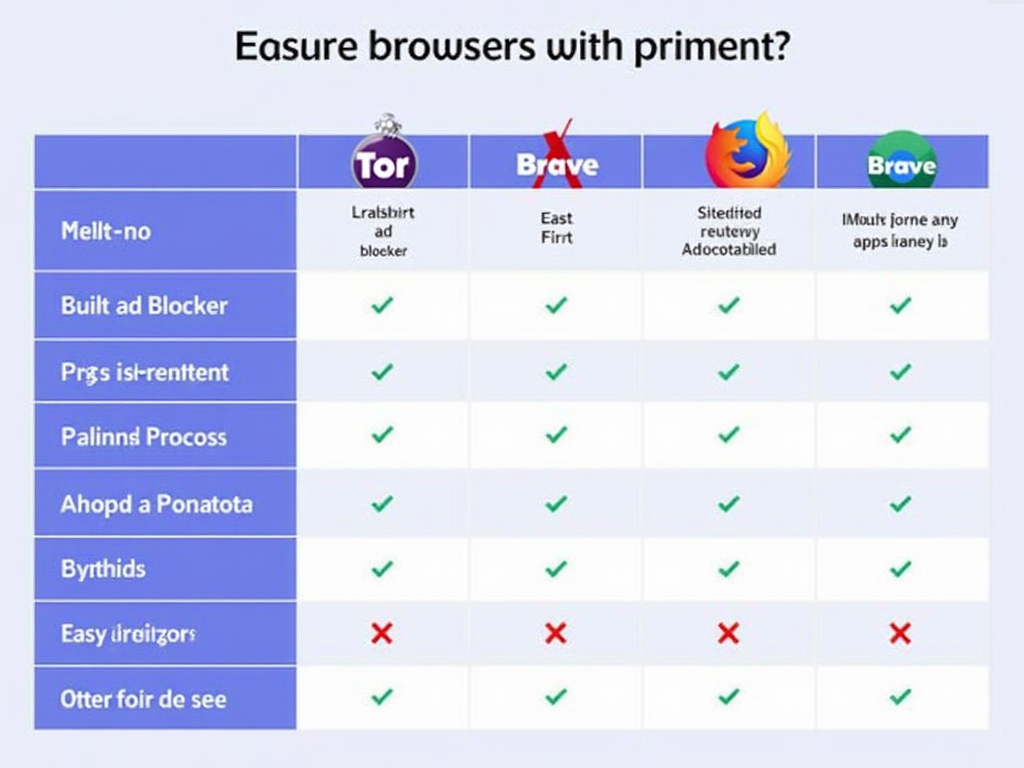
Here's a quick comparison of three popular privacy-focused browsers:
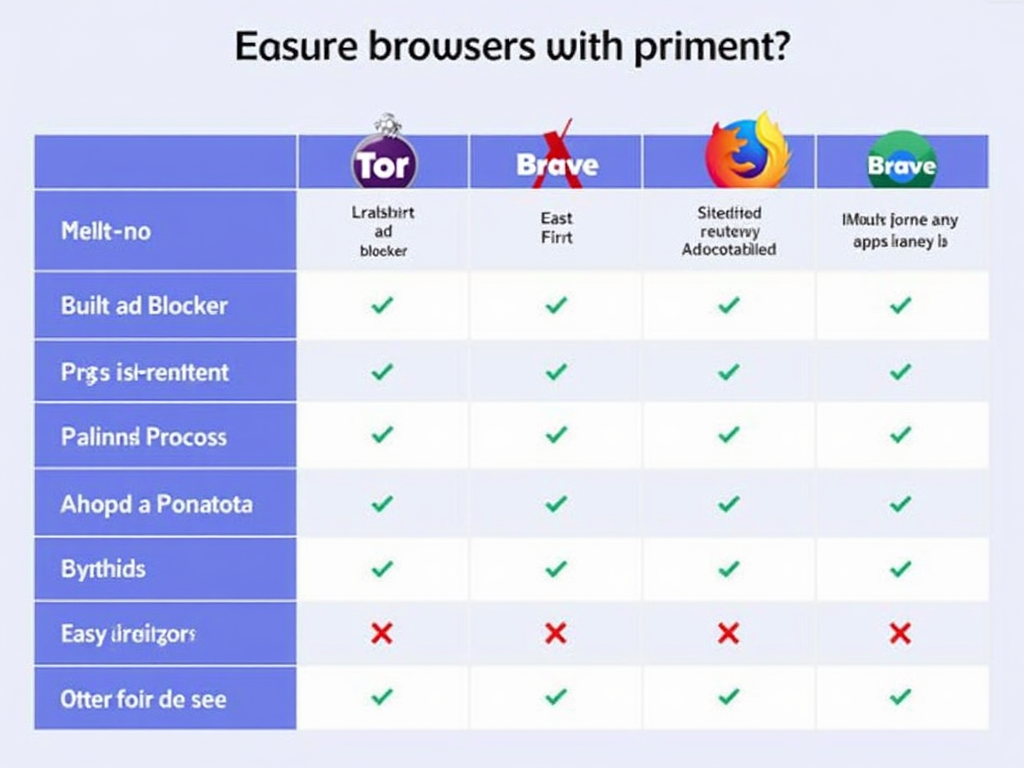
| Browser | Built-in Ad Blocker | Tracking Protection | Ease of Use |
|---|---|---|---|
| Tor | Yes | High | Moderate |
| Brave | Yes | High | Easy |
| Firefox | Optional | Customizable | Easy |
For most users, Brave offers a good balance of privacy features and ease of use. Tor is excellent for maximum anonymity but can be slower and more complex. Firefox provides flexibility with customizable privacy settings.
Setting Up and Using Privacy-Focused Browsers
Getting started with a privacy-focused browser is straightforward. Follow these steps to set up and use your chosen browser effectively:
- Download and Install: Visit the official website of the browser you’ve chosen and download the installer. Follow the on-screen instructions to install it on your device.
- Configure Privacy Settings: Upon first launch, adjust the privacy settings to your preference. Enable features like Do Not Track, block third-party cookies, and activate any built-in ad blockers.
- Install Recommended Extensions: Some browsers allow extensions for additional privacy. Look for trusted extensions like uBlock Origin or Privacy Badger.
- Test Your Setup: Visit a website like Panopticlick to test how well your browser protects against tracking.
Here are some best practices to maximize your privacy:
- Regularly Clear Browsing Data: Even privacy-focused browsers may store some data. Clear your history, cache, and cookies periodically.
- Use Private Browsing Mode: When available, use private or incognito mode for sensitive activities.
- Avoid Logging Into Accounts: If possible, avoid logging into accounts that can link your browsing activity to your identity.
- Be Cautious with Extensions: Only install extensions from trusted sources, as they can potentially compromise your privacy.
Additional Tools and Techniques for Enhanced Privacy
While privacy-focused browsers are a great start, you can further enhance your online privacy with complementary tools and techniques:
- VPNs (Virtual Private Networks): A VPN encrypts your internet connection, hiding your IP address and location from prying eyes.
- Ad Blockers: Even if your browser has a built-in ad blocker, additional tools like uBlock Origin can provide extra protection.
- Password Managers: Use a password manager to generate and store strong, unique passwords for all your accounts.
- Computer Cleaning Tools: Tools like BleachBit can help maintain privacy on your local machine by securely deleting sensitive files and cleaning up your computer's history, cache, and other temporary data.
For example, BleachBit is a powerful tool that can clean your computer for privacy. It removes unnecessary files, frees up disk space, and shreds files to prevent recovery. To use BleachBit:
- Download and install BleachBit from its official website.
- Open the application and select the types of data you want to clean (e.g., browser history, cache).
- Click 'Preview' to see what will be deleted, then 'Clean' to proceed.
Integrating these tools with your privacy-focused browser creates a robust defense against online threats and ensures your personal information remains private.

Summary
Protecting your online privacy is essential in today's interconnected world. Privacy-focused browsers are a crucial tool in this effort, offering protection against tracking, enhanced security features, and greater control over your personal information. By choosing the right browser, setting it up correctly, and using additional tools like BleachBit, you can significantly improve your online privacy and security. Start today by selecting a privacy-focused browser that suits your needs and follow the steps outlined in this guide to take control of your digital life.