A Beginner's Guide to Blocking Ads and Trackers
Protecting your online privacy is crucial in today's digital age. With the increasing amount of personal data being collected and shared online, it’s more important than ever to take control of your digital footprint. This guide will help beginners understand how to block ads and trackers, enhancing their online experience and security.
Understanding Online Privacy
Online privacy means keeping your personal information safe while you use the internet. This includes things like your browsing history, location, and preferences. Many websites and services collect this data without your clear permission, often to show you ads. Blocking ads and trackers can cut down on how much information is gathered about you.
What Are Ads and Trackers?
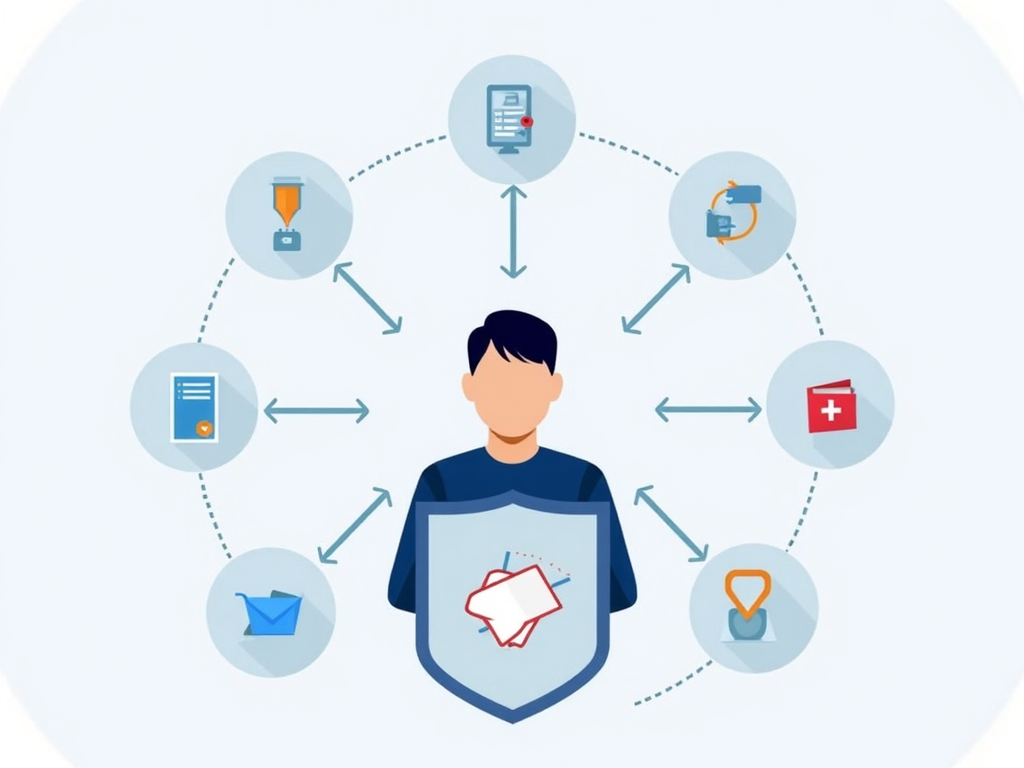
Ads are the advertisements you see on websites, promoting products or services. Some are simple, but others are customized based on your online activities. Trackers are tools like scripts or cookies that websites use to gather data about you. They track what pages you visit, what you click, and even where you are.
Ads and trackers don’t just affect your privacy. They can slow down your browsing by loading extra content. Some ads can even be dangerous, carrying malware that harms your device if you click them.
Why Block Ads and Trackers?
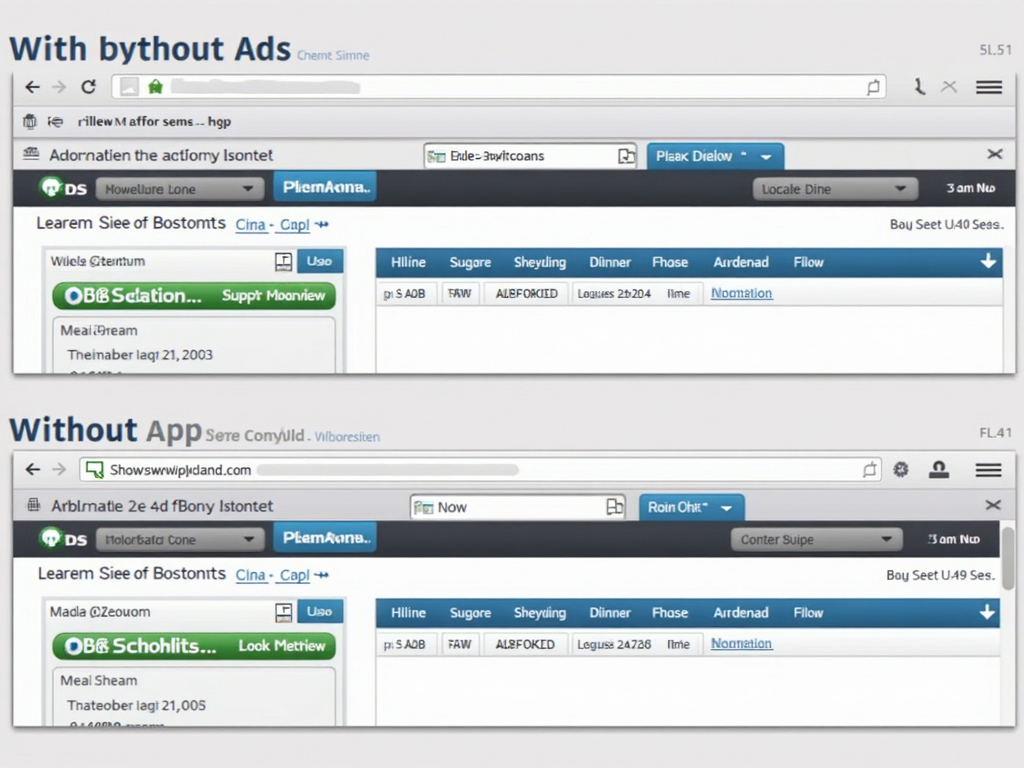
Blocking ads and trackers has many perks: - Better Privacy: Stop trackers from collecting your data and keep your info private. - Increased Security: Avoid harmful ads that might infect your device with malware. - Quicker Browsing: Get rid of extra content that slows down websites. - Cleaner Experience: Enjoy websites without annoying ads cluttering the page.
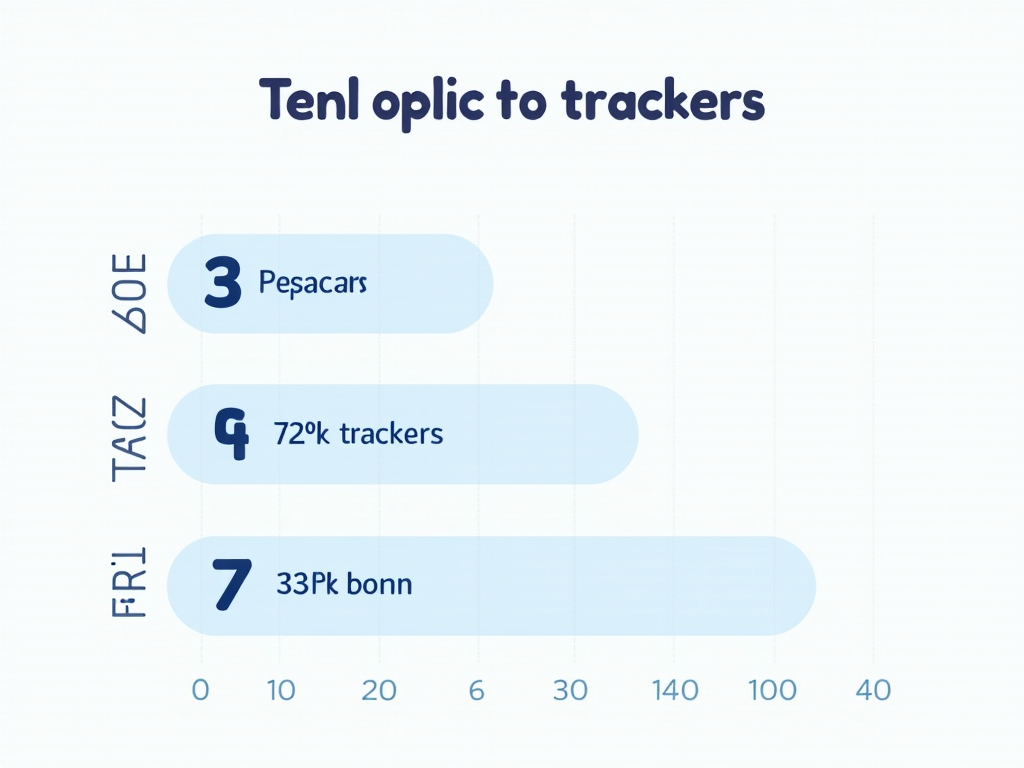
A study by the Electronic Frontier Foundation found that the average webpage has over 100 trackers. This shows how common data collection is and why protecting yourself matters.
Introduction to NextDNS
NextDNS is an easy-to-use service that blocks ads, trackers, and unsafe websites. It works differently from most ad blockers by filtering content before it reaches your device. This makes it a great choice for beginners wanting to boost their online privacy across all their devices.
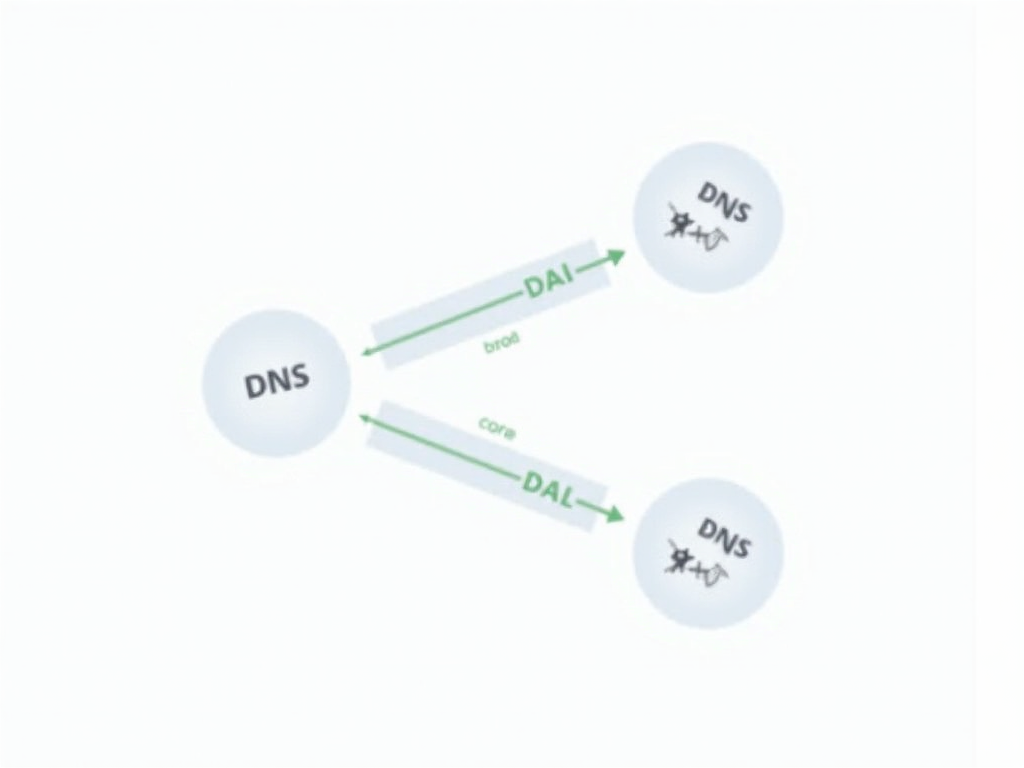
NextDNS uses DNS, which stands for Domain Name System. Think of DNS as the internet’s address book—it turns website names into numbers your device can find. NextDNS checks these requests and blocks the ones linked to ads or trackers.
Setting Up NextDNS: A Step-by-Step Guide
Here’s how to get started with NextDNS: 1. Sign Up: Go to the NextDNS website and create a free account with your email and a password. 2. Set DNS: After signing up, you’ll get special DNS addresses. Add them to your device or router. On a Windows PC, go to Network Settings, find your connection, and enter the addresses under Internet Protocol Version 4. 3. Choose Filters: Log into your NextDNS dashboard and pick what to block—like ads or trackers. You can use ready-made lists or make your own. 4. Check It Works: Visit an ad-heavy site, like a news page, and see if the ads disappear. The dashboard also shows what’s being blocked.
Personal Insights
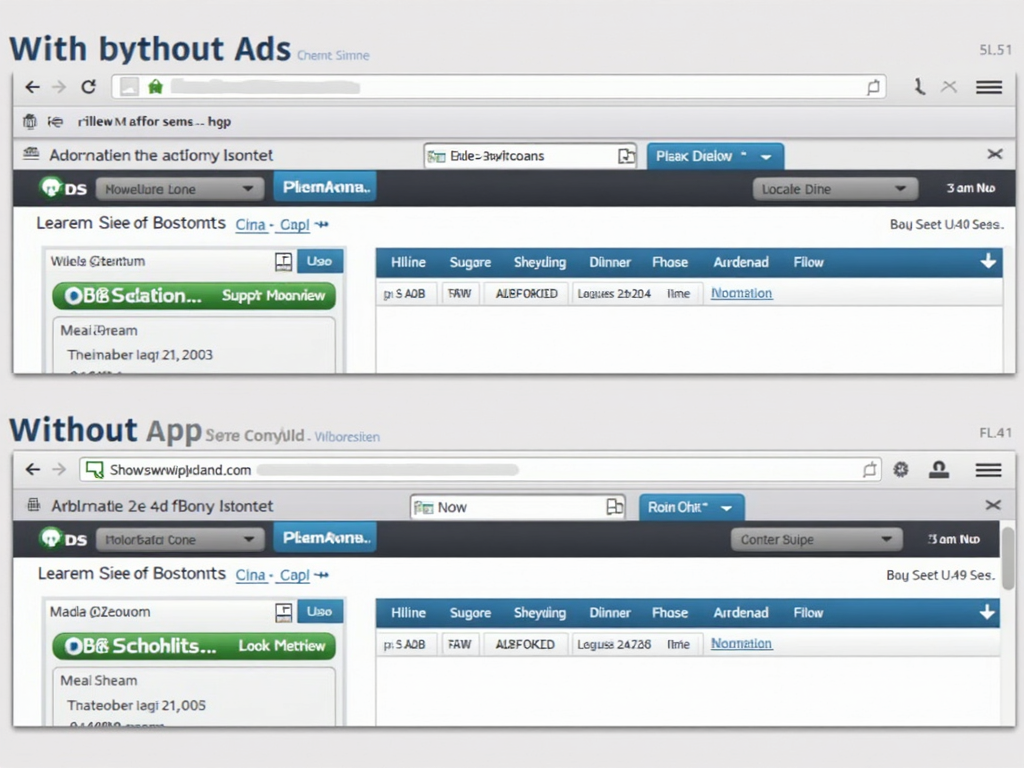
I wasn’t sure about NextDNS at first, but after setting it up on my router, I saw a big difference. Websites loaded faster, and ads stopped popping up everywhere. Once, I visited a site that always had tons of pop-ups—after NextDNS, it was clean and easy to read.
Getting it running took a little effort. My phone didn’t use the new settings at first, so I had to change them manually. But once everything was right, browsing felt so much smoother and safer.
Other Online Privacy Tools
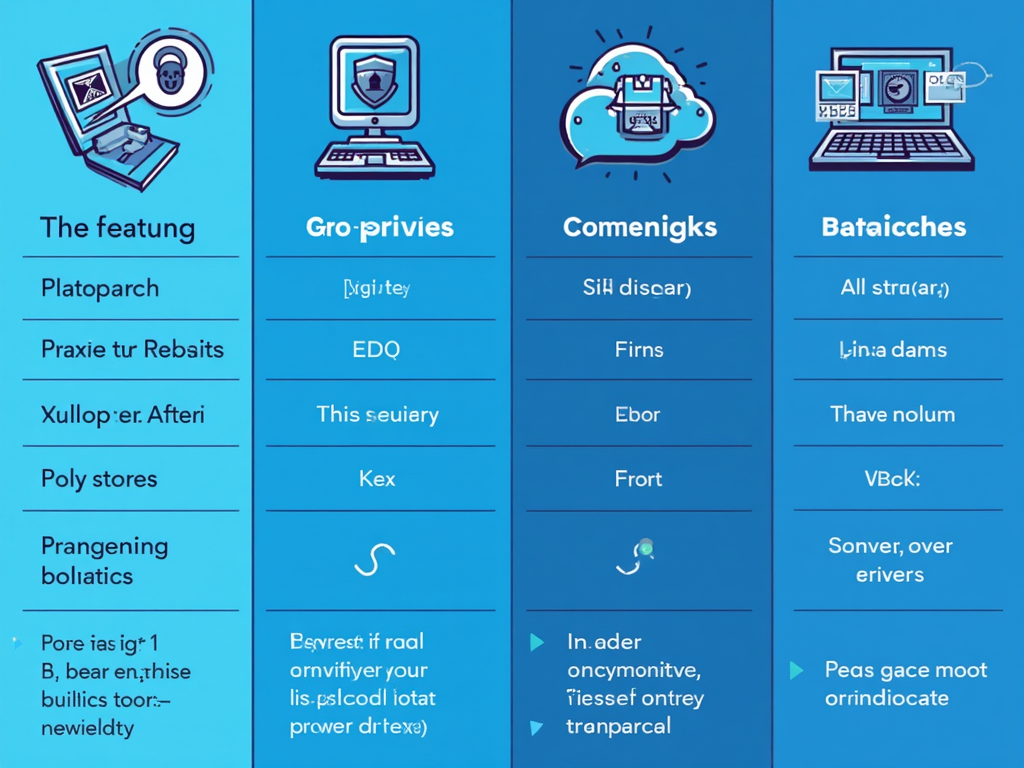
NextDNS isn’t the only way to stay private online. Try these too: - Browser Extensions: Tools like uBlock Origin or Privacy Badger block ads and trackers right in your browser. They’re simple to add and use. - VPNs: These encrypt your internet connection, hiding your activity from others. They might slow things down a bit, though. - Private Browsers: Brave and Tor come with built-in blocking. Brave is fast and easy, while Tor keeps you very hidden but can be slow.
Each tool fits different needs. NextDNS protects all your devices at once. Browser extensions work just for browsing. Pick what suits you best.
Best Practices for Online Privacy
Beyond tools, good habits help too: - Strong Passwords: Use long, unique passwords for every account. A password manager can keep track of them. - Two-Factor Authentication: Add a second step, like a code from your phone, to logins. - Update Software: Keep your devices and apps current to fix security holes. - Watch What You Share: Don’t give out personal details online, and avoid clicking suspicious links.
Mix these tips with tools like NextDNS for solid online privacy.
The Future of Online Privacy
As tech grows, so do ways to grab your data. But privacy is fighting back. Laws like Europe’s GDPR and California’s CCPA are making companies respect your info more.
Big tech is stepping up too. Apple now asks apps if they can track you. Google plans to stop using third-party cookies in Chrome. Staying aware and using tools keeps you ahead.
By acting now with tools and smart habits, you control your online privacy.
Summary
Blocking ads and trackers protects your online privacy easily. NextDNS is a beginner-friendly way to start, making browsing faster and safer. Add other online privacy tools and good habits for the best defense.