Cookie Control Made Easy: Your Guide to Staying Private Online
Overview
Cookies are everywhere on the internet, tracking your every click. But controlling them doesn’t have to be hard. Cookie Control Made Easy is about taking charge of your online privacy with straightforward steps. This guide explains how to manage cookies, compares privacy-focused browsers like Firefox Focus and DuckDuckGo, and shares practical tips to keep your data safe.
Why Cookie Control Matters
Cookies are tiny files websites store on your device. Some make browsing smoother—like remembering your login details—but others track your behavior for ads. I’ve noticed how annoying it is when ads for shoes I browsed last week follow me everywhere. That’s third-party cookies at work, building a profile of your habits.
Managing cookies is key to protecting your online privacy. According to a Pew Research Center study, 80% of Americans feel they have little control over their data. Cookie control gives you back some power. It’s not just about blocking ads; it’s about deciding who gets to know what about you.

How to Stay Private Online: Simple Steps for Everyone
You don’t need to be a tech expert to protect your privacy. Here are some easy steps I’ve used to keep my data secure:
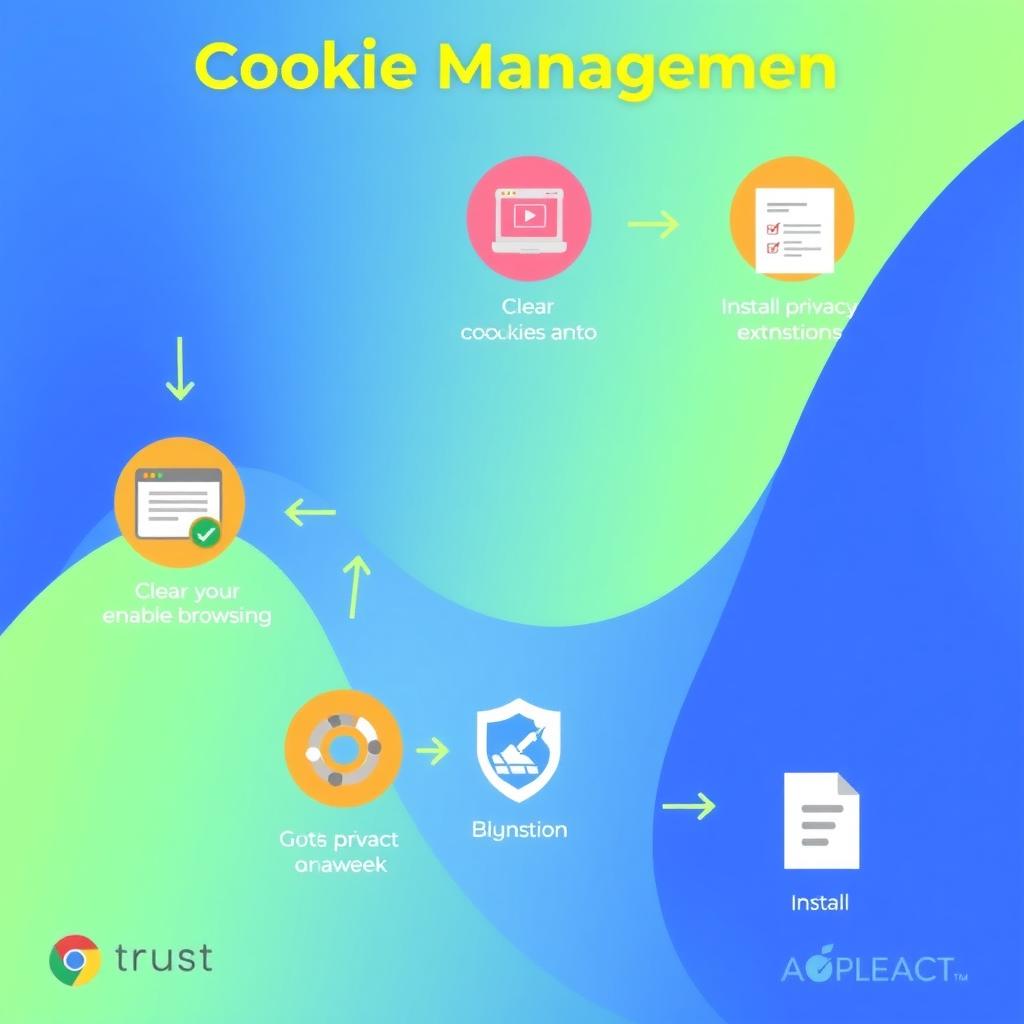
- Clear Cookies Regularly: Most browsers let you delete cookies in a few clicks. In Chrome, go to Settings > Privacy and Security > Clear Browsing Data. Check 'Cookies and other site data' and hit Clear. I do this monthly to wipe out trackers.
- Block Third-Party Cookies: These are the ones advertisers use. In Firefox, head to Settings > Privacy & Security and select 'Strict' under Enhanced Tracking Protection. It blocks most trackers without breaking websites.
- Use Private Browsing Modes: Incognito or private modes don’t save cookies after you close the window. I use this for sensitive searches, like booking travel, to avoid price hikes based on my history.
- Install Privacy Extensions: Tools like uBlock Origin or Privacy Badger block trackers automatically. I’ve found uBlock Origin especially effective—it’s lightweight and stops ads before they load.
These steps take minutes but make a big difference. They’ve helped me feel less like I’m being watched online.
Firefox Focus vs DuckDuckGo: Which Mobile Browser Is More Private?
Choosing a privacy-focused browser can feel overwhelming, so let’s break down two popular options: Firefox Focus and DuckDuckGo. Both prioritize online privacy, but they work differently.
Firefox Focus is a minimalist browser designed for privacy. It automatically blocks trackers and deletes cookies, history, and passwords after each session. I love its simplicity—open it, browse, and it wipes everything when you’re done. According to Mozilla’s privacy documentation, Firefox Focus uses Enhanced Tracking Protection to block thousands of trackers by default.
DuckDuckGo doubles as a search engine and browser. It blocks third-party trackers and forces websites to use encrypted connections when possible. Its unique feature is the 'Fire Button,' which instantly clears all tabs and data. DuckDuckGo’s privacy comparison chart shows it blocks tracker cookies and even auto-selects private cookie options on pop-ups.
Key Differences: | Feature | Firefox Focus | DuckDuckGo | |---------|--------------|------------| | Tracker Blocking | Blocks most trackers automatically | Blocks trackers and cloaking attempts | | Cookie Management | Deletes all cookies after each session | Auto-expires first-party cookies | | Search Privacy | Uses Google by default (can change) | Built-in private search engine | | Ease of Use | Ultra-simple, no tabs | More features, slightly busier interface |
Which is better? Firefox Focus is ideal if you want a no-fuss, wipe-everything approach. DuckDuckGo suits those who want a private search engine and more control over settings. I switch between them—Focus for quick, sensitive searches and DuckDuckGo for everyday browsing.

Top Online Privacy Tools to Simplify Cookie Control
Beyond browsers, several tools make cookie control and online privacy easier. Here are my favorites:
- CookieYes: This tool automates cookie consent for websites, ensuring compliance with laws like GDPR. It scans your site for cookies and generates a customizable banner. I’ve seen it streamline compliance for small businesses. CookieYes explains how it simplifies privacy for both users and site owners.
- Privacy Badger: This extension learns which trackers to block as you browse. It’s like a guard dog that gets smarter over time. I’ve noticed fewer creepy ads since installing it.
- ClearVPN: A VPN hides your IP address, adding another layer of privacy. I use it on public Wi-Fi to keep my data safe.
These tools work together to create a privacy shield. Start with one, like Privacy Badger, and add others as you get comfortable.
Common Mistakes to Avoid
When I first started managing cookies, I made some rookie errors. Here’s what to watch out for:
- Deleting All Cookies Blindly: This can log you out of every site. Instead, delete only third-party cookies or use selective clearing options.
- Ignoring Browser Updates: Browsers like Firefox and Chrome often update their privacy features. I missed out on better tracker blocking until I updated Firefox last year.
- Assuming Incognito Is Enough: Private modes don’t block trackers—they just don’t save cookies. Pair them with extensions for real protection.
Learning from these mistakes has made my browsing safer and less frustrating.
Staying Ahead of Privacy Challenges
Privacy laws like GDPR and CCPA are pushing websites to be transparent about cookies, but it’s still on you to stay proactive. I check my browser settings every few months to ensure I’m using the latest privacy features. Reading up on sites like Consumer Reports’ privacy guides has also helped me stay informed.
The internet isn’t getting less nosy, but with the right tools and habits, you can keep your data under control. It’s empowering to know you’re not just a data point for advertisers.
Summary
Cookie Control Made Easy is about small, practical steps that add up to big privacy wins. By clearing cookies, using privacy-focused browsers like Firefox Focus or DuckDuckGo, and adding tools like Privacy Badger, you can browse with confidence. Start with one change today, and you’ll notice the difference.