Essential Tools for Online Privacy Management in 2025
Overview
In 2025, your personal data is more vulnerable than ever. Every click, search, or post can leave a trail for companies, hackers, or even governments to follow. Protecting your online privacy doesn’t have to be overwhelming. With the right tools and habits, you can take control. This guide explores Essential Tools for Online Privacy Management and shares Simple Steps to Lock Down Your Online Privacy using practical, tested methods.
Why Online Privacy Matters
Your data is a goldmine. Companies collect it to target ads, hackers steal it for profit, and some governments use it to monitor citizens. A 2023 study by the Pew Research Center found that 81% of Americans worry about how companies use their data. I’ve seen friends lose money to identity theft because they didn’t secure their accounts. It’s not just about avoiding scams—it’s about owning your digital life. Let’s dive into the tools that make this possible.

Virtual Private Networks (VPNs): Your First Line of Defense
A VPN encrypts your internet connection and hides your IP address, making it harder for anyone to track your online activity. I started using a VPN a few years ago after noticing targeted ads following me across websites—it was creepy. NordVPN and ExpressVPN are top choices in 2025 for their speed and no-logs policies. NordVPN’s Double VPN feature routes your traffic through two servers for extra security, while ExpressVPN’s TrustedServer technology ensures no data is stored.
How to Set Up a VPN: 1. Choose a reputable provider like NordVPN or ExpressVPN. 2. Download the app for your device (available on iOS, Android, Windows, or Mac). 3. Log in, select a server location, and connect. 4. Enable features like a kill switch to prevent data leaks if the connection drops.
A VPN is a must for public Wi-Fi, like at coffee shops, where hackers can intercept your data. According to IBM’s 2025 Cost of a Data Breach Report, the average breach costs $4.5 million, so investing in a VPN is worth it. Learn more about data breach impacts from IBM.
Password Managers: Locking Down Your Accounts
Weak passwords are an open door for hackers. I used to reuse passwords until a friend’s email got hacked—it was a wake-up call. Password managers like 1Password or Bitwarden generate and store strong, unique passwords for every account. They also autofill login details, saving time.
Why Use a Password Manager?: - Creates complex passwords (e.g., X7p$2kQz!9m). - Syncs across devices for easy access. - Alerts you to breaches or weak passwords.
Set up a password manager by downloading the app, creating a master password, and importing existing logins. Always enable two-factor authentication (2FA) for extra security. The University of Maryland notes that 2FA reduces account breaches by up to 99%. Explore 2FA benefits from UMD.
Data Removal Services: Erasing Your Digital Footprint
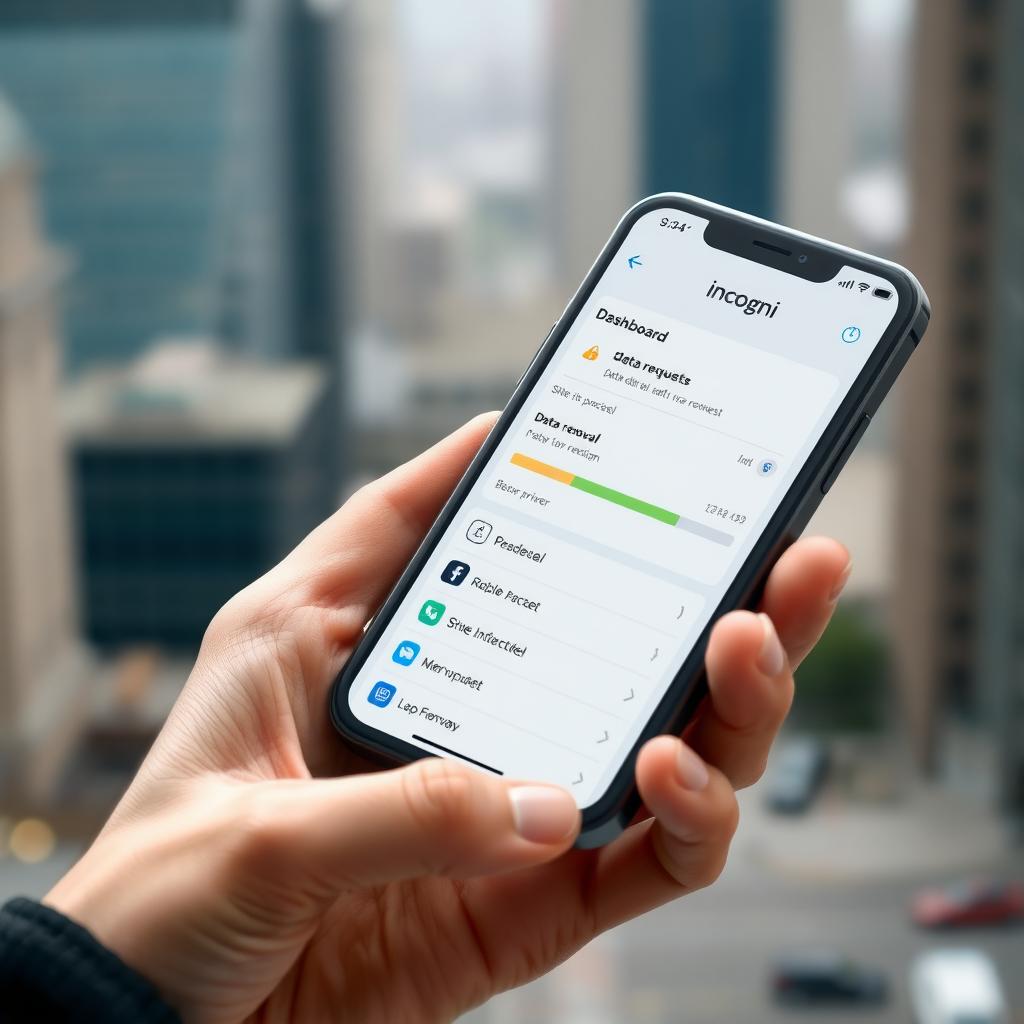
Data brokers collect and sell your personal information—name, address, even your shopping habits. I was shocked to find my details on people-search sites after a quick Google search. Incogni is a powerful tool that automates the process of removing your data from these sites.
How to Set Up Incogni to Delete Personal Data: 1. Visit Incogni’s website and sign up for an account. 2. Provide basic details like your name, address, and email. 3. Incogni scans over 180 data brokers to find your information. 4. It sends automated removal requests and tracks progress via a dashboard. 5. Check the dashboard regularly to ensure your data stays off these sites.
Incogni saves hours of manual opt-out requests, which can take up to 360 hours for just 20 sites, according to Duke University research. Read about data broker risks from Duke. It’s a small price to pay for peace of mind.
Privacy-Focused Browsers: Browse Without a Trace
Standard browsers like Chrome track your every move. I switched to Brave after noticing how many ads followed me online. Brave blocks trackers and ads by default, speeding up page loads. Firefox with privacy extensions like uBlock Origin is another solid option.
Benefits of Privacy Browsers: - Blocks third-party cookies and trackers. - Supports Tor integration for anonymous browsing. - Reduces data collection by websites.
To get started, download Brave or Firefox, adjust privacy settings to disable cookies, and add extensions like Privacy Badger. These small changes make a big difference in how to protect your online privacy in 2025.
Encrypted Messaging Apps: Keep Conversations Private
Text messages and apps like WhatsApp aren’t always secure. I use Signal for sensitive chats because it offers end-to-end encryption and doesn’t store metadata. Threema is another option for anonymous messaging without needing a phone number.
How to Use Signal: 1. Download Signal from the App Store or Google Play. 2. Set up with your phone number or username. 3. Enable disappearing messages for extra privacy. 4. Verify contacts to ensure secure communication.
Encrypted apps are vital for protecting personal or work-related conversations from prying eyes.

Additional Tools for Comprehensive Privacy
Here are more online privacy tools to round out your strategy:
| Tool | Purpose | Why It’s Essential |
|---|---|---|
| DuckDuckGo | Private search engine | No tracking or profiling of searches |
| uBlock Origin | Ad and tracker blocker | Stops malicious ads and trackers |
| ProtonMail | Secure email | End-to-end encryption for emails |
I’ve used DuckDuckGo for years—it’s refreshing to search without targeted ads. ProtonMail is great for sensitive emails, like communicating with professionals. Combine these tools for a multi-layered approach to privacy.
Simple Steps to Lock Down Your Online Privacy
You don’t need to be a tech expert to stay safe. Here’s a quick checklist: 1. Use a VPN on all devices, especially on public Wi-Fi. 2. Enable 2FA on all accounts—email, banking, and social media. 3. Audit app permissions monthly to limit unnecessary access. 4. Minimize sharing—avoid posting personal details like your address or birthday. 5. Update software regularly to patch security vulnerabilities.
I make it a habit to review my privacy settings every few months. It takes 10 minutes but keeps my data secure. Start small, and you’ll build a strong privacy foundation.
Final Thoughts
Protecting your online privacy in 2025 is about being proactive. Tools like VPNs, password managers, and data removal services like Incogni empower you to control your digital footprint. By combining these Essential Tools for Online Privacy Management with smart habits, you can browse, chat, and shop with confidence. Stay vigilant, and take charge of your data today.