Protecting Your Online Privacy Made Simple: Practical Steps for Everyone
Overview
In 2025, protecting your online privacy is more important than ever. Every click, post, or purchase leaves a digital footprint that companies, hackers, or even governments can track. But don’t worry—Protecting Your Online Privacy Made Simple is about taking control with straightforward steps anyone can follow. This guide shares practical tips, personal insights, and tools to keep your data safe.
Why Online Privacy Matters
Your personal information—your name, address, or browsing habits—is a goldmine. Businesses use it for targeted ads, hackers exploit it for scams, and some governments monitor it to control free speech. I learned this the hard way when a phishing email almost tricked me into sharing my bank details. According to a 2023 report, 86% of businesses collect customer data, often without clear consent. That’s why Protecting Your Online Privacy Made Simple starts with awareness. Knowing who’s after your data helps you fight back.
The good news? You don’t need to be a tech expert to stay secure. Simple habits, like being careful about what you share or using the right tools, can make a big difference. Let’s dive into the steps that have worked for me and can work for you too.
Use Strong Passwords and a Password Manager
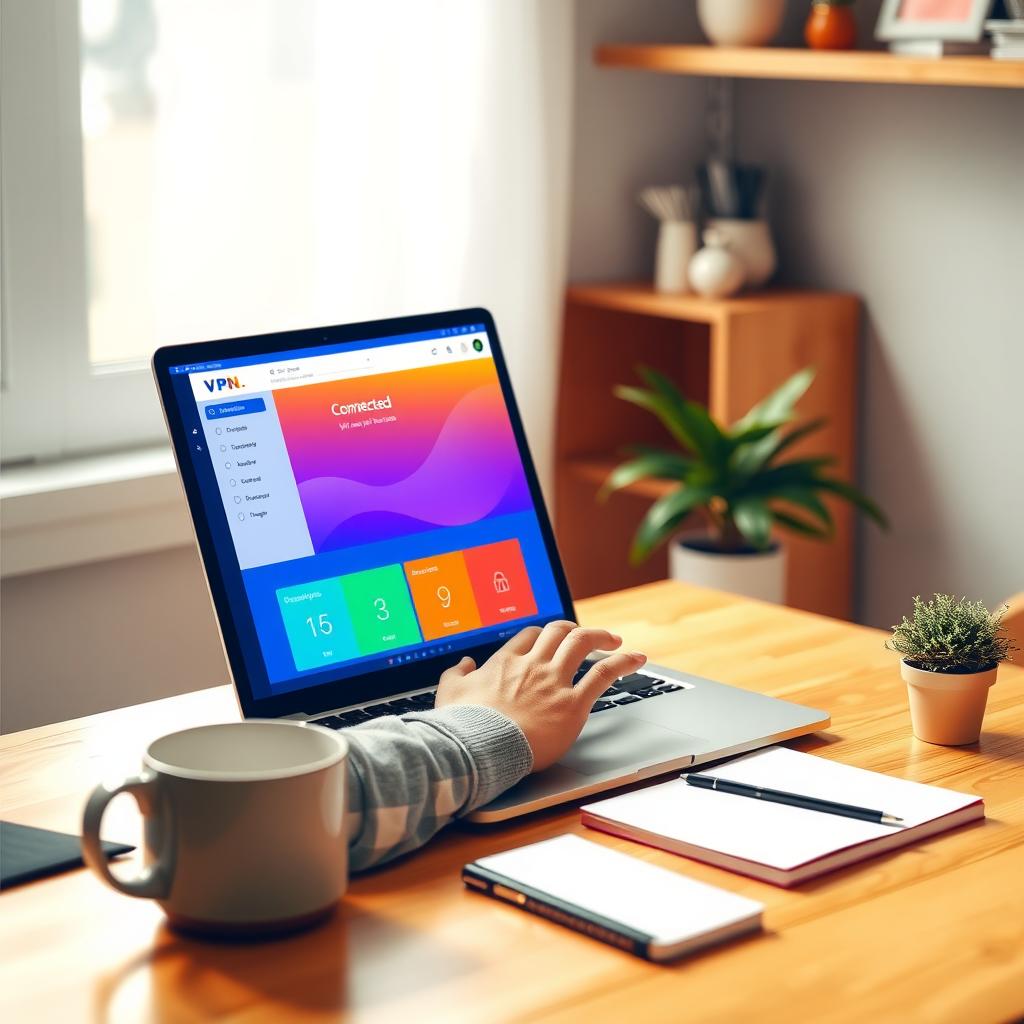
Weak passwords are like leaving your front door unlocked. A strong password has at least 12 characters, mixing letters, numbers, and symbols. For example, instead of ‘password123,’ try something like ‘Tr0p!calR@1n2025.’ I used to reuse passwords across sites until a friend’s account got hacked. Now, I rely on a password manager like Bitwarden to create and store unique passwords for every account. It’s a game-changer—you only need to remember one master password.
Password managers also autofill login fields, saving time while keeping you secure. According to NIST guidelines on digital identity, strong passwords combined with multi-factor authentication (MFA) reduce hacking risks by over 90%. Start with a free tool like Bitwarden or LastPass to simplify your security.
Enable Two-Factor Authentication (2FA)
Two-factor authentication adds a second step to logins, like a code sent to your phone. I enabled 2FA on my email after a scare with a suspicious login attempt. Even if someone gets your password, they can’t access your account without that second step. Most platforms, from Google to social media, offer 2FA. Use an authenticator app like Google Authenticator for extra security over text messages, which can be intercepted.
Why Encryption Matters for Everyday Privacy
Encryption scrambles your data so only authorized people can read it. Think of it as a secret code for your digital life. Whether it’s your emails, files, or internet traffic, encryption keeps snoopers out. I started using encryption tools after realizing how much data I was sharing on public Wi-Fi. Why Encryption Matters for Everyday Privacy is simple: without it, your personal info is like an open book.
Tools like VPNs encrypt your internet connection, hiding your activity from hackers or ISPs. For file storage, encryption software like BitLocker (Windows) or FileVault (Mac) protects your device’s data. If your laptop gets stolen, encryption ensures thieves can’t access your files. The Electronic Frontier Foundation explains that encryption is a cornerstone of digital privacy, shielding you from both cybercriminals and overreaching surveillance.
BitLocker vs FileVault: Which Encryption Is Stronger?
Choosing between BitLocker and FileVault depends on your device. BitLocker, built into Windows, uses AES-128 or AES-256 encryption, which is military-grade. It’s great for protecting entire drives, especially on work laptops. FileVault, Apple’s encryption tool, also uses AES-128 and integrates seamlessly with macOS, encrypting your disk automatically. I’ve used FileVault on my MacBook for years, and it’s saved me when I left my laptop at a café—without my password, the data was unreadable.
So, BitLocker vs FileVault: which encryption is stronger? Both are robust, but BitLocker offers more customization for advanced users, like encrypting specific partitions. FileVault is simpler, ideal for everyday users who want set-and-forget protection. According to a Stanford University cybersecurity guide, both tools meet high security standards, so your choice depends on your operating system and needs.
Use a VPN for Secure Browsing
A Virtual Private Network (VPN) hides your IP address and encrypts your internet traffic. I use a VPN like NordVPN when working from coffee shops to avoid hackers on public Wi-Fi. VPNs also prevent your ISP from tracking your browsing habits. Look for a VPN with a no-logs policy, meaning they don’t store your data. Free VPNs exist, but paid options like ExpressVPN or NordVPN offer better speed and security.
Online Privacy Tools You Should Try
Beyond VPNs, other online privacy tools can boost your security. Here’s a quick list: - Ad Blockers: Tools like uBlock Origin stop trackers and malicious ads. - Private Browsers: Brave or Firefox block trackers by default. - Data Removal Services: Incogni removes your info from data broker sites. - Secure Messaging Apps: Signal offers end-to-end encryption for texts and calls. I started using Signal after learning how much data standard texting apps collect. These tools are easy to set up and make a big difference.
Be Smart About Social Media
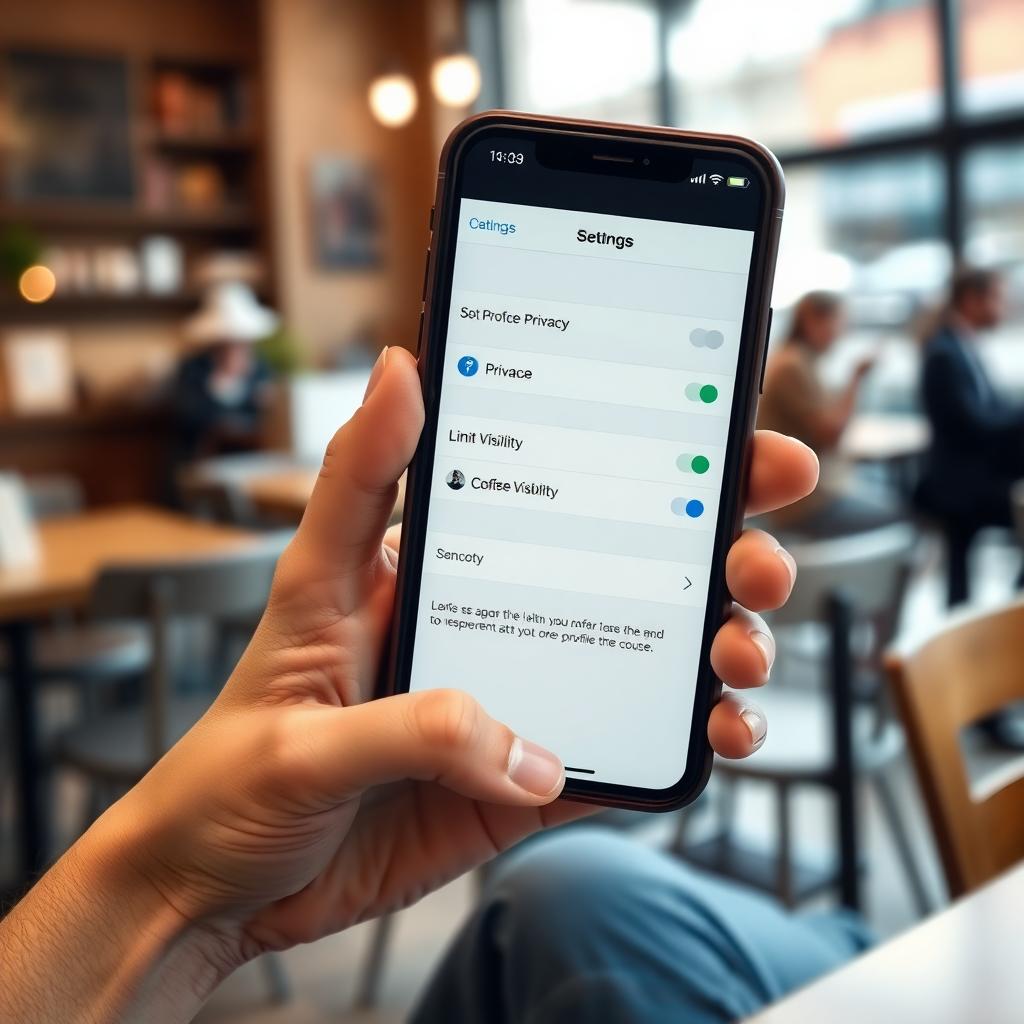
Social media is a privacy minefield. I once posted a vacation photo that showed my home address in the background—a rookie mistake. Now, I check privacy settings on platforms like Facebook and Instagram to limit who sees my posts. Avoid sharing sensitive details like your location or phone number. Regularly review apps connected to your accounts and revoke access to any you don’t trust.
Stay Cautious on Public Wi-Fi
Public Wi-Fi is convenient but risky. Hackers can intercept your data on unsecured networks. I always use a VPN or my mobile data for sensitive tasks like online banking. If you must use public Wi-Fi, avoid logging into accounts or entering personal info. A Consumer Reports guide notes that VPNs reduce public Wi-Fi risks by encrypting your connection.
Regularly Update Your Software
Outdated software is a hacker’s playground. I learned this when an old app on my phone got infected with malware. Set your devices and apps to update automatically to get the latest security patches. This simple habit closes vulnerabilities that hackers exploit. Check for updates monthly if automatic updates aren’t an option.
Summary
Protecting Your Online Privacy Made Simple is about small, consistent steps. Use strong passwords, enable 2FA, and leverage encryption tools like BitLocker or FileVault. VPNs, ad blockers, and secure messaging apps further shield your data. By staying cautious on social media and public Wi-Fi, you can navigate the digital world with confidence. Start with one or two tips today, and build from there for a safer online life.