The Risks of Public Wi-Fi and How to Stay Safe
Overview
Public Wi-Fi is convenient, but it comes with risks. From hackers stealing your data to fake hotspots, unsecured networks can expose your personal information. This guide explores The Risks of Public Wi-Fi and How to Stay Safe, offering practical tips to protect your privacy in the digital age.
Why Public Wi-Fi Can Be Dangerous
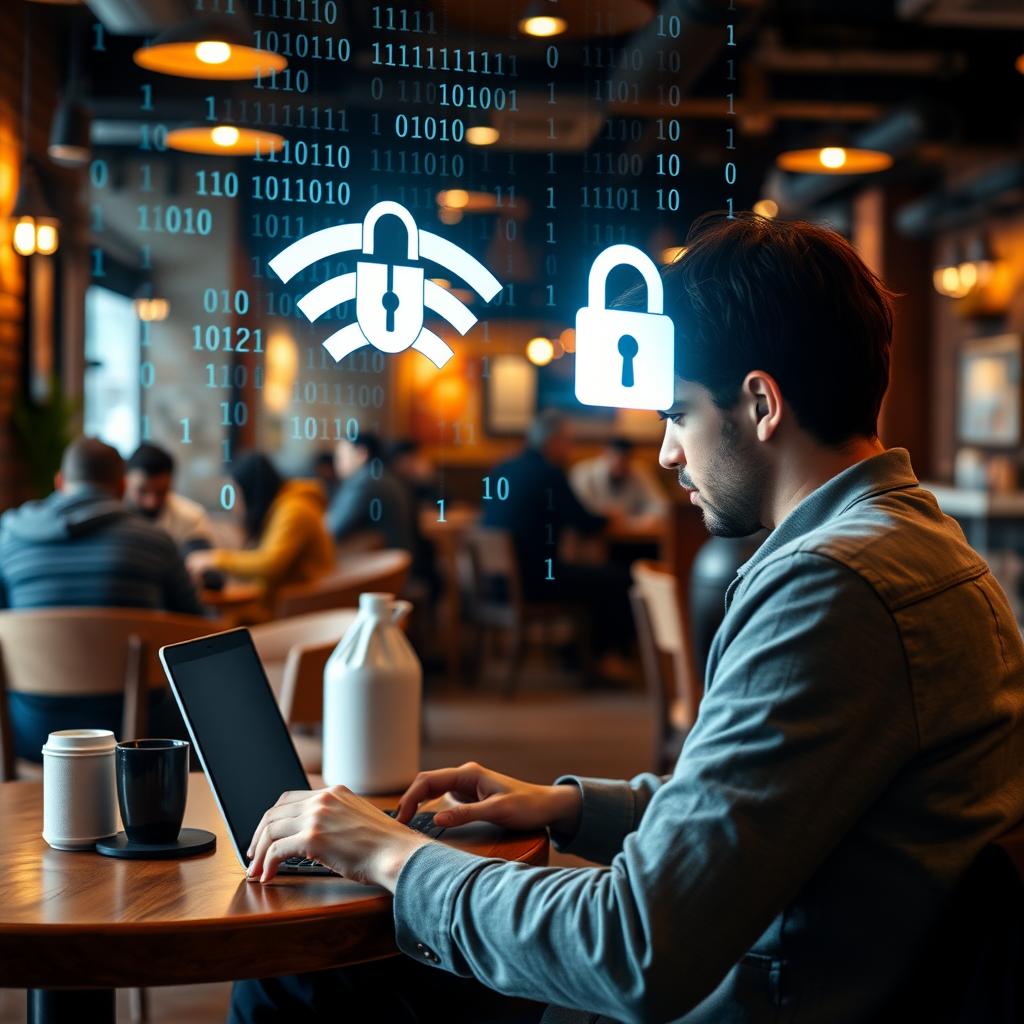
I’ve sat in coffee shops, airports, and hotels, eagerly connecting to free Wi-Fi to check emails or scroll social media. It feels harmless, right? But here’s the truth: public Wi-Fi is a playground for cybercriminals. Unlike your home network, public Wi-Fi is often unencrypted, meaning your data—passwords, emails, even banking details—can be intercepted.
Hackers use tactics like man-in-the-middle attacks, where they intercept your connection to spy on your activity. I once heard a story from a friend who logged into a hotel Wi-Fi and later found unauthorized charges on her credit card. Coincidence? Maybe not. Another trick is setting up fake Wi-Fi hotspots with names like “Free Airport Wi-Fi” to lure you in. Once connected, they can steal your data or install malware.
Statistics paint a grim picture. A 2023 study by Norton found that 60% of people feel safe using public Wi-Fi, yet 87% of those networks lack proper encryption. This gap in awareness is why understanding The Risks of Public Wi-Fi and How to Stay Safe is critical.
The Importance of Online Privacy in the Digital Age
Your online privacy matters more than ever. Every click, search, or login leaves a digital footprint. On public Wi-Fi, that footprint is exposed to anyone with the right tools. The Importance of Online Privacy isn’t just about avoiding hackers—it’s about controlling who has access to your life.
Think about it: your emails reveal personal conversations, your browsing history shows your interests, and your banking apps hold your financial details. I learned this the hard way when I noticed targeted ads following me after using hotel Wi-Fi. It felt invasive, like someone was watching over my shoulder. Protecting your data isn’t just technical—it’s personal.
How to Stay Safe on Public Wi-Fi
Staying safe doesn’t require tech expertise. Here are practical steps I’ve used to secure my connection:
- Use a VPN: A Virtual Private Network encrypts your data, making it unreadable to hackers. I’ll dive into setting one up later.
- Stick to HTTPS Websites: Look for the padlock icon in your browser’s address bar. It means the site is encrypted.
- Turn Off Sharing: Disable file sharing and AirDrop on your device to prevent unauthorized access.
- Forget the Network: After using public Wi-Fi, tell your device to forget the network to avoid auto-connecting later.
- Use Two-Factor Authentication (2FA): This adds an extra layer of security to your accounts.
Here’s a quick table summarizing these tips:
| Action | Why It Helps |
|---|---|
| Use a VPN | Encrypts your data |
| Stick to HTTPS | Ensures secure browsing |
| Turn Off Sharing | Blocks unwanted access |
| Forget Network | Prevents auto-connections |
| Enable 2FA | Adds account security |
How to Set Up a VPN for Maximum Privacy
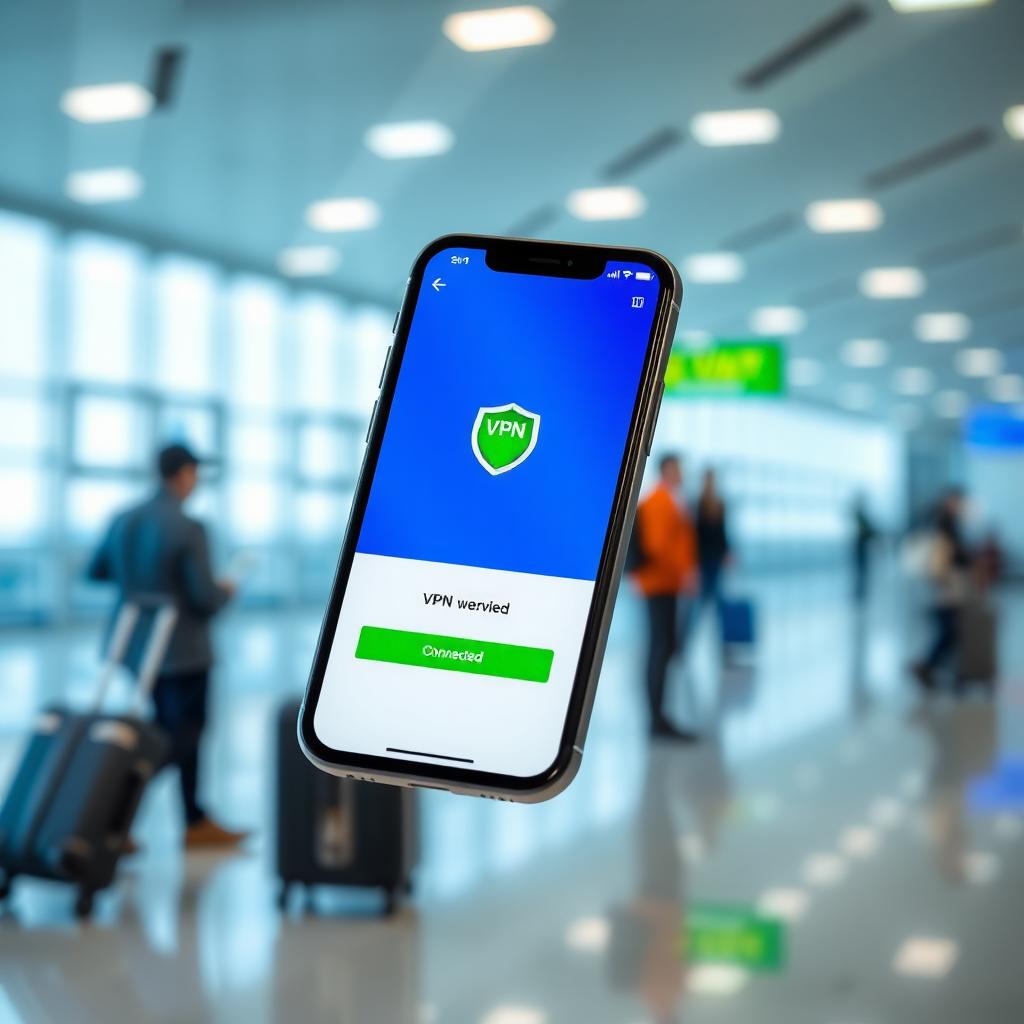
A VPN is your best defense on public Wi-Fi. It creates a secure tunnel for your data, hiding it from prying eyes. I started using a VPN after a trip where I relied heavily on airport Wi-Fi. Setting one up is easier than you think.
Steps to Set Up a VPN:
- Choose a Reputable VPN Provider: Look for services like NordVPN or ExpressVPN with strong encryption and no-logs policies. Check reviews on sites like PCMag for trusted options.
- Download the App: Most providers offer apps for phones, laptops, and tablets. I installed mine in minutes.
- Select a Server: Choose a server location (closer is faster). For privacy, pick one in a privacy-friendly country.
- Connect and Verify: Turn on the VPN before joining public Wi-Fi. Check the app to ensure it’s active.
- Test for Leaks: Use tools like DNSLeakTest.com to confirm your VPN is secure.
I’ve found that paying for a VPN is worth it. Free VPNs often sell your data, defeating the purpose. For How to Set Up a VPN for Maximum Privacy, prioritize providers with clear privacy policies.
Firefox Focus vs DuckDuckGo: Which Mobile Browser Is More Private?
Your browser is another weak point on public Wi-Fi. Standard browsers track your activity, but privacy-focused options like Firefox Focus and DuckDuckGo minimize this risk. I’ve tested both, and here’s how they compare:
- Firefox Focus:
- Automatically blocks trackers and ads.
- Deletes browsing history after each session.
- Lightweight but lacks advanced features like bookmarks.
-
Great for quick, private browsing on the go.
-
DuckDuckGo:
- Uses a privacy-first search engine.
- Offers a ‘Fire’ button to wipe data instantly.
- Includes a full browser with tab support.
- Better for users who want privacy without sacrificing functionality.
I lean toward DuckDuckGo for its versatility, but Firefox Focus is perfect for one-off sessions. Both enhance The Importance of Online Privacy by reducing tracking.

Additional Tips for Safe Browsing
Beyond VPNs and browsers, small habits make a big difference: - Update Your Devices: Outdated software is vulnerable to attacks. I check for updates weekly. - Avoid Sensitive Transactions: Don’t log into banking or shopping apps on public Wi-Fi, even with a VPN. - Use Mobile Data Instead: If you have a good data plan, skip Wi-Fi for sensitive tasks.
I once avoided a potential issue by switching to mobile data for a last-minute flight change at an airport. It’s a small step, but it adds peace of mind.
Summary
Public Wi-Fi is a double-edged sword—convenient but risky. By understanding The Risks of Public Wi-Fi and How to Stay Safe, using a VPN, choosing private browsers like Firefox Focus or DuckDuckGo, and adopting smart habits, you can protect your data. The Importance of Online Privacy in the Digital Age can’t be overstated—take control of your digital footprint today.