The Ultimate Guide to Online Privacy: Protect Your Digital Life
Overview: Why Online Privacy Matters
In today’s digital world, every click, search, or post leaves a trace. Protecting your personal information isn’t just about avoiding hackers—it’s about reclaiming control over your data. This guide dives deep into practical steps, tools, and mindset shifts to secure your online presence.
Understanding the Stakes of Online Privacy
Your data is a goldmine. Companies track your browsing habits, social media posts, and even location to build detailed profiles. These profiles can be sold, shared, or stolen. I’ve seen friends panic after a data breach exposed their emails and passwords. It’s unsettling to realize how much of your life is out there, often without your consent.
The good news? You can fight back. By making small, intentional changes, you can reduce your digital footprint and protect what matters most.
Why You Should Care
- Identity Theft: Hackers can use your data to impersonate you.
- Targeted Ads: Companies exploit your habits for profit.
- Surveillance: Governments and corporations monitor online activity.
Taking control starts with understanding the risks and acting proactively.

Step 1: Secure Your Communication with Proton Mail
Email is a weak link for many. Standard providers often scan your messages for ads or data collection. That’s why I switched to Proton Mail years ago—it’s encrypted, private, and based in Switzerland, where privacy laws are strict.
Proton Mail Setup Guide for Beginners
Setting up Proton Mail is straightforward. Here’s how to get started:
- Visit Proton Mail’s Website: Go to proton.me and click “Sign Up.”
- Choose a Plan: The free plan offers 1GB storage and basic features—perfect for beginners.
- Create Your Account: Pick a username and password. Proton Mail generates encryption keys automatically.
- Verify Your Account: Use a phone number or backup email for verification.
- Explore the Interface: The clean dashboard makes sending encrypted emails intuitive.
Pro tip: Use a strong, unique password. I use a password manager to generate and store mine securely. Proton Mail’s end-to-end encryption ensures only you and the recipient can read your messages.
Step 2: Essential Online Privacy Tools
Beyond email, a suite of online privacy tools can shield your digital life. Here are my go-to recommendations:
| Tool | Purpose | Why I Use It |
|---|---|---|
| Proton VPN | Encrypts internet traffic | Hides my IP address on public Wi-Fi. |
| Signal | Secure messaging | End-to-end encryption for texts and calls. |
| Tor Browser | Anonymous browsing | Masks my identity for sensitive searches. |
| Bitwarden | Password management | Stores complex passwords securely. |
These tools are user-friendly and don’t require tech expertise. For example, I use Signal for group chats with friends who value privacy. It’s as easy as WhatsApp but far more secure.

Step 3: Browse Smarter, Not Harder
Your browser is a gateway to your data. Most browsers track your activity, but you can outsmart them.
Browser Tips for Privacy
- Switch to Brave or Firefox: These browsers block trackers by default. I switched to Brave and noticed fewer creepy ads.
- Clear Cookies Regularly: Cookies track your activity across sites. Clear them weekly.
- Use Private Browsing: It’s not foolproof, but it limits data collection.
- Install uBlock Origin: This ad-blocker stops trackers in their tracks.
I also recommend searching with privacy-focused engines like DuckDuckGo. Unlike Google, it doesn’t store your search history.
Step 4: Lock Down Your Social Media
Social media platforms thrive on oversharing. I learned this the hard way when an old post surfaced during a job interview. Here’s how to stay private:
- Audit Your Profiles: Delete old posts and limit who can see your content.
- Turn Off Location Tags: Prevent apps from tracking your whereabouts.
- Use Pseudonyms: Avoid using your real name on public platforms.
- Disable Ad Personalization: Opt out of targeted ads in settings.
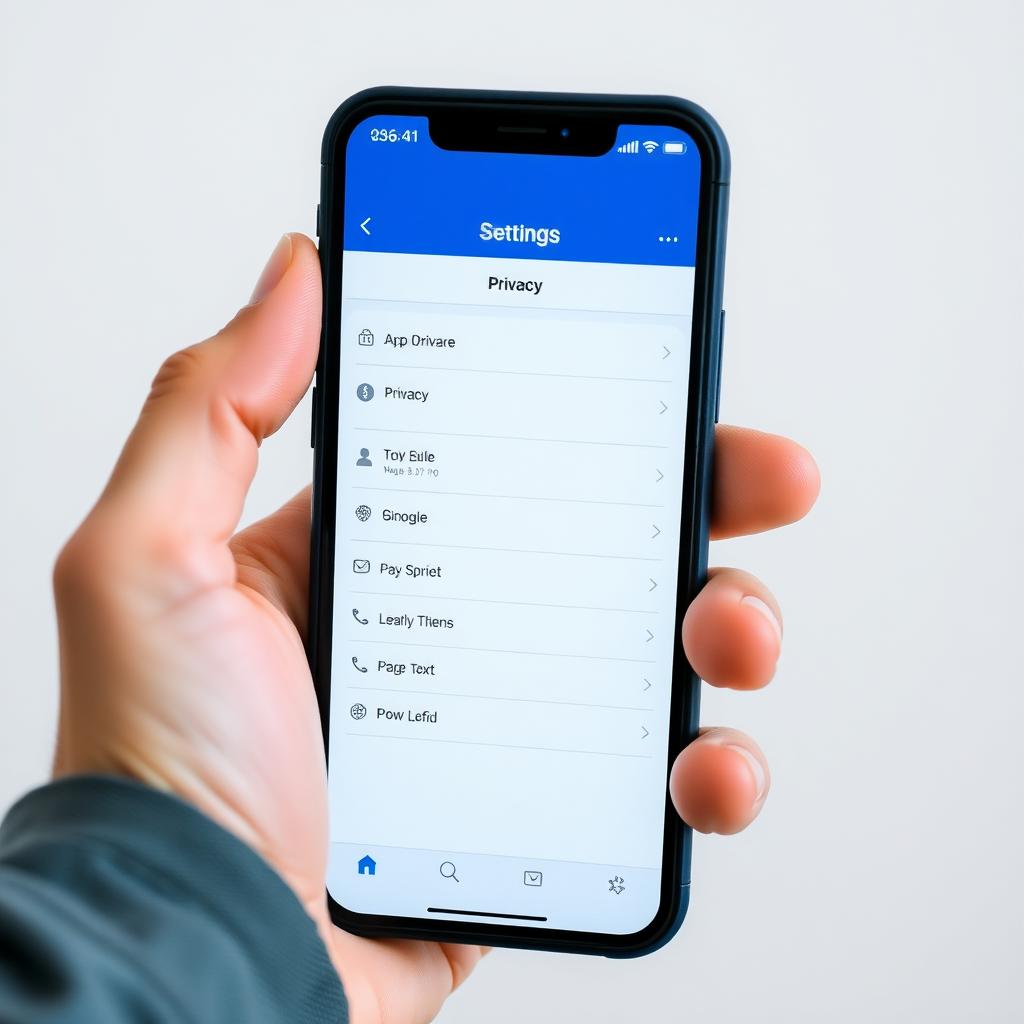
Check your privacy settings monthly. Platforms often update policies, sneaking in new data-sharing features.
Step 5: Protect Your Devices
Your phone and laptop are treasure troves of personal data. A few tweaks can make them fortresses.
Device Security Checklist
- Enable Two-Factor Authentication (2FA): Use apps like Authy for extra login security.
- Update Software Regularly: Patches fix vulnerabilities. I set my devices to update automatically.
- Encrypt Your Devices: Most modern phones and laptops offer built-in encryption.
- Avoid Public Wi-Fi: If you must use it, pair it with a VPN.
I once left my phone unlocked at a café, and someone tried to access it. Now, I use a strong PIN and biometric locks.
Step 6: Educate Yourself and Stay Vigilant
Privacy isn’t a one-time fix; it’s a mindset. I make it a habit to read about data breaches and new tools. Websites like PrivacyTools.io and EFF.org offer practical advice.
Stay curious. Question why an app needs access to your camera or contacts. If something feels off, it probably is.
Summary: Take Control Today
Online privacy is about empowerment. By setting up Proton Mail, using privacy tools like Signal and Tor, and securing your devices, you can drastically reduce your digital risks. Start small—pick one tip from this guide and act on it today. Your future self will thank you.