Free Tools to Safeguard Your Online Privacy in 2026
Your personal data floats around the internet more than ever in 2026. Companies track your every click, data brokers sell your information, and breaches happen weekly. The good news? You can fight back with powerful free tools to safeguard your online privacy. This guide walks you through simple, effective steps that anyone can take today.
I’ve used these tools for years, and they’ve made a real difference in how safe I feel online. Let’s dive in.

Why Online Privacy Matters More Than Ever
Most people worry about their online privacy—and for good reason. According to Pew Research Center, a majority of Americans feel concerned about how companies and the government handle their data [Key findings on Americans' views on data privacy from Pew Research Center].
Trackers follow you across sites, building detailed profiles used for targeted ads or worse. Data breaches expose millions of records yearly. Taking control isn’t paranoid—it’s smart.
Simple Steps to Lock Down Your Online Privacy
You don’t need technical skills to protect yourself. Start with these free online privacy tools and habits.
1. Switch to a Privacy-Focused Browser
Your browser is your main gateway to the internet. Default options like Chrome send plenty of data to big companies.
Brave blocks ads and trackers by default and loads pages faster. Firefox gives you strong customization options. I switched to Brave years ago and immediately noticed fewer creepy ads following me around.
Both are completely free and available on desktop and mobile.
2. Add Essential Privacy Extensions
Extensions supercharge any browser. Here are the must-haves:
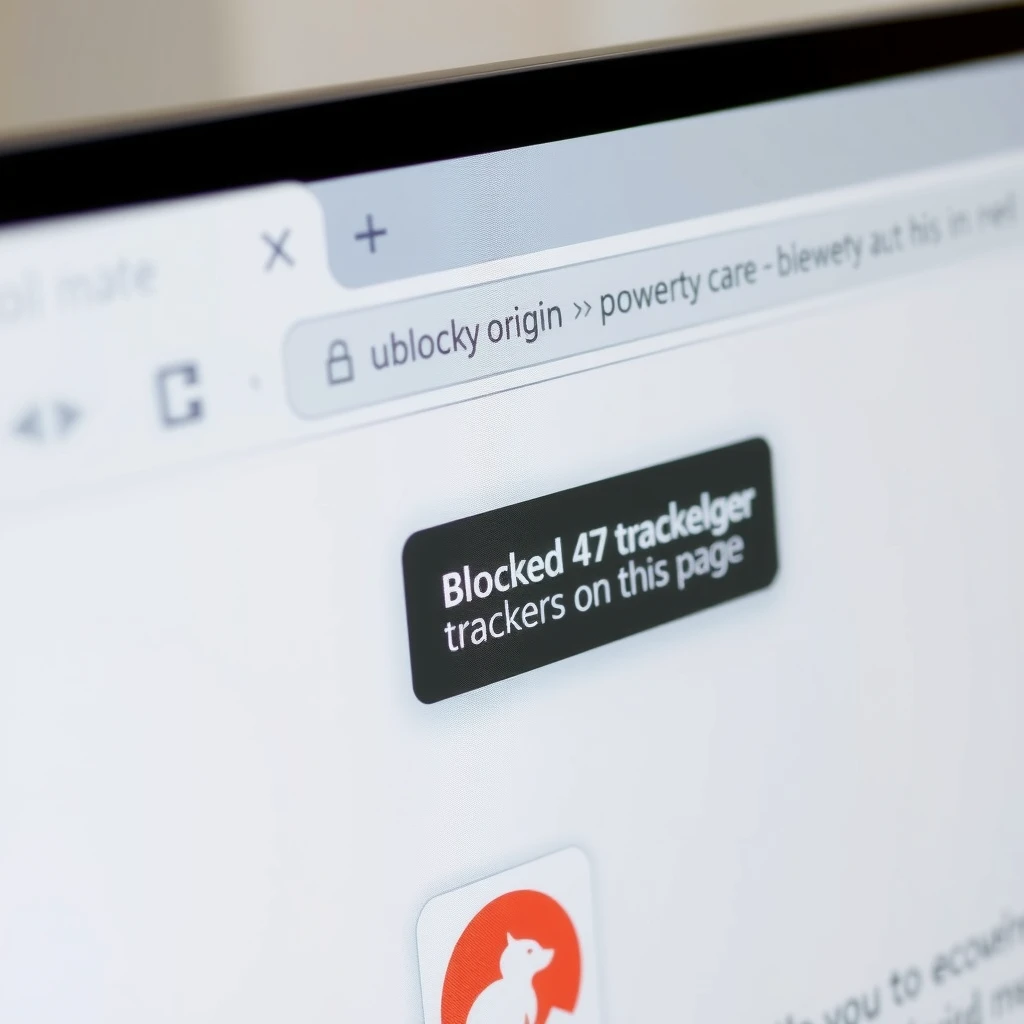
- uBlock Origin — Blocks ads and trackers efficiently.
- Privacy Badger — Automatically learns to block invisible trackers.
- DuckDuckGo Privacy Essentials — Stops tracking and enforces encryption.
- Clear URLs — Strips tracking elements from links.
I run all four. They use almost no resources and work quietly in the background.
3. Use a Private Search Engine
Google knows everything you search for. Switch to DuckDuckGo—it doesn’t track you and delivers solid results. Install their app or set it as your default search.
For even stronger anonymity, try Startpage, which gives Google results without the tracking.
4. Secure Your Passwords with a Free Manager
Stop reusing passwords. A good manager creates and stores strong unique passwords for every account.
Bitwarden and Proton Pass lead the free options in 2026. Both offer unlimited passwords and sync across devices. Bitwarden is open-source and has served me reliably for years.
| Feature | Bitwarden Free | Proton Pass Free |
|---|---|---|
| Unlimited passwords | Yes | Yes |
| Sync across devices | Yes | Yes |
| Passkey support | Yes | Yes |
| Two-factor authentication | Yes | Yes |
| Open source | Yes | Yes |
5. Turn On Two-Factor Authentication Everywhere
Passwords alone aren’t enough. Enable 2FA on every account that offers it.
Use a free authenticator app like Aegis (Android) or Ravio (iOS) instead of SMS—SMS can be intercepted. The extra 10 seconds is worth the protection.
6. Protect Your Connection with a Free VPN
A VPN hides your IP address and encrypts your traffic, especially important on public Wi-Fi.
Proton VPN Free stands out with unlimited data and no ads. Windscribe Free offers generous monthly data. Both have strong no-log policies.
For details on secure connections, see the Cybersecurity best practices from the Cybersecurity and Infrastructure Security Agency.

| Free VPN | Data Limit | Server Locations | No-Log Policy |
|---|---|---|---|
| Proton VPN | Unlimited | 3 countries | Audited |
| Windscribe | 10-15 GB/month | 10+ countries | Yes |
| PrivadoVPN Free | 10 GB/month | 10 cities | Yes |
7. Choose Secure Messaging and Email
Default apps often scan your messages. Switch to:
- Signal → End-to-end encrypted messaging and calls.
- Proton Mail or Tutanota → Encrypted email with free tiers.
I moved my main communication to Signal—friends followed, and now our group chats stay private.
8. Reduce Your Data Footprint
Data brokers collect and sell your personal information. You can opt out manually—it’s free but time-consuming.
Start with major sites using guides from reputable sources. For practical tips on protecting personal information online, check the Federal Trade Commission's online privacy and security guide.
If you want automation, paid services like Incogni handle removals for you. How to set up Incogni to delete personal data: Sign up, provide basic info, sign the authorization form, and the service sends removal requests to hundreds of brokers on your behalf. It requires a subscription, but many users find it worth the cost for ongoing protection.
Final Thoughts
You don’t have to pay to regain control of your online privacy. These free tools to safeguard your online privacy—combined with good habits—go a long way toward protecting your data.
Start with one or two changes today. Add more as you get comfortable. Small steps add up to real protection in a world that tracks everything.
Stay safe out there.