How to Choose the Best VPN for Your Needs in 2025
Overview
With cyber threats and data tracking on the rise, protecting your online privacy is more important than ever. A Virtual Private Network (VPN) is a powerful tool to secure your internet connection, but choosing the right one can feel overwhelming. This guide on how to choose the best VPN for your needs breaks down the essentials, from privacy features to streaming capabilities, to help you make an informed decision. We’ll also cover the top 5 online privacy tools every user should have to ensure your digital life stays secure.
Why You Need a VPN
A VPN creates an encrypted tunnel between your device and the internet, hiding your IP address and protecting your data from prying eyes, like hackers or your Internet Service Provider (ISP). Whether you’re browsing on public Wi-Fi, streaming geo-restricted content, or safeguarding sensitive information, a VPN is a cornerstone of online privacy. But not all VPNs are equal—some prioritize speed, others focus on security, and many fall short on both. Understanding your needs is the first step to finding the right one.
I’ve spent years testing VPNs for work and personal use, from securing my connection while traveling to unblocking Netflix libraries abroad. The process can be daunting, with providers boasting about features like ‘military-grade encryption’ or ‘unlimited bandwidth.’ These terms sound impressive but don’t always translate to real-world value. Instead, focus on what matters most to you—privacy, speed, streaming, or affordability.
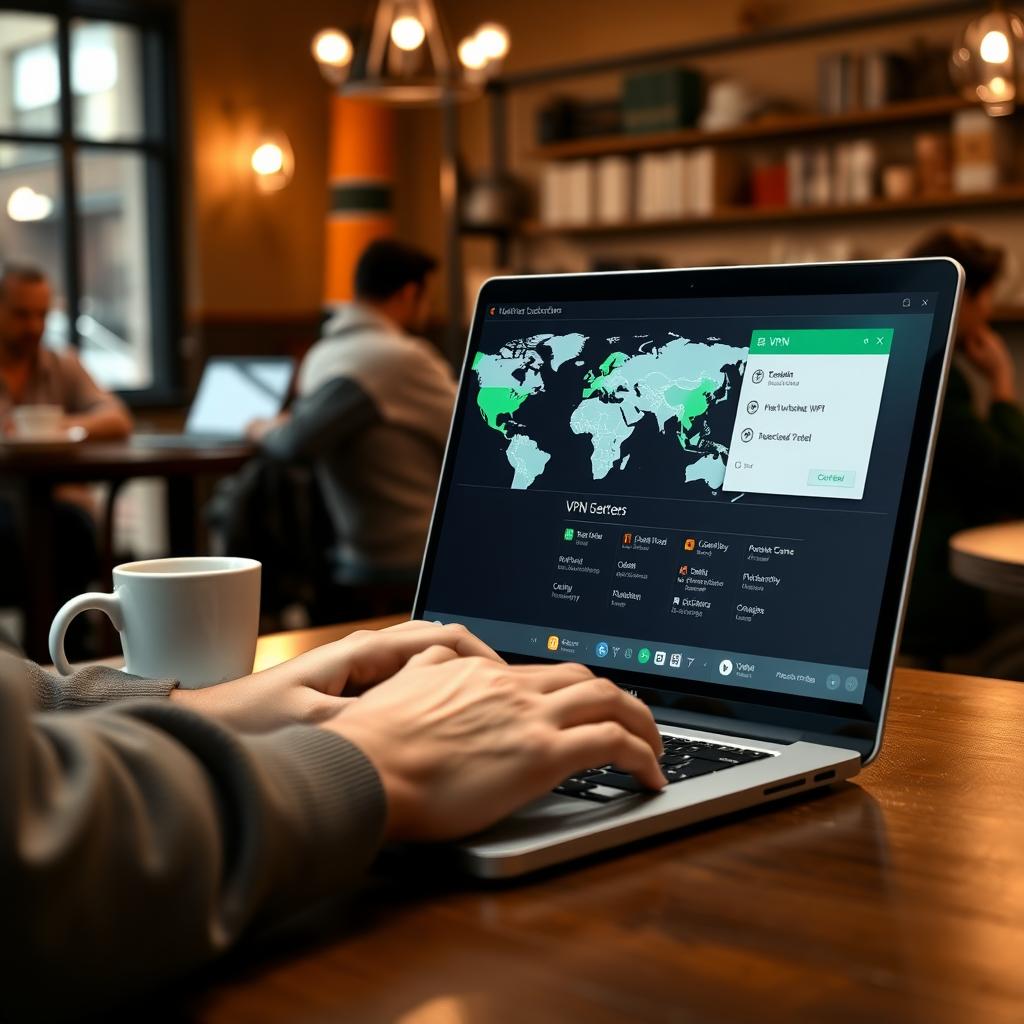
Key Factors to Consider When Choosing a VPN
To choose the best VPN for your needs, evaluate these critical factors:
1. Privacy and Security
The core purpose of a VPN is to protect your data. Look for providers with a strict no-logs policy, meaning they don’t store records of your online activity. Independent audits, like those conducted by Deloitte for NordVPN, verify these claims. Encryption protocols like OpenVPN or WireGuard are industry standards for security. If you’re in a region with heavy censorship, features like obfuscated servers or Proton VPN’s Stealth mode can hide the fact that you’re using a VPN.
2. Speed and Performance
A VPN can slow your internet due to encryption and server distance. In my tests, NordVPN and ExpressVPN consistently delivered fast speeds, even on distant servers. For example, NordVPN’s NordLynx protocol boosted my download speeds compared to a base connection. Choose a VPN with servers near your location for minimal latency, especially for gaming or streaming.
3. Streaming and Geo-Restrictions
If you want to access Netflix, BBC iPlayer, or other streaming platforms, ensure the VPN reliably unblocks them. ExpressVPN, for instance, unblocked 95% of streaming services in tests conducted by Top10VPN. I’ve used it to watch UK-exclusive shows from the US without buffering. Check if the VPN offers dedicated streaming servers or a Smart Location tool for optimal connections.
4. Ease of Use
A user-friendly interface matters, especially for beginners. Proton VPN’s recent app redesign includes explainer pop-ups, making it accessible for new users. I found Surfshark’s clean interface intuitive for managing multiple devices. Ensure the VPN supports your devices—Windows, macOS, iOS, Android, or even routers.
5. Price and Value
VPNs range from free to $12/month. Free VPNs like Proton VPN’s free tier are tempting but often limit data or server access. Paid options like Surfshark ($1.99/month for a two-year plan) offer better value with unlimited device connections. Avoid long-term plans unless the provider has a proven track record, as the VPN market evolves quickly.
| Feature | What to Look For | Recommended VPNs |
|---|---|---|
| Privacy | No-logs policy, audited | NordVPN, Proton VPN |
| Speed | Minimal latency, fast protocols | NordVPN, ExpressVPN |
| Streaming | Unblocks Netflix, BBC iPlayer | ExpressVPN, Surfshark |
| Ease of Use | Intuitive apps, multi-device support | Surfshark, Proton VPN |
| Price | Affordable, transparent pricing | Surfshark, Private Internet Access |
Top 5 Online Privacy Tools Every User Should Have
A VPN is just one piece of the online privacy puzzle. Here are the top 5 online privacy tools every user should have to complement your VPN and enhance your digital security:
-
Password Manager: Tools like Bitwarden or NordPass generate and store unique, strong passwords. I’ve used Bitwarden to manage dozens of logins across devices, saving me from reusing weak passwords.
-
Privacy-Focused Browser: Brave or Firefox block trackers and ads by default, reducing data collection. Brave’s built-in ad blocker cut my page load times significantly compared to Chrome.
-
Ad and Script Blocker: uBlock Origin or AdGuard prevent intrusive ads and scripts that track your behavior. I noticed fewer pop-ups and faster browsing after installing uBlock Origin.
-
Secure Messaging App: Signal or Proton Mail offer end-to-end encryption for texts and emails. I switched to Signal for group chats with friends, knowing our messages stay private.
-
Encrypted Cloud Storage: Services like Proton Drive or Tresorit encrypt your files before they leave your device. I use Proton Drive to store sensitive documents, ensuring they’re safe even if the server is compromised.
Common Mistakes to Avoid
When choosing a VPN, steer clear of these pitfalls:
- Trusting Free VPNs Blindly: Free VPNs often monetize your data or throttle speeds. Proton VPN’s free tier is an exception but limits server choices.
- Ignoring Jurisdiction: VPNs based in privacy-unfriendly countries (e.g., within the 14 Eyes Alliance) may be compelled to share data. Opt for providers in Switzerland or Panama, like Proton VPN or NordVPN.
- Overlooking Audits: Unaudited no-logs claims are just promises. Always check for third-party verification, as seen with ExpressVPN’s audits by KPMG.
- Choosing Based on Price Alone: Cheap VPNs may skimp on security or speed. Balance cost with features to get the best value.

My Personal Recommendations
After testing dozens of VPNs, here are my top picks for 2025:
- NordVPN: Best for speed and security. Its NordLynx protocol and Dark Web Monitor make it ideal for privacy-conscious users.
- ExpressVPN: Best for streaming and ease of use. Its vast server network and Smart Location tool are perfect for accessing global content.
- Proton VPN: Best for privacy. Based in Switzerland, its Stealth feature and open-source apps are great for high-risk regions.
- Surfshark: Best for budget users. Affordable with unlimited device connections, it’s a solid all-rounder.
- Mullvad: Best for anonymity. No email required and cash payments accepted, ideal for those seeking maximum privacy.
Each VPN suits different needs, so match your priorities—speed, streaming, or privacy—to the provider’s strengths.
Summary
Choosing the best VPN for your needs in 2025 requires balancing privacy, speed, streaming capabilities, and cost. Prioritize providers with audited no-logs policies, fast protocols like WireGuard, and user-friendly apps. Complement your VPN with the top 5 online privacy tools every user should have, like password managers and secure browsers, to build a robust defense against tracking and cyber threats. By avoiding common mistakes and aligning the VPN’s features with your goals, you’ll stay safe and connected online.