The Importance of Two-Factor Authentication: Securing Your Digital Life
Overview: Why Two-Factor Authentication Matters
In today’s digital world, protecting your online accounts is more important than ever. Passwords alone aren’t enough to keep hackers at bay. Two-factor authentication (2FA) adds an extra layer of security, making it harder for cybercriminals to access your sensitive information. This article explores the importance of two-factor authentication, its benefits, and how it works alongside top privacy tools for secure browsing.
What Is Two-Factor Authentication?
Two-factor authentication is a security method that requires two separate forms of identification to access an account. Think of it as a double lock on your front door. The first lock is something you know, like a password. The second is something you have, like a code sent to your phone or generated by an app. This two-step process ensures that even if someone steals your password, they can’t get in without the second factor.
I started using 2FA after a close call with a phishing email that looked scarily legitimate. It mimicked my bank’s login page, and I nearly entered my credentials. That experience made me realize how vulnerable a single password can be. Adding 2FA gave me peace of mind, knowing my accounts had an extra shield.
Why 2FA Is Essential for Online Privacy
The importance of two-factor authentication lies in its ability to protect against common cyber threats. Passwords can be guessed, stolen, or exposed in data breaches. According to a 2023 study by Verizon, 61% of data breaches involved stolen credentials. 2FA reduces this risk by requiring a second verification step, making unauthorized access much harder.
Phishing attacks, where hackers trick you into sharing your login details, are a growing concern. Even if a hacker gets your password, 2FA stops them cold unless they also have your phone or authentication device. This extra step can prevent financial loss, identity theft, and reputational damage for both individuals and businesses.
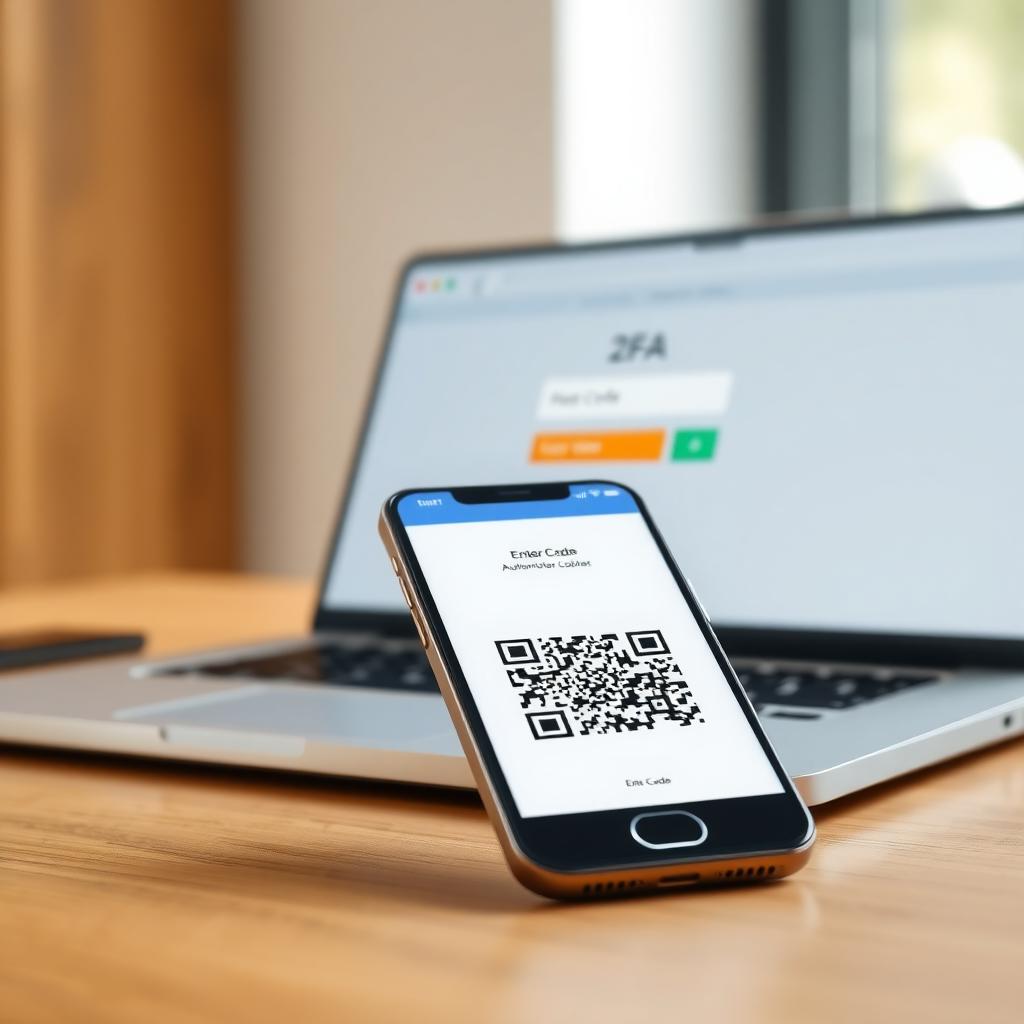
How Does 2FA Work?
2FA combines two of these authentication factors:
- Something you know: A password or PIN.
- Something you have: A smartphone, hardware token, or email with a one-time code.
- Something you are: Biometric data like a fingerprint or facial scan.
For example, when you log into your email, you enter your password (first factor). Then, you receive a code via SMS or an authenticator app like Google Authenticator (second factor). Only after entering both can you access your account.
There are several types of 2FA methods:
| Method | Description | Pros | Cons |
|-----------|-----------------|----------|----------|
| SMS-based | Code sent via text message | Easy to use | Vulnerable to SIM-swapping attacks |
| Authenticator Apps | Code generated by apps like Authy | More secure than SMS | Requires app installation |
| Hardware Tokens | Physical device generating codes | Highly secure | Can be lost or costly |
| Biometric | Fingerprint or facial recognition | Convenient | Privacy concerns with biometric data |
Choosing the right method depends on your needs, but authenticator apps are often recommended for their balance of security and convenience.
Benefits of Implementing 2FA
The importance of two-factor authentication shines through in its benefits:
- Enhanced Security: Even if your password is compromised, the second factor keeps your account safe.
- Protection Against Phishing: Hackers need more than just your password, making phishing less effective.
- Peace of Mind: Knowing your accounts are better protected reduces stress.
- Compliance: For businesses, 2FA helps meet regulations like GDPR or HIPAA, which require strong data protection measures.
In my experience, enabling 2FA on my banking and email accounts took just a few minutes but made me feel much more secure.
Top Privacy Tools for Secure Browsing
While 2FA secures your accounts, pairing it with top privacy tools for secure browsing creates a robust defense against online threats. Browsers like Firefox Focus and DuckDuckGo prioritize user privacy, complementing 2FA’s account protection. These tools block trackers, limit data collection, and ensure safer browsing experiences.
Firefox Focus vs DuckDuckGo: Which Mobile Browser Is More Private?
When comparing Firefox Focus vs DuckDuckGo: which mobile browser is more private?, both stand out as excellent online privacy tools. Firefox Focus, developed by Mozilla, automatically blocks trackers and ads, and it clears your browsing data after each session. It’s like a self-cleaning browser, perfect for users who want minimal data retention.
DuckDuckGo, on the other hand, is known for its privacy-focused search engine but also offers a mobile browser with built-in tracker blocking and a 'Fire Button' to instantly wipe your browsing history. Unlike Firefox Focus, DuckDuckGo allows you to keep bookmarks and tabs, offering a balance between privacy and functionality.
I’ve used both browsers, and my choice depends on the situation. Firefox Focus feels stricter, wiping everything clean each time I close it, which is great for quick, private searches. DuckDuckGo’s browser is my go-to for longer sessions since it lets me save bookmarks without compromising privacy. A Mozilla blog post highlights how Firefox Focus blocks thousands of trackers by default, while DuckDuckGo’s privacy report emphasizes its transparency in blocking trackers. Both are solid choices, but Firefox Focus edges out for maximum privacy, while DuckDuckGo offers more flexibility.
How to Implement 2FA in Your Daily Life
Getting started with 2FA is easier than you think. Here’s a simple guide:
1. Check Account Settings: Most services like Google, Microsoft, or banking apps have 2FA options in their security settings.
2. Choose Your Method: Opt for an authenticator app like Authy or Google Authenticator for better security than SMS.
3. Set Up Backup Codes: Save backup codes in a secure place in case you lose access to your second factor.
4. Enable on Key Accounts: Prioritize email, banking, and social media accounts.
5. Educate Your Team: For businesses, train employees to use 2FA consistently.
I recommend starting with your email, as it’s often the key to resetting other accounts. When I enabled 2FA on my Gmail, it took less than five minutes, and now I get a push notification on my phone for every login attempt.
Challenges and Misconceptions About 2FA
Some people avoid 2FA, thinking it’s too complicated or time-consuming. In reality, it adds just a few seconds to your login process. Another misconception is that 2FA makes your account 100% secure. No system is foolproof, but 2FA significantly reduces risk. For example, a study by Google found that 2FA blocks 99% of automated attacks. The key is to combine 2FA with strong passwords and privacy tools like Firefox Focus or DuckDuckGo.
Pairing 2FA with Other Online Privacy Tools
To maximize your online privacy, combine 2FA with tools like VPNs, password managers, and privacy-focused browsers. A VPN hides your IP address, while a password manager generates and stores strong passwords. Using Firefox Focus or DuckDuckGo alongside 2FA creates a layered defense, protecting both your accounts and your browsing data. I’ve found that using a password manager with 2FA makes managing multiple accounts much easier, especially for work and personal logins.
Summary: Take Control of Your Online Security
The importance of two-factor authentication cannot be overstated. It’s a simple, effective way to protect your accounts from cyber threats. By combining 2FA with top privacy tools for secure browsing, like Firefox Focus or DuckDuckGo, you can take control of your online privacy. Start enabling 2FA on your key accounts today, and explore privacy-focused browsers to keep your data safe.