Understanding VPNs: A Beginner's Guide
Quick Overview
A VPN, or Virtual Private Network, creates a secure, encrypted connection to the internet. It hides your real IP address, protects your data from prying eyes, and lets you browse privately. In this guide, we'll explain everything simply so you can start using one today.
What Is a VPN and Why Do You Need One?
Think of your internet connection without a VPN like sending a postcard. Anyone along the way can read it. With a VPN, it's like sending a sealed letter in a locked box.
Your ISP, hackers on public Wi-Fi, and even websites track your activity. A VPN stops this by encrypting your data and routing it through a private server.
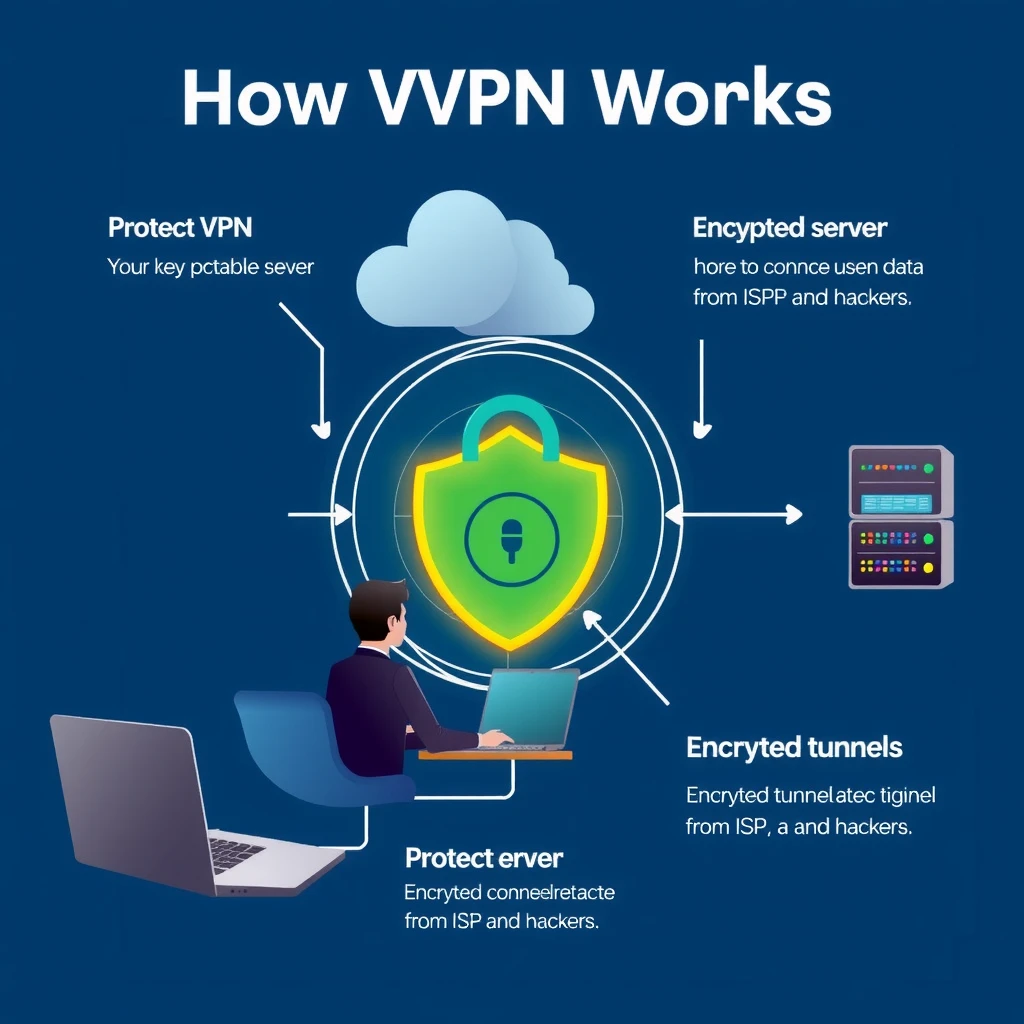
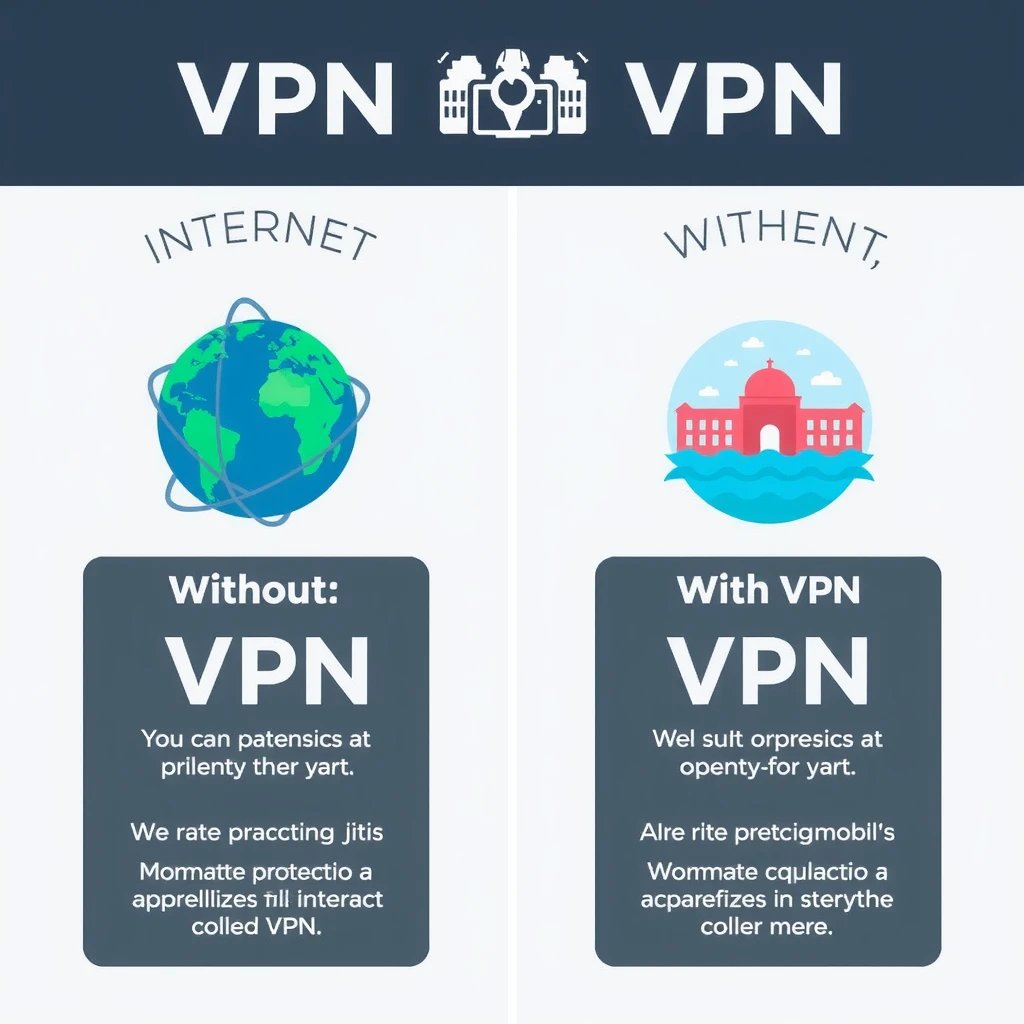
Here is a simple comparison:
| Without VPN | With VPN |
|---|---|
| ISP sees everything you do | ISP only sees encrypted traffic |
| Hackers can intercept data | Data stays protected in tunnel |
| Real IP address visible | IP address masked |
| Easy tracking by websites | Harder to track your activity |
From my experience, using a VPN on public Wi-Fi at a coffee shop feels much safer. I once connected without one and worried about someone snooping on my login details. After switching to a VPN, that worry vanished.
How Does a VPN Actually Work?
When you connect to a VPN:
- Your device creates an encrypted tunnel to a VPN server.
- All your internet traffic goes through this tunnel.
- The server sends your requests to websites.
- Responses come back encrypted through the same tunnel.
This process hides your real location and protects sensitive information like passwords or banking details.
Why Secure Browsers Are a Game-Changer for Privacy
Even with a VPN, your browser can leak data through trackers and cookies. Secure browsers add another layer. They block ads, stop fingerprinting, and prevent tracking.
Combine a good VPN with a privacy-focused browser for stronger protection. This duo makes a big difference in everyday browsing.
Top Online Privacy Tools for Android Users
Android users have great options for staying private:
- VPN apps like IVPN or Proton VPN for encryption
- Secure browsers such as Firefox with strict tracking protection
- Ad blockers and tracker stoppers
- Password managers for strong, unique logins
- Encrypted messaging apps like Signal
These online privacy tools work together to shield your phone from threats.
How to Configure IVPN on Android for Maximum Privacy
IVPN stands out for its strong no-logs policy and open-source apps. Here's how to set it up:
- Download the IVPN app from the Google Play Store or their website.
- Sign up or log in with your account.
- Open the app and choose a server (pick one close for speed).
- Enable the kill switch to block internet if the VPN drops.
- Turn on always-on VPN in Android settings for automatic protection.
- For extra privacy, use Multi-hop mode to route through two servers.
Test for leaks after setup. This configuration gives maximum privacy on Android.
Common VPN Myths Debunked
Many think VPNs slow down your connection too much. Good ones lose only 10-20% speed.
VPNs are legal in most places and great for privacy, not just streaming.
Free VPNs often sell your data. Always choose paid, trusted services.
Wrapping It Up
Understanding VPNs opens the door to better online privacy. Start with a reliable service, add secure browsers and other tools, and enjoy safer browsing. Your data deserves protection—take control today.