Mastering Online Privacy: Essential Tools and Tips for Beginners
Overview
In today’s digital world, protecting your personal information online is more important than ever. From hackers to data-hungry companies, threats to your privacy are everywhere. This guide introduces online privacy tools that are easy for beginners to use, including password managers, VPNs, and secure email services like Proton Mail. Whether you’re new to online security or looking to level up, you’ll find practical steps to stay safe.
Why Online Privacy Matters
Every time you browse the web, shop online, or log into an app, you leave a digital footprint. Websites track your behavior, and cybercriminals are always looking for weak spots. A 2023 study from the Pew Research Center found that 79% of Americans feel they have little control over their personal data. That’s where online privacy tools come in—they give you back control. I’ve spent years experimenting with these tools, and I’ve seen how small changes, like using a strong password manager, can make a big difference.
Password Management 101: Keeping Your Accounts Secure
Passwords are your first line of defense. Weak or reused passwords are like leaving your front door unlocked. Password Management 101 starts with creating strong, unique passwords for every account. But remembering dozens of complex passwords is tough. That’s why password managers are a game-changer.
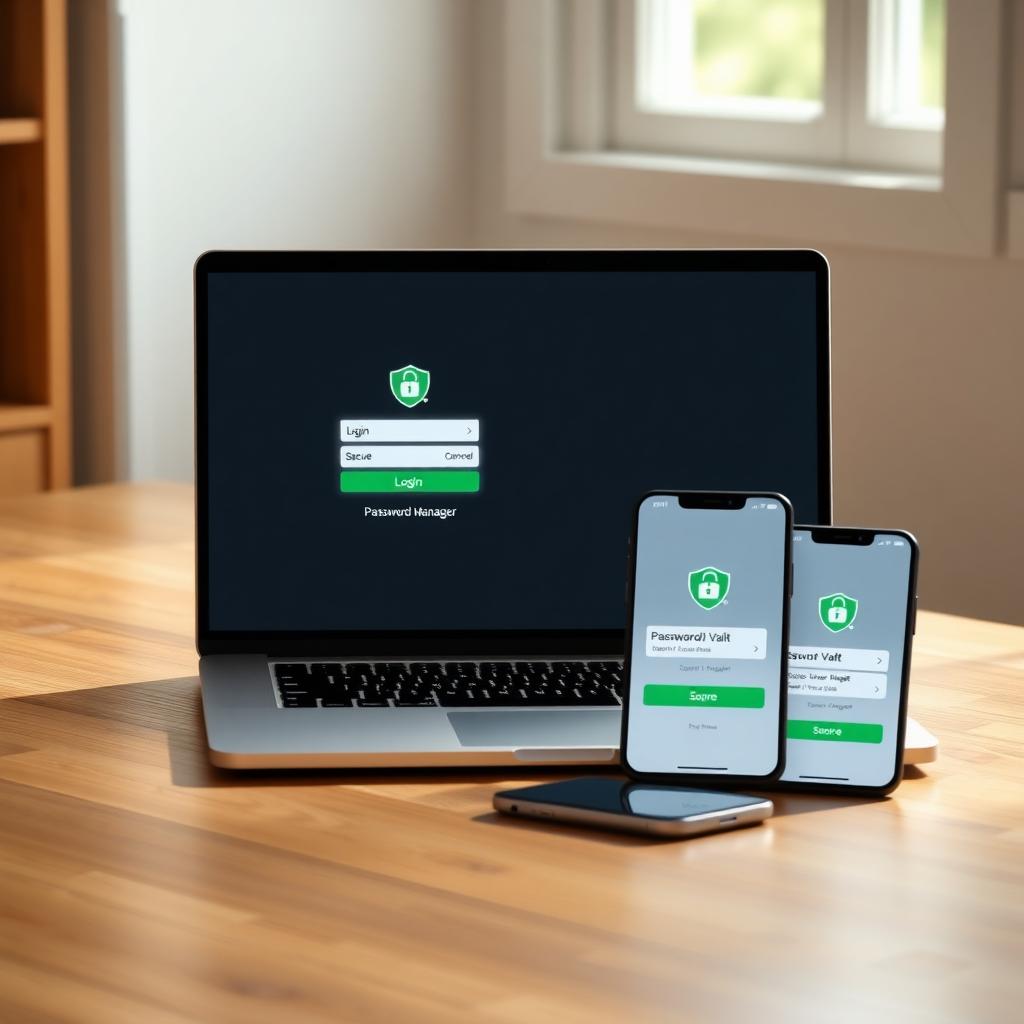
A password manager stores your login details in an encrypted vault, so you only need to remember one master password. They also generate strong passwords and autofill them when you log in. After switching to a password manager, I stopped worrying about forgetting passwords or getting hacked because of a weak one.
Best Password Managers for Beginners
Here are three best password managers for beginners, based on ease of use, security, and affordability:
- Proton Pass: Known for its privacy-first approach, Proton Pass offers end-to-end encryption and a generous free plan. It syncs unlimited passwords across devices and includes email aliasing to protect your real email address. It’s perfect if you’re already using Proton Mail or Proton VPN. Proton’s security model ensures even they can’t access your data.
- 1Password: This is my go-to for its intuitive interface and family-sharing features. It’s not free, but at $3.09/month, it’s worth it for the “Secret Key” feature that adds an extra layer of encryption. It’s great for beginners who want simplicity.
- Bitwarden: Fully open-source and free, Bitwarden is a budget-friendly option. It’s secure, audited annually, and works across all platforms. I recommend it for tech-savvy beginners who want flexibility and don’t mind a slightly less polished interface.
The Beginner’s Guide to VPNs and Online Privacy
A Virtual Private Network (VPN) is like a secret tunnel for your internet traffic. It encrypts your data and hides your IP address, making it harder for websites, advertisers, or hackers to track you. The Beginner’s Guide to VPNs and Online Privacy starts with understanding why you need one. Whether you’re using public Wi-Fi or just want to keep your browsing private, a VPN is essential.
When I started using a VPN, I noticed fewer targeted ads and felt safer on public networks. For beginners, I recommend Proton VPN for its user-friendly apps and strong privacy focus. Its free plan is great for testing, though paid plans (starting at $4.99/month) offer faster speeds and more servers. NordVPN is another solid choice, with double encryption and a beginner-friendly interface. Always choose a VPN with a no-logs policy, meaning they don’t store your browsing history.
How to Choose a VPN
Here’s a quick checklist for picking a VPN:
| Feature | Why It Matters |
|---|---|
| No-Logs Policy | Ensures your browsing data isn’t stored |
| Strong Encryption | Protects your data from hackers |
| User-Friendly Apps | Makes setup and use easy for beginners |
| Server Locations | More servers mean faster connections and access to global content |
Proton VPN and NordVPN check all these boxes, but always read the privacy policy before signing up.
Proton Mail Setup Guide for Beginners
Email is one of the most vulnerable parts of your online life. Free email services like Gmail often scan your messages for ads. Proton Mail setup guide for beginners makes switching to a secure email service easy. Proton Mail uses end-to-end encryption, meaning only you and the recipient can read your emails.
Here’s how to set up Proton Mail: 1. Sign Up: Go to Proton Mail’s website and choose the free plan. Enter your details and create a strong password. 2. Verify Your Account: Use a phone number or email for verification (you can remove this later for extra privacy). 3. Set Up Recovery: Download recovery keys to regain access if you forget your password. 4. Import Emails: Use Proton’s Easy Switch tool to import emails from Gmail or other providers. 5. Install Apps: Download the Proton Mail app for iOS, Android, or desktop for easy access.
When I set up Proton Mail, the process took less than 10 minutes. The free plan offers 1GB of storage, which is plenty for most users. Paid plans ($4.99/month) add features like custom domains and more storage.
Additional Online Privacy Tools
Beyond password managers, VPNs, and secure email, here are other tools to boost your privacy:
- Privacy-Focused Browsers: Brave and Firefox block trackers and ads by default. I switched to Brave and noticed faster page loads with less clutter.
- Encrypted Messaging: Signal offers end-to-end encrypted chats and calls. It’s my go-to for private conversations.
- Anti-Tracking Extensions: Tools like uBlock Origin or Ghostery block trackers and ads, keeping your browsing data private. Ghostery’s website explains how it stops data collection.
These tools are simple to set up and make a big difference in reducing your digital footprint.

Practical Tips for Staying Secure
Here are actionable steps to enhance your online privacy:
- Enable Two-Factor Authentication (2FA): Add an extra layer of security to your accounts with 2FA, using apps like Authy or a hardware key.
- Clear Cookies Regularly: Cookies track your browsing habits. Clear them weekly or use a browser like Brave that blocks them automatically.
- Avoid Public Wi-Fi Without a VPN: Public networks are risky. Always use a VPN to encrypt your connection.
- Check for Data Breaches: Use services like Have I Been Pwned to see if your email or passwords have been exposed.
I check my accounts monthly for breaches, and it’s saved me from potential hacks more than once. Combining these habits with the right tools creates a strong privacy shield.
Summary
Protecting your online privacy doesn’t have to be complicated. Start with a password manager like Proton Pass or 1Password, use a VPN like Proton VPN, and switch to a secure email service like Proton Mail. These online privacy tools are beginner-friendly and effective. By taking small steps, like enabling 2FA and clearing cookies, you can stay safe and in control of your digital life.