Understanding Browser Privacy Features: Your Guide to Safer Online Browsing
Overview
In today’s digital world, every click, search, or website visit can leave a trail of data. Understanding browser privacy features is key to protecting your personal information from trackers, advertisers, and potential hackers. This article dives into how browsers safeguard your data, why VPNs are a must for mobile browsing, and compares two privacy-focused mobile browsers: Firefox Focus vs. DuckDuckGo. I’ll share practical insights from my own experiences to help you browse more securely.
Why Browser Privacy Matters
Your browser is your gateway to the internet, but it’s also a potential goldmine for companies collecting your data. Every time you visit a website, trackers can log your location, browsing habits, and even personal details. Over the years, I’ve noticed how targeted ads seem to follow me after a single search—creepy, right? That’s why choosing a browser with strong privacy features is critical.
Privacy-focused browsers like Firefox, Brave, and DuckDuckGo block trackers, limit data collection, and often use encryption to keep your activity private. These tools empower you to take control of your online footprint. According to a 2023 Pew Research study, 79% of Americans are concerned about how their data is used online. Yet, many don’t know where to start. Let’s break down the key privacy features you should look for.
Key Browser Privacy Features
- Tracker Blocking: Trackers are scripts that follow your activity across websites. Privacy-focused browsers block these by default, stopping companies from building detailed profiles about you.
- Private Browsing Mode: This mode prevents your browser from saving your history, cookies, or form data. It’s great for quick sessions but doesn’t stop trackers entirely.
- HTTPS Enforcement: Secure browsers force websites to use encrypted connections (HTTPS), protecting your data from interception.
- Fingerprinting Protection: Fingerprinting creates a unique profile of your device based on settings like screen size or browser version. Advanced browsers block these attempts.
- Ad Blocking: Built-in ad blockers reduce intrusive ads, which often carry trackers.
These features work together to minimize your exposure. For example, I once tested a mainstream browser without tracker blocking and was shocked to see over 50 trackers on a single news site. Switching to a privacy-focused browser cut that number to zero.

Why VPNs Are a Must for Mobile Browsing
Mobile browsing is convenient but risky. Public Wi-Fi networks, like those in coffee shops or airports, are often unsecured, making it easy for hackers to intercept your data. A Virtual Private Network (VPN) encrypts your internet connection, hiding your IP address and protecting your activity. I learned this the hard way when I noticed suspicious activity on my accounts after using public Wi-Fi without a VPN.
VPNs are especially crucial for mobile users because smartphones are constantly connected, often switching between Wi-Fi and cellular networks. A 2024 report from NordVPN found that 68% of mobile users experienced data tracking on unsecured networks. Using a VPN, like NordVPN or ExpressVPN, ensures your data stays private, even on the go.
Beyond encryption, VPNs allow you to bypass geo-restrictions, access safer servers, and avoid ISP throttling. For mobile browsing, I recommend choosing a VPN with a dedicated app for ease of use. Pairing a VPN with a privacy-focused browser creates a powerful shield against online threats.
Additional Privacy Measures for Mobile Browsing
While a VPN is a great start, there are other steps you can take to boost your mobile privacy:
- Use a Privacy-Focused Browser: Browsers like Firefox Focus or DuckDuckGo are designed with privacy in mind, unlike mainstream options like Chrome.
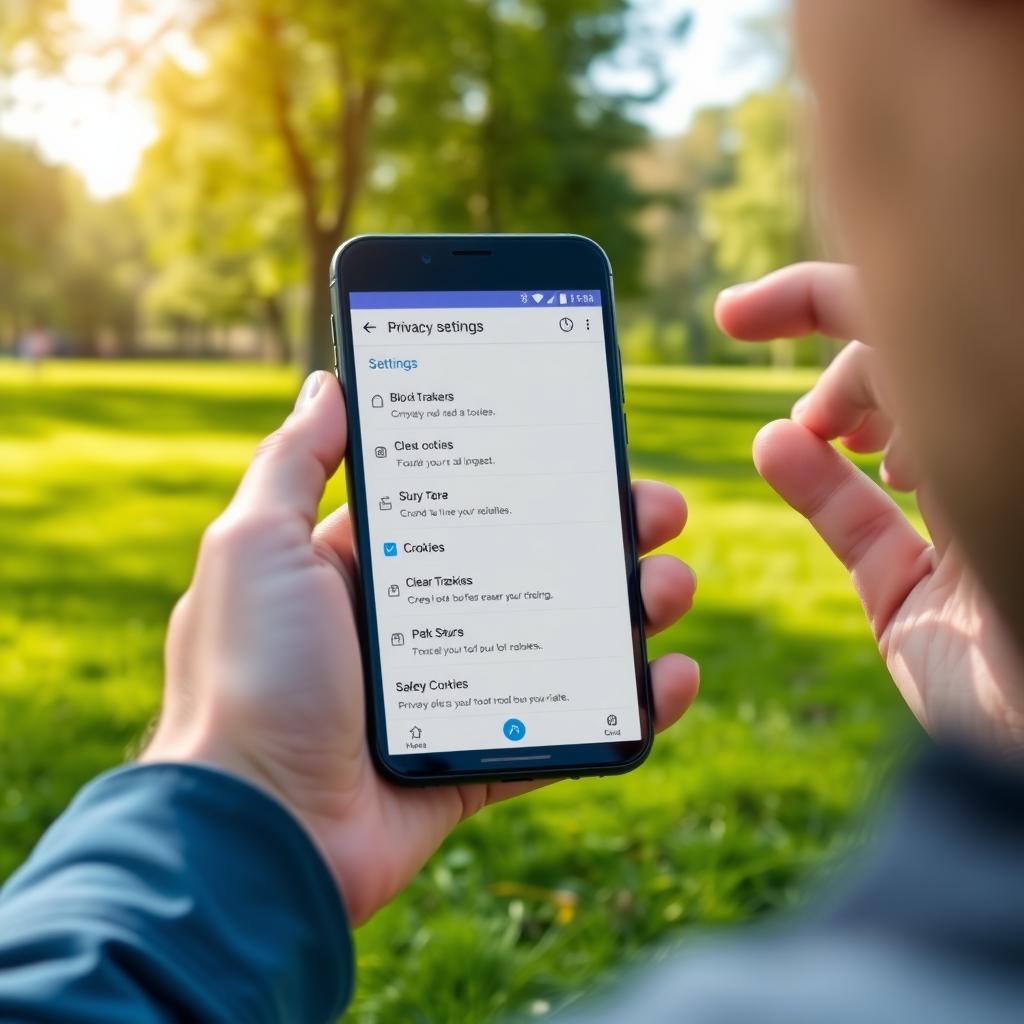
- Clear Cookies Regularly: Cookies store data about your browsing habits. Clearing them after each session reduces tracking risks.
- Disable Location Services: Many apps and websites track your location. Turn off location services for your browser unless absolutely necessary.
- Install Privacy Extensions: Extensions like uBlock Origin or Privacy Badger block trackers and ads on mobile browsers that support extensions.
- Update Your Browser: Regular updates patch security vulnerabilities. I once ignored an update for weeks, only to learn it fixed a major privacy flaw.
These steps are simple but effective. I’ve made it a habit to clear cookies weekly and disable location services when I’m not using maps—it’s made a noticeable difference in reducing targeted ads.
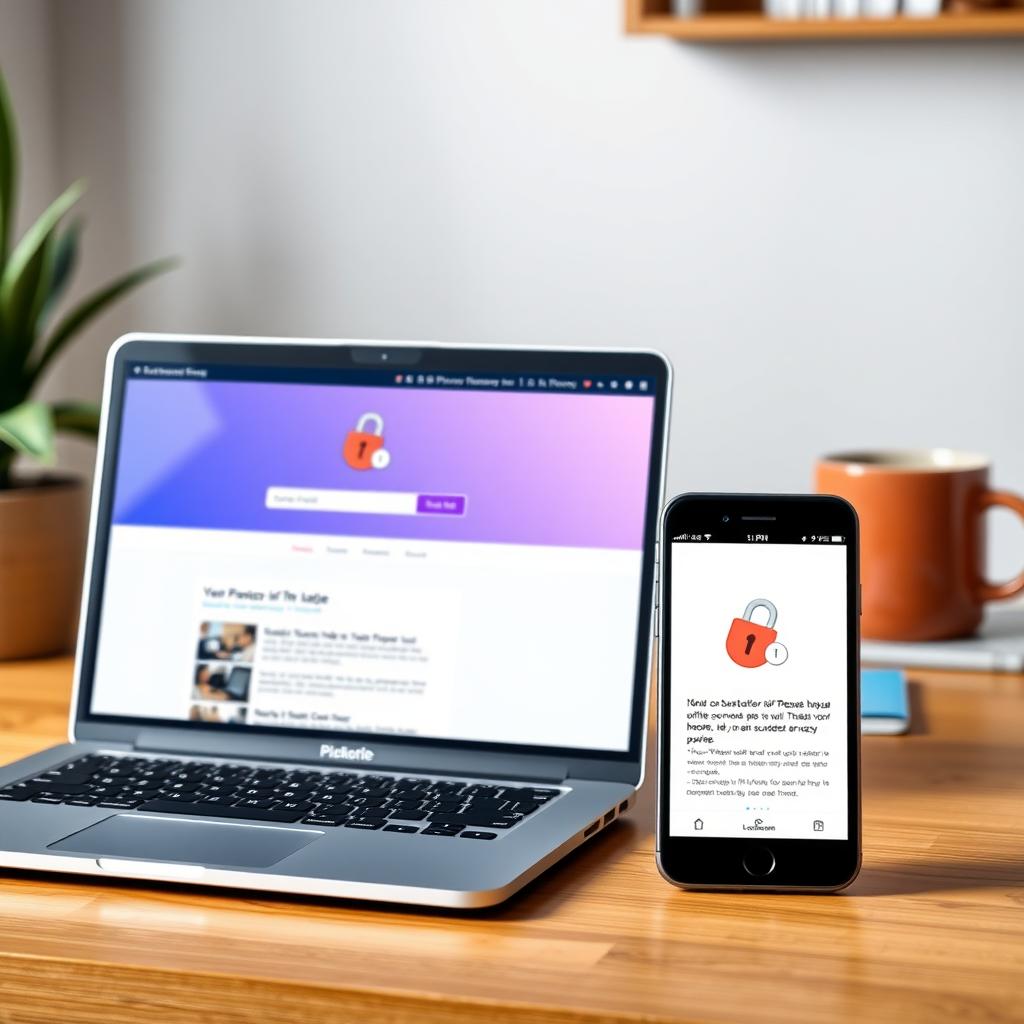
Firefox Focus vs. DuckDuckGo: Which Mobile Browser Is More Private?
When it comes to mobile privacy, two browsers stand out: Firefox Focus and DuckDuckGo. Both prioritize user privacy, but they approach it differently. Let’s compare them to help you decide which is better for you.
Firefox Focus
Firefox Focus, developed by Mozilla, is a minimalist browser built for privacy. It automatically blocks trackers, ads, and cookies, and erases your browsing data when you close the app. I love its simplicity—there’s no clutter, just a clean interface for quick browsing. It’s ideal for users who want a no-fuss, privacy-first experience.
Pros: - Deletes all data (history, cookies) after each session - Blocks trackers and ads by default - Lightweight and fast
Cons: - No bookmark or tab support - Limited customization options
DuckDuckGo
DuckDuckGo’s mobile browser, built on its privacy-focused search engine, offers a more traditional browsing experience. It blocks trackers, enforces HTTPS, and assigns a privacy grade to each website. I’ve found its privacy grade feature eye-opening—it shows you which sites are trying to track you.
Pros: - Supports bookmarks and multiple tabs - Privacy grade feature for transparency - Integrates with DuckDuckGo’s private search engine
Cons: - Slightly slower than Firefox Focus - Less aggressive data deletion
Which Is More Private?
Firefox Focus edges out for maximum privacy due to its automatic data deletion and minimalist design. However, DuckDuckGo is better for users who want privacy without sacrificing features like bookmarks. I switch between both depending on my needs—Firefox Focus for quick searches, DuckDuckGo for longer sessions. A Mozilla blog post highlights Firefox Focus’s strict tracker blocking, while DuckDuckGo’s privacy page emphasizes its comprehensive approach.
Other Online Privacy Tools
Beyond browsers and VPNs, other tools can enhance your online security:
| Tool | Purpose | Example |
|---|---|---|
| Password Managers | Securely store and generate strong passwords | LastPass, 1Password |
| Ad Blockers | Block intrusive ads and trackers | uBlock Origin, AdBlock Plus |
| Encrypted Messaging | Protect your communications | Signal, Telegram |
| Privacy Extensions | Add extra layers of protection to browsers | Privacy Badger, HTTPS Everywhere |
I’ve been using a password manager for years, and it’s saved me from reusing weak passwords. Tools like Signal also give me peace of mind when messaging sensitive information. Combining these with a privacy-focused browser creates a robust defense against data leaks.
Final Thoughts
Understanding browser privacy features is the first step to safer online browsing. By choosing a privacy-focused browser, using a VPN, and adopting additional measures like clearing cookies or using password managers, you can significantly reduce your digital footprint. Whether you pick Firefox Focus for its simplicity or DuckDuckGo for its versatility, both offer strong protection. My journey to better online privacy started with small changes, like switching browsers and enabling a VPN, and I’ve never looked back. Take control of your data today—it’s easier than you think.