Firefox Focus vs DuckDuckGo: Which Mobile Browser Is More Private?
Quick Overview
In the battle of Firefox Focus vs DuckDuckGo: which mobile browser is more private?, both stand out as strong online privacy tools. Firefox Focus prioritizes extreme simplicity and automatic data erasure, while DuckDuckGo offers a fuller set of privacy features. Let's break it down to help you choose.

Why Mobile Browser Privacy Matters Today
We all spend hours on our phones browsing the web. Companies track our every click to build profiles for ads. This invades our online privacy and can lead to higher prices or targeted manipulation.
Good online privacy tools block trackers, stop data collection, and keep your activity hidden. Mobile browsers like these two make it easy without slowing you down.
Introducing Firefox Focus
Mozilla created Firefox Focus as a no-nonsense privacy browser. It launches with tracking protection turned on by default.
Key strengths: - Automatically blocks ads, analytics, social trackers, and more using Enhanced Tracking Protection. - Erases your history, cookies, and passwords with one tap when you close a session. - Minimal interface – no tabs on iOS, limited on Android – to reduce distractions and data storage.
I’ve used it for quick searches. It feels clean and fast because trackers don’t load.
Meet DuckDuckGo Privacy Browser
DuckDuckGo started as a private search engine. Now their browser builds on that with strong protections.
Standout features: - Blocks third-party trackers before they load. - Forces sites to use HTTPS encryption when possible. - Includes Global Privacy Control to signal do-not-track requests. - Has a 'Fire' button to clear tabs and data quickly. - Rates site privacy with letter grades.
In my experience, it gives more feedback. You see how many trackers it blocked on each site.
Head-to-Head Privacy Comparison
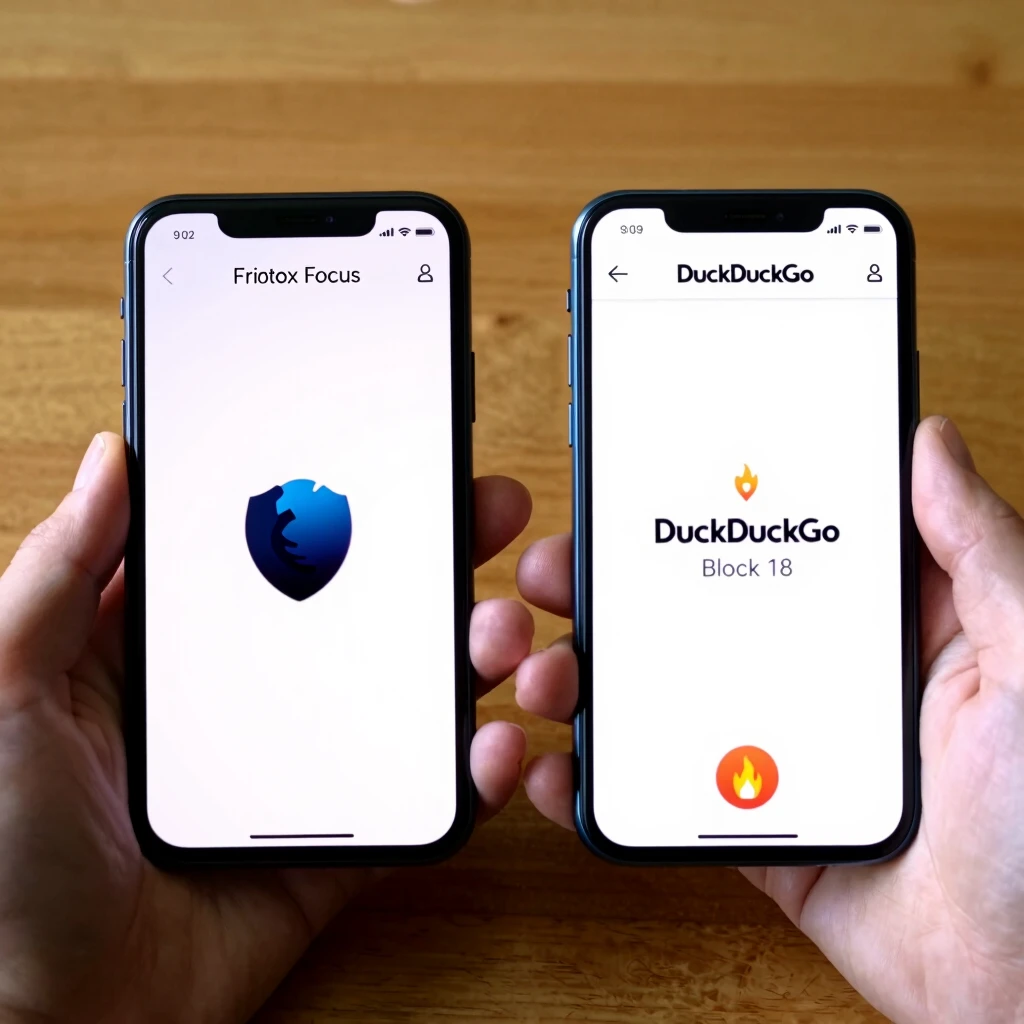
| Feature | Firefox Focus | DuckDuckGo Browser |
|---|---|---|
| Default Tracker Blocking | Strong (Enhanced Tracking Protection) | Very strong (3rd-party loader blocking) |
| Automatic Data Erasure | Yes, aggressive on session end | Yes, with Fire button |
| Fingerprinting Protection | Blocks fonts and some scripts | Advanced API overrides |
| Private Search Default | Changeable (Google default) | Built-in DuckDuckGo |
| Extra Tools | Minimalist focus | Site privacy grades, email protection |
| App Tracking (Android) | No | Yes, blocks trackers in other apps |
Both excel at blocking common trackers. DuckDuckGo often edges out in independent tests for out-of-box protection against more techniques.
Real-World Performance and Usability
Firefox Focus loads pages quickly due to its simplicity. It’s perfect for short, private sessions like checking prices without logging in.
DuckDuckGo feels more like a daily driver. It supports multiple tabs, bookmarks, and even password management privately.
Battery and speed: Both are lightweight. Firefox Focus might save a bit more data by blocking more aggressively.
One downside for Focus: It can break some sites if protections are too strict. DuckDuckGo handles this better with smarter exceptions.
Personal Insights from Using Both
I switch between them. For ultimate minimalism and forgetting everything instantly, Firefox Focus wins. No history means no worries.
But for everyday browsing with strong privacy, DuckDuckGo is my go-to. Seeing blocked trackers motivates me, and the private search is seamless.
If you value non-profit backing, Mozilla’s Firefox Focus aligns with open web ideals.
Potential Drawbacks
- Firefox Focus: Limited features, no sync, can feel too basic.
- DuckDuckGo: Slightly more resource use from extra protections, past controversy over Microsoft trackers (now resolved).
Neither is perfect, but both beat Chrome or Safari for privacy.
Which Is More Private Overall?
It depends on your needs. Firefox Focus vs DuckDuckGo: which mobile browser is more private? DuckDuckGo generally provides broader, more comprehensive privacy in 2025 tests.
Choose Firefox Focus for radical simplicity and automatic erasure.
Pick DuckDuckGo for feature-rich protection that covers more tracking methods.
Try both – they’re free!
Final Thoughts
Protecting your online privacy starts with your browser. Both these options make it simple. Pair them with habits like avoiding unnecessary logins for even better security.