Top Social Media Privacy Tips for 2025: Protect Your Online Presence
Introduction
In 2025, social media has become an integral part of our daily lives. We use it to connect with friends and family, share our experiences, and even conduct business. However, with the increasing amount of personal data we share online, privacy has become a major concern. Cybercriminals, data brokers, and even social media platforms themselves can misuse our information if we're not careful.
This article will provide you with essential tips to protect your social media privacy in 2025. By following these simple steps, you can lock down your online presence and keep your personal data safe from prying eyes.
Tip 1: Understand Privacy Settings on Popular Social Media Platforms
Each social media platform has its own set of privacy settings, and it's crucial to understand how they work. For example, on Facebook, you can control who sees your posts, who can send you friend requests, and who can look you up using your email or phone number.
Take the time to explore the privacy settings on each platform you use. Look for options to limit the visibility of your posts, control who can contact you, and manage the information that's visible on your profile.

Tip 2: Use Strong, Unique Passwords and Enable Two-Factor Authentication
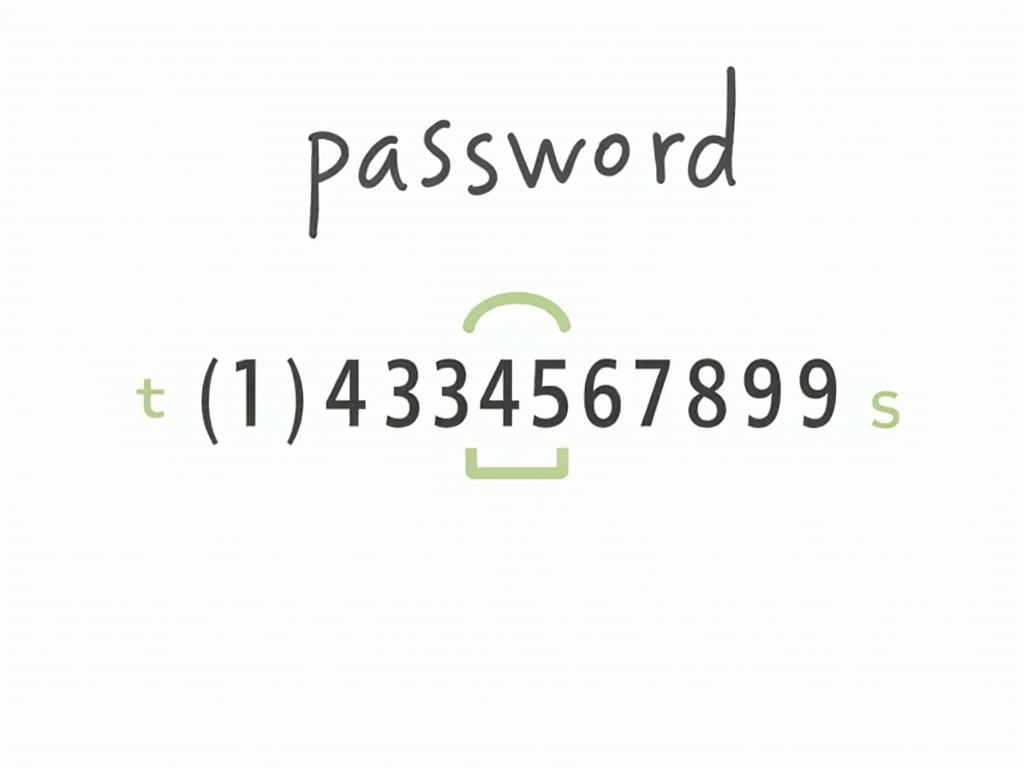
One of the simplest yet most effective ways to protect your social media accounts is to use strong, unique passwords. Avoid using the same password across multiple accounts, as this can make it easier for hackers to gain access to all your accounts if one is compromised.
Additionally, enable two-factor authentication (2FA) whenever possible. 2FA adds an extra layer of security by requiring a second form of verification, such as a code sent to your phone, in addition to your password.
Tip 3: Be Cautious About What You Share Online
Social media platforms often encourage us to share personal information, such as our location, birthday, or even our daily activities. However, this information can be used by cybercriminals to target us with phishing attacks or identity theft.
Before sharing anything online, ask yourself if it's necessary and who might see it. Consider adjusting your privacy settings to limit the audience for sensitive posts.

Tip 4: Regularly Review and Update Your Privacy Settings
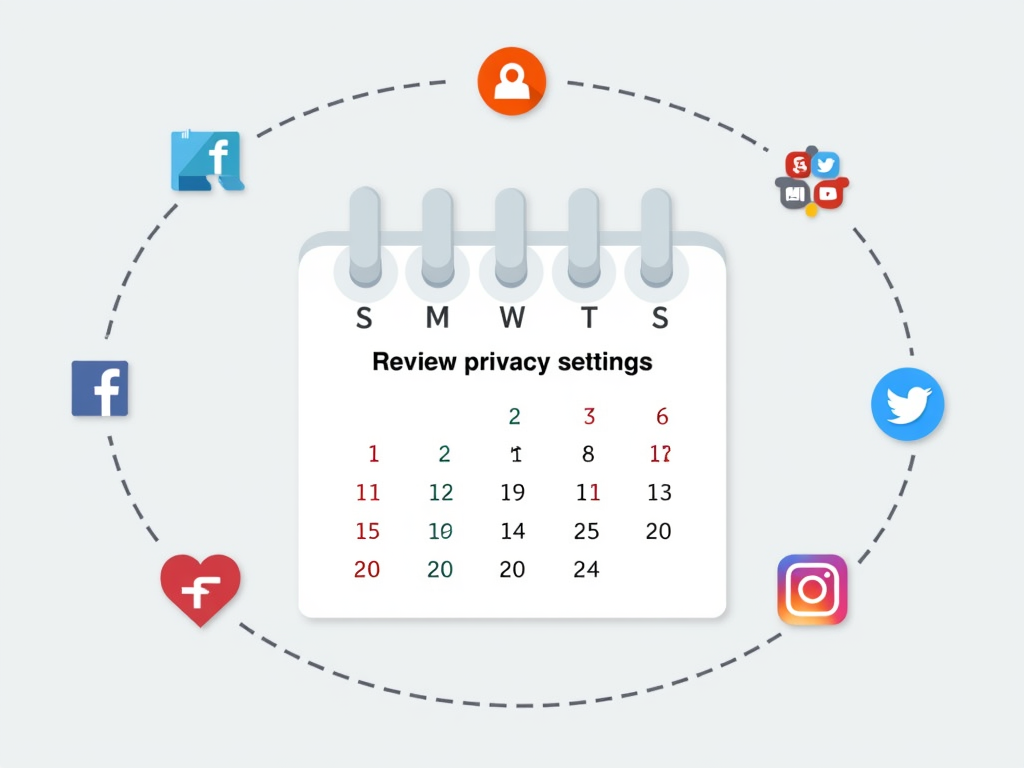
Social media platforms frequently update their privacy policies and settings, so it's important to stay informed about any changes. Set a reminder to review your privacy settings every few months to ensure they're still configured to your liking.
Additionally, be cautious about third-party apps and services that request access to your social media accounts. Only grant access to apps you trust, and regularly review and revoke access for apps you no longer use.
Tip 5: Use Privacy-Focused Tools and Extensions
There are several tools and browser extensions designed to enhance your online privacy. For example, you can use ad blockers to prevent tracking, or privacy-focused search engines that don't collect your data.
One such tool is Incogni, which helps you delete your personal data from data brokers and other online sources. Setting up Incogni is straightforward: simply sign up for an account, provide the necessary information, and let the tool do the rest.

Tip 6: Be Aware of Social Engineering Tactics
Social engineering is a common tactic used by cybercriminals to trick people into revealing sensitive information. This can include phishing emails, fake profiles, or other forms of manipulation.
On social media, scammers may create fake profiles or send messages posing as friends or trusted organizations. Be cautious about unsolicited messages, and never click on suspicious links or provide personal information to unknown sources.
Tip 7: Consider Using VPNs and Other Privacy-Enhancing Technologies
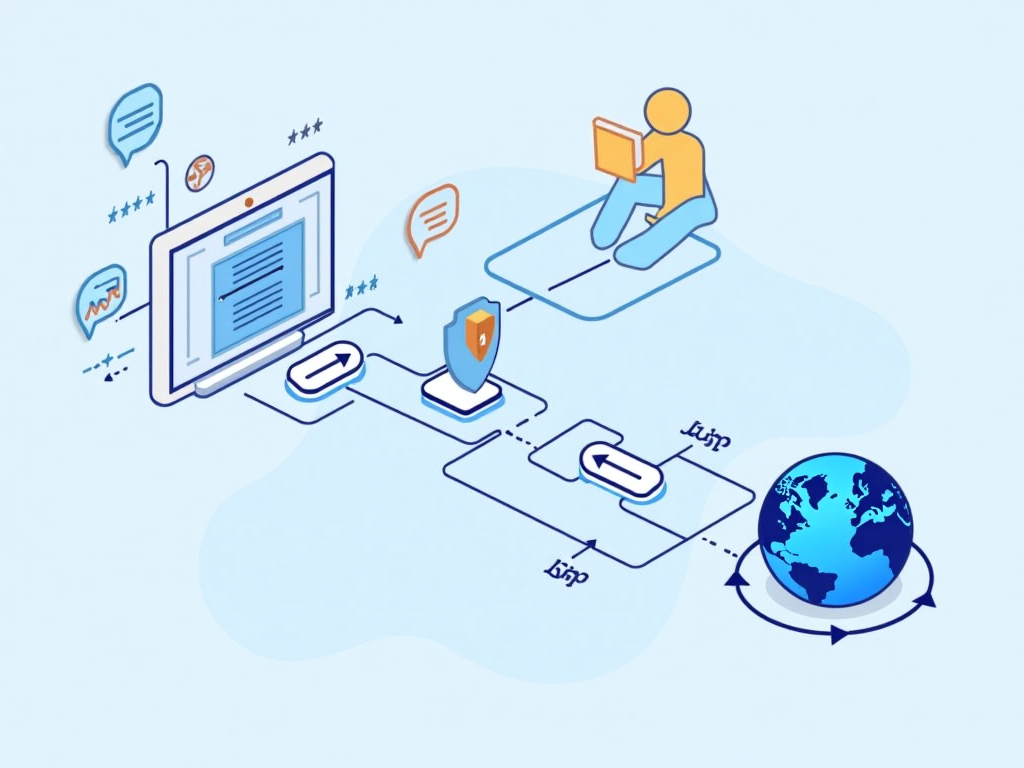
Virtual Private Networks (VPNs) can help protect your online privacy by encrypting your internet traffic and hiding your IP address. This can be especially useful when using public Wi-Fi networks, which are often less secure.
Additionally, consider using privacy-focused browsers or operating systems that prioritize user privacy. These tools can help minimize the amount of data collected about your online activities.
Tip 8: Educate Yourself About Data Collection and Tracking Practices
Understanding how social media platforms collect and use your data is crucial for protecting your privacy. Many platforms track your online behavior, including the pages you visit, the ads you interact with, and even your location.
Take the time to read the privacy policies of the platforms you use, and consider adjusting your settings to limit data collection. You can also use tools like browser extensions to block trackers and prevent data from being shared with third parties.
Conclusion
Protecting your social media privacy in 2025 requires a combination of awareness, caution, and the use of privacy-enhancing tools. By understanding privacy settings, using strong passwords, being cautious about what you share, and staying informed about data collection practices, you can safeguard your personal information and maintain control over your online presence.
Remember, online privacy is an ongoing process. Stay vigilant, regularly review your settings, and don't hesitate to seek out additional resources to stay informed about the latest privacy threats and solutions.