Top 10 Privacy Tips for Internet Users
Overview
In today's digital world, protecting your online privacy feels like a full-time job. But it doesn't have to be overwhelming. This guide shares the top 10 privacy tips for internet users, blending simple steps with tools that make a real difference. Whether you're dodging data trackers or securing your devices, these insights come from years of navigating the web safely. Let's dive in and take control of your digital footprint—starting today.
Why Online Privacy Matters More Than Ever
Think about it: every click, search, and share leaves a trail. Companies scoop up your data for ads, and hackers lurk for weak spots. I once clicked a shady link out of curiosity and watched my inbox flood with spam. That wake-up call pushed me to tighten my habits.
Online privacy isn't just tech talk—it's about peace of mind. With rising cyber threats, small changes yield big wins. We'll cover essentials like online privacy tools and daily routines. Ready to lock things down?
Tip 1: Always Use a VPN for Secure Browsing
A Virtual Private Network (VPN) hides your IP address and encrypts your traffic. It's like a secret tunnel for your data. I switched to one after traveling abroad and noticing how sites tracked my location.
Pick a no-logs VPN like ExpressVPN or NordVPN. Enable it on public Wi-Fi—cafes and airports are hacker hotspots. Pro tip: Test speeds first; a slow connection kills productivity.
| VPN Benefit | How It Helps Privacy |
|---|---|
| IP Masking | Hides your real location |
| Encryption | Scrambles data from snoopers |
| Kill Switch | Cuts internet if VPN drops |
Action step: Download and connect before your next coffee run.
Tip 2: Enable Two-Factor Authentication Everywhere
Two-factor authentication (2FA) adds a second lock to your accounts. It's not just a password—it's a code from your phone. I ignored it once, and a friend lost their email to a brute-force attack. Lesson learned.
Turn it on for Gmail, Facebook, and banks via app settings. Use authenticator apps like Authy over SMS for extra security. Remember, even strong passwords fail without this layer.
Quick list to start: - Email providers - Social media - Financial apps - Cloud storage
It takes five minutes per site but saves endless headaches.
Tip 3: Think Twice Before Sharing on Social Media
Social platforms thrive on your posts, but oversharing invites risks. I used to post vacation pics in real-time—until a neighbor's home got robbed from similar slips.
Set profiles to private, limit audience to friends, and avoid geotags. Review privacy settings quarterly; they change sneakily.
Ask yourself: Would I say this to a stranger? Tools like Facebook's 'Audience Selector' help fine-tune shares. Your feed shapes your safety—curate wisely.
Tip 4: Create Strong, Unique Passwords with a Manager
Reusing passwords is like using the same key for every door. Mine cracked when one site leaked—chain reaction avoided by a password manager.
Use LastPass or Bitwarden to generate and store complex ones (mix letters, numbers, symbols). Change them yearly and enable auto-fill.
| Password Strength | Example | Security Level |
|---|---|---|
| Weak | password123 | Low |
| Medium | Passw0rd! | Medium |
| Strong | X7#kP9$mL2q | High |
Start with your most vital accounts. Freedom from memorizing feels liberating.
Tip 5: Keep All Software and Devices Updated
Updates patch holes hackers exploit. I skipped one on my phone once—malware slipped in via an old app. Now, I set auto-updates.
Check weekly: OS, browsers, apps. Enable notifications for critical ones. For businesses, tools like Patch My PC automate this.
Why bother? A 2023 Verizon report shows 80% of breaches hit unpatched systems. Stay current, stay safe.
Tip 6: Switch to Privacy-Focused Browsers and Search Engines
Default browsers track you relentlessly. DuckDuckGo and Brave respect your space—no data sales.
I ditched Chrome for Brave; ads vanished, and speeds soared. Pair with Firefox for extensions like uBlock Origin to block trackers.
Search tip: Use DuckDuckGo for anonymous queries. Install today—your history thanks you.
Online privacy tools like these are game-changers. They're free and flip the script on surveillance.
Tip 7: How to Use BleachBit to Clean Your Computer for Privacy
Temporary files hoard your history. BleachBit wipes them securely, like a digital deep clean.
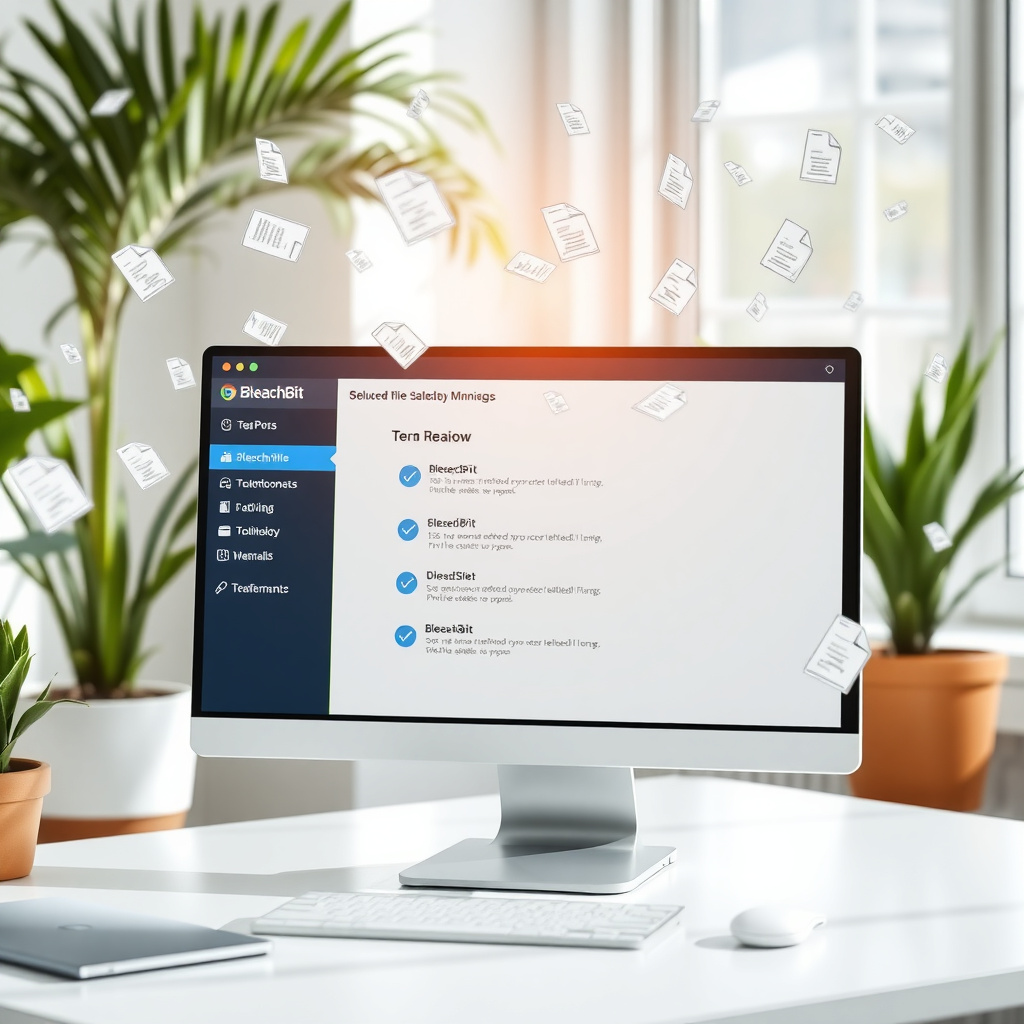
Download from bleachbit.org. Launch, select cleaners (browsers, caches), and hit 'preview' to see what's zapped. I run it monthly—frees space and erases traces.
Steps: 1. Install and update cleaners. 2. Choose categories (avoid system files). 3. Preview, then clean with overwrite for permanence. 4. Empty trash after.
It's open-source and lightweight. Perfect for reclaiming privacy without tech headaches.
Tip 8: Opt Out of Unwanted Data Tracking
Cookies and trackers follow you everywhere. Tools like Privacy Badger from the EFF block them automatically.
Visit sites like youradchoices.com to opt out of ad networks. I did this and saw targeted ads drop 70%. Browser extensions like Ghostery visualize and stop trackers in real-time.
Make it routine: Clear cookies weekly. These online privacy tools empower you against the data machine.
Tip 9: Choose Encrypted Messaging Apps
Texts aren't private—carriers scan them. Switch to Signal or WhatsApp (with encryption on) for end-to-end protection.
I moved group chats to Signal after reading Snowden's warnings. It auto-deletes messages too. Verify contacts' safety numbers for peace of mind.
| App | Encryption Type | Key Feature |
|---|---|---|
| Signal | End-to-End | Disappearing messages |
| End-to-End | Large groups | |
| iMessage | End-to-End | Apple ecosystem |
Chat securely; your words deserve it.
Tip 10: Stay Informed on Privacy Laws and Rights
Laws like GDPR and CCPA give you data control. Know yours via privacyrights.org.
I check updates yearly—California's law let me delete old profiles easily. Join newsletters from the Electronic Frontier Foundation for alerts.
Action: Review one law today. Knowledge is your strongest shield in the online privacy arena.
Wrapping It Up: Your Path to Better Online Privacy
These top 10 privacy tips for internet users boil down to action over worry. Start with one—like firing up a VPN or running BleachBit—and build from there. I've transformed my habits this way, dodging threats that once loomed large.
Remember, privacy is a habit, not a one-off. Stay vigilant, use solid online privacy tools, and enjoy the web freely. You've got this—what tip will you try first?