How to Protect Your Online Privacy in 2025: Simple Steps to Lock Down Your Data
In 2025, online privacy faces more threats than ever from data brokers and hackers. This guide offers simple steps to lock down your online privacy, helping you stay secure with easy-to-follow advice and tools.
Why Online Privacy Matters in 2025
I've always been careful about my digital footprint. Last year, a friend had their identity stolen after a data breach. It opened my eyes to how exposed we all are. Online privacy isn't just about hiding; it's about controlling who sees your info. With AI tracking and smart devices everywhere, protecting your data is key to avoiding scams, targeted ads, and worse.
Think about it: every click, search, and post leaves a trail. Companies collect this to build profiles on you. But you can fight back. This article shares actionable ways to boost your online privacy, based on what I've tried and what experts recommend.
Understand the Threats to Your Online Privacy
First, know what you're up against. Data brokers sell your info like addresses and habits. Hackers use phishing to steal passwords. Social media oversharing leads to doxxing.
In my experience, ignoring these risks bites back. Once, I got spam calls after signing up for a free trial without checking privacy settings. Common threats include:
- Tracking cookies: Sites follow you across the web.
- Public Wi-Fi risks: Unsecured networks expose your data.
- App permissions: Many apps grab more info than needed.
To spot these, check your browser's privacy report or use tools like EFF's Privacy Badger. It's eye-opening how much is tracked without your okay.
Simple Steps to Lock Down Your Online Privacy
Start with basics. These steps are straightforward and make a big difference. I've implemented them all, and they've cut down on unwanted ads and alerts.
-
Use strong passwords: Mix letters, numbers, and symbols. Avoid reusing them. I use a password manager like LastPass to handle this.
-
Enable two-factor authentication (2FA): Add a second step, like a text code, to logins. It's saved me from unauthorized access more than once.
-
Update software regularly: Patches fix security holes. Set devices to auto-update.
-
Be mindful of sharing: Think before posting personal details on social media.
Here's a quick table of daily habits to adopt:
| Habit | Why It Helps | How to Do It |
|---|---|---|
| Clear cookies weekly | Reduces tracking | Use browser settings or extensions |
| Use private browsing | Limits data storage | Activate incognito mode |
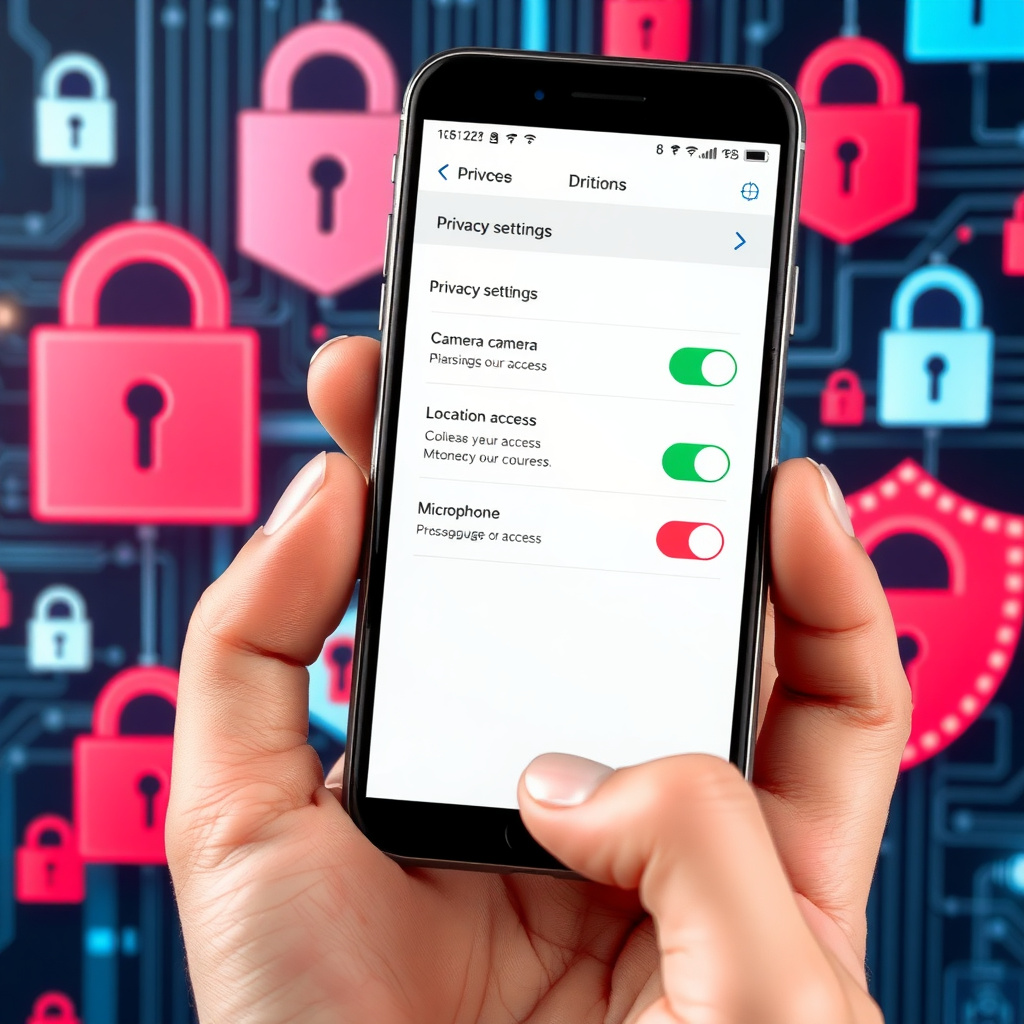
| Review app permissions | Controls access | Check settings on your phone |
Online Privacy Tools You Need
Tools make protection easier. VPNs hide your IP address, making it harder to track you. I swear by ExpressVPN for its speed and ease. It encrypts your connection, especially on public Wi-Fi.
Ad blockers like uBlock Origin stop trackers. For search, try DuckDuckGo instead of Google—it doesn't track you.
Antivirus software is essential too. Norton or Bitdefender scan for malware in real-time.
Don't forget browser extensions. HTTPS Everywhere forces secure connections. These online privacy tools are game-changers for everyday use.
How to Set Up Incogni to Delete Personal Data
One standout tool is Incogni. It automates removing your data from brokers. I've used it, and it's reduced spam emails noticeably.
Here's how to set it up:
-
Sign up: Go to Incogni's website and create an account.
-
Provide info: Enter details like name, address, and email. Incogni uses this to find and remove your data.
-
Authorize requests: They send opt-out requests on your behalf.
-
Monitor progress: Check the dashboard for updates on deletions.
It costs a bit, but the peace of mind is worth it. In 2025, with more data laws, tools like this are vital.
Combine Incogni with other habits for full coverage. It's not a one-and-done; privacy is ongoing.
Advanced Strategies for Better Protection
Once basics are covered, level up. Use encrypted messaging like Signal instead of regular texts. It keeps chats private.
Consider a privacy-focused OS like Tails for sensitive work. I've tested it for research, and it's solid.
Email aliases help too. Services like SimpleLogin create throwaway emails for sign-ups, protecting your main one.
For smart home devices, change default passwords and limit data sharing. In my home, I segmented the network so IoT devices can't access my main computers.
Watch for emerging threats like deepfakes. Verify sources before trusting info online.
Legal aspects matter. Know your rights under laws like GDPR or CCPA. If a company mishandles your data, report it.
Staying Vigilant Year-Round
Privacy evolves, so revisit your setup quarterly. I set reminders to audit accounts and update tools.
Teach family too. My kids now use VPNs on their devices after I explained the risks.
Wrapping Up: Secure Your Digital Life
Protecting your online privacy in 2025 boils down to awareness and action. Start with simple steps to lock down your online privacy, add tools like Incogni, and stay informed. You'll sleep better knowing your data is safer.